User Story
As an organisation i want to be able to use my CI colors and logo on ownCloud web to give my users a consistent brand experience
Requirements
As a minimum, we need branding the product name to CERNBox, the logo and the colors.
Without having to fork.
 labkode
All 12 comments
Thanks for letting us know the requirements - those already match with what we want to provide as a starting point. At the moment the fork would have to happen on the ownCloud Design System, not ownCloud Web. The design system has all the design tokens, incuding colors. But of course we want to have it configurable so that you don't need to fork.
I know already that this has super high priority. But still, is it sufficient if we solve this in the next sprint (15.02. - 05.03.2021)? Or does it need immediate attention?
 kulmann
on 3 Feb 2021
kulmann
on 3 Feb 2021
Hi @kulmann, next sprint is feasible and will be paired with https://github.com/owncloud/web/issues/4595
labkode
on 3 Feb 2021
Should be ready by 26th March
labkode
on 12 Mar 2021
Theming finally landed in web master today: https://github.com/owncloud/web/tree/62690fd17657b96951ee29391395d49dcb2f36ae (just pull the most recent master, this was just the merge commit for the PR).
Documentation is available at https://owncloud.dev/clients/web/theming/
Please ping us here or in talk.owncloud.com #infinitescale for theming support. It was an all hands effort after all, but the main contact for theming expertise is @pascalwengerter
I'll close this issue here. If you need this in the ocis monorepo please get in touch, we'll take care then. (If it's not needed in the ocis monorepo right now the next planned release is on 19th of April)
kulmann
on 6 Apr 2021
@kulmann I tried theming and there is a bug: setting the logo, slogan and page title doesn't work on the login page. Everywhere else it works.
 elizavetaRa
on 9 Apr 2021
elizavetaRa
on 9 Apr 2021
@elizavetaRa Benedikt is out of the office today, hope you don't mind me replying. Could you clarify which login page we're talking about and ideally send us URL+screenshot?
If you mean this page
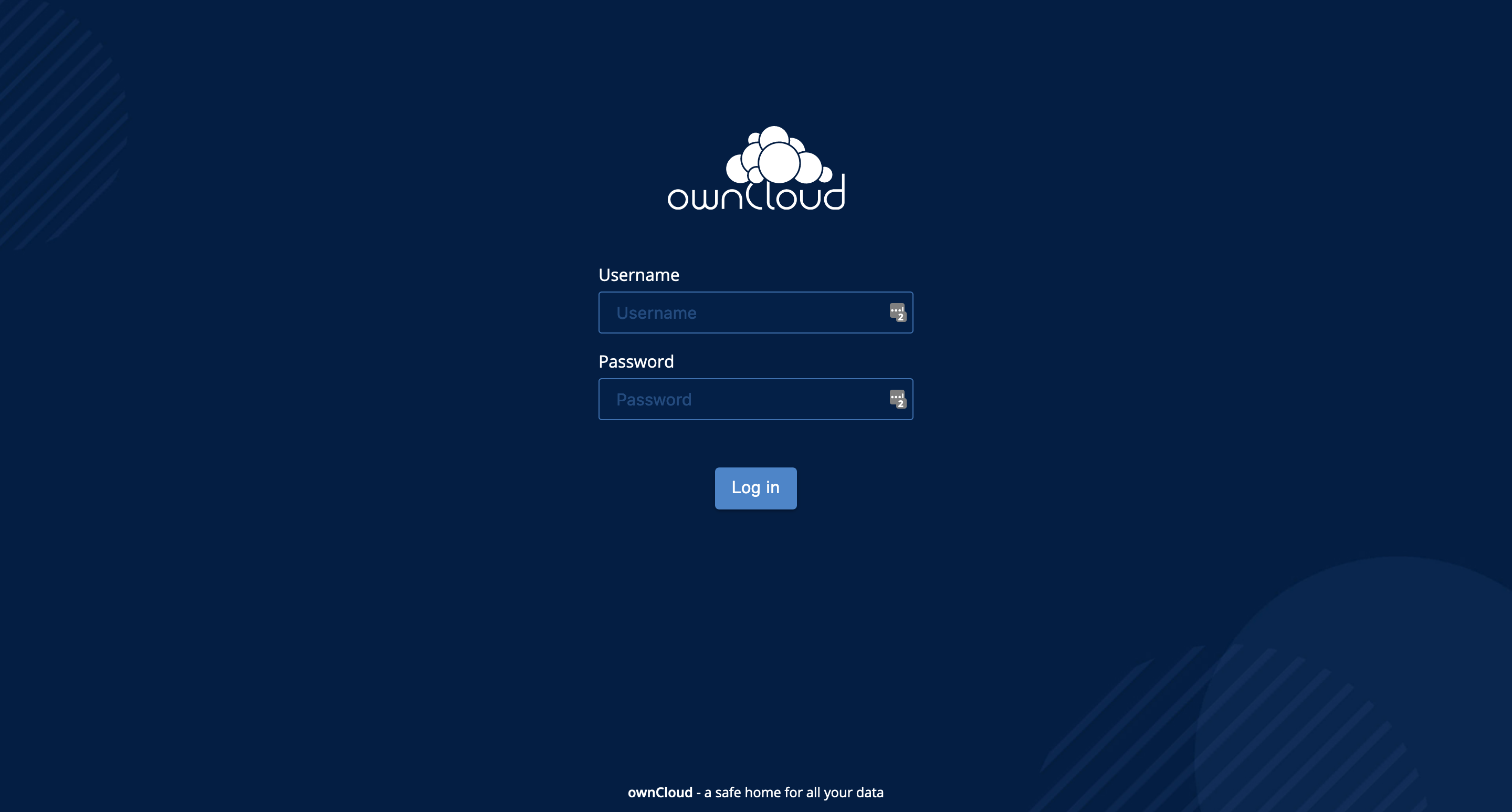
it's a completely different app (Konnectd React app) living inside oCIS that needs to be styled separately, but there's more options which page you could mean so pleace specify :)
 pascalwengerter
on 9 Apr 2021
pascalwengerter
on 9 Apr 2021
@pascalwengerter yes, I meant this page. Ok, this answers the quesion. It's not consistent if the login page is different that the rest of the application, so I hope, in future there will be the possibility of barinding it. In theme.json there are options for the background picture and slogan of the login page but then these options are not applicable.
elizavetaRa
on 9 Apr 2021
Seems like we have a misunderstanding here. There's a login page you can enable by setting "autoRedirect": false, (default is true) in the theme.json. When doing so, you get displayed a themed login page which forwards you to the authentication provider of your choice.
The ownCloud-themed Konnectd page shown above in the screenshot is more meant as a demo application when using small oCIS instances. Maybe @labkode can share some insights on how you're planning to set up authentication via your CERN IDP/LDAP since that perhaps happens through your own login pages?
pascalwengerter
on 9 Apr 2021
@pascalwengerter You answered my question. Yes, by CERNBox we don't need this page but I was still wondering why it doesn't work.
elizavetaRa
on 9 Apr 2021
@pascalwengerter @elizavetaRa there is still a page that I've just found that I don't know if it is covered in theming,
this one:
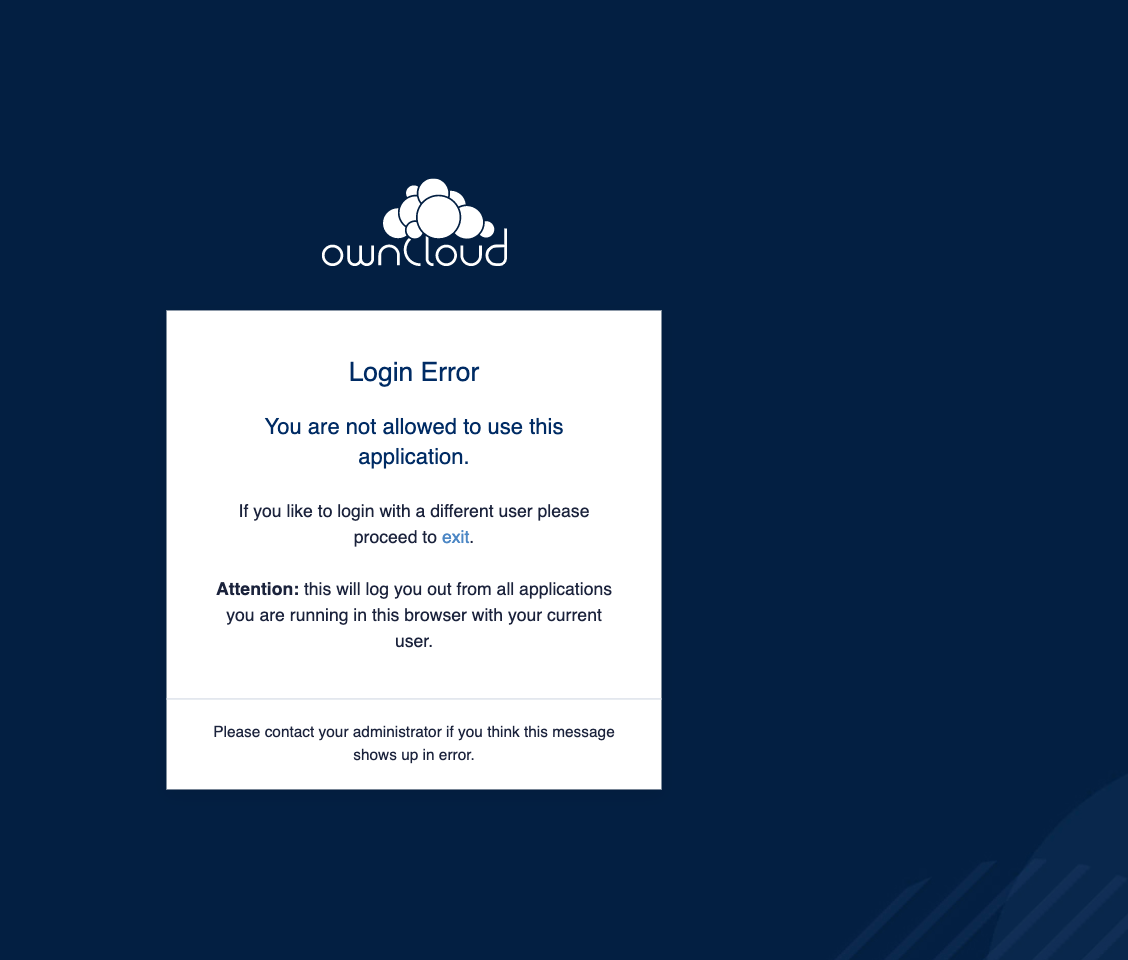
labkode
on 9 Apr 2021
@labkode can't reproduce, works fine for me with the following:
"logo": {
  "sidebar": "themes/owncloud/assets/logo.svg",
  "favicon": "themes/owncloud/assets/favicon.jpg",
  "login": "https://home.cern/sites/home.web.cern.ch/files/logo/cern-logo.png",
  "notFound": "themes/owncloud/assets/cloud.svg"
},
"loginPage": {
  "autoRedirect": true,
  "backgroundImg": "https://home.cern/sites/home.web.cern.ch/files/2021-03/SUS19004_EventDisplay-crop-optimised-3.jpg"
}
We may need to change the CSS on the logo width/height, though
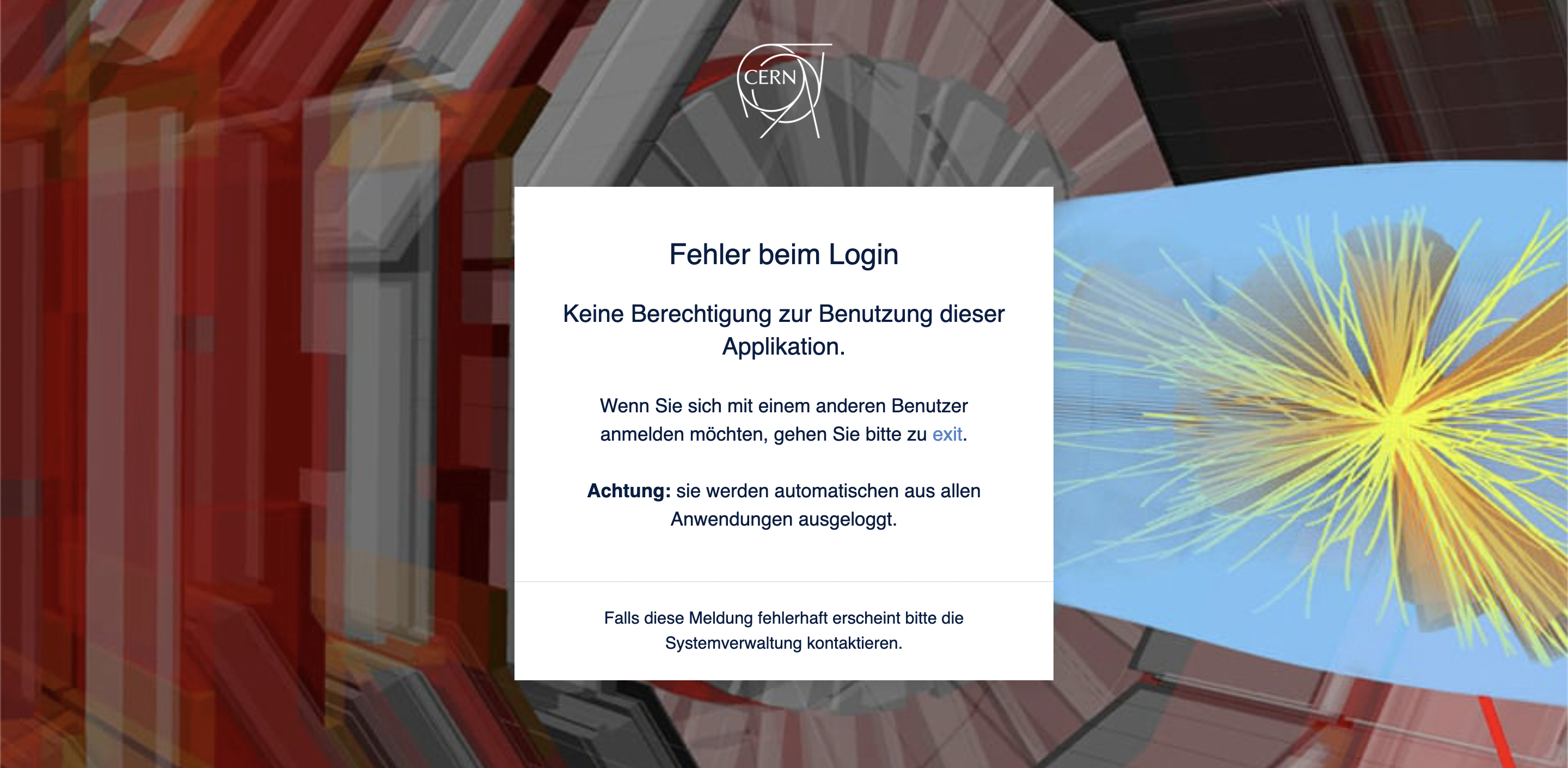
pascalwengerter
on 9 Apr 2021
@pascalwengerter thanks Pascal! Hopefully next week we can try these changes in our live environment with real users.
labkode
on 9 Apr 2021
Related issues
 tomneedham
·
3Comments
tomneedham
·
3Comments
 ChrisEdS
·
6Comments
ChrisEdS
·
6Comments
 ishank011
·
8Comments
ishank011
·
8Comments
 individual-it
·
5Comments
kulmann
·
4Comments
individual-it
·
5Comments
kulmann
·
4Comments
Most helpful comment
@pascalwengerter thanks Pascal! Hopefully next week we can try these changes in our live environment with real users.