This issue is for testing the Text functionality. Below are steps intended to aid with testing. These are the features covered in this issue:
drag (move)
resize, text scaling
color
highlight
RTE(size, italic, bold)
font picker (change font)
snap
rotate
Add
Padding
QA Steps
- Add text to a page via the (+) icon shortcut in nav
- Edit the text copy
- Edit the text via size, alignment, bold, italics, underline, padding...
- Highlight part of the text copy
- Add text via the ""Add Text"" button in the Text panel
- Ensure it is staggered when compared to the first text box added
- Move the second text box below the first one so they are not ovelapping
- Edit the text copy in the second box
- Edit the color of the text in the second box
- Change the font in the second text box
- Add a third text box to the page
- Ensure it is staggered when compared to the other text boxes added
- Move it below the second text box and ensure snapping to common distances is working (snaps to below the second box with the same distance between the first and second boxes)
- Rotate the first text box
- Grab the corner of the second text box to resize it, ensure the text size scales as you increase / decrease the text box size
- Using the left or right side of the third text box, decrease the width and ensure text wraps (text box grows vertically, as width decreases)
 jauyong
All 9 comments
@jauyong
Created text with font settings as you see here:
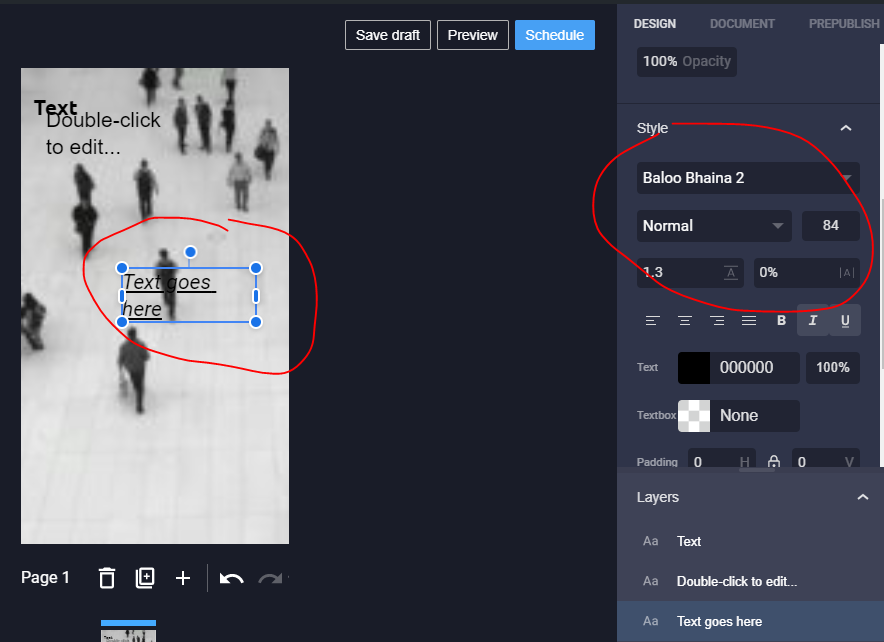
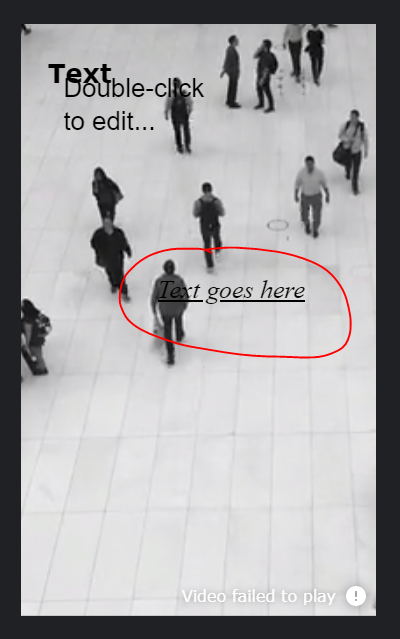
Font looks different when Previewing:
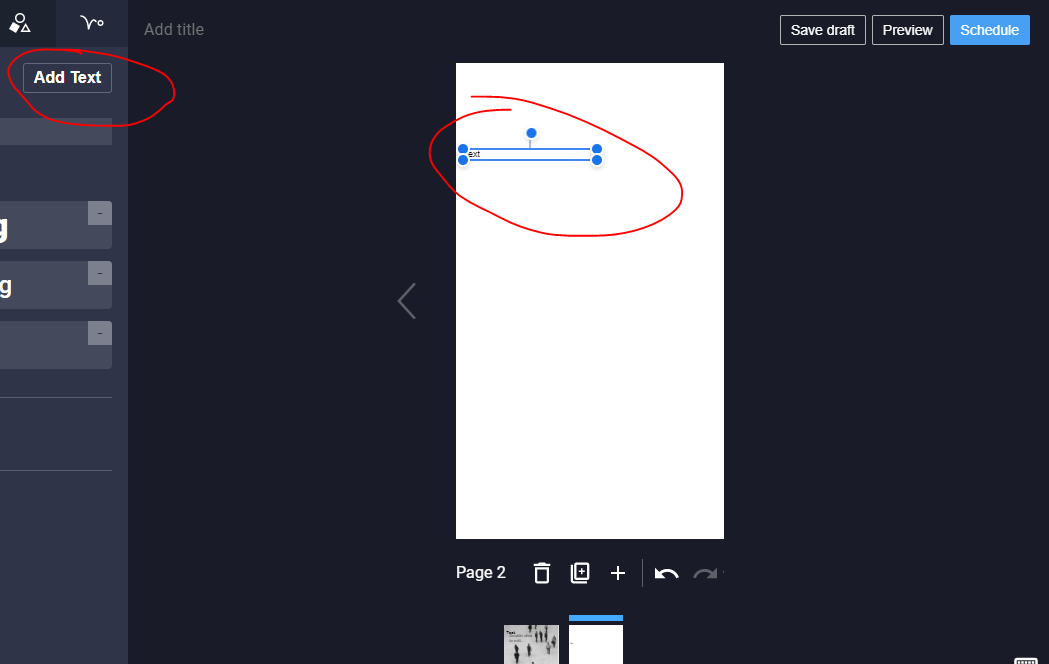
Default size on selecting "AddText" is much too small:
 csossi
on 22 Mar 2020
csossi
on 22 Mar 2020
@jauyong
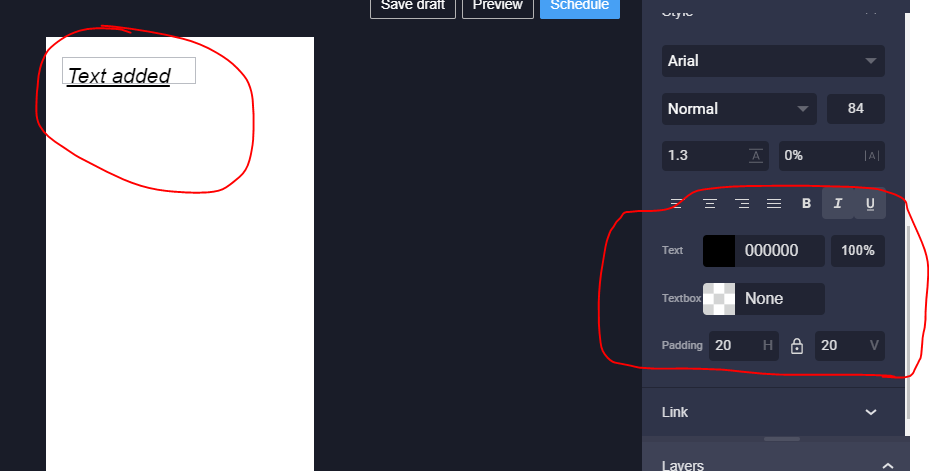
- Underline appearing outside of text box after adjusting padding to what you see here:
 claudiosossi
on 24 Mar 2020
claudiosossi
on 24 Mar 2020
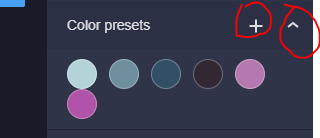
@jauyong - happened to notice that color presets section has some off behaviour. There doesn't seem to be a difference between these two buttons:
claudiosossi
on 24 Mar 2020
@claudiosossi I'm not able to replicate the underline appearing outside the text box. Can you provide steps to replicate?
jauyong
on 24 Mar 2020
@jauyong - happened to notice that color presets section has some off behaviour. There doesn't seem to be a difference between these two buttons:
Not implemented yet, should be hidden in the alpha release
 wassgha
on 24 Mar 2020
wassgha
on 24 Mar 2020
@jauyong - When a user adds text, they see the hint within the text box (fine):
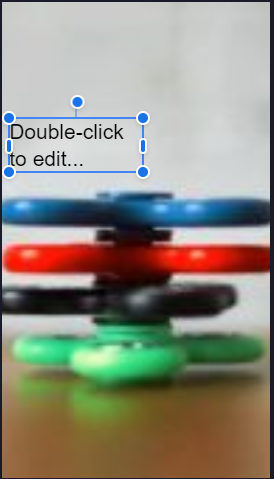
But when they click within, they have to manually delete or overwrite this tip ("Double-click..."). Should the tip automatically "clear" when user clicks within the field?
claudiosossi
on 25 Mar 2020
@jauyong
Text box not resizing on increasing font size
- when replicating, create text that is a single line
https://drive.google.com/file/d/1sSdxD4DOqRi6BPjFd9TJsU1jvIyCVolm/view
claudiosossi
on 27 Mar 2020
@jauyong
Unable to edit text in Win10/FFox. Clicked the "+" to add. Then tried to click within the text box to edit and am unable to.
claudiosossi
on 29 Mar 2020
closing this as CUJ testing will cover any required tests
jauyong
on 12 May 2020
Related issues
 injainja
·
4Comments
injainja
·
4Comments
injainja
·
4Comments
injainja
·
4Comments
 o-fernandez
·
4Comments
wassgha
·
3Comments
o-fernandez
·
3Comments
o-fernandez
·
4Comments
wassgha
·
3Comments
o-fernandez
·
3Comments