Web-stories-wp: Improved UI for Story Settings
The concept of global and story settings has been introduced in https://github.com/ampproject/amp-wp/issues/1995, but it may not always be clear to the user which set of settings is applied when.
We should discuss possible UI tweaks to make the feature more intuitive.
Context
https://github.com/ampproject/amp-wp/pull/3201/files#r323636486
https://github.com/ampproject/amp-wp/pull/3201/files#r323638800
 dero
dero
All 11 comments
@MackenzieHartung This is something for one of the following sprints.
dero
on 13 Sep 2019
Currently both types are on the same settings page. Why not just simply break up global settings and story settings on two different settings pages?
 spacedmonkey
on 20 Sep 2019
spacedmonkey
on 20 Sep 2019
Worth keeping in mind that we'll have more settings here at some point, e.g. for custom fonts. So it definitely makes sense to think about moving AMP Stories settings to a standalone page. On that page, the form fields could be grouped into "settings" and "defaults". Not sure if two separate pages are necessary.
 swissspidy
on 20 Sep 2019
swissspidy
on 20 Sep 2019
Moving AMP Stories settings to a stand alone page with settings and defaults makes good sense for sure. Many personas/scenarios would be an experience of Stories only... and this separate settings page will help them to clearly focus on those tasks separate from the other tasks in the plugin settings for AMP website experiences. Ideally we will want to make is visually harmonious with the new design coming.
Do we have a list of the settings we can include now? I can do a preliminary mock up of those...
@swissspidy
 cathibosco
on 26 Sep 2019
cathibosco
on 26 Sep 2019
Right now we have two stories-specific settings:
- Base URL for exported stories
- Default setting for advancing to the next page
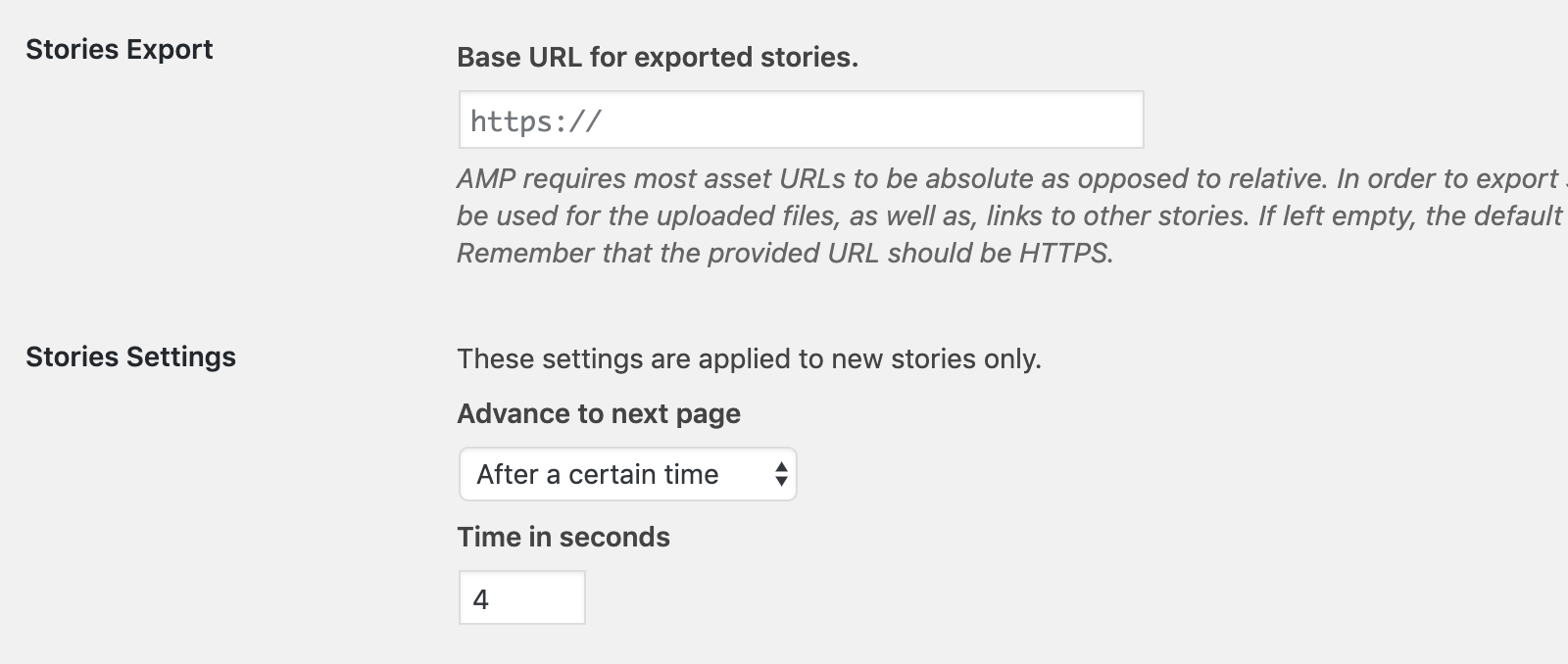
With ampproject/amp-wp#3315 there will be a third one for managing custom fonts (list of fonts + form to add custom fonts). I imagine that it would probably just be a typical list table that WordPress users are already familiar with:
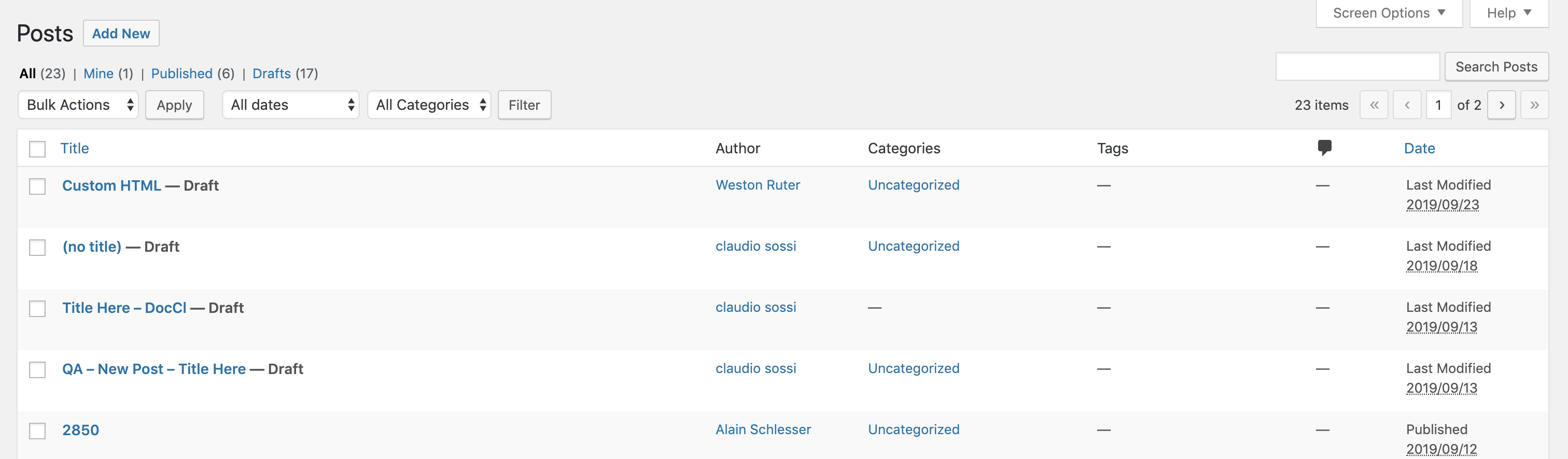
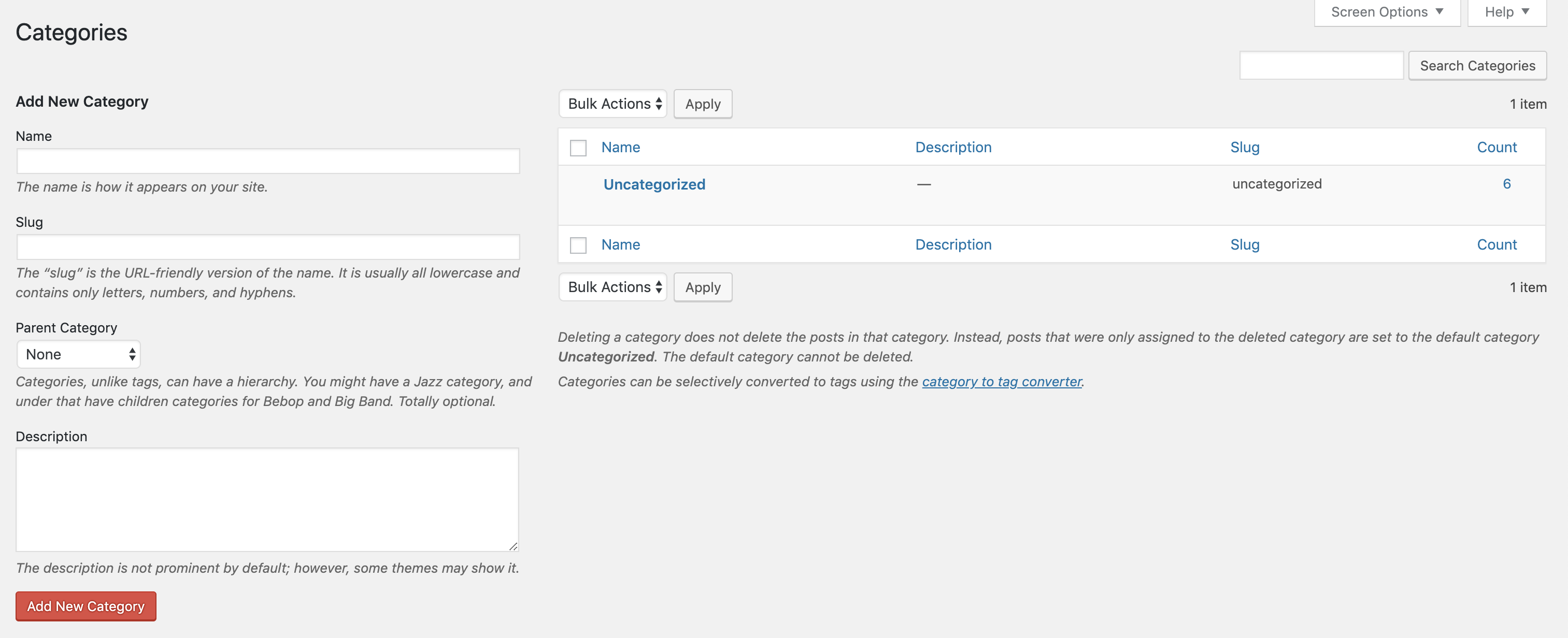
IMO those are three distinct use cases:
- Global settings
- Default settings for stories that can still be changed on a per-story basis
- Font management
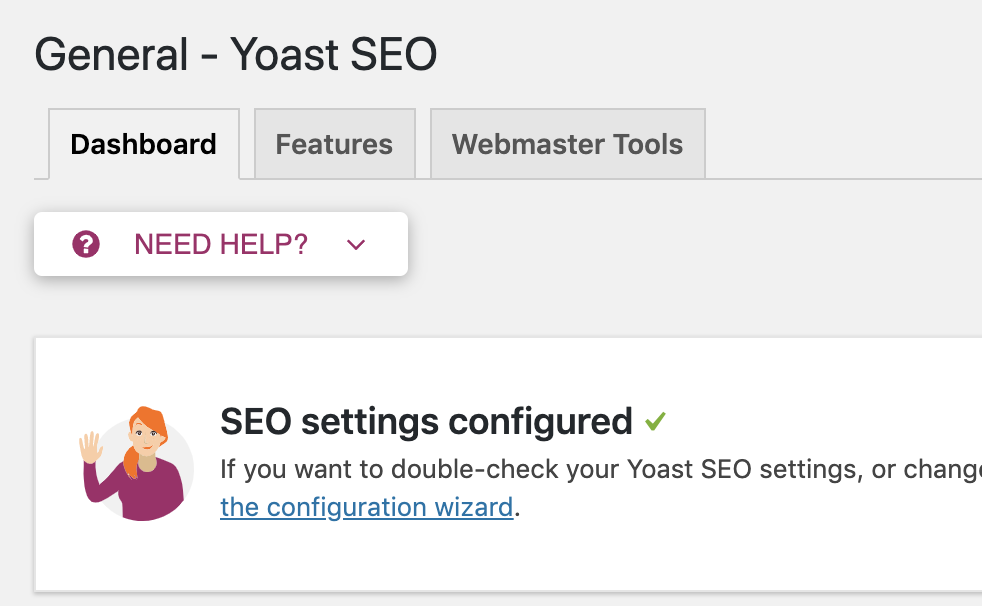
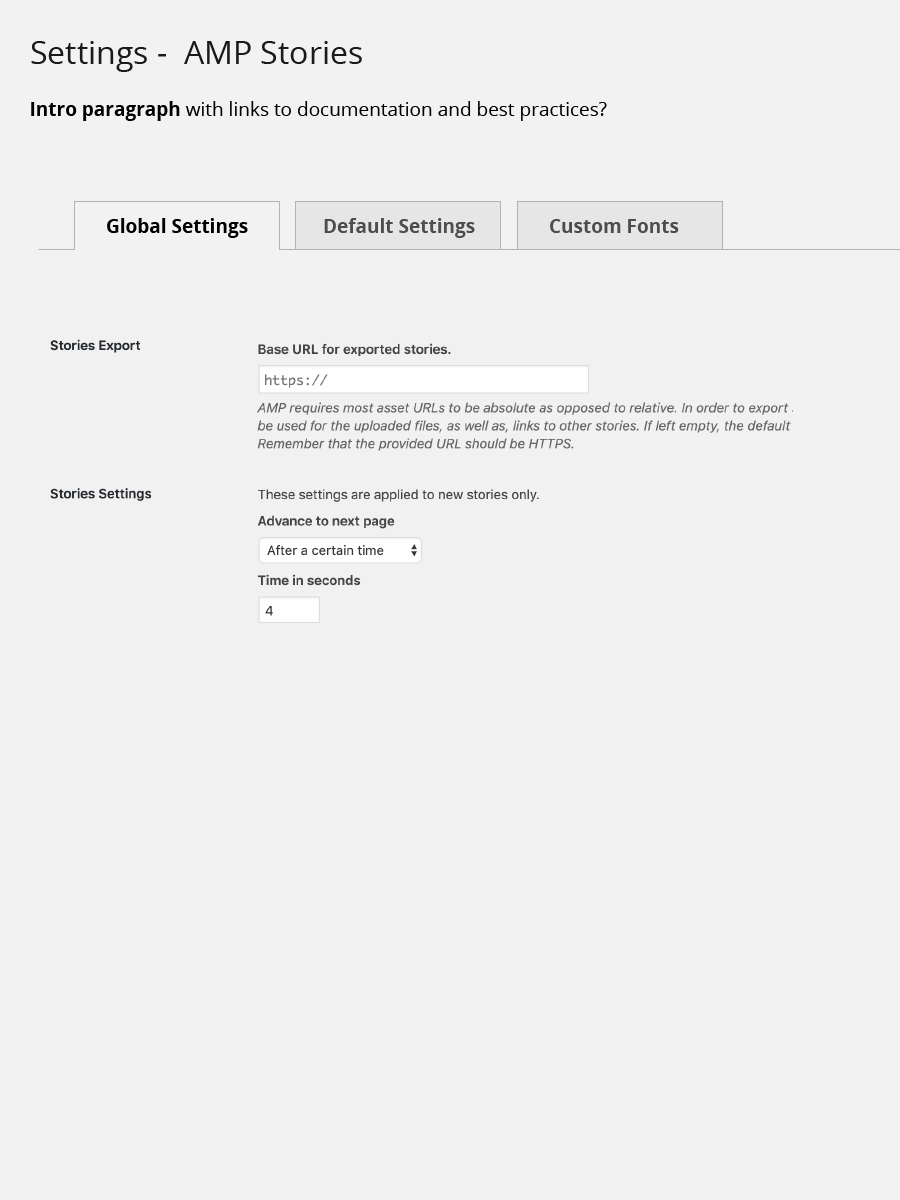
Perhaps what could work well is a settings page under AMP -> AMP Stories where these three screens can be accessed via a tabbed interface, which is also a common design pattern in WordPress:
swissspidy
on 26 Sep 2019
This format makes good sense @swissspidy - I can see adding the option of using full screen landscape view for desktop/mobile only setting to the: "2 Default settings that can be changes on a per-stroy basis soon too."
I also envisioned the larger plugin to utilize the tab settings, like SiteKit set up and onboarding does now potentially.
- "Global Settings"
- Default settings for stories that can still be changed on a per-story basis: "Default Settings"
- Font management or "Style Management" or "Fonts & Styles" - or "Custom Fonts"
cathibosco
on 29 Sep 2019
For review:
cathibosco
on 29 Sep 2019
In my head, custom fonts were going to map to a custom post type, so would be they own screen like any post types.
The post list screen how a lot of the functionality a user would want, like search, bunk actions and links to edit. Font management is such a big piece of functionality, maybe it is best it doesn't live as a secondary screen, incase of reload after save.
spacedmonkey
on 30 Sep 2019
@spacedmonkey Clicking on the "Font Management" tab could still load a new page with this post list table on it, I don't see why these two things would be mutually exclusive.
swissspidy
on 30 Sep 2019
@spacedmonkey Clicking on the "Font Management" tab could still load a new page with this post list table on it, I don't see why these two things would be mutually exclusive.
It is just a bit of a weird UX for some tabs to keep the user on page and other link out somewhere else.
spacedmonkey
on 30 Sep 2019
Closing in favor of #570
swissspidy
on 21 Apr 2020
Related issues
 3pgarro
·
4Comments
swissspidy
·
3Comments
3pgarro
·
4Comments
swissspidy
·
3Comments
 o-fernandez
·
3Comments
o-fernandez
·
3Comments
 dvoytenko
·
3Comments
dvoytenko
·
3Comments
 injainja
·
4Comments
injainja
·
4Comments
Most helpful comment
It is just a bit of a weird UX for some tabs to keep the user on page and other link out somewhere else.