Web-stories-wp: Finalize title input (make wider, center on large screens)
 jauyong
All 26 comments
I have already made a start on this as part of ampproject/amp-wp#3794
 spacedmonkey
on 3 Dec 2019
spacedmonkey
on 3 Dec 2019

This is the current title, allows user to edit permalink. This functionality will need to be maintained. I am personally not a fan of this functionality. We need UX before this feature can go to IB. Looping in @samitron7
spacedmonkey
on 5 Dec 2019
Create a related ticket for also mentions the editing of story URLs in Document sidebar.
spacedmonkey
on 19 Dec 2019
@spacedmonkey Is this already covered elsewhere and could be closed? Looks like #87 is covering the last part of it (the slug)
 miina
on 14 Jan 2020
miina
on 14 Jan 2020
The basic of the title are done, as it is already saving. However there is no UI for editing slug. I would also like to see what validation should look like on the title. I am marking this issue as UX required. Once we have UX, it should very easy to finish.
spacedmonkey
on 15 Jan 2020
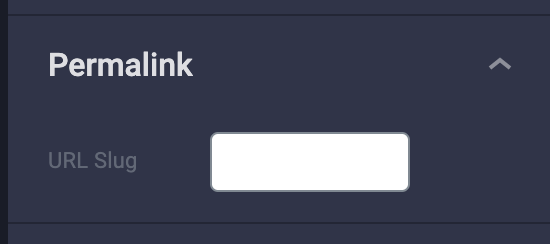
@spacedmonkey I think slug was done in #87 and it exists on staging without the updated design (see screenshot).
Can this be closed?
jauyong
on 3 Mar 2020
@jauyong I put this field in the sidebar, as I was waiting for a design for the title. The title is not complete.
spacedmonkey
on 3 Mar 2020
What's the UX still required to finish this?
 pbakaus
on 11 Apr 2020
pbakaus
on 11 Apr 2020
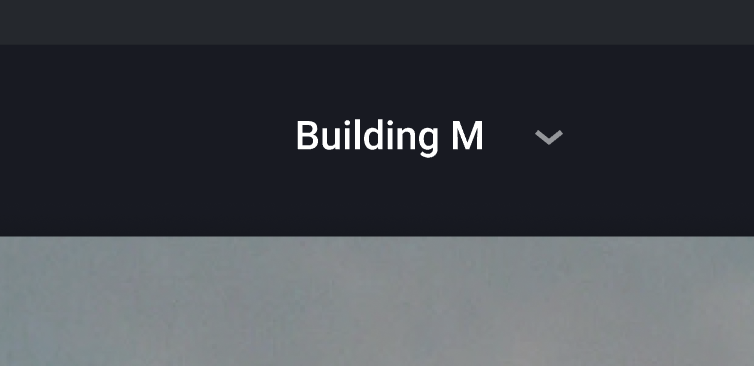
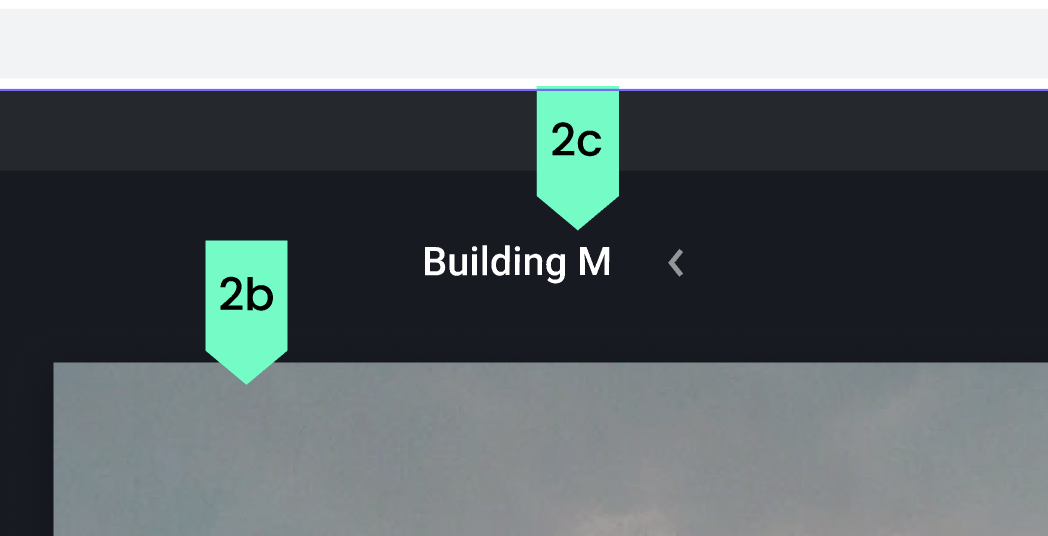
@jauyong @samitron7 What does the arrow next to the title do?
 swissspidy
on 23 Apr 2020
swissspidy
on 23 Apr 2020
I'm not sure. I'll have to defer to @samitron7
jauyong
on 24 Apr 2020
I think that #889 should also be handled by this ticket as it deals with title as well.
spacedmonkey
on 29 Apr 2020
RE: the arrow , this is not part of beta. It is a dropdown with publish options
jauyong
on 29 Apr 2020
@samitron7 to add details for breakpoints and max width.
jauyong
on 29 Apr 2020
@samitron7 Can you add details for input title? Max width and other information? And it's hard to realize where is the input starts and ends. There is no border or focus state on figma?
Maybe full width from the start next to the buttons?
 ndev1991
on 11 May 2020
ndev1991
on 11 May 2020
The page width dictates the width of the title and I thought I added this to figma but will double check and update here. Sorry for the delay.
 samitron7
on 13 May 2020
samitron7
on 13 May 2020
Figma flow here. Added max width and breakpoints. Removing the UX Needed label. Let me know if anything else is missing.
samitron7
on 6 Jun 2020
@samitron7, thanks for the design and details here.
- Is there a design for the functionality behind the arrow/dropdown?
- Should we implement just the input field without the arrow at first, or do we add the dropdown along with the new input field here?
- If we implement the new input field, but not add the dropdown, should we still follow the design and leave the space for the arrow empty for now?
 barklund
on 19 Jun 2020
barklund
on 19 Jun 2020
@barklund The dropdown depends on what @o-fernandez says about adding cta inside the editor for actions like
- Save as template
- Make a copy
- Rename (which just places the focus on the title field - some people may need this extra help)
- Any other actions that is needed.
I have initially spec'ed these actions during the wireframe days :)
samitron7
on 2 Jul 2020
Since we don't have specific actions to add to the dropdown for now, I'd favor implementing the new title design without the arrow at all.
We can add the arrow later as needed, but for now, I think it's OK not to have it.
 o-fernandez
on 6 Jul 2020
o-fernandez
on 6 Jul 2020
@o-fernandez The location for Save as template is inside the dropdown to the title. It's a pretty common patten for design tools to have that action copied to renaming the title etc (as a dropdown).
samitron7
on 9 Jul 2020
@o-fernandez The location for Save as template is inside the dropdown to the title. It's a pretty common patten for design tools to have that action copied to renaming the title etc (as a dropdown).
Can we implement the drop down then as part of #223 ?
Not sure we need it as part of this particular ticket, so trying to decouple if not necessary to do it now.
o-fernandez
on 9 Jul 2020
The middle ground here would be putting it behind a feature flag. That means we implement the dropdown already, but hide it until "Save as template" is a thing.
swissspidy
on 9 Jul 2020
@swissspidy sgtm
samitron7
on 9 Jul 2020
barklund
on 15 Aug 2020
samitron7
on 17 Aug 2020
barklund
on 17 Aug 2020
Related issues
swissspidy
·
3Comments
 injainja
·
4Comments
o-fernandez
·
4Comments
injainja
·
4Comments
o-fernandez
·
4Comments
 obetomuniz
·
3Comments
obetomuniz
·
3Comments
 dvoytenko
·
3Comments
dvoytenko
·
3Comments