Web-stories-wp: Clicking on one element in multi-selection does not select it
Bug Description
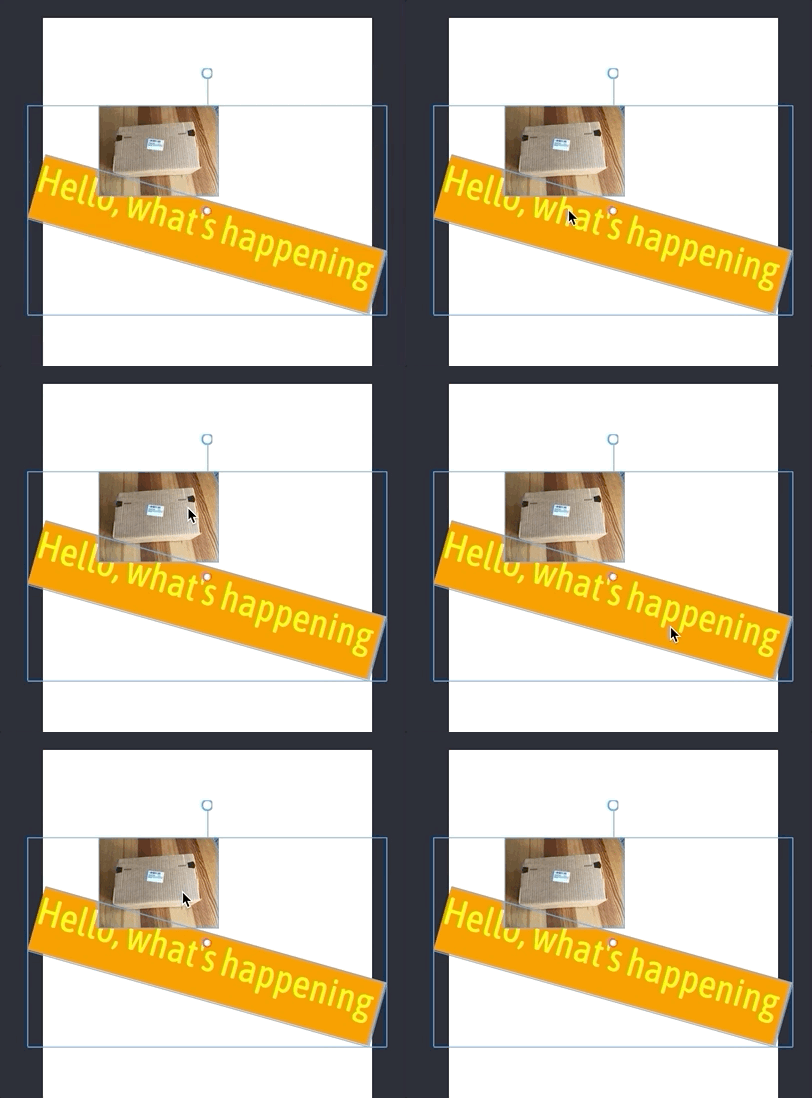
When multi-selection is active, then clicking on an element in that multi-selection does not select that element, the multi-selection stays as is was.
Expected Behaviour
Clicking on a single element should select it, even if previously in multi-selection.
More details from UX in deck and Figma
Steps to reproduce
- Add two elements.
- Select both.
- Click on one of them
- See nothing happening.
Screenshots
Additional context
N/A
_Do not alter or remove anything below. The following sections will be managed by moderators only._
Acceptance criteria
Implementation brief
QA testing instructions
Demo
Changelog entry
 miina
miina
All 6 comments
@miina is this still an issue?
 swissspidy
on 21 Apr 2020
swissspidy
on 21 Apr 2020
Yep, looks like it.
miina
on 21 Apr 2020
Omar to review this with Sam.
Scenarios to consider:
- Clicking in between elements
- Double clicking on an element
- Single Clicking on a single element.
 jauyong
on 13 May 2020
jauyong
on 13 May 2020
Synced with Sam and agreed on general principles (following good design tool patterns):
- If the user just clicks, then it should select the individual element the user clicked.
- If the user clicks within the selection and drags, then it drags the whole selection (multiple elements).
Applying that to the various scenarios above:
Clicking in between elements
By this logic, this is the same as "clicking on a single element" the element being the background. So it should deselect the selection and select the background.
Single Clicking on a single element.
Selects that specific element.
Double clicking on an element
Same as double clicking on a single element if there is no pre-selection of multiple items.
Click and drag (anywhere within the selection) will drag all elements around.
 o-fernandez
on 14 May 2020
o-fernandez
on 14 May 2020
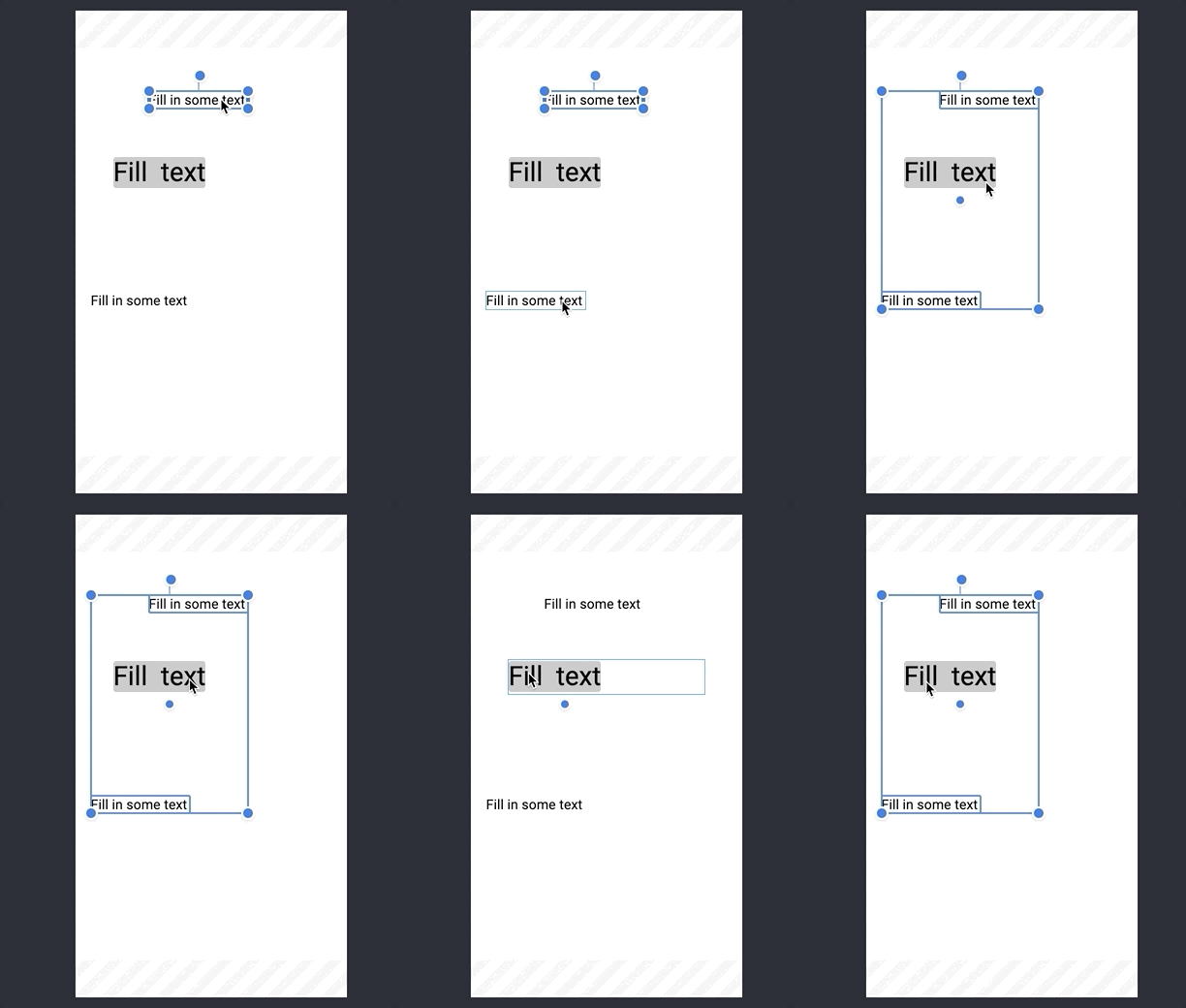
FI: There's another related issue which will get fixed here, too, with reworking the multi-selection events -- selecting a few elements with Shift and then trying to select additional element which happens to stay in the middle of the selection box (but unselected) is currently not possible:
miina
on 15 May 2020
Verified in QA
 csossi
on 1 Jun 2020
csossi
on 1 Jun 2020
Related issues
o-fernandez
·
3Comments
 Maverick283
·
3Comments
Maverick283
·
3Comments
 ernee
·
4Comments
ernee
·
4Comments
 3pgarro
·
4Comments
o-fernandez
·
3Comments
3pgarro
·
4Comments
o-fernandez
·
3Comments