Waterfox: Youtube video seems to crash Waterfox content process
Describe the bug
Crashes with specific quality option.
To Reproduce
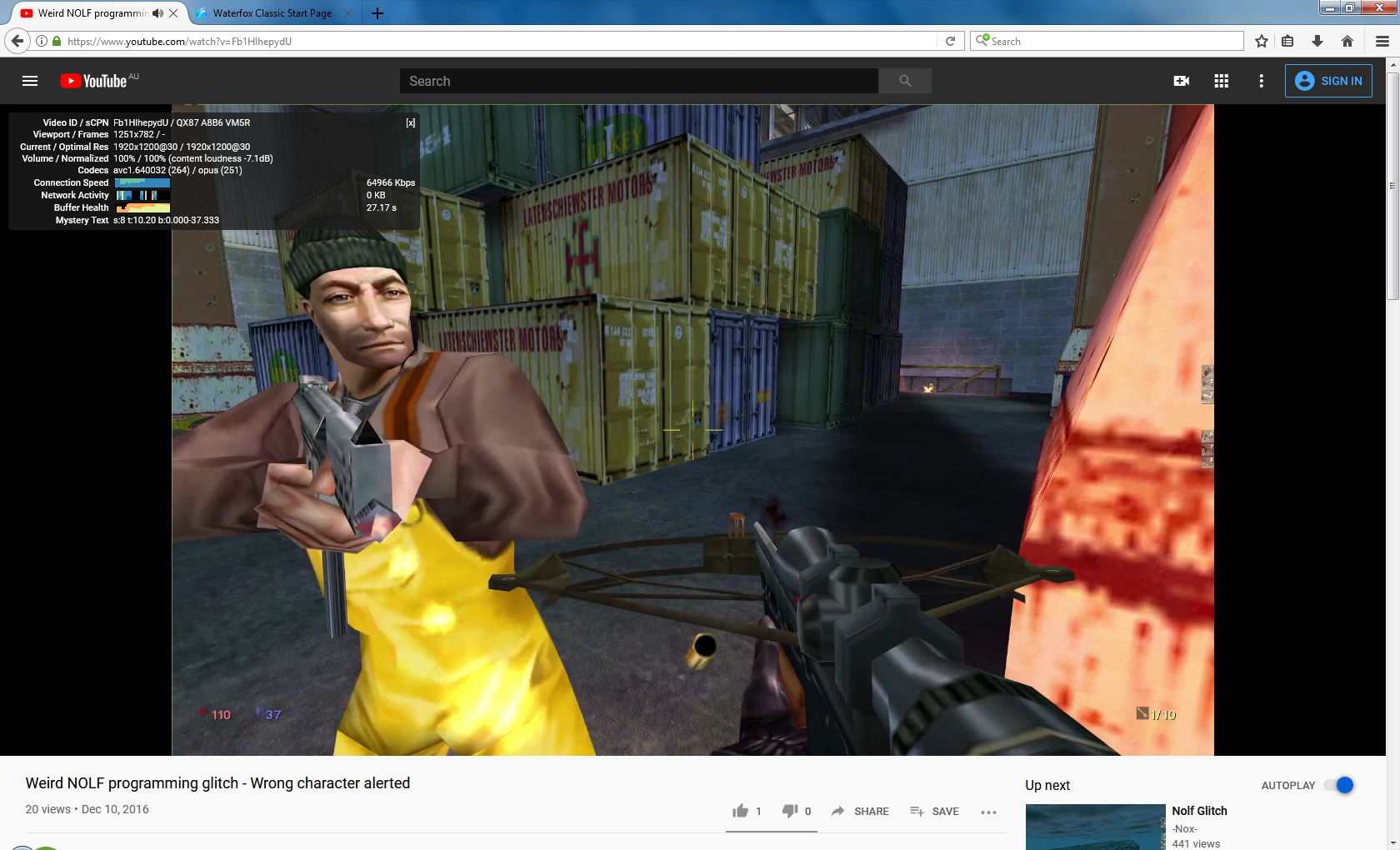
- Go to 'https://www.youtube.com/watch?v=Fb1HIhepydU'
- start playback
- select the 1080p stream.
- content process crashes.
Expected behavior
Screenshots
My configuration
- Device: pc
- OS: win 8.1
- Version: Classic 2020.02.1
 mzso
mzso
All 31 comments
Not reproducible on Windows 10.
 grahamperrin
on 1 Mar 2020
grahamperrin
on 1 Mar 2020
just you.
Windows 7

Windows 8
 Squall-Leonhart
on 1 Mar 2020
Squall-Leonhart
on 1 Mar 2020
It seems like several similar videos crash Waterfox.
https://www.youtube.com/watch?v=VVTiYpAelME
https://www.youtube.com/watch?v=e9TNkCQ7yQA
https://www.youtube.com/watch?v=nh-pelxVUxo
https://www.youtube.com/watch?v=IUieXmKp1Ic
https://www.youtube.com/watch?v=JI2NpcBdgss
And with a vanilla profile as well.
Clipboarder.2020.03.02.txt
mzso
on 2 Mar 2020
what codec are they trying to load?
Sure it isn't your video driver?
Squall-Leonhart
on 2 Mar 2020
Does this happen in Safe Mode as well? If it doesn't, could be a driver issue.
 MrAlex94
on 2 Mar 2020
MrAlex94
on 2 Mar 2020
something im noticing is that although my system is fast enough for vp9 decoding, all of these are avc1 instead.
i get vp9 in other videos though
Windows 10 is the only OS that has MFE vp9 support
7 and 8 can accelerate avc1/h264
i can play both ok with acceleration.
Squall-Leonhart
on 2 Mar 2020
something im noticing is that although my system is fast enough for vp9 decoding, all of these are avc1 instead.
i get vp9 in other videos though
Windows 10 is the only OS that has MFE vp9 support
7 and 8 can accelerate avc1/h264i can play both ok with acceleration.
Probably they're not popular enough to even have VP9 streams. I can't tell the codec of course, because the crashing.
mzso
on 3 Mar 2020
Does this happen in Safe Mode as well? If it doesn't, could be a driver issue.
I'll check when I can, bit I don't think a cause outsideWF is likely. The driver didn't change for a long time.
mzso
on 3 Mar 2020
I'll check when I can, bit I don't think a cause outsideWF is likely. The driver didn't change for a long time.
The browser has changed though, quite a bit of video playback stuff has changed in 20.2.x which is likely why im not getting leaks in mp4upload, youtube or similar html5 players anymore, but in changing that it can trip over bugs in the driver, or even have removed a workaround for that particular device.
Squall-Leonhart
on 3 Mar 2020
I'll check when I can, bit I don't think a cause outsideWF is likely. The driver didn't change for a long time.
The browser has changed though, quite a bit of video playback stuff has changed in 20.2.x which is likely why im not getting leaks in mp4upload, youtube or similar html5 players anymore, but in changing that it can trip over bugs in the driver, or even have removed a workaround for that particular device.
Well, with Waterfox lacking a crash reporter, I'm not sure what else I could add.
mzso
on 3 Mar 2020
You should download and post the exact video stream that crashes Waterfox for you.
 reallyuniquename
on 3 Mar 2020
reallyuniquename
on 3 Mar 2020
@reallyuniquename commented on 2020. márc. 3. 16:39 CET:
You should download and post the exact video stream that crashes Waterfox for you.
How should I know? It crashes so I can't say anything for sure.
I'd say it's most likely the 1920*1200 stream.
mzso
on 3 Mar 2020
@reallyuniquename commented on 2020. márc. 3. 16:39 CET:
You should download and post the exact video stream that crashes Waterfox for you.
Not that anyone interested couldn't download the Full HD streams, but here it is:
https://drive.google.com/open?id=1GN7_T805Cd1SFm57ja8mHEHLAU3pg78B
mzso
on 3 Mar 2020
@reallyuniquename commented on 2020. márc. 3. 16:39 CET:
You should download and post the exact video stream that crashes Waterfox for you.
Not that anyone interested couldn't download the Full HD streams, but here it is:
https://drive.google.com/open?id=1GN7_T805Cd1SFm57ja8mHEHLAU3pg78B
It also crashes WF, on its own.
mzso
on 3 Mar 2020
avc1.42001E, it doesn't crash for me :(
Squall-Leonhart
on 3 Mar 2020
Works fine for me too, it's just H.264.
@mzso
Does it crash Waterfox if you open it directly from your local file system? Have you tried basic things like disabling hardware acceleration and updating video drivers?
Not that anyone interested couldn't download the Full HD streams
Depending on your location, cookies and YouTube itself you might get different streams.
reallyuniquename
on 4 Mar 2020
Works fine for me too, it's just H.264.
@mzso
Does it crash Waterfox if you open it directly from your local file system?
Yes, I mentioned it above.
Have you tried basic things like disabling hardware acceleration and updating video drivers?
Not yet. I wouldn't call it basic. It's trying stuff blindly without information.
Not that anyone interested couldn't download the Full HD streams
Depending on your location, cookies and YouTube itself you might get different streams.
The streams are finite and not numerous. Anyway, I myself had to use youtube-dl to find and download the stream.
mzso
on 4 Mar 2020
It's trying stuff blindly without information.
No, it's the most basic thing to do when you get playback issues.
The streams are finite and not numerous
Yeah and we are not going to try every one of them. And there is no guarantee we would get the same files from YouTube CDN.
reallyuniquename
on 4 Mar 2020
h264ify will force any youtube video to stream via h264, if all of them crash then this issue is specific to this computer.
Squall-Leonhart
on 4 Mar 2020
@Squall-Leonhart commented on 2020. márc. 4. 20:18 CET:
h264ify will force any youtube video to stream via h264, if all of them crash then this issue is specific to this computer.
All of them definitely don't crash WF, only 1920*1200 streams appear to do so.
mzso
on 4 Mar 2020
@Squall-Leonhart commented on 2020. márc. 4. 20:18 CET:
h264ify will force any youtube video to stream via h264, if all of them crash then this issue is specific to this computer.
All of them definitely don't crash WF, only 1920*1200 streams appear to do so.
@reallyuniquename commented on 2020. márc. 4. 08:19 CET:
Works fine for me too, it's just H.264.
@mzso
Does it crash Waterfox if you open it directly from your local file system? Have you tried basic things like disabling hardware acceleration and updating video drivers?
Setting layers.acceleration.disabled to true does seem to alleviate the problem.
mzso
on 4 Mar 2020
Setting layers.acceleration.disabled to true does seem to alleviate the problem
As in no more crashes?
reallyuniquename
on 5 Mar 2020
Setting layers.acceleration.disabled to true does seem to alleviate the problem
As in no more crashes?
With the ones I tried with.
mzso
on 5 Mar 2020
Who could have thought that _trying stuff blindly without information_ would do the trick.
You should check if latest Firefox can handle these videos on your machine.
reallyuniquename
on 5 Mar 2020
Who could have thought that _trying stuff blindly without information_ would do the trick.
You should check if latest Firefox can handle these videos on your machine.
It didn't. Because I don't intend to disable HW acceleration. By this logic not using the browser also solves the issue.
mzso
on 5 Mar 2020
I never said anything about _solving_ the issue. You need to pinpoint what's causing it first.
Check the Firefox and report back.
I don't intend to disable HW acceleration. By this logic not using the browser also solves the issue.
No, by that logic you would be able to normally use Waterfox for a small price of your CPU time. Otherwise you are going to keep crashing, at least for now. Suite yourself.
reallyuniquename
on 5 Mar 2020
@reallyuniquename commented on 2020. márc. 5. 15:58 CET:
I never said anything about _solving_ the issue. You need to pinpoint what's causing it first.
Check the Firefox and report back.
Firefox is fine in this regard, it always was. Even Firefox 56 works fine.
Waterfox however invariably crashes. Tried versions all the way back to 56.2.7.1.
I don't intend to disable HW acceleration. By this logic not using the browser also solves the issue.
No, by that logic you would be able to normally use Waterfox for a small price of your CPU time. Otherwise you are going to keep crashing, at least for now. Suite yourself.
No, not normally.
mzso
on 5 Mar 2020
There is no point in trying version 56 and lower. You need to test latest Firefox.
No, not normally.
How's that?
reallyuniquename
on 5 Mar 2020
It looks like I have been using the latest driver after all.
Because Nvidia stopped updating it in 2018...
mzso
on 14 Mar 2020
391.35?
Squall-Leonhart
on 14 Mar 2020
mzso
on 14 Mar 2020
Related issues
 Kallinteris-Andreas
·
3Comments
grahamperrin
·
4Comments
grahamperrin
·
4Comments
Kallinteris-Andreas
·
3Comments
grahamperrin
·
4Comments
grahamperrin
·
4Comments
 empimp
·
4Comments
empimp
·
4Comments
 GitCurious
·
3Comments
GitCurious
·
3Comments
Most helpful comment
It seems like several similar videos crash Waterfox.
https://www.youtube.com/watch?v=VVTiYpAelME
https://www.youtube.com/watch?v=e9TNkCQ7yQA
https://www.youtube.com/watch?v=nh-pelxVUxo
https://www.youtube.com/watch?v=IUieXmKp1Ic
https://www.youtube.com/watch?v=JI2NpcBdgss
And with a vanilla profile as well.
Clipboarder.2020.03.02.txt