Walletwasabi: GUI Bug: black area when small width
General Description
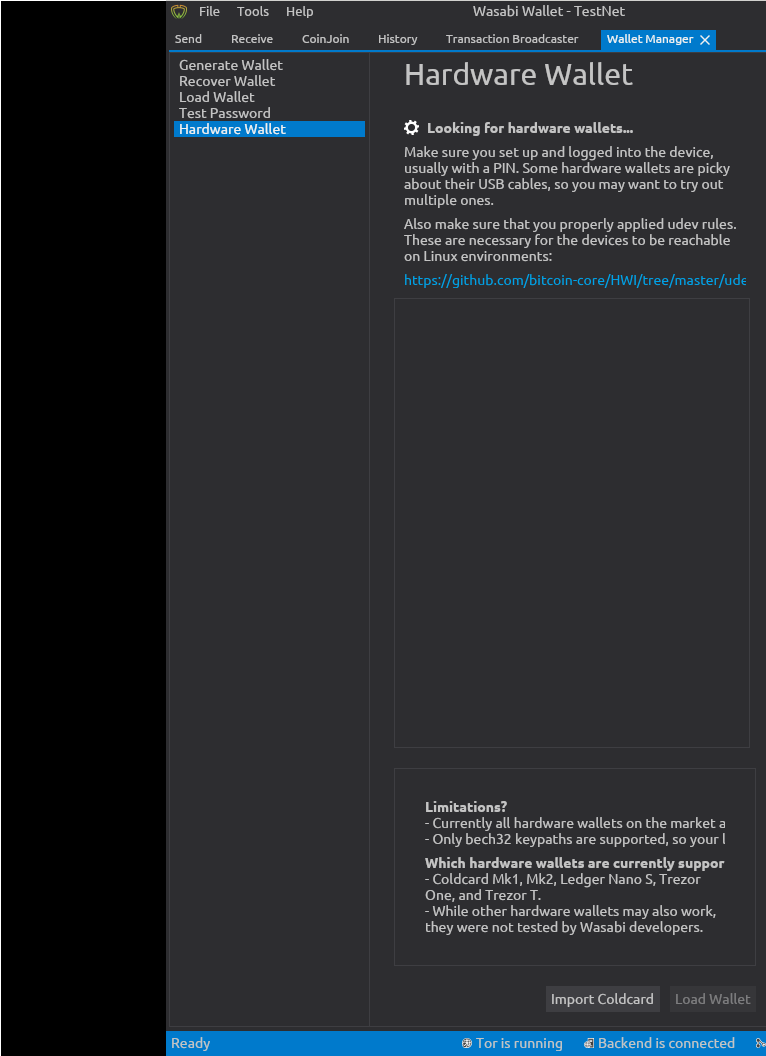
When the width of the window of Wasabi is decreased, it shows a black area on the left side, while cutting away some of the right side content.
Might be that Avalonia is not responsive if the width is too small.
How To Reproduce?
- Open Wasabi
- Decrease with to <50% of screen or so
- See error
Screenshots
This shows the entire window area of Wasabi, the GUI should go all the way to the left, and on the right boarder it should show the complete right side of the GUI.
Operating System
Debian 9.9
I have i3 window manager, but I think to remember that the issue was with regular Gnome desktop GUI as well...
Wasabi Version
Issue has been around for a while, it's present in master.
 MaxHillebrand
All 11 comments
This is happening only with i3wm and only with splitted screens. I never reported this issue because i think is not important.
 lontivero
on 7 Jul 2019
lontivero
on 7 Jul 2019
Yes, I just double checked with Debian Gnome desktop, here there is a minimum width of the window. In i3, this minimum width does not apply and when it is made smaller, then the black area appears.
Agreed Lucas, since this seems to be only i3, it is not an issue worth fixing. Closing the issue :)
MaxHillebrand
on 8 Jul 2019
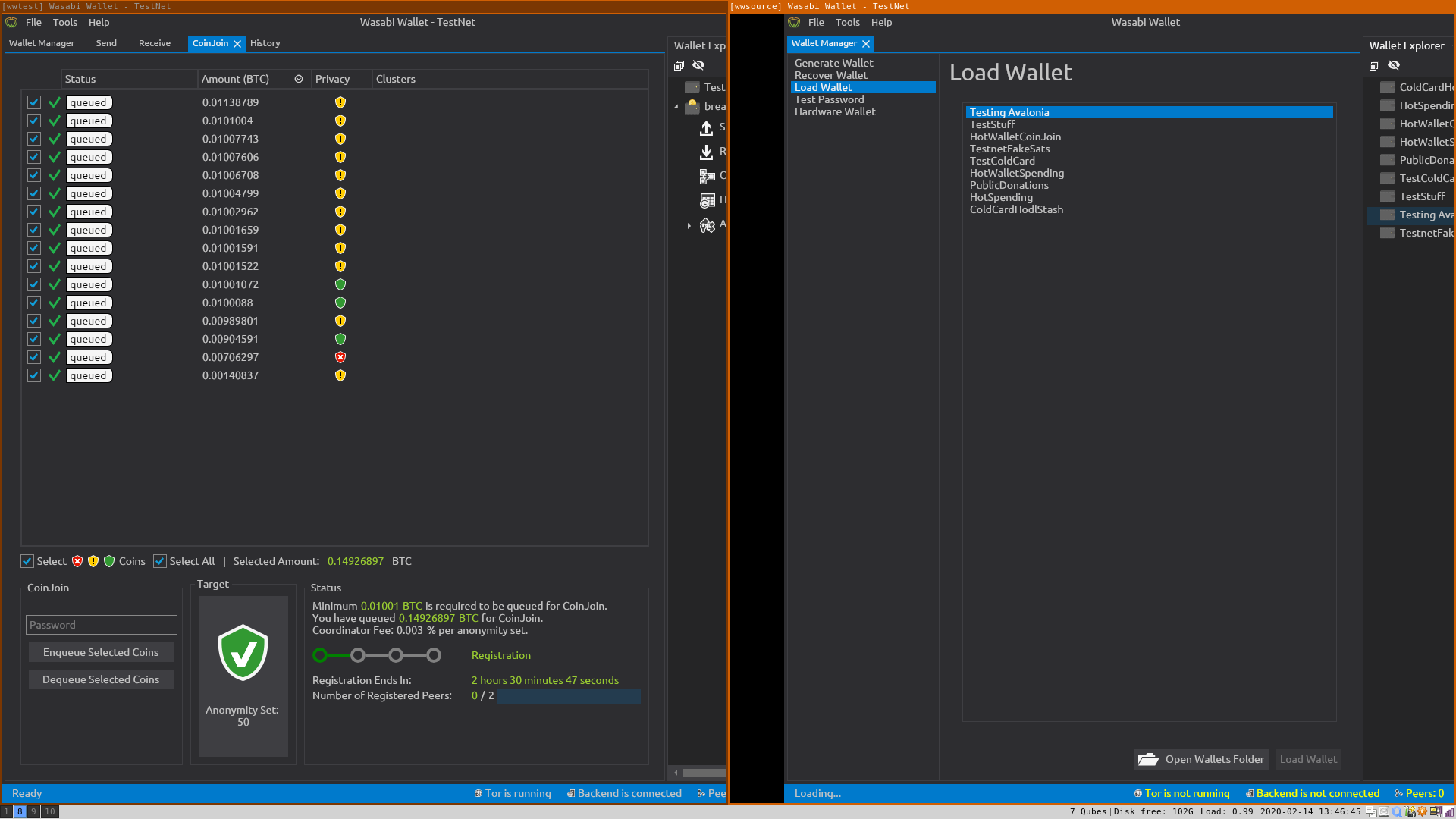
I could "fix" this by changing the MinWidth to 500 and MinHeight to 300 and compiling the source again.
https://github.com/zkSNACKs/WalletWasabi/blob/master/WalletWasabi.Gui/MainWindow.xaml#L17
before
after
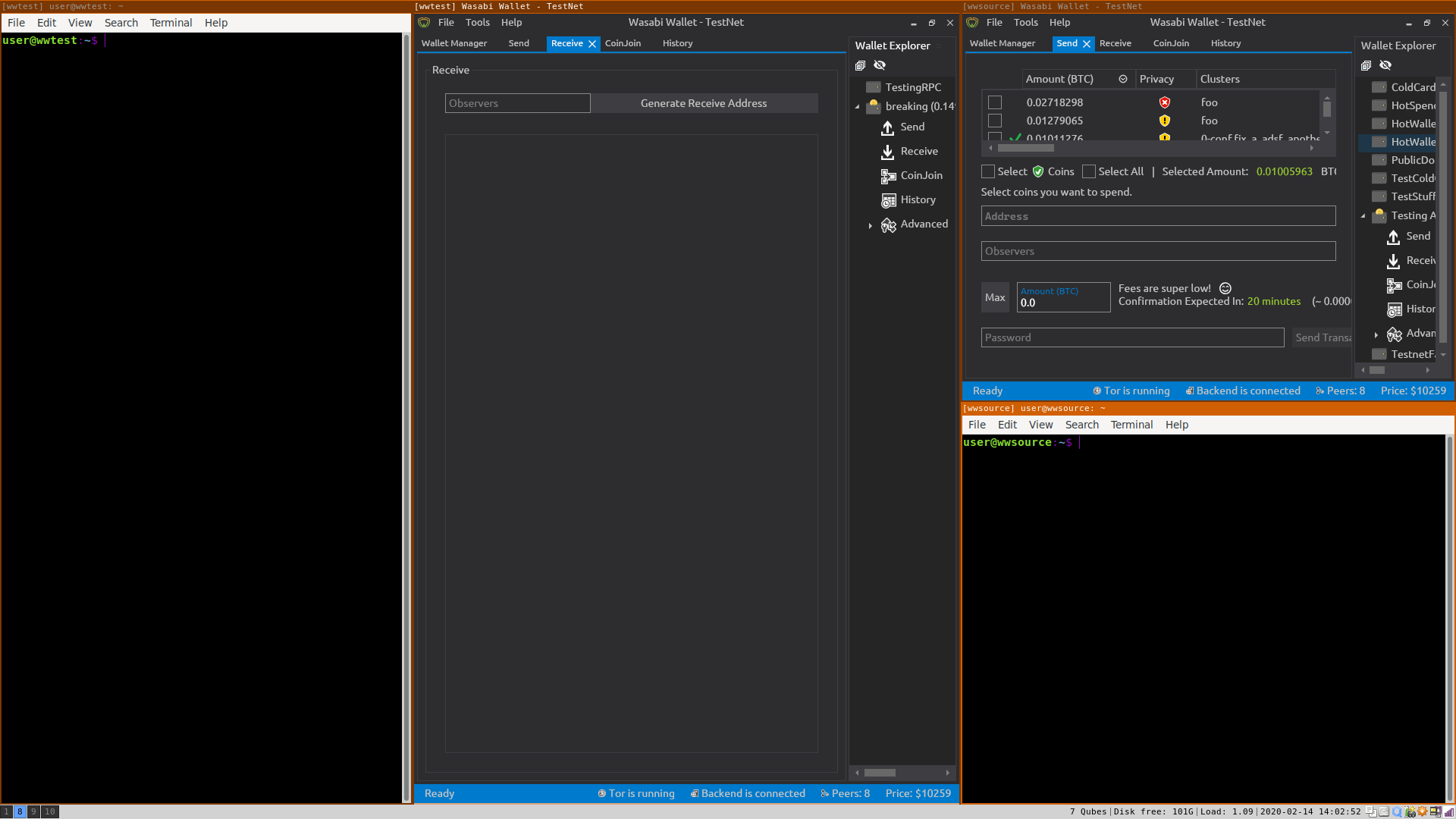
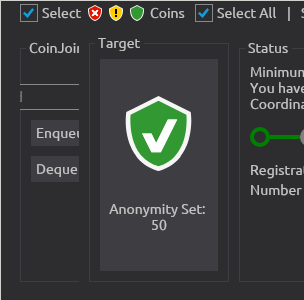
however, some button layout is messed up now.
MaxHillebrand
on 14 Feb 2020
@MaxHillebrand the problem with i3 window manager is it doesnt conform to the standards in that it
- Ignores requests to resize.
- Ignores Min/Max size hints.
We maybe able to do something in Avalonia like when we detect this was ignored, we just remove the min/max size.
Still there is obv a minimum size required for Wasabi to layout correctly, and you cant realistically go below a certain size and expect it to work nicely.
 danwalmsley
on 15 Feb 2020
danwalmsley
on 15 Feb 2020
Note: could try in MainWindow something like:
protected override Size MeasureOverride(Size availableSize)
        {
            if (EnforceClientSize)
                availableSize = PlatformImpl?.ClientSize ?? default(Size);
            var rv = base.MeasureOverride(availableSize);
            if (EnforceClientSize)
                return availableSize;
            return rv;
        }
This is also a problem on windows when arranging two wasabi on the left and right side of the screen. There is nothing much to do about it there should be always a minsize otherwise the design cannot be ensured.
What we can consider is to refactor the design in a way that we can set the minwidth to the half of fullHD which is 1080 / 2. So on fullHD monitor which is the most common resoulution IMO the user can have two.
This makes no sense to make if we implementing multi-wallet support.
 molnard
on 17 Feb 2020
molnard
on 17 Feb 2020
Just opened a PR to fix this over at https://github.com/AvaloniaUI/Avalonia/pull/3787
 grokys
on 15 Apr 2020
grokys
on 15 Apr 2020
Oh how much I love free and open source software with collaboration of upstream dependencies...
Thank you @grokys - this is fantastic, I really appreciate the PR - will test as soon as it's merged, or someone guides me through compiling avalonia and wasabi on that branch.
MaxHillebrand
on 15 Apr 2020
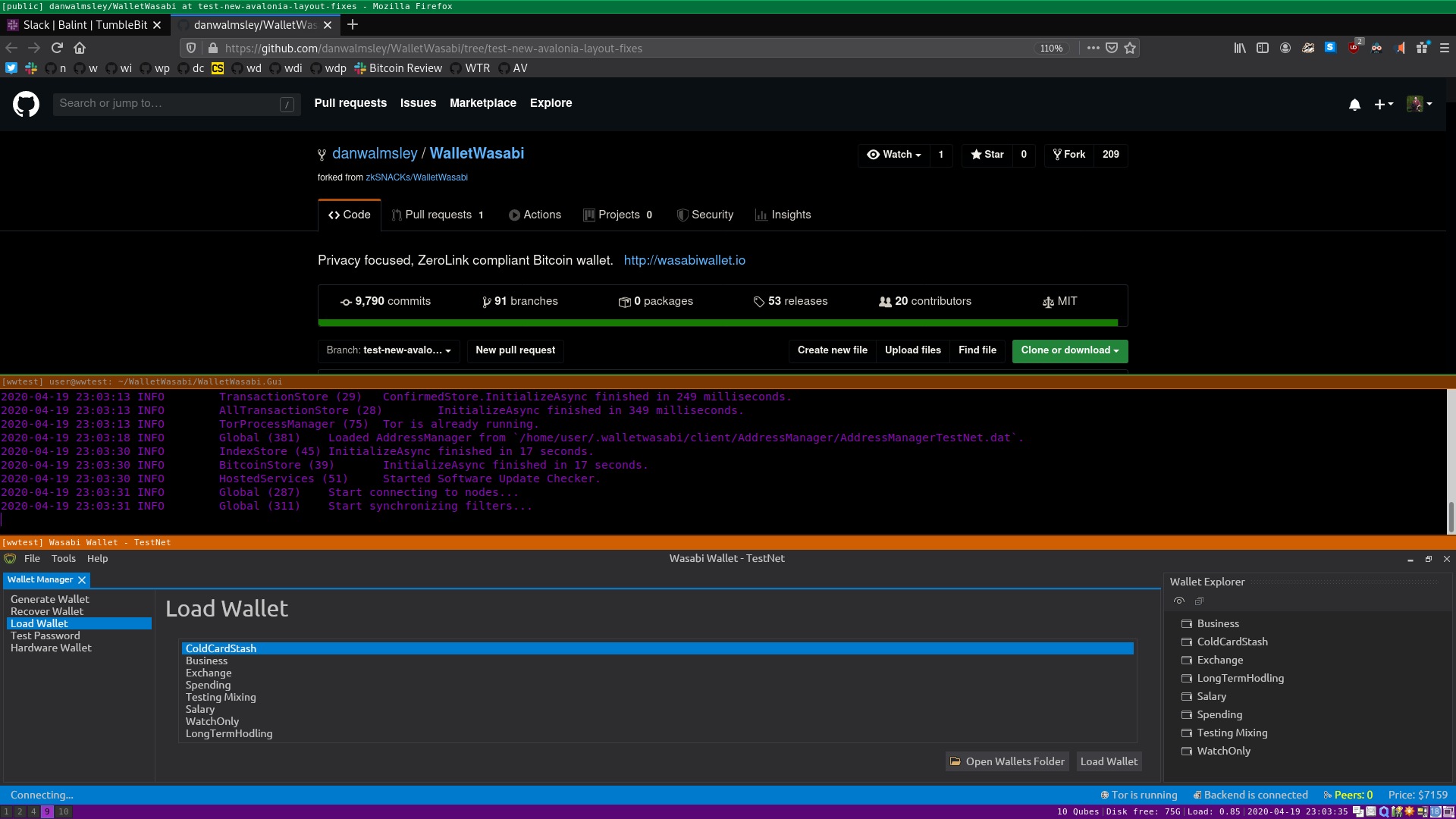
Tested @danwalmsley branch test-new-avalonia-layout-fixes, and can confirm that this actually fixes the issue!
Oh this makes me so happy - thank you @grokys & @danwalmsley!!! :green_heart: :fire: :rocket:

MaxHillebrand
on 19 Apr 2020
I tested too and can confirm it is fixed by the @danwalmsley branch.
lontivero
on 19 Apr 2020
Pleased it fixed it! This one was actually a bugger to get right!
grokys
on 20 Apr 2020
Related issues
 nopara73
·
3Comments
nopara73
·
3Comments
 gabridome
·
3Comments
MaxHillebrand
·
3Comments
gabridome
·
3Comments
MaxHillebrand
·
3Comments
 yahiheb
·
3Comments
yahiheb
·
3Comments
 UkolovaOlga
·
3Comments
UkolovaOlga
·
3Comments
Most helpful comment
I tested too and can confirm it is fixed by the @danwalmsley branch.