Vvv: 5.2.1 update breaks WordPress installations
Expected Behavior
Minor update shouldn't break anything
Current Behavior
When I update the WP from 5.2 to 5.2.1 (I tried downgrading but that didn't help) I am getting
Parse error: syntax error, unexpected '}', expecting end of file in /srv/www/personal/wordpress-test/public_html/wp-includes/general-template.php on line 4569
I started digging and the issue happens in feed.php on line where $feed->init() is (770).
So my guess is something with new vvv version and SimplePie() is clashing maybe?
I deleted my db in order to run a clean install, but no go.
Steps to Reproduce (for bugs)
- Have VVV3
- Try to update WP to 5.2.1 version
- Panic because you need to test the code for production
- Set up temporary docker to see if it will work until this issue is solved ¯_(ツ)_/¯
Your Environment
- VVV version: 3
- VVV Git Branch: develop
- Vagrant version: Vagrant 2.2.4
- VM Provider name: VirtualBox
- VM Provider version: Version 6.0.4 r128413 (Qt5.6.3)
- Operating System and version: MacOS 10.14.4
 dingo-d
All 26 comments
I doubt that's the case, my personal site runs on Digital Ocean and has near identical specs to VVV yet doesn't encounter this issue. I did see this issue myself during testing but reprovisioning a fresh install fixed the problem. Looking at the files themselves didn't reveal the issue as the missing characters were present when checked, resaving resolved the problem for that file
Do you encounter this error upgrading from any other WP install? Is there an associated WP Trac ticket? ( if not can you raise one? My suspicion is character encoding issues but I haven't much to go off of )
Also have you tried WP CLI based updating?
 tomjn
on 22 May 2019
tomjn
on 22 May 2019
I asked a colleague to update (he's not using VVV) and it worked fine on his mac. I've set up my docker and no problems here either.
I tried using wpcli to clear transients, flush cache but I got the same error. I'll try to reprovision the VVV and see if this will work.
dingo-d
on 22 May 2019
Because of the nature of this, WP never gets to run, so transients etc are all irrelevant. The problem is the files themselves and how they're updated
tomjn
on 22 May 2019
I had the same issues, a vagrant halt and up fixed the problem (after the update).
I was thinking that was me but I think that is something on VVV from caching side.
 Mte90
on 22 May 2019
Mte90
on 22 May 2019
I'm experiencing the same problem. In my case, it started when I updated to WP 5.2.0. I had this both when updating via wp-admin and wp-cli.
 rodrigoprimo
on 22 May 2019
rodrigoprimo
on 22 May 2019
I can confirm that solution @Mte90 suggested worked. I had to vagrant halt then vagrant up after WP update. All seems to be working now.
dingo-d
on 23 May 2019
I have been experiencing this as well. I usually fix it with a vagrant reload. Over the last 2 weeks it has happened to me a number of times, most notably when I upgrade WordPress using WP CLI. The errors that are reported are always different, and don't exist in the files.
 desrosj
on 23 May 2019
desrosj
on 23 May 2019
As an aside, VBox 6.0.8 was released a little while ago with shared folder related fixes, updating may help
tomjn
on 23 May 2019
I had the same issue when I was trying to update to 5.2.1, had no issues with updating to 5.2. I had just updated to VVV 3.0 (master branch). I run VirtualBox 5.2.3 and Vagrant 2.2.4 on MacOS 10.12.6 (Sierra).
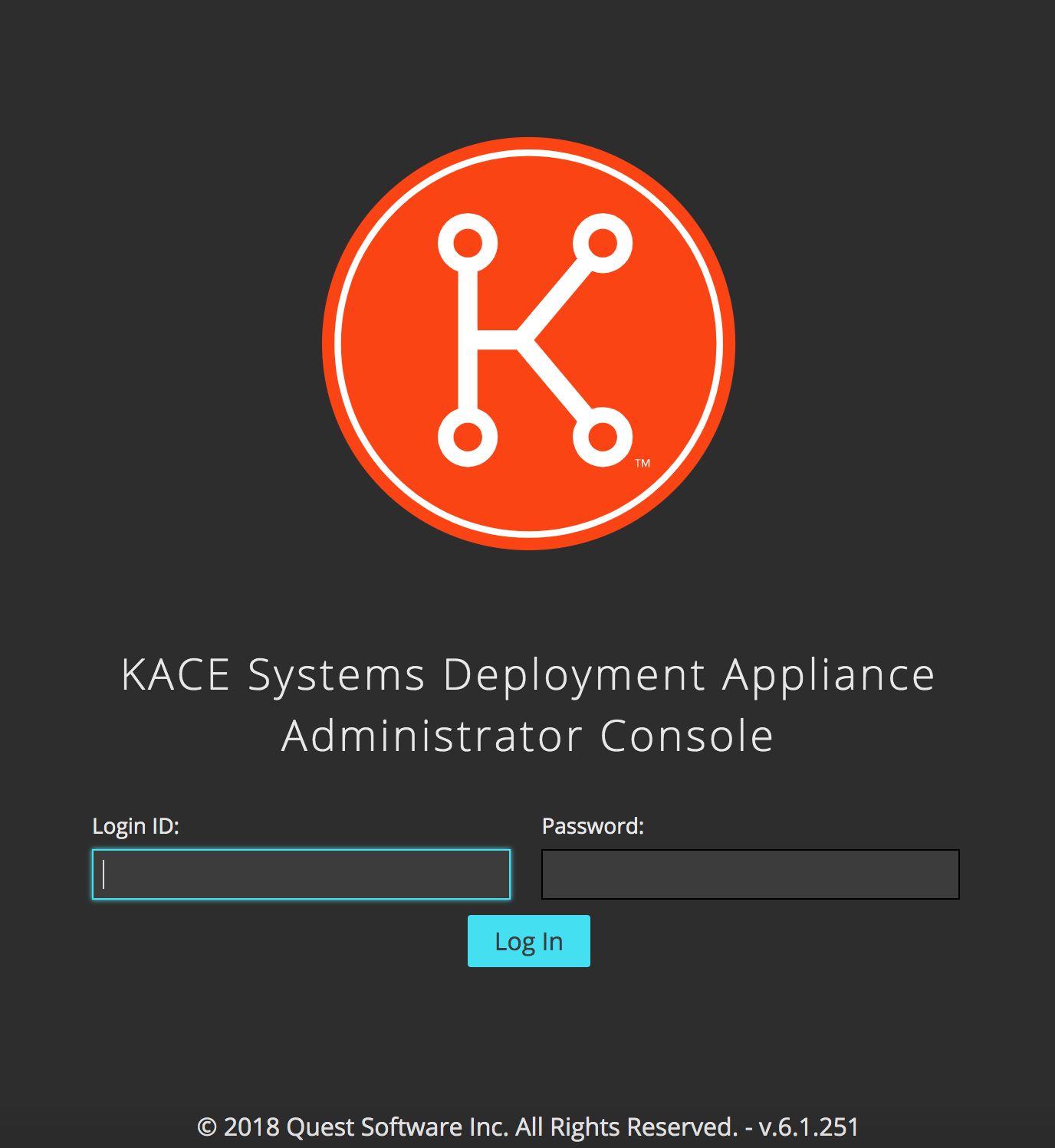
I noticed other problems popping up prior to any updates in the last couple of weeks, where all sites became inaccessible (all I saw was the KACE login screen, even on vvv.test) after turning my laptop back on from sleep mode. This seems to still be the case as of this morning. I'm gonna try to see if switching to VVV develop branch and updating VirtualBox to 6.x will help.
I have been getting around both issues by restarting and reprovisioning.
 bzkn
on 23 May 2019
bzkn
on 23 May 2019
I updated to the VirtualBox 6.0.8 and switched to the develop branch of VVV and reprovisioned. Still having an error when updating to WP to 5.2.1 and after waking up the laptop I still get the KACE login screen on every site, including vvv.test. I'm not sure if the KACE screen has any relation to this issue though..
bzkn
on 23 May 2019
I don't know what KACE is but it's not a part of VVV and we don't interact
with it in any way, not intentionally. I'm going to have to do some
research to find that out what KACE is and how its related. Is it a plugin?
On Thu, 23 May 2019 at 20:17, Boris Zharekhin notifications@github.com
wrote:
I updated to the VirtualBox 6.0.8 and switched to the develop branch of
VVV and reprovisioned. Still having an error when updating to WP to 5.2.1
and after waking up the laptop I still get the KACE login screen on every
site, including vvv.test. I'm not sure if the KACE screen has any relation
to this issue though..[image: image]
https://user-images.githubusercontent.com/22645042/58279993-b9957d80-7d6d-11e9-85d2-a23d113f66f8.png—
You are receiving this because you commented.Reply to this email directly, view it on GitHub
https://github.com/Varying-Vagrant-Vagrants/VVV/issues/1819?email_source=notifications&email_token=AAAOLZZCDH2EJXQQCKOROLDPW3UTNA5CNFSM4HOVLDWKYY3PNVWWK3TUL52HS4DFVREXG43VMVBW63LNMVXHJKTDN5WW2ZLOORPWSZGODWDG6VY#issuecomment-495349591,
or mute the thread
https://github.com/notifications/unsubscribe-auth/AAAOLZYRGUKGVKYPXZFOTMTPW3UTNANCNFSM4HOVLDWA
.
tomjn
on 24 May 2019
As an aside, VBox 6.0.8 was released a little while ago with shared folder related fixes, updating may help
I have 6.0.8 on my mac and it didn't help unfortunately
dingo-d
on 24 May 2019
I am doing tests about it, seems is not memcache the problem, also restart nginx doesn't fix the problem.
Mte90
on 24 May 2019
So it looks like KACE is an OS deployment appliance we use at my workplace but I still have no clue how it comes up. Basically, after a resuming from sleep mode, every valid *.test URL I try gets redirected to a *.test/login and that takes me to KACE login.
bzkn
on 24 May 2019
Does KACE run a local web server? Are you able to contact KACE support or
disable it temporarily?
On Fri, 24 May 2019 at 14:30, Boris Zharekhin notifications@github.com
wrote:
So it looks like KACE is an OS deployment appliance we use at my workplace
but I still have no clue how it comes up. Basically, after a resuming from
sleep mode, every valid *.test URL I try gets redirected to a *.test/login
and that takes me to KACE login.—
You are receiving this because you commented.Reply to this email directly, view it on GitHub
https://github.com/Varying-Vagrant-Vagrants/VVV/issues/1819?email_source=notifications&email_token=AAAOLZYRRIRG4RP6AIZ3F33PW7UY3A5CNFSM4HOVLDWKYY3PNVWWK3TUL52HS4DFVREXG43VMVBW63LNMVXHJKTDN5WW2ZLOORPWSZGODWFLG4I#issuecomment-495629169,
or mute the thread
https://github.com/notifications/unsubscribe-auth/AAAOLZ5TFND6EHYVBMJKINLPW7UY3ANCNFSM4HOVLDWA
.
tomjn
on 24 May 2019
I don't know how our deployments are managed, it's a pretty big university. I'll touch base with our IT folks and see what's up.
bzkn
on 24 May 2019
I have the same issue, not specifically related to 5.2.1 for me though. I run nightly WP builds and every time I update either via wp-admin or via wp-cli I get this error. I have tested this on 5.2 as well and also the same error. To resolve I have to halt and up the vagrant box before it is resolved after an upgrade.
Vagrant 2.2.4
Virtual Box 5.2.30 r130521
Using object caching with the Memcached dropin plugin
Single site install with the following plugins:
Query Monitor
WooCommerce
Stripe for WooCommerce
WP Beta Tester
 kloon
on 27 May 2019
kloon
on 27 May 2019
I had this issue too. I went to the two files mentioned general-template.php and feed.php and found a trailing white space, which I deleted and everything worked fine
 sbrody
on 29 May 2019
sbrody
on 29 May 2019
If I vagrant ssh into the guest VM, and flush the page cache, all syntax issues disappear:
vagrant@vvv:~$ sudo su
root@vvv:/home/vagrant# echo 1 > /proc/sys/vm/drop_caches
Ok thanks - that's useful to know
sbrody
on 30 May 2019
I am trying to understand if ti is possible to set the chace size but this depends on the ram.
So on internet seems that everyone is suggesting to do a cron that clean up https://unix.stackexchange.com/a/254984 but can be expensive for the memory.
With https://github.com/hoytech/vmtouch is possible to clean up the ram for a specific folder.
Unix & Linux Stack ExchangeIs there a way to tell the Linux kernel to only use a certain percentage of memory for the buffer cache? I know /proc/sys/vm/drop_caches can be used to clear the cache temporarily, but is there any

GitHub
Portable file system cache diagnostics and control - hoytech/vmtouch
 Mte90
on 30 May 2019
Mte90
on 30 May 2019
Of note, I tested this with a new VM using the ubuntu/bionic64 box and the issue did not occur. I haven't found anything in the VVV box build script to explain why this happens, but I think a switch to the ubuntu/bionic64 is the best short term solution
You can test this by setting the box via vvv-custom.yml in the develop branch:
vm_config:
  box: ubuntu/bionic64
Doing this means you'll need to recreate the VM for the changes to take effect, so a vagrant destroy and reprovision is necessary. Note that it doesn't currently work with shared database folders though. I've some work to do to that will make that more robust by handling the user/group IDs better
tomjn
on 12 Jun 2019
I'm going to close this out now that we're on the official box again in the develop branch. I've tried reproducing the problem on that box but haven't been able to, and it reliably breaks if I switch back to the box we built.
We still need to solve the problem with our box builder script, but it shouldn't impact users from now on
tomjn
on 20 Jun 2019
I doubt that's the case, my personal site runs on Digital Ocean and has near identical specs to VVV yet doesn't encounter this issue. I did see this issue myself during testing but reprovisioning a fresh install fixed the problem. Looking at the files themselves didn't reveal the issue as the missing characters were present when checked, resaving resolved the problem for that file
Do you encounter this error upgrading from any other WP install? Is there an associated WP Trac ticket? ( if not can you raise one? My suspicion is character encoding issues but I haven't much to go off of )
Also have you tried WP CLI based updating?
I had a similar issue after updating to 5.2.2. However re-saving file helped to fix that. Very odd!
 victorlava
on 7 Aug 2019
victorlava
on 7 Aug 2019
This issue is due to a kernel bug in a box we used to use. The latest
version uses a newer box that doesn’t have this issue.
Back up your database, update VVV, destroy and recreate the VM.
On Wed, 7 Aug 2019 at 16:54, Victor Lava notifications@github.com wrote:
I doubt that's the case, my personal site runs on Digital Ocean and has
near identical specs to VVV yet doesn't encounter this issue. I did see
this issue myself during testing but reprovisioning a fresh install fixed
the problem. Looking at the files themselves didn't reveal the issue as the
missing characters were present when checked, resaving resolved the problem
for that fileDo you encounter this error upgrading from any other WP install? Is there
an associated WP Trac ticket? ( if not can you raise one? My suspicion is
character encoding issues but I haven't much to go off of )Also have you tried WP CLI based updating?
I had a similar issue after updating to 5.2.2. However re-saving file
helped to fix that. Very odd!—
You are receiving this because you modified the open/close state.Reply to this email directly, view it on GitHub
https://github.com/Varying-Vagrant-Vagrants/VVV/issues/1819?email_source=notifications&email_token=AAAOLZ54DUAIEADJYZDSZQTQDLVZ3A5CNFSM4HOVLDWKYY3PNVWWK3TUL52HS4DFVREXG43VMVBW63LNMVXHJKTDN5WW2ZLOORPWSZGOD3Y3XOA#issuecomment-519158712,
or mute the thread
https://github.com/notifications/unsubscribe-auth/AAAOLZ5ASTXB2RQDKQENLNLQDLVZ3ANCNFSM4HOVLDWA
.
tomjn
on 7 Aug 2019
This thread has been automatically locked since there has not been any recent activity after it was closed. Please open a new issue for related bugs.
![lock[bot] picture](https://avatars.githubusercontent.com/in/6672?v=4&s=40) lock[bot]
on 22 Feb 2020
lock[bot]
on 22 Feb 2020
Related issues
 caseyallen386
·
5Comments
caseyallen386
·
5Comments
 ryanfurtner
·
3Comments
ryanfurtner
·
3Comments
 joelworsham
·
5Comments
joelworsham
·
5Comments
 rwrobe
·
4Comments
tomjn
·
4Comments
rwrobe
·
4Comments
tomjn
·
4Comments
Most helpful comment
If I
vagrant sshinto the guest VM, and flush the page cache, all syntax issues disappear: