Vuetify: [Bug Report] If Combobox loses focus with the input string matching an existing term, the saved value is removed.
Environment
Vuetify Version: 2.3.6
Vue Version: 2.6.2
Browsers: Chrome 85.0.4183.121
OS: Mac OS 10.15.7
Steps to reproduce
Add a Tag to multi combobox.
Blur the combobox.
Start typing the same Tag in the combobox input field.
Blur the combobox.
Expected Behavior
Input string clears. Previously entered tag remains.
Actual Behavior
Input string clears. Previously entered tag is removed from the values.
Reproduction Link
https://codepen.io/stardotbmp/pen/YzqmByN?editable=true&editors=101%3Dhttps%3A%2F%2Fvuetifyjs.com%2F
Other comments
With some versions of the combobox props, this behaviour also occurs if the field is cleared with the Escape key.
Some combinations of props/slots exhibit the behaviour where a duplicate tag is added will result in no tag being added and some where the duplicate existing tag is removed. Seems related.
 jsdbroughton
All 2 comments
Hi @jsdbroughton, I was looking at the source code for the combobox, and the intention seems clear. It's not meant to allow duplicated values.
I went to look for the documentation and the description of the Combobox and here's the description:
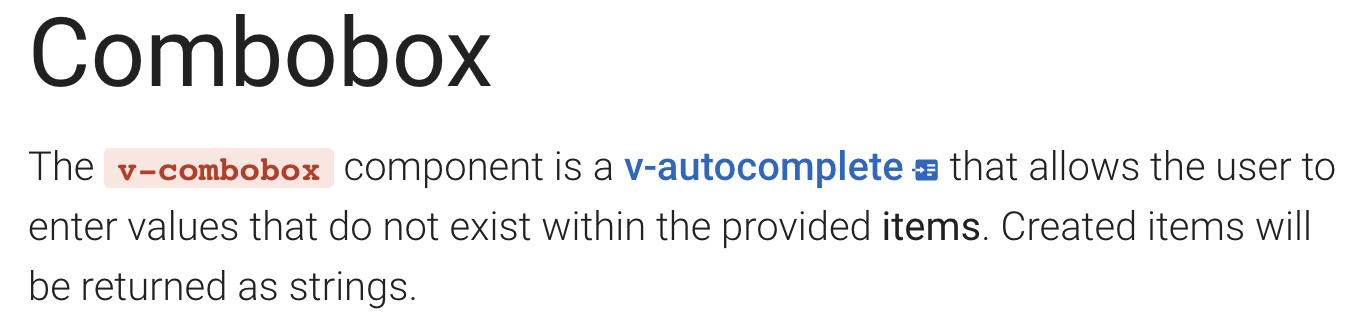
This is therefore a feature request, not a bug report.
 Dan-Correia
on 11 Oct 2020
Dan-Correia
on 11 Oct 2020
That intention is indeed clear. The fact a user may be 'punished' under certain circumstances for entering a duplicate value by having both removed seems buggy more than a feature to be removed.
jsdbroughton
on 11 Oct 2020
Related issues
 Webifi
·
3Comments
Webifi
·
3Comments
 radicaled
·
3Comments
radicaled
·
3Comments
 SteffenDE
·
3Comments
SteffenDE
·
3Comments
 aaronjpitts
·
3Comments
aaronjpitts
·
3Comments
 smousa
·
3Comments
smousa
·
3Comments