If reporting a bug, please make sure to provide the following:
- Your OS: Windows
- Node.js version: v8.11.2
- Vuesax version
- Browser version
- - Firefox 62
- - chrome 69
- - MS Edge 42
- - IE 11
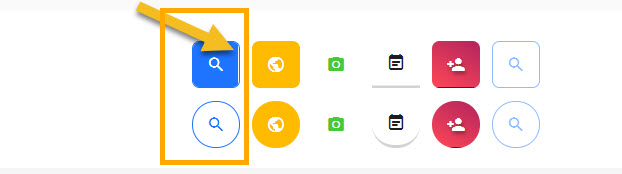
I noticed there are white gaps on some of the buttons (see attached images) when I use chrome and edge.
they are perfect on firefox but never try them on IE... many things will be gone :) the whole button disappeared
 mobayen
All 10 comments
I forgot to attach the images!
here they are...



mobayen
on 18 Oct 2018
@mobayen how to make this?
i try many times but nothing here..
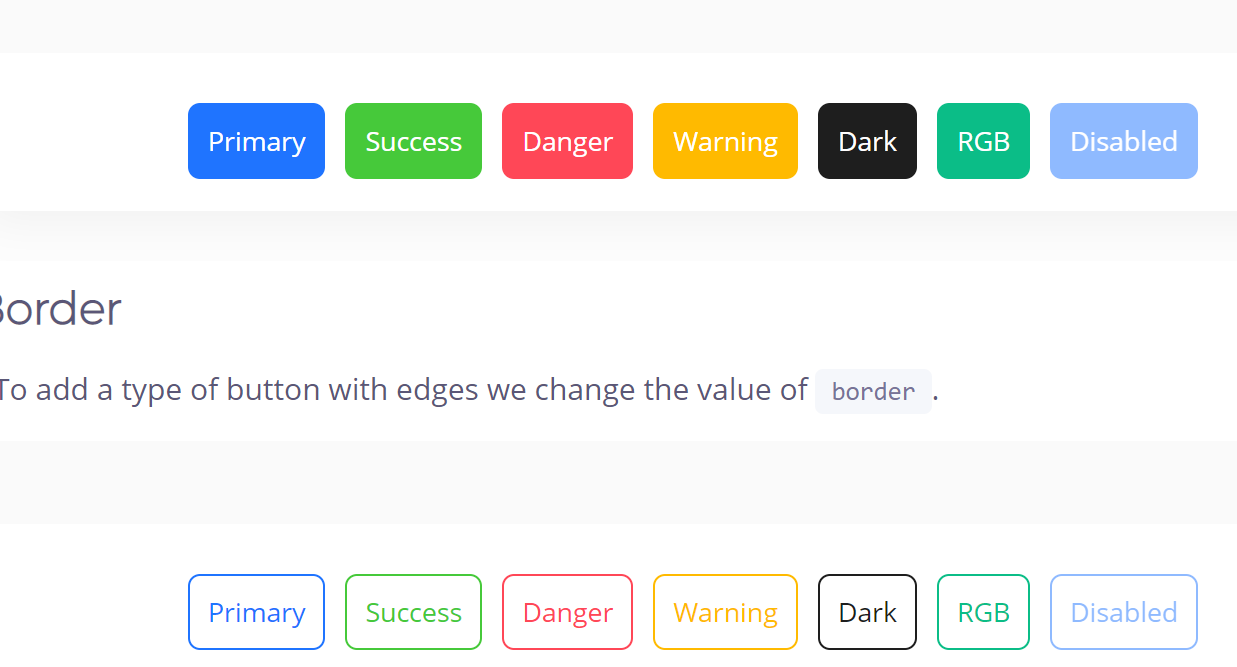
On Chome 69.0.3497.100:
 brunokunace
on 18 Oct 2018
brunokunace
on 18 Oct 2018
@brunokunace for example under the "Border" section click on of the buttons, there will be a white gap at the top!
and this will happen if you are in Chrome
for Edge the gap will appear top, bottom, left and right
mobayen
on 18 Oct 2018
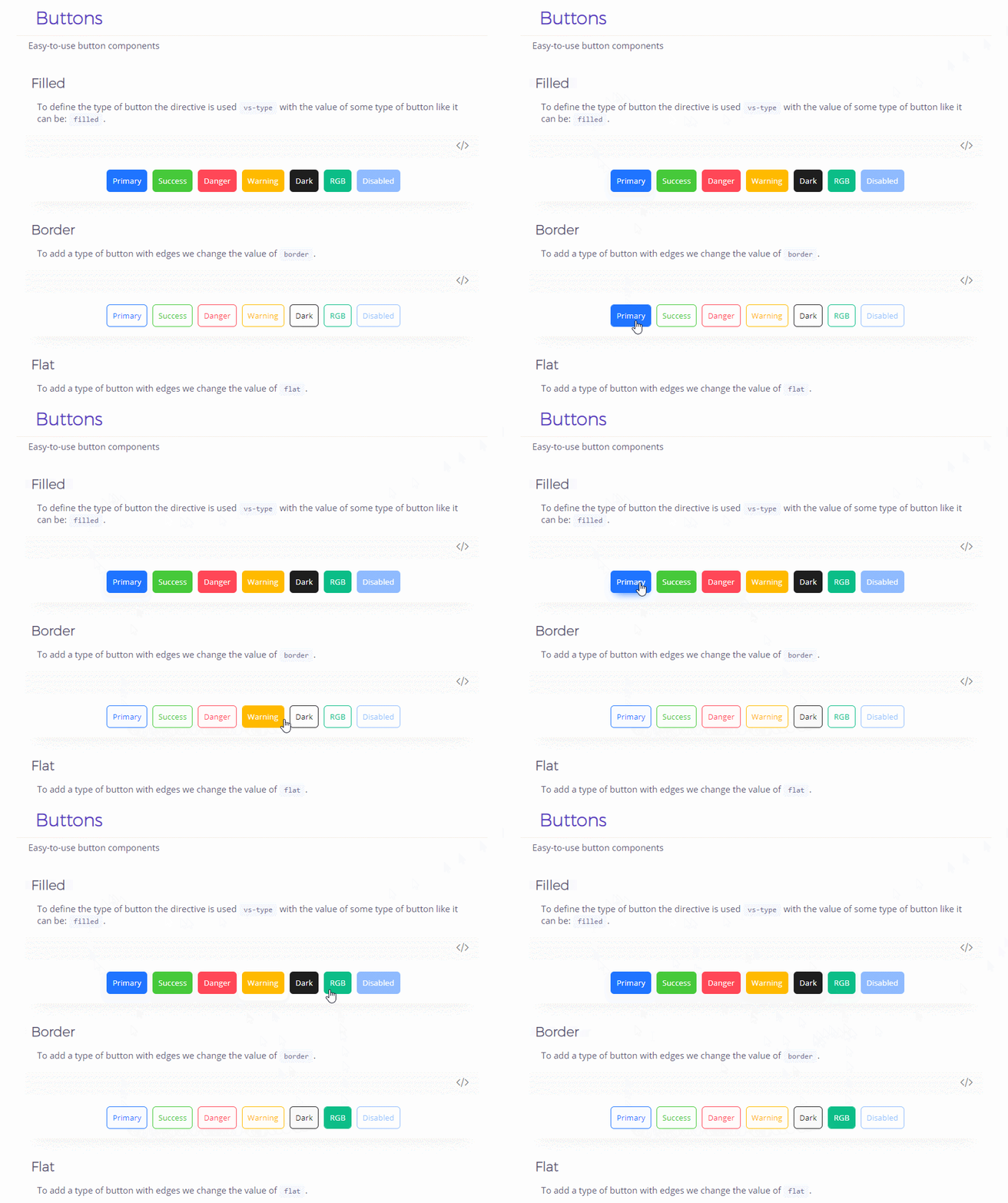
@mobayen this?
I dont see anything
brunokunace
on 19 Oct 2018
Haa, interesting!!!
well, I had that on windows but now on mac, it's gone!
mobayen
on 19 Oct 2018
i am on windows 10, maybe anything with your SO.
Sure about its not a issue for vuesax?
if yes, i can close it.
Thanks for dedication for explain.
brunokunace
on 19 Oct 2018
@mobayen I1. I am upset that you actually made me open Edge :shudders: 😹
But Il all seriousness... I cannot repro either..
Win 10
Microsoft Edge 42.17134.1.0
FF 64.0b1
Chrome Version 69.0.3497.100
 jacrys
on 19 Oct 2018
jacrys
on 19 Oct 2018
@brunokunace yes, if you don't have the same issue with buttons it might be my OS...!
plus I didn't have that at home on Mac!! so I guess it's a false alarm!!
And @Jacrys so sorry I feel guilty about that! 😢
mobayen
on 19 Oct 2018
@brunokunace @Jacrys
sorry again 😅
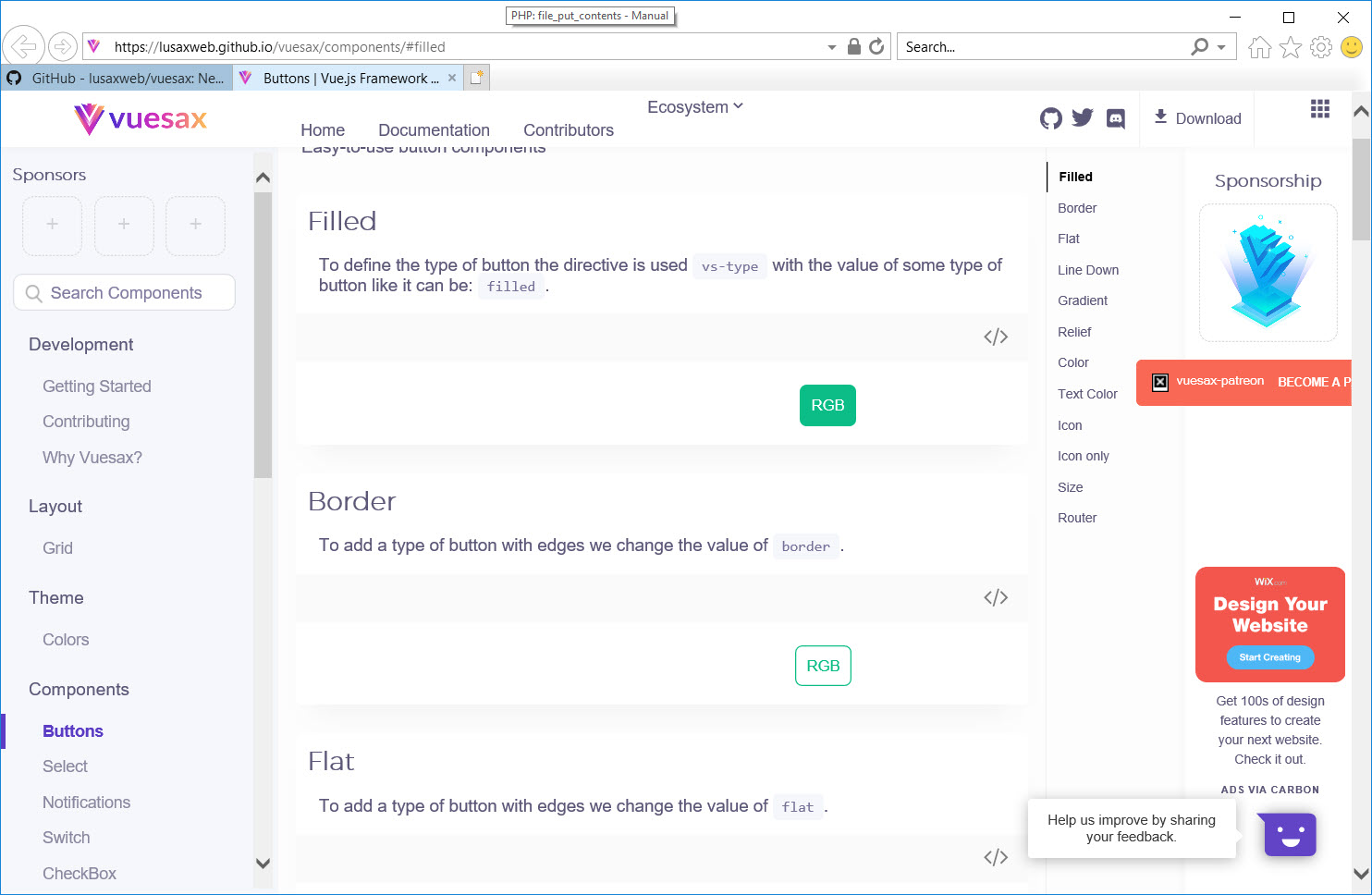
but what about IE11?
some buttons are completely gone on IE11
have you tried that?
mobayen
on 19 Oct 2018
its the same on #308
brunokunace
on 24 Oct 2018
Related issues
 mjmnagy
·
3Comments
mjmnagy
·
3Comments
 jsinhSolanki
·
3Comments
jsinhSolanki
·
3Comments
 leah-cc
·
3Comments
leah-cc
·
3Comments
 Cuacha07
·
3Comments
Cuacha07
·
3Comments
 bigperson
·
3Comments
bigperson
·
3Comments
Most helpful comment
@mobayen I1. I am upset that you actually made me open Edge :shudders: 😹
But Il all seriousness... I cannot repro either..
Win 10
Microsoft Edge 42.17134.1.0
FF 64.0b1
Chrome Version 69.0.3497.100