Vue-js-modal: 2.0.0-rc.3 not working in NuxtJS
Problem:
2.0.0-rc.3 version not working in NuxtJS
Version:
2.0.0-rc.3
Example & screenshots:
Plugin:
import Vue from 'vue';
import VModal from 'vue-js-modal/dist/ssr.index';
import 'vue-js-modal/dist/styles.css';

Vue.use(VModal, {
    dialog: true,
    dynamic: true,
    injectModalsContainer: true,
    dynamicDefaults: {
        adaptive:true,
        scrollable:true,
        height:"auto",
    }
});
Code:
 this.$modal.show({
                        render(h) {
                            return h(bookForm, {
                                props: {
                                    SCOffer: vm.SCOffer,
                                },
                                on: {
                                    done() {
                                        vm.$modal.hide('bookForm');
                                    },
                                }
                            });
                        }
                    }, {

                    },
                    {
                        name: "bookForm",
                        adaptive: false,
                        scrollable: false,
                        height: "100%",
                        width: "100%",
                        minWidth:"100%",
                        minHeight:"100%",
                        pivotX:0,
                        pivotY:0,
                    }
                );
Errors:

 mrFANRA
All 28 comments
Nuxt implementation of Vue-JS-Modal by Yev Vlasenko (v.1.3.34). Notice how upgrading to vue-js-modal 2.0.0 will not work with Nuxt.
 lmuzquiz
on 16 May 2020
lmuzquiz
on 16 May 2020
Damn =(
Thanks!
mrFANRA
on 16 May 2020
@lmuzquiz Thank you :)
 thema-d
on 18 May 2020
thema-d
on 18 May 2020
@lmuzquiz awesome, do you want to add this example to the demo folder? Would be valuable because I am not using nuxt, so it is hard for me to know what the issues are.
 euvl
on 20 May 2020
euvl
on 20 May 2020
Also @lmuzquiz, @mrFANRA , @thema-d is there is anything can be done to make integration easier?
euvl
on 20 May 2020
I tried using 2.0.0-rc.3 in my nuxt project, but when I include the plugin file in the nuxt config the server will hang, and if I wait and it actually ends up showing something it's a 500 error saying that window is not defined. I'm using the ssr build.
 redxtech
on 1 Jun 2020
redxtech
on 1 Jun 2020
@redxtech use version "^1.3.34"
see https://github.com/euvl/vue-js-modal/issues/561#issuecomment-629637797
thema-d
on 1 Jun 2020
Updated README with new instructions for Nuxt: https://github.com/euvl/vue-js-modal/pull/582
I am using ^2.0.0-rc.3 w/ Nuxt ^2.0.0
plugins/vue-js-modal.js
import Vue from 'vue'
import VModal from 'vue-js-modal'

Vue.use(VModal)
nuxt.config.js
export default {
  plugins: [
    {src: '~/plugins/vue-js-modal', mode: 'client'},
  ]
 hmaesta
on 29 Jun 2020
hmaesta
on 29 Jun 2020
Hey guys, can someone please create a sandbox for testing ssr?
euvl
on 8 Jul 2020
sandbox for testing ssr
Here you go. https://codesandbox.io/s/nuxt-vue-js-modal-ssr-test-7hgzz?file=/pages/index.vue
hmaesta
on 8 Jul 2020
awesome thanks 👍 i think @kirillbunin made some fixes for ssr thingy not to be broken in rc4, if you will have spare time to test it - let me know if it works without "client" 👍
euvl
on 8 Jul 2020
alternatively, i should probably change this https://euvl.github.io/vue-js-modal/Installation.html#ssr
euvl
on 8 Jul 2020
I wasn't able to run rc-4 on codesandbox following previous instructions for SSR.

Steps I did:
- Removed
mode: 'client'from{src: '~/plugins/vue-js-modal', mode: 'client'}innuxt.config.js - Previous documentation had two example codes for SSR on
plugins/vue-js-modal.jsand I tried both:
(A)
import VModal from "vue-js-modal/dist/ssr.nocss";

export default function(ctx, inject) {
  inject("modal", VModal);
}
(B)
import Vue from 'vue'
import VModal from 'vue-js-modal/dist/ssr.nocss'

Vue.use(VModal)
Both failed. In fact, the second one freezes my Chrome window 😂 – but I believe that's a sandboxcode.io bug.
Can you test it?
https://codesandbox.io/s/nuxt-vue-js-modal-rc4-ssr-test-8eg84?file=/pages/index.vue
hmaesta
on 8 Jul 2020
Thanks for testing it, if you have more time, and I appreciate everything you've done so far, could you please take a look at what might cause this? Unfortunately, I have not been using vue for a while & never used ssr so I am very lost in this 🤣
euvl
on 9 Jul 2020
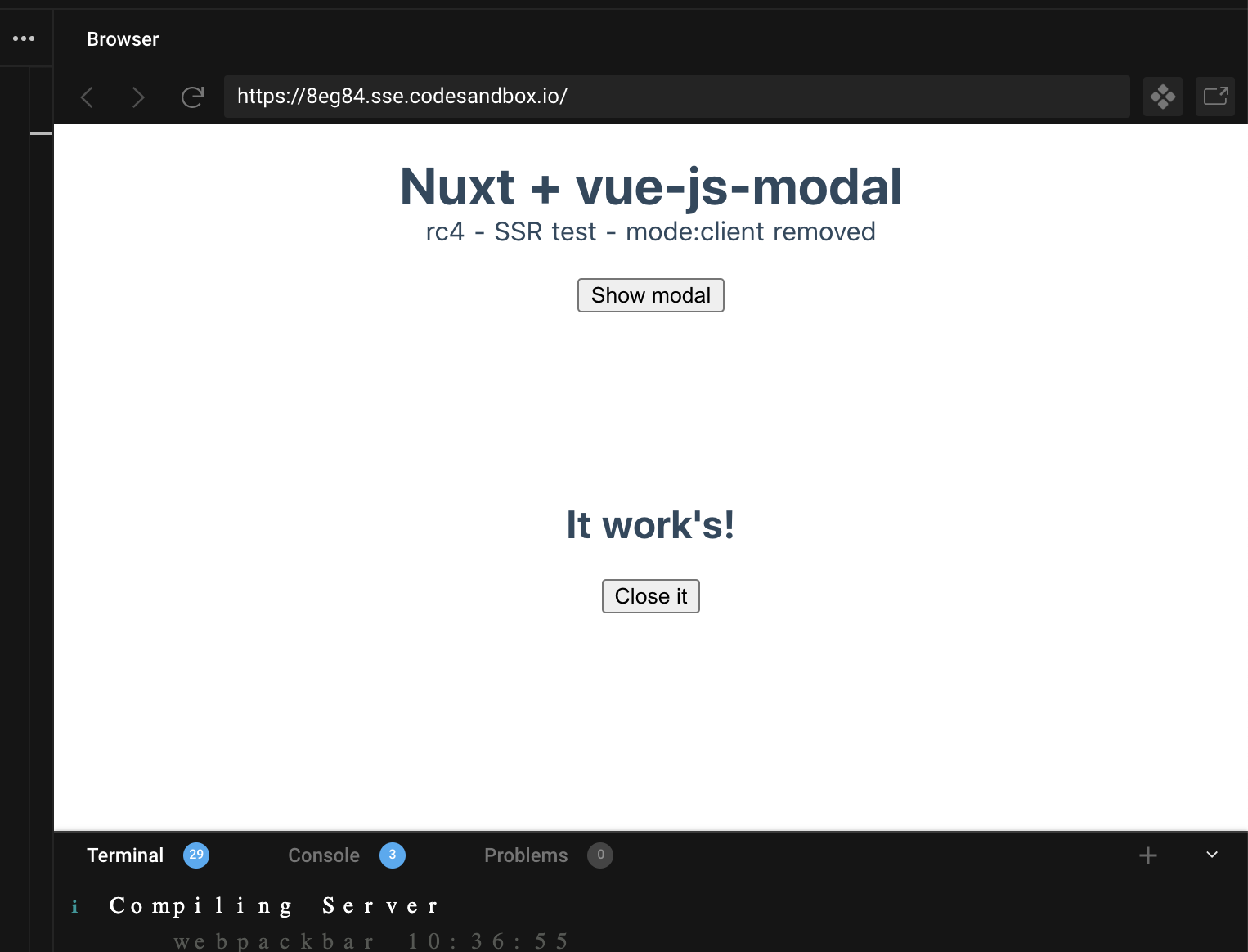
Got this from the sandbox you've sent in previous message:
euvl
on 9 Jul 2020
could you please take a look at what might cause this?
Unfortunately not a developer here – I am a front-end designer, although I know enought to build a nice HTML interface, I am very bad at _real_ coding 😣
.
Got this from the sandbox you've sent in previous message:
It will work on hot reload (since it's client-generated) but if you press Refresh – or Nuxt rebuilds – it will fail and return "_Cannot redefine property: $modal_".
.
Can someone give a little help here?
cc @lmuzquiz
hmaesta
on 9 Jul 2020
@hmaesta your CodeSandBox works for me, even after refresh in new tab.
In your PR you deleted from docs
export default function(ctx, inject) {
  inject('modal', VModal)
}
which registers $modal to the context of nuxt app (so that this.$modal or context.app.$modal can work). Might that error be related to this?
More on this https://nuxtjs.org/guide/plugins/#inject-in-root-amp-context
 kirillbunin
on 9 Jul 2020
kirillbunin
on 9 Jul 2020
@kirillbunin Please try to fork it to force a clean re-build on Codesandbox.
I am not successful with any of the following codes:
vue-js-modal--ssr--A.js
import Vue from "vue";
import VModal from "vue-js-modal/dist/ssr.index";

Vue.use(VModal);
 ↳ Screen error:    TypeError
                    Cannot redefine property: $modal


md5-d93b9522a3cb22527b54d311701fce84
↳ Console error: Property or method "children" is not defined on
the instance but referenced during render. Make sure
that this property is reactive, (...)
---

#### vue-js-modal--ssr--C.js

```js
import Vue from "vue";
import VModal from "vue-js-modal/dist/ssr.index";

Vue.use(VModal);

export default function(ctx, inject) {
  inject("modal", VModal);
}
 ↳ Screen error:    TypeError
                    Cannot redefine property: $modal
I see now that there has been more architecture changes in rc4 that I didn't bring myself up to date on yet. I'll take a look at it.
kirillbunin
on 9 Jul 2020
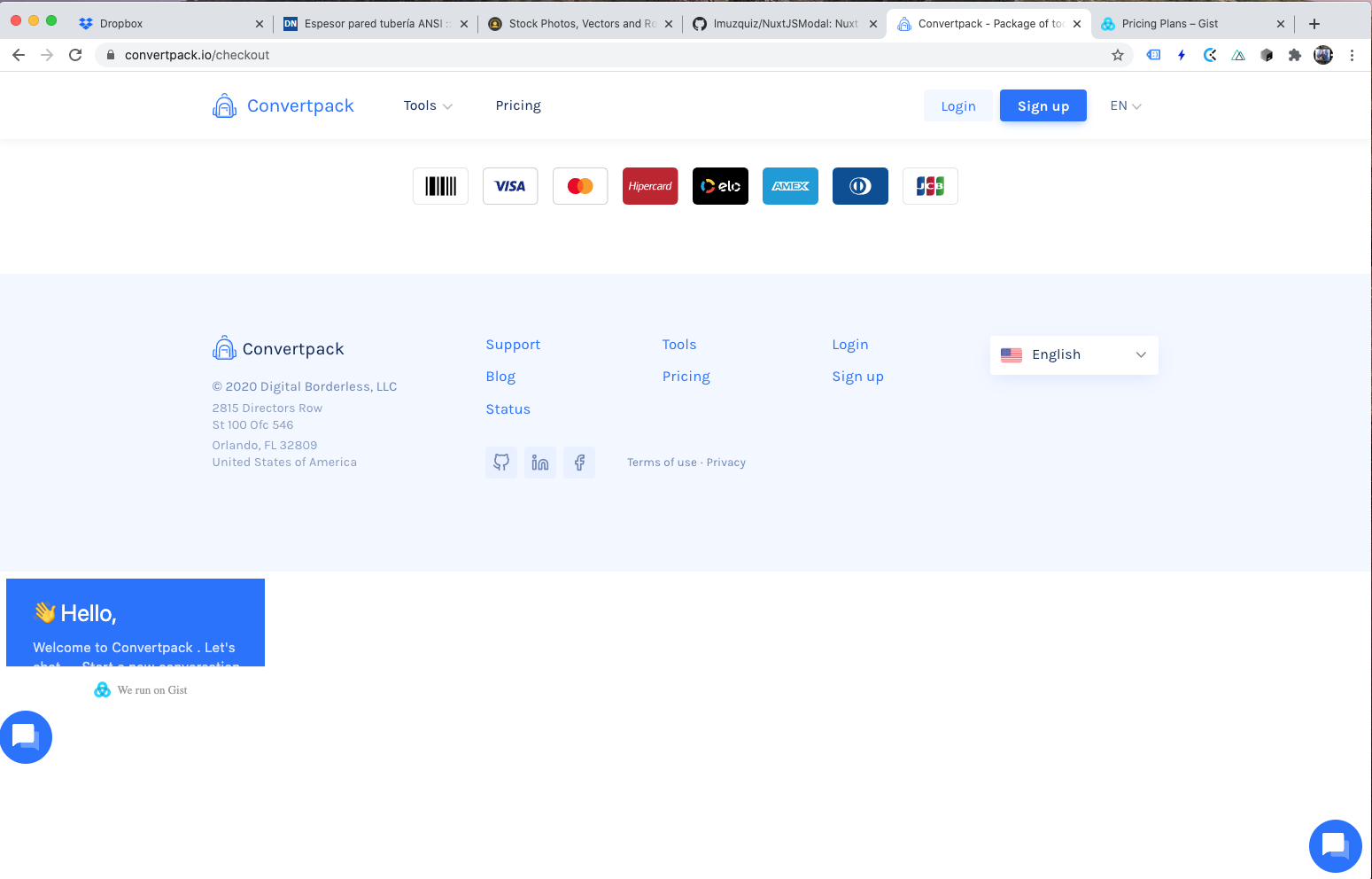
@hmaesta I think there's a little bug on your website, below the footer:
lmuzquiz
on 9 Jul 2020
Hey, @lmuzquiz. Thanks for pointing that out. We already reported that to Gist, a third-party service we use for chat.
hmaesta
on 9 Jul 2020
Thanks for looking into this 👍
euvl
on 9 Jul 2020
I am using version 2.0.0-rc.6 with nuxt.
Everything is working when I use props (except overlay-transition property, but I just made css override for transition class, so it's fine).
<modal
    name="some-name"
    :adaptive="true"
    :scrollable="true"
    width="90%"
    height="auto"
    :max-width="480"
    transition="modal"
  >...</modal>
But when I use dynamicDefaults, it doesn't work (all data in dynamicDefaults is ignored and not applied):
import Vue from "vue";
import VModal from "vue-js-modal/dist/ssr.nocss";

import "vue-js-modal/dist/styles.css";

Vue.use(VModal, {
  dialog: true, // not working with false either
  dynamic: true,
  dynamicDefaults: {
    adaptive: true,
    scrollable: true,
    width: "90%",
    height: "auto",
    maxWidth: "480",
    transition: "modal"
  }
});
<modal name="some-name">...</modal>
Is dynamicDefaults removed from latest versions?
 kikky7
on 21 Jul 2020
kikky7
on 21 Jul 2020
it should work, I will take a look at the weekends (p.s. in the latest you can remove the "dynamic" flag)
euvl
on 21 Jul 2020
This issue has been automatically marked as stale because it has not had recent activity. It will be closed if no further activity occurs. Thank you for your contributions.
![stale[bot] picture](https://avatars.githubusercontent.com/in/1724?v=4&s=40) stale[bot]
on 22 Aug 2020
stale[bot]
on 22 Aug 2020
This issue has been automatically closed.
stale[bot]
on 29 Aug 2020
Are there any news?
In my case there's no way to make it work with Nuxt 2.14.4.
I tried all the solutions above and docs instructions.
I tried using versions 1.3.34, 2.0.0-rc.4 and 2.0.0-rc.6.
It keeps giving me the following errors:
Unknown custom element: \
- did you register the component correctly? For recursive components, make sure to provide the "name" option.
TypeError: this.$modal.show is not a function
Same errors using the CodeSandBox above.
 Scino
on 28 Sep 2020
Scino
on 28 Sep 2020
For those who are facing issue with $modal property not available on Nuxt context object try injecting modal via Vue prototype.
inject('modal', Vue.prototype.$modal)
I have tested it on following:
Nuxt: 2.14.6
Vue Js Modal: 2.0.0-rc.6
Complete nuxt plugin code:
import Vue from 'vue'
import VModal from 'vue-js-modal/dist/ssr.nocss'

import 'vue-js-modal/dist/styles.css'

Vue.use(VModal)

export default (context, inject) => {
  inject('modal', Vue.prototype.$modal)
}
@euvl request you to change the SSR docs line inject("modal", VModal); to inject('modal', Vue.prototype.$modal).
When we inject VModal it resolves to vue plugin install function. So when we try to use this.$modal in the project it tries to reinstall the plugin. But this call does nothing because plugin is already installed and protected by following code:
if (Vue.prototype.$modal) {
      return
}
This results in $modal property being not available on Nuxt context object.
Submitted pull request here: https://github.com/euvl/vue-js-modal/pull/652
 SaurabhKharivale
on 27 Dec 2020
SaurabhKharivale
on 27 Dec 2020
Related issues
 vesper8
·
3Comments
vesper8
·
3Comments
 ar53n
·
4Comments
ar53n
·
4Comments
 yyh1102
·
3Comments
yyh1102
·
3Comments
 a3020
·
5Comments
a3020
·
5Comments
 dland512
·
4Comments
dland512
·
4Comments
Most helpful comment
Updated README with new instructions for Nuxt: https://github.com/euvl/vue-js-modal/pull/582
I am using
^2.0.0-rc.3w/ Nuxt^2.0.0plugins/vue-js-modal.js
nuxt.config.js