Vue-awesome-swiper: Why my swiper slide from the last slide?
Without setting the initialSlide, my swiper always slide from the last slide. As I set it to 1, it works (Slide from the first slide). Why not Zero.
swiperOption: {
    pagination: '.swiper-pagination',
    nextButton: '.swiper-button-next',
    prevButton: '.swiper-button-prev',
    slidesPerView: 1,
    paginationClickable: true,
    spaceBetween: 30,
    loop: true,
    autoplay: 3000,
    autoplayDisableOnInteraction: false
}
 Manjiz
All 8 comments
I have a local test, did not find this problem, can you provide a more detailed description of it?
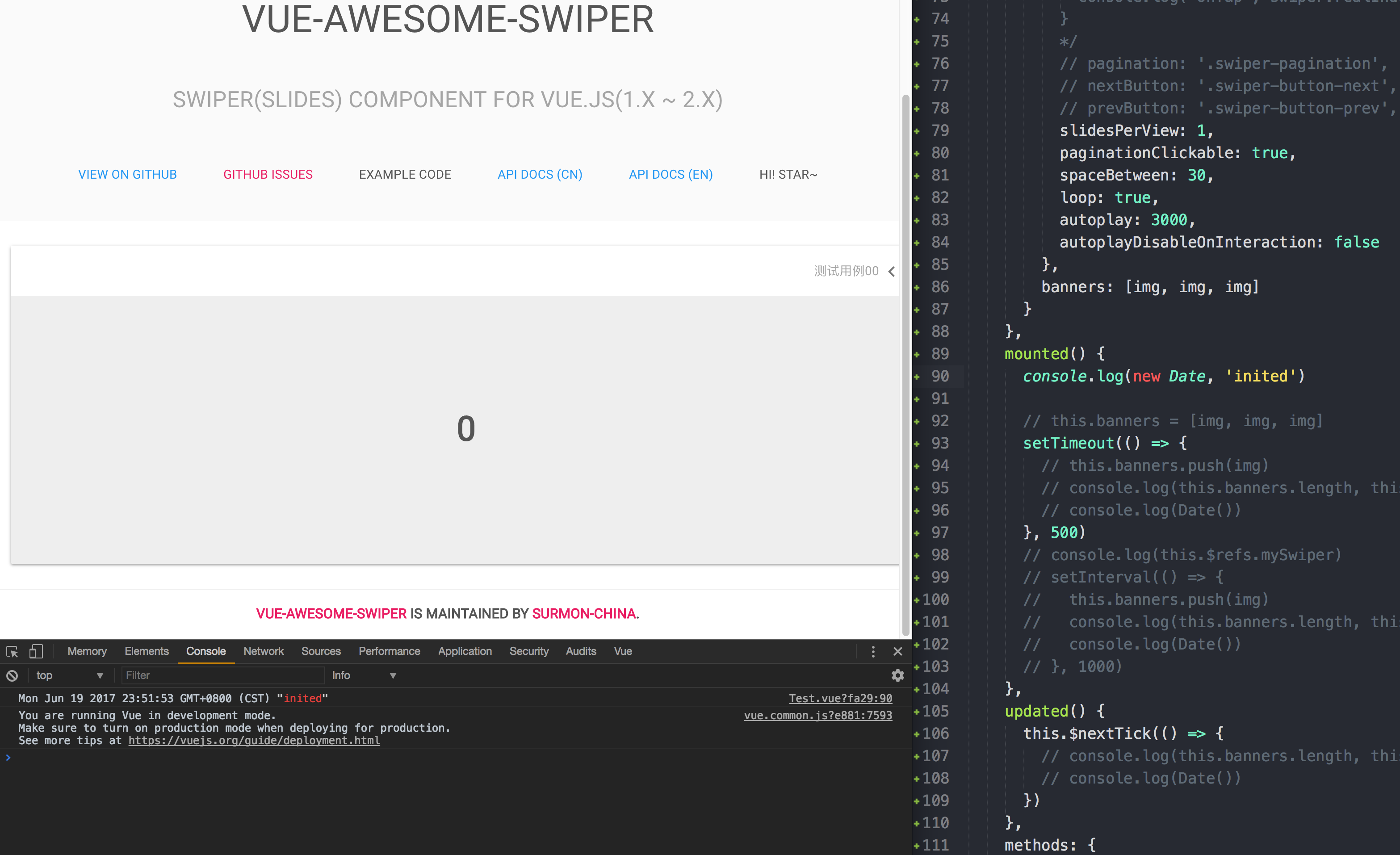
 surmon-china
on 19 Jun 2017
surmon-china
on 19 Jun 2017
@surmon-china It arose when I used the loop (v-for).
  <swiper :options="swiperOption" ref="test" class="category_carousel">
    <swiper-slide
      v-for="(item, index) in classAdsActivity"
      :key="item.id"
      class="J_ping">
      <a :href="item.url">
        <img :src="item.image">
      </a>
    </swiper-slide>
    <div class="swiper-pagination" slot="pagination"></div>
  </swiper>
Me too.
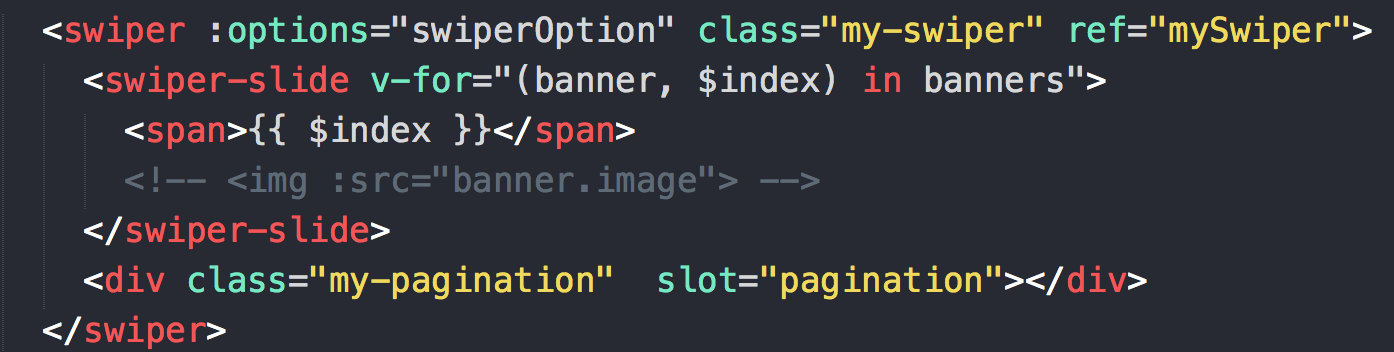
surmon-china
on 20 Jun 2017
Check if your array order is within your expectations?
surmon-china
on 20 Jun 2017
@surmon-china
Note: As the array was in
data, there was no problem.
mapGetters({classAdsActivity: 'classAdsActivity'}). The initial state of classAdsActivity is [].
Manjiz
on 18 Jul 2017
I had same problem, fixed with
js
swiperOption: {
        ...
        onInit: function (swiper) {
          swiper.slideTo(1)
        }
@surmon-china thanks for this great plugin
 simone-sanfratello
on 4 Aug 2017
simone-sanfratello
on 4 Aug 2017
My solution is:
swiperOption: {
...
initialSlide: 1
}
 hgawait
on 19 Aug 2017
hgawait
on 19 Aug 2017
did anyone fixed it because i am still getting same problem
 imsidz
on 9 Jul 2020
imsidz
on 9 Jul 2020
Related issues
 ljanecek
·
5Comments
ljanecek
·
5Comments
 kooshkestani
·
5Comments
kooshkestani
·
5Comments
 Tiamatmate
·
3Comments
Tiamatmate
·
3Comments
 pfasang
·
5Comments
pfasang
·
5Comments
 LJade
·
6Comments
LJade
·
6Comments
Most helpful comment
My solution is:
swiperOption: {
...
initialSlide: 1
}