Vtk-js: camera.setParallelProjection(true) issue
I just need to set camera.setParallelProjection(true), the volume will not be displayed.
Please help me find out what the problem is.
Thanks!!!
 tanxu1120
All 13 comments
Did you try to reset the camera when in parallel projection?
 jourdain
on 21 Aug 2018
jourdain
on 21 Aug 2018
@jourdain Yes, I did that.However, it still cannot be displayed.
tanxu1120
on 22 Aug 2018
following up on this, we're trying to use parallel projection and it's still not working.
I've tried the above methods, (which were mirrored in an email chain I found somewhere), also tried to played with clipping points and parallelScale, but nothing seems to work.
in one case, I managed to get some things to render, but moving the camera (in a method needed for our MPR approach, moving the focal plane and camera distance together through the volume, with a small clipping plane) results in VERY strange cropping.
Looked through the code, and there doesn't seem to be any unit tests for the camera at all, nor any examples using parallel projection so I'm not totally surprised.
How can we help debug this?
 mix3d
on 18 Oct 2019
mix3d
on 18 Oct 2019
example of strange cropping issue:
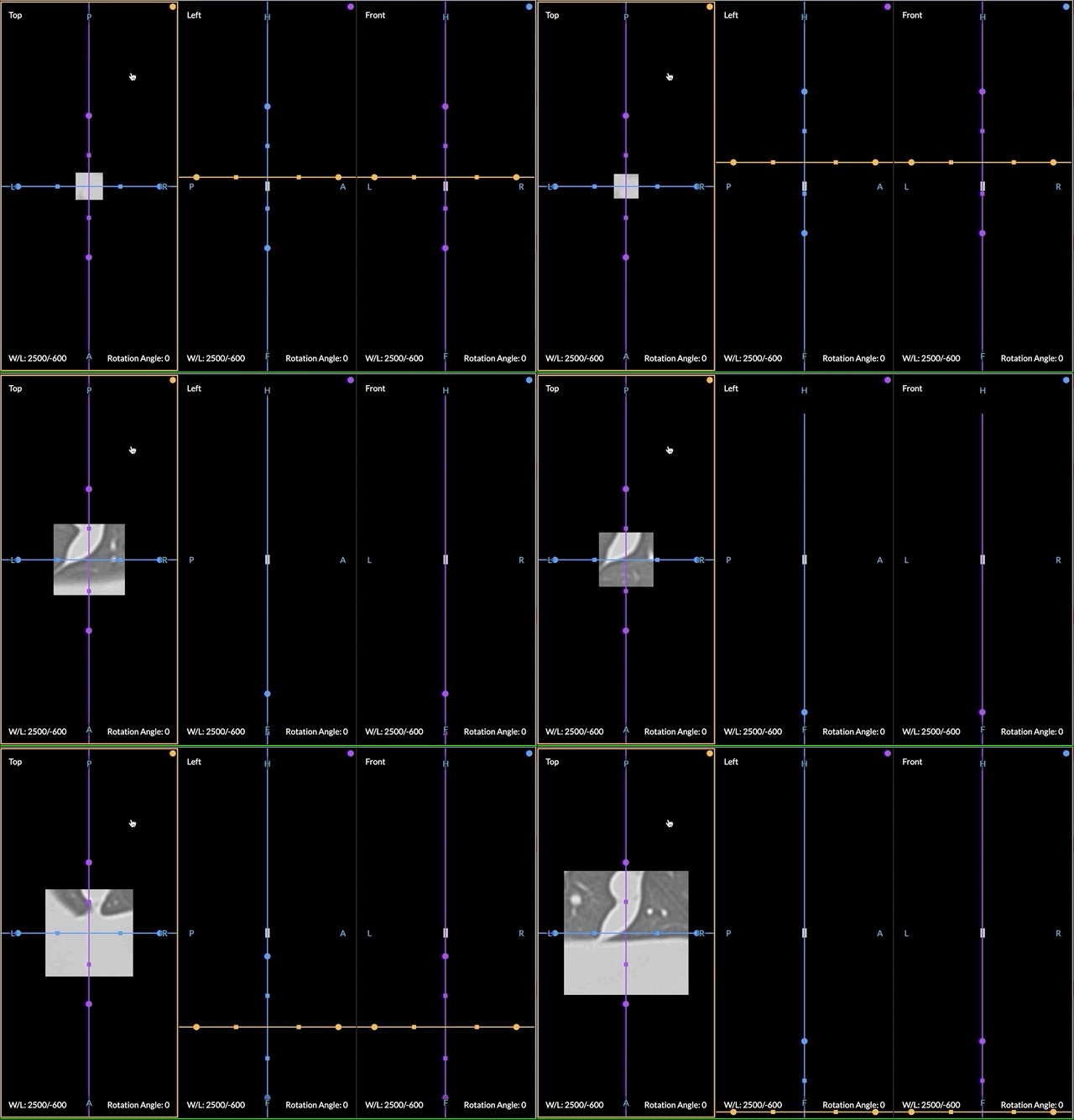
The rendered volume slice stays the same dimensions/scale, but moving the camera closer/farther into the volume crops unusually. If I change the camera angle to one not defaulted to a cartesian coord, the clipping becomes even stranger.
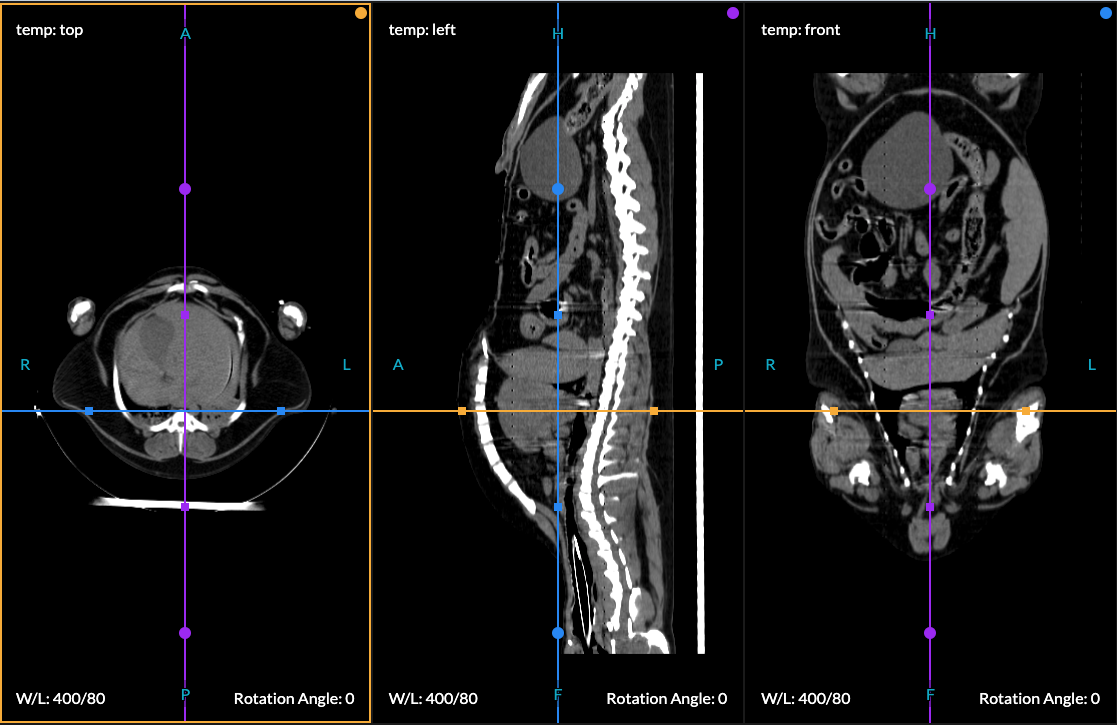
removing the setParallel code however, and leaving everything else as-is, renders just fine.
mix3d
on 18 Oct 2019
Update: I made a small codepen that reproduces the "volumes don't render in parallel" problem. https://codepen.io/mix3d/pen/VwwmLvw
My first test with a cone as the input rendered correctly, but specifically with volumeMappers nothing is displayed.
Example of cone object that renders with parallel projection correctly:
https://codepen.io/mix3d/pen/zYYoGLV
Hopefully this helps narrow down the problem.
mix3d
on 18 Oct 2019
My "hack" solution for this is to use a camera viewAngle of 1 degree. This approximates a parallel view well enough, but doesn't solve the core problem.
mix3d
on 21 Oct 2019
@jourdain @martinken any thoughts / is this on your radar? Perhaps a bug label at least?
mix3d
on 21 Oct 2019
I'll try takjng a quick look. Should be a very small fix once I locate the issue.
 martinken
on 22 Oct 2019
martinken
on 22 Oct 2019
Hey @martinken ,
I've found the issue, I'll get a PR up soon! Making a test case also.
 JamesAPetts
on 22 Oct 2019
JamesAPetts
on 22 Oct 2019
Awesome @JamesAPetts ! Tag me on the PR if you want and I'll do a review.
martinken
on 22 Oct 2019
JamesAPetts
on 22 Oct 2019
Fixed by @JamesAPetts in https://github.com/Kitware/vtk-js/pull/1230
martinken
on 22 Oct 2019
:tada: This issue has been resolved in version 11.7.1 :tada:
The release is available on:
Your semantic-release bot :package::rocket:
jourdain
on 22 Oct 2019
Related issues
 rjsgml5698
·
6Comments
rjsgml5698
·
4Comments
rjsgml5698
·
4Comments
rjsgml5698
·
6Comments
rjsgml5698
·
6Comments
rjsgml5698
·
4Comments
rjsgml5698
·
4Comments
rjsgml5698
·
6Comments
 xavArtley
·
4Comments
xavArtley
·
4Comments
Most helpful comment
Update: I made a small codepen that reproduces the "volumes don't render in parallel" problem. https://codepen.io/mix3d/pen/VwwmLvw
My first test with a cone as the input rendered correctly, but specifically with volumeMappers nothing is displayed.
Example of cone object that renders with parallel projection correctly:
https://codepen.io/mix3d/pen/zYYoGLV
Hopefully this helps narrow down the problem.