Vscode-remote-release: able to connect to the server with command prompt but confirming takes forever to connect on VSCode
- VSCode Version: 1.34.0-insider (user setup)
- Local OS Version: Windows 10, 1803
- Remote OS Version: Ubuntu 18.04
- Remote Extension/Connection Type: SSH
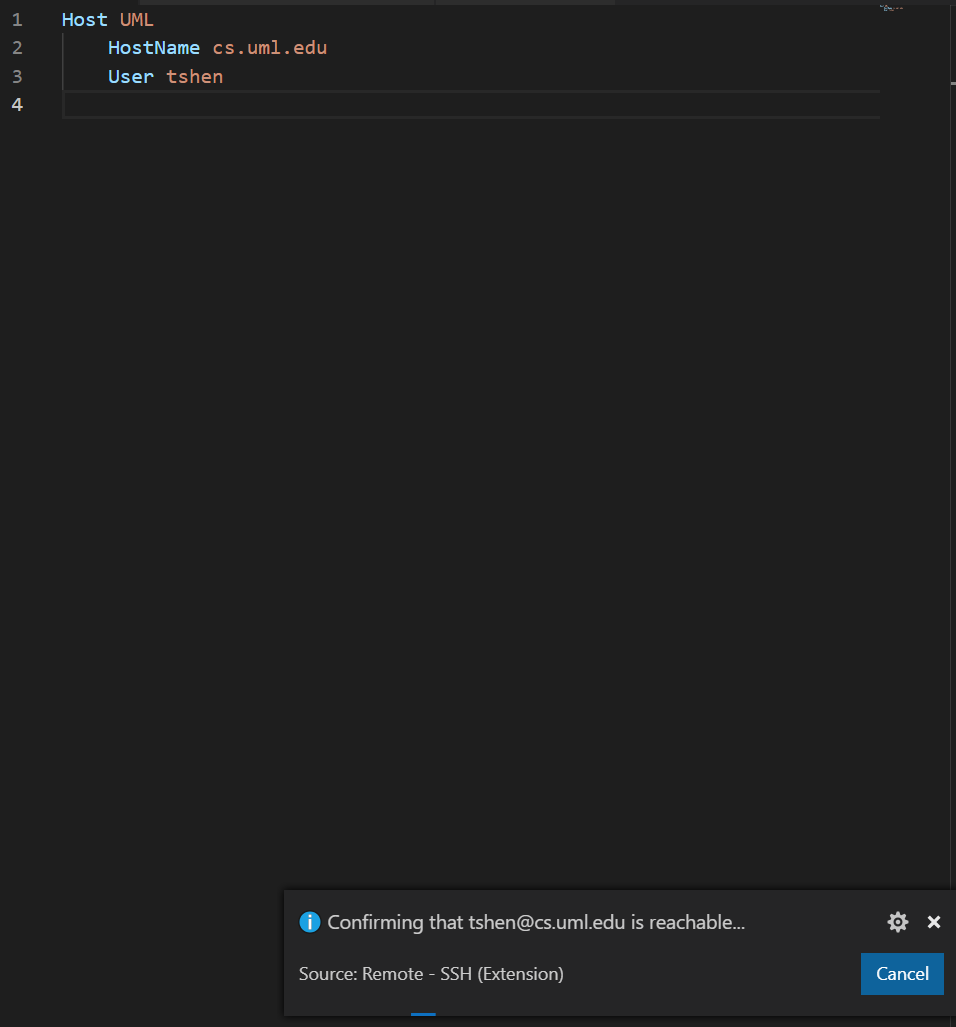
I can connect to my server with ssh on command prompt but confirming takes forever to connect on VSCode. I guess it's because VSCode does not have my password of the server to connect to the server. How do I set it up at the config file of VSCode?
 tingli-shen
All 2 comments
add "remote.SSH.showLoginTerminal": true to settings.json.
 GenkunAbe
on 4 May 2019
GenkunAbe
on 4 May 2019
❤1
🎉1
😄1
👍1
add
"remote.SSH.showLoginTerminal": truetosettings.json.
Thank you very much! It worked
tingli-shen
on 4 May 2019
Was this page helpful?
0 / 5 - 0 ratings
Related issues
 JacksonKearl
·
3Comments
JacksonKearl
·
3Comments
 grzegorz-silarski
·
3Comments
grzegorz-silarski
·
3Comments
 kieferrm
·
3Comments
kieferrm
·
3Comments
 nphmuller
·
3Comments
nphmuller
·
3Comments
 sulume
·
3Comments
sulume
·
3Comments
Most helpful comment
add
"remote.SSH.showLoginTerminal": truetosettings.json.see: Enabling alternate SSH authentication methods