Vscode-r: commands not found after 1.0.7 update
Describe the bug
Commands failed to run after updating to 1.0.7. I tried reinstall the extension (1.0.7), reinstall vs-code, both did not fix the problem.
Currently tested with:
command 'r.runSelection' not found
command 'r.runSource' not found
To Reproduce
Steps to reproduce the behavior:
- File -> Open Folder... -> Open a folder containing R source files.
ctrl+enter
Do you want to fix by self? (I hope your help!)
Reinstalling the extension of version 1.0.6 fixed the problem
(Sorry I don't know how to fix it :cry: )
Expected behavior
Commands should be executed.
Environment (please complete the following information):
- OS: Fedora 29 (Linux)
- VSCode Version: 1.33.1
- R Version: 3.5.3, Platform: x86_64-redhat-linux-gnu (64-bit)
 yh-luo
All 10 comments
I'm having the same problem on macOS 10.12.6 (otherwise, same configuration).
 futuraprime
on 15 Apr 2019
futuraprime
on 15 Apr 2019
Same issue in MacOs Mojave 10.14.2 after updating to 1.0.7
To downgrade the extension to a previous version right click on the extension and then "install another version...":
https://github.com/Microsoft/vscode/issues/12764
 ndegara
on 15 Apr 2019
ndegara
on 15 Apr 2019
Same issue in Windows 10 with 1.0.7.
Downgrade to 1.0.6 resolves
 beansrowning
on 15 Apr 2019
beansrowning
on 15 Apr 2019
Sorry for good users, thank you for early inform.
This problem occurred cause package.json update.
I fixed and published the new version now.
Please try again that.
 Ikuyadeu
on 16 Apr 2019
Ikuyadeu
on 16 Apr 2019
@Ikuyadeu Upgrading to 1.0.8 resolved my issues. Thanks for the quick response!
beansrowning
on 16 Apr 2019
@Ikuyadeu I confirmed that the issue was fixed after upgrading to 1.0.8. Thanks for the good work!
yh-luo
on 16 Apr 2019
@beansrowning @yh-luo I am glad to hear that, please happy coding
Ikuyadeu
on 17 Apr 2019
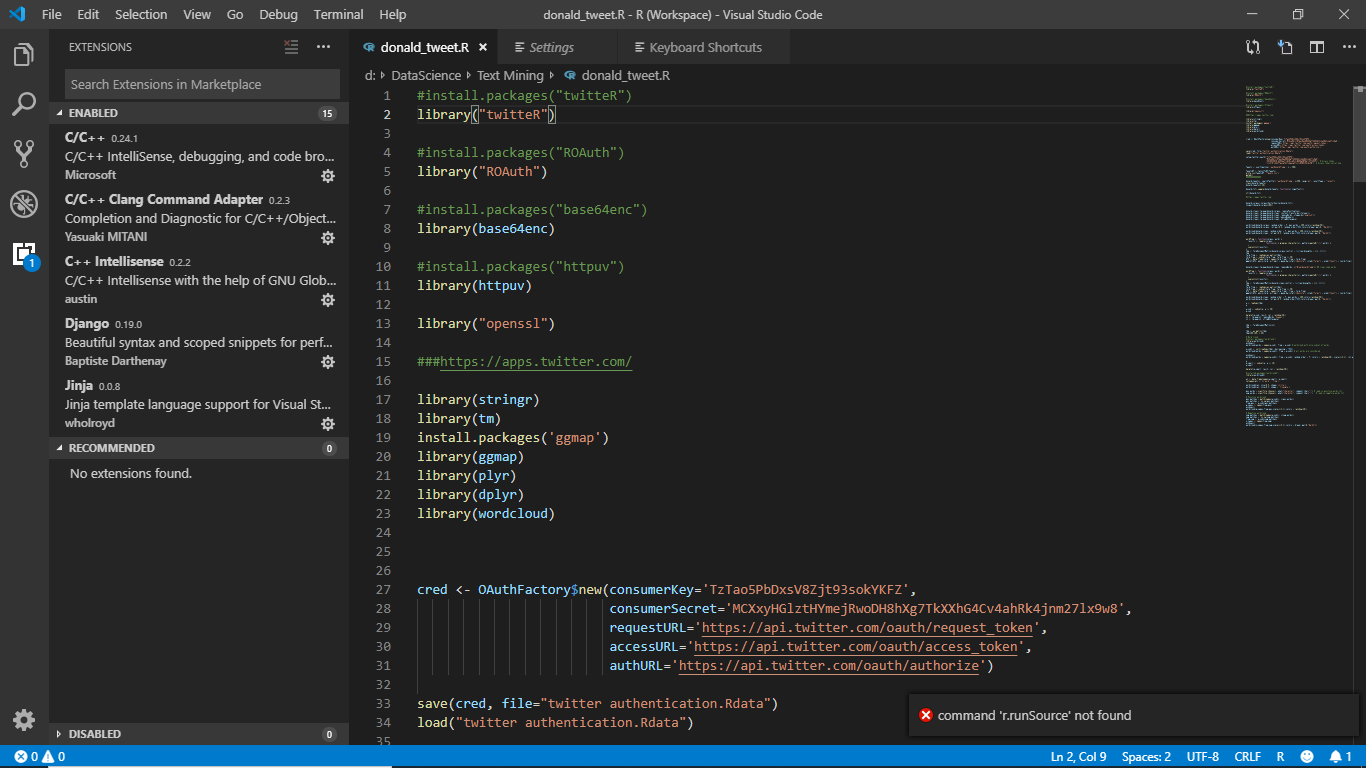
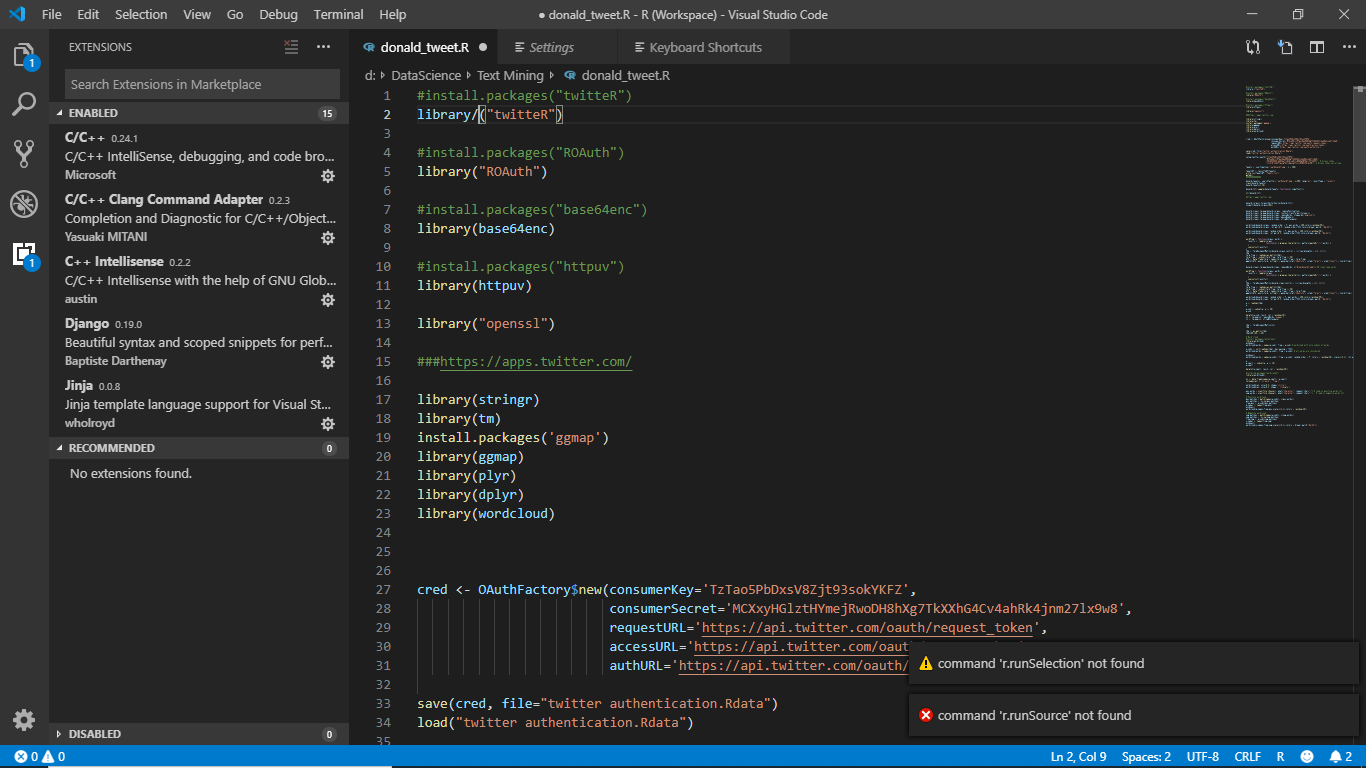
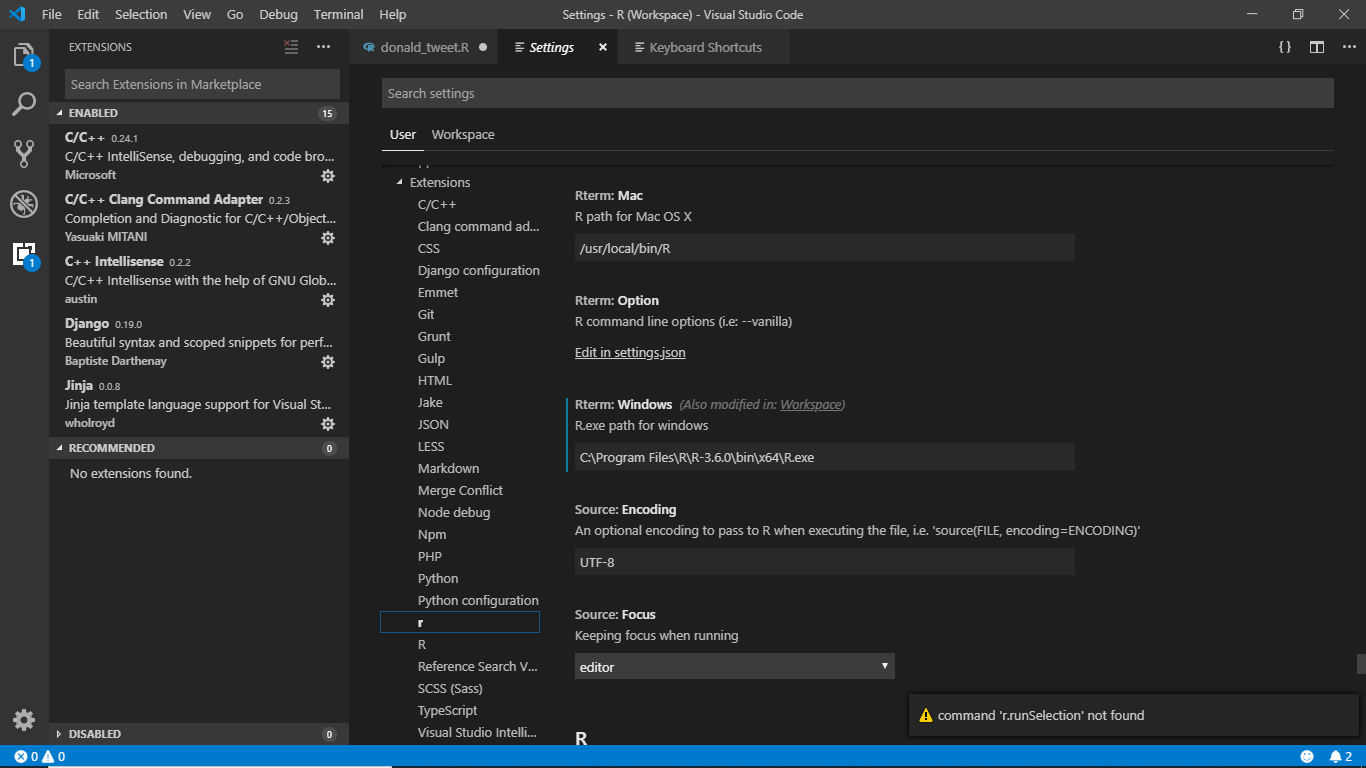
I don't know I'm felling totally frustrated and helpless. Recently I installed your latest version,did all the things as asked to set up the directory but cant run it .Those two dreadful errors always pop up.
command 'r.runSelection' not found
command 'r.runSource' not found
Please help me. Tell me what shall I do

 mlnewbie1996
on 2 Aug 2019
mlnewbie1996
on 2 Aug 2019
Hi @deveops1996, try:
File -> Open Folder...
Select the folder ‘Text Mining’ and click Open.
Then try the run selection or run source commands again.
 andycraig
on 2 Aug 2019
andycraig
on 2 Aug 2019
Hi @deveops1996, try:
File -> Open Folder...
Select the folder ‘Text Mining’ and click Open.
Then try the run selection or run source commands again.
Yes I did and and it seems there has to be a workspace for the R interactive Terminal to open and run. Now its working after I have set the workspace folder
mlnewbie1996
on 2 Aug 2019
Related issues
 renkun-ken
·
3Comments
renkun-ken
·
3Comments
 MaTo04
·
5Comments
MaTo04
·
5Comments
 maxheld83
·
4Comments
maxheld83
·
4Comments
 michaelHL
·
5Comments
michaelHL
·
5Comments
 nathaneastwood
·
6Comments
nathaneastwood
·
6Comments
Most helpful comment
Sorry for good users, thank you for early inform.
This problem occurred cause
package.jsonupdate.I fixed and published the new version now.
Please try again that.