Vscode-r: As of vscode-R 1.6.0 I cannot see help files
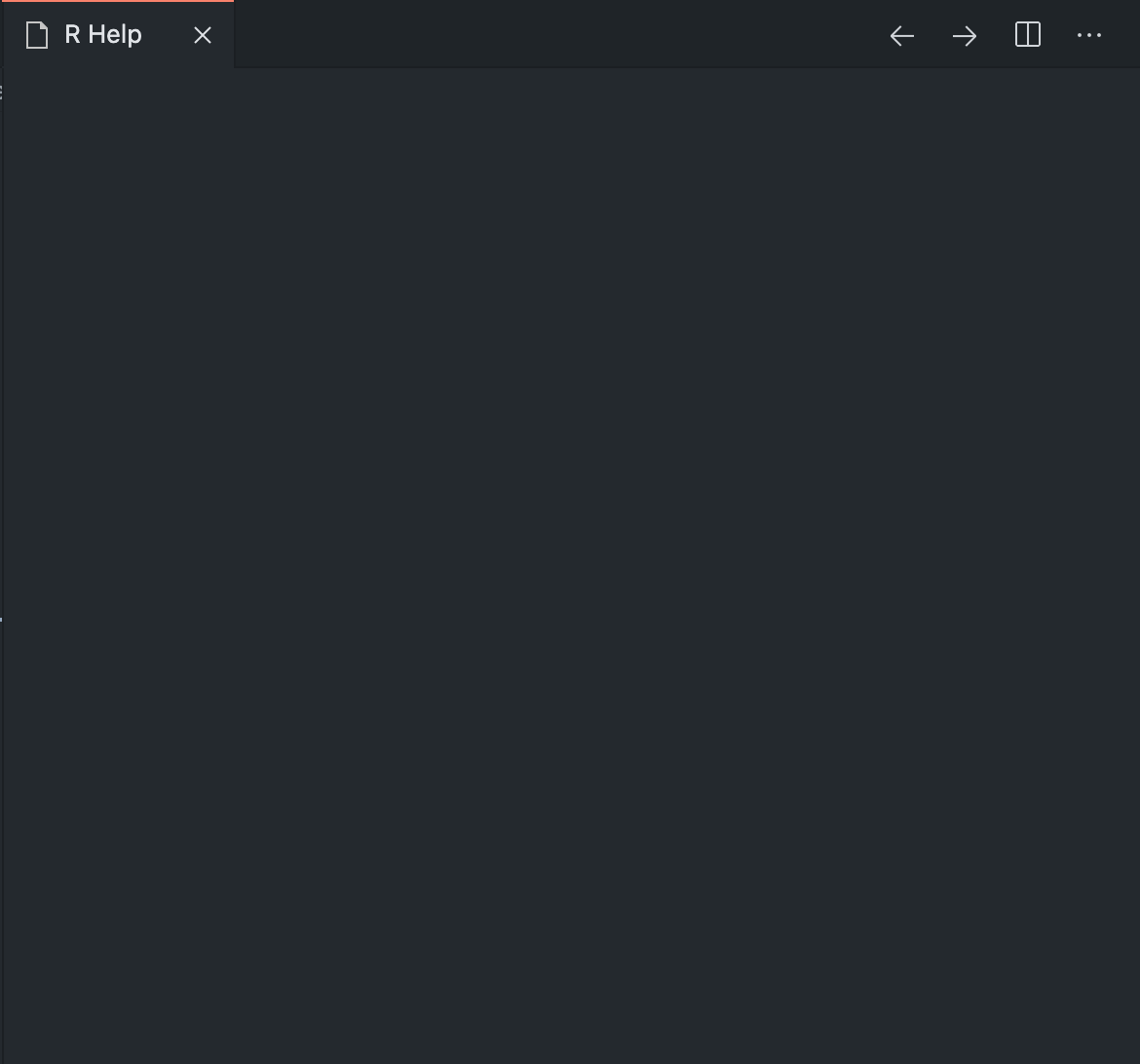
I have the latest versions of vscode-R (v1.6.0) and {languageserver} (v0.3.7) on the latest VSCode (v1.51.1) on MacOS 19.6.0. If I type into the console ?rnorm, as an example, I just see a black tab with nothing displayed there.
These are my current settings:
  "r.rterm.mac": "/usr/local/bin/radian",
  "r.rterm.option": [""],
  "r.bracketedPaste": true,
  "r.sessionWatcher": true,
  "r.lsp.debug": true,
  "r.lsp.diagnostics": true,
  "r.alwaysUseActiveTerminal": true,
 nathaneastwood
All 6 comments
You might use options(vsc.helpPanel = FALSE) to disable the help panel at the moment.
@ManuelHentschel any idea on this?
 renkun-ken
on 22 Nov 2020
renkun-ken
on 22 Nov 2020
Looks like setting r.helpPanel.rpath does not have any effect.
If I set
"r.rterm.mac": "/usr/local/bin/radian",
"r.helpPanel.rpath": "/usr/local/bin/R"
it won't work either. and
"r.rterm.mac": "",
"r.helpPanel.rpath": "/something/not/exists"
works.
Looks like r.helpPanel.rpath is ignored/not used at all. It will always default to r.rterm.mac.
renkun-ken
on 22 Nov 2020
Interestingly, if I devtools::load_all() and then look at the help file, it will load the development help file in my internet browser.
nathaneastwood
on 22 Nov 2020
load_all attaches an environment devtools_shims which contains a modified version of help that is not affected by the overwrites from init.R:
> devtools::load_all()
Loading RTestPackage

> search()
 [1] ".GlobalEnv"           "devtools_shims"       "package:RTestPackage"
...

> ls(as.environment('devtools_shims'))
[1] "?"           "help"        "system.file"
 ManuelHentschel
on 22 Nov 2020
ManuelHentschel
on 22 Nov 2020
@nathaneastwood Would you like to install the latest build at https://github.com/Ikuyadeu/vscode-R/actions/runs/377371651 and see if it works for you?
renkun-ken
on 23 Nov 2020
I installed the extension from the vsix and can confirm it works! Thanks very much to all for your quick response to this issue.
nathaneastwood
on 23 Nov 2020
Related issues
 albert-ying
·
5Comments
albert-ying
·
5Comments
 Victsz
·
5Comments
Victsz
·
5Comments
 Kalaschnik
·
4Comments
Kalaschnik
·
4Comments
 bdeshon
·
3Comments
bdeshon
·
3Comments
 tdeenes
·
5Comments
tdeenes
·
5Comments