Vscode-gitlens: Distracting editor behavior - Unsaved changes (cannot determine authors)
When ever I type into a vscode editor window, a message briefly appears at the top of the editor saying:
Unsaved changes (cannot determine authors)
This output causes the editor content to shift up and down and is distracting. How can I disable this behavior?
Thanks.
 ChuckIrvine
All 6 comments
I see the same warning everytime I edit a file, it goes away after saving which is specially distracting when autosaving is enabled, as the text moves down and then back up while editing.
My interim fix was to set recentChangeAndAuthors to blank, try adding this your setting.json file:
"gitlens.strings.codeLens.unsavedChanges.recentChangeAndAuthors": ""
 rubaiz
on 10 Oct 2019
rubaiz
on 10 Oct 2019
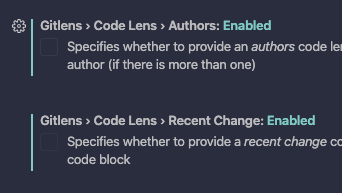
One fix is to disable the Gitlens>Code Lens>Authors
 CameLion
on 13 Nov 2019
CameLion
on 13 Nov 2019
I had to disable all of Code Lens. Just unchecking Authors didn't work for me.
 haughki
on 25 Nov 2019
haughki
on 25 Nov 2019
@haughki This too was distracting for me and I found that disabling both Authors and Recent Change got rid of it.
 joe-scotto
on 28 Jan 2020
joe-scotto
on 28 Jan 2020
Not sure if related or a new issue but I found this line "shaking while typing" pretty annoying:
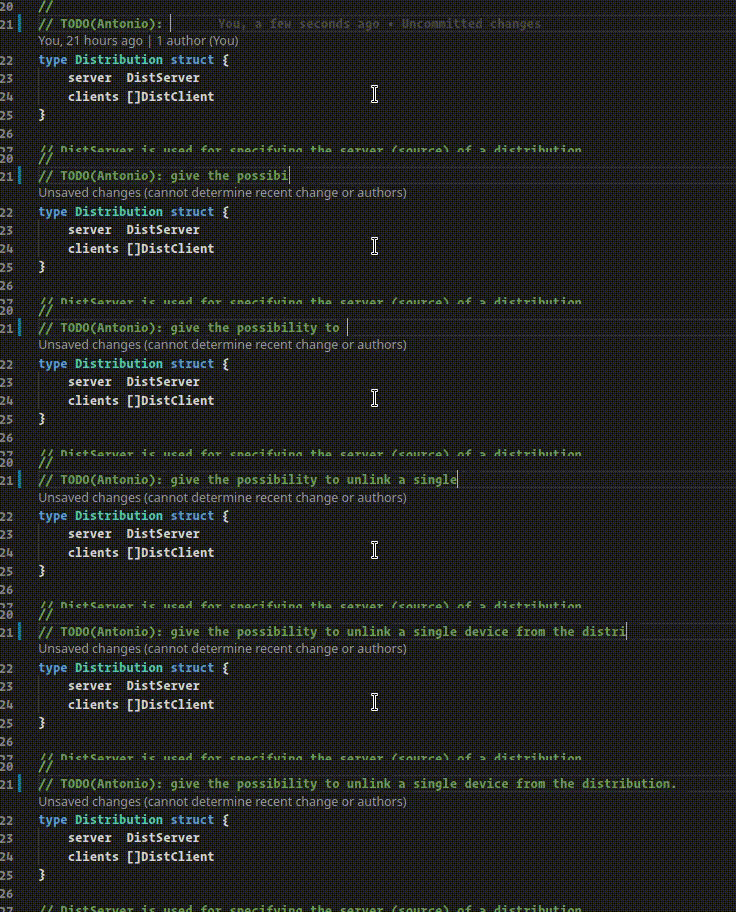
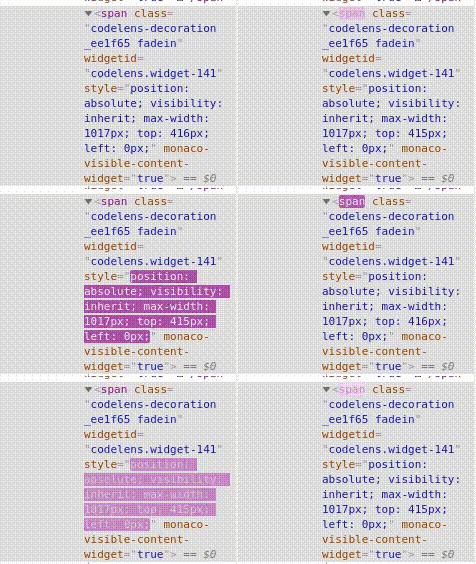
As suggested by joe-scotto I disabled that feature entirely :)
 Pitasi
on 10 Sep 2020
Pitasi
on 10 Sep 2020
This is "fixed" in GitLens 11 -- as the code lens is replaced with an ellipsis (by default) when it can't currently be displayed.
@Pitasi that looks like a bug in VS Code -- can you report that on the VS Code repo?
 eamodio
on 30 Nov 2020
eamodio
on 30 Nov 2020
Related issues
 robertzauner
·
3Comments
robertzauner
·
3Comments
 ridhwaans
·
3Comments
ridhwaans
·
3Comments
 derrickstolee
·
3Comments
derrickstolee
·
3Comments
 carlleeswanson
·
3Comments
carlleeswanson
·
3Comments
 Ardeshir81
·
3Comments
Ardeshir81
·
3Comments
Most helpful comment
@haughki This too was distracting for me and I found that disabling both

AuthorsandRecent Changegot rid of it.