Vscode-bookmarks: jump to bookmark
The instructions for adding: Ctrl + Shift + 2 then Ctrl + 2 to jump to bookmark does not work.
 gaiahub
All 7 comments
Hi @gaiahub ,
I think you installed (or is reporting) the wrong extension. This extension toggles unlimited number of bookmarks and has two different commands to jump (Jump to Next and Jump to Previous).
My other extension Numbered Bookmarks is the one which uses Ctrl + Shift + # to add and Ctrl +# to jump.
Which one are you talking about?
 alefragnani
on 27 Aug 2020
alefragnani
on 27 Aug 2020
I am on
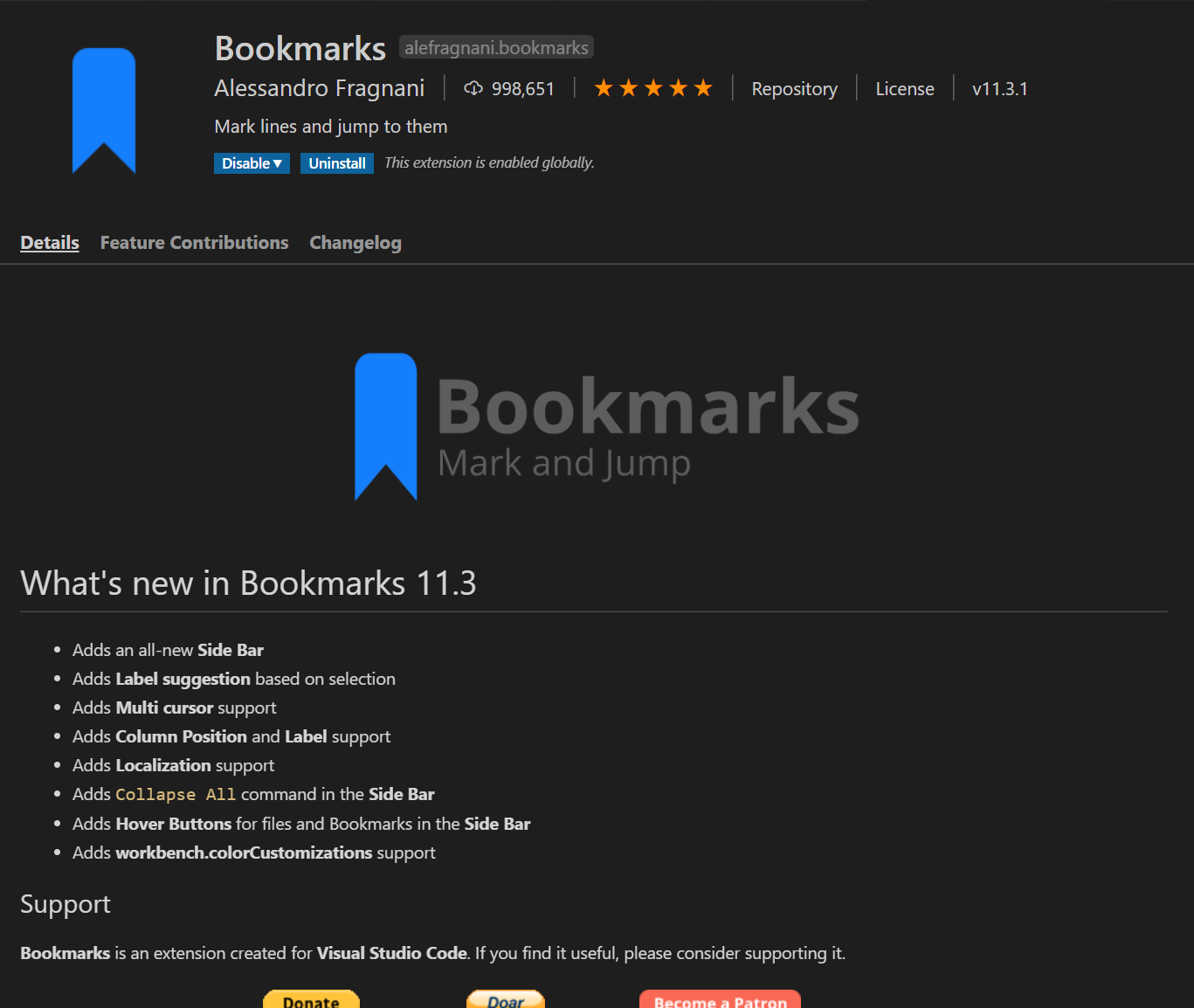
I added the bookmark but when i try to jump to it, the ctrl+# does nothing.
gaiahub
on 27 Aug 2020
You are reporting on the right extension, but using the commands from the other extension.
This extension doesn't have a Jump to bookmark command, but instead Jump to Next and Jump to Previous. So, you won't be able to jump to specific bookmarks. Also, the default shortcuts are Ctrl + Alt + K to Toggle Bookmark and Ctrl + Alt + J and Ctrl + Alt + L to Jump to Previous and Jump to Next bookmarks, respectively. If you changed the shortcuts and they aren't working, I suggest you to check for conflicts in VS Code. Just open the Keyboard Shortcuts UI and type Ctrl + # and see the commands that has the same shortcut.
Otherwise, if you want/need to jump to specific bookmarks, you should use my other Numbered Bookmarks extension.
Hope this helps
alefragnani
on 27 Aug 2020
thank you, i didnt see Ctrl + Alt + J anywhere.
gaiahub
on 27 Aug 2020
That's great 🎉
Enjoy
alefragnani
on 27 Aug 2020
Can I use both extensions, numbered bookmarks & this one here, simultaneously without problems?
 natgross
on 16 Mar 2021
natgross
on 16 Mar 2021
Hi @natgross ,
Sure! I do that myself on both computers I use.
There is no _conflict_, unless you add both bookmarks on the same line, you won't see the icons properly. But that's a VSCode issue, which also happens with Breakpoints.
Hope this helps
alefragnani
on 16 Mar 2021
Related issues
 versionsix
·
4Comments
versionsix
·
4Comments
 919Studios
·
4Comments
919Studios
·
4Comments
 longv2go
·
6Comments
longv2go
·
6Comments
 it-sha
·
5Comments
it-sha
·
5Comments
 pakLebah
·
3Comments
pakLebah
·
3Comments