Voyager: [SEVERE BUG] Illegal string offset 'locale'
Version information
- Laravel: v5.7.25
- Voyager: v1.1
- PHP: v7.1.3
- MySql: 15.1 Distrib 10.1.36-MariaDB, for Win32 (AMD64)
Description
The Bug starts occurring when trying to update the user's profile and affects every /admin route registered in the app.
Steps To Reproduce
Steps to reproduce the behavior:
- Setup Laravel
- composer require tcg/voyager
- php artisan voyager:install
- php artisan voyager:admin [email protected] --create
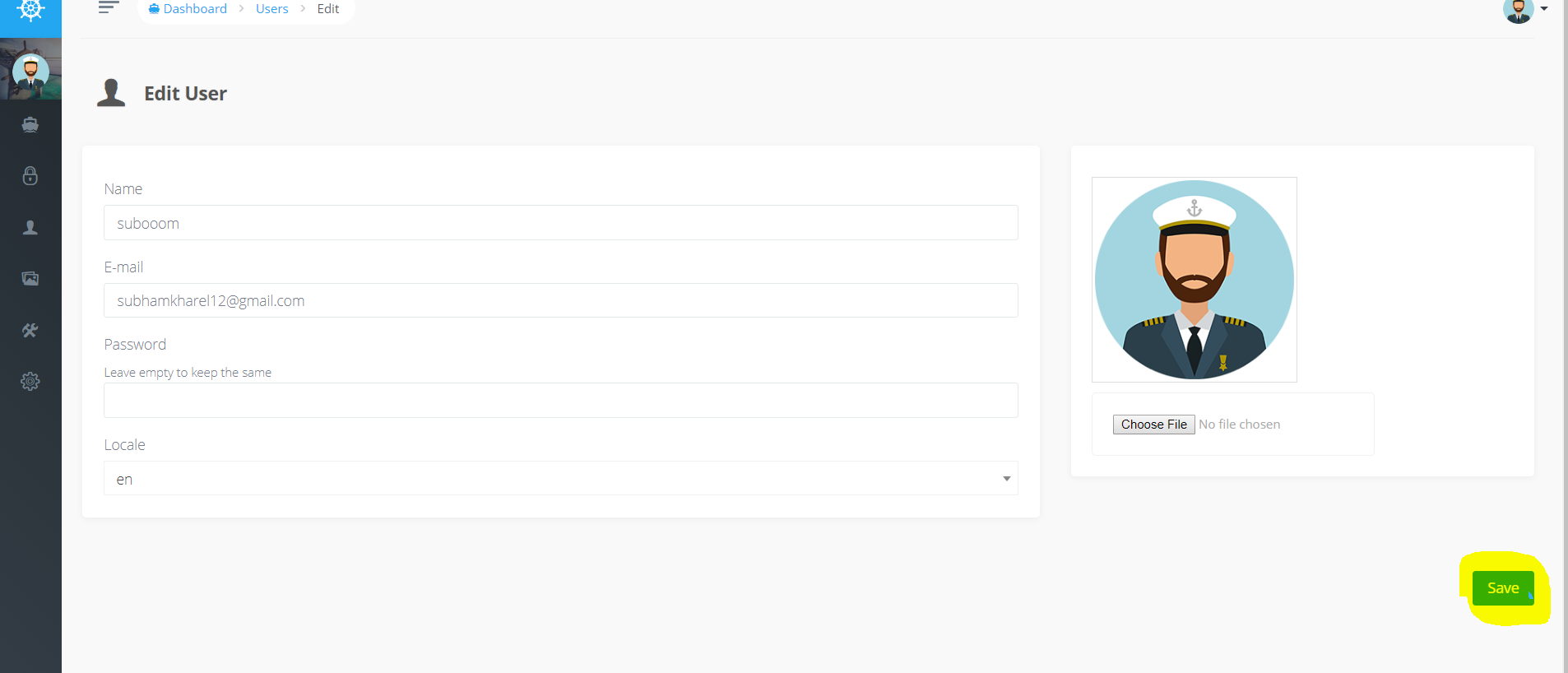
- Go to profile and change profile avatar and hit save.
Expected behavior
The avatar to change.
Screenshots

What I have tried
dd() -ing $this->settings in the getLocalAttribute() function on TCG\Voyager\Models\User.php like

gives:

Tried to json_decode it but it still doesn't work.
You can do dd(json_decode($this->settings)->locale) and it gives 'en'.
 subooom
All 5 comments
Please fill out the exact versions. This feature was working for month, so there might be a change in laravel
 emptynick
on 7 Feb 2019
emptynick
on 7 Feb 2019
Please fill out the exact versions. This feature was working for month, so there might be a change in laravel
I have updated my question.
subooom
on 7 Feb 2019
As of 3 days ago, the default App\User model now includes a casts array to cast the email_verified_at attribute. Make sure it also casts settings as array, as it overrides the casts array on TCG\Voyager\Models\User.
class User extends \TCG\Voyager\Models\User
{
    protected $casts = [
        'email_verified_at' => 'datetime',
        'settings' => 'array',
    ];
}
 citrtech
on 7 Feb 2019
citrtech
on 7 Feb 2019
@citrtech's solution works, but don't forget to launch a php artisan cache:clear after this modification. Sometimes it could not work just with code modification.
 happytodev
on 10 Feb 2019
happytodev
on 10 Feb 2019
This issue has been automatically locked since there has not been any recent activity after it was closed. If you have further questions please ask in our Slack group.
![github-actions[bot] picture](https://avatars.githubusercontent.com/in/15368?v=4&s=40) github-actions[bot]
on 18 May 2020
github-actions[bot]
on 18 May 2020
Related issues
 iwasherefirst2
·
3Comments
iwasherefirst2
·
3Comments
 duongsieu
·
3Comments
duongsieu
·
3Comments
 wp-src
·
3Comments
wp-src
·
3Comments
 jeulun
·
3Comments
jeulun
·
3Comments
 raoasifraza1
·
3Comments
raoasifraza1
·
3Comments
Most helpful comment
As of 3 days ago, the default
App\Usermodel now includes a casts array to cast theemail_verified_atattribute. Make sure it also castssettingsas array, as it overrides the casts array onTCG\Voyager\Models\User.