- Laravel Version: 5.5.40
- Voyager Version: 1.0.16
- PHP Version: 7.2
- Database Driver & Version:mysql 5.7.21
- Valet-Linux
- OS Ubuntu
Description:
if i enter link local to APP_URL then image not show

but if i empty APP_URL then image show

whats wrong
I've tried to change link to
project.apps
localhost
localhost:8000
http://localhost:8000
http://localhhost
but the result is the same picture does not appear
if it does not matter if I empty it APP_URL ??
 BangJamal
All 14 comments
What is the image source link for both condition ?
 arafatrahman13
on 3 Apr 2018
arafatrahman13
on 3 Apr 2018
 donmbelembe
on 3 Apr 2018
donmbelembe
on 3 Apr 2018
http://project.apps
same bro not show image @donmbelembe
BangJamal
on 4 Apr 2018
@arafatrahman13
http://project.apps/admin/localhost/storage/posts/February2018/wwARlHcXqRZam8WvtG7r.jpg
this link bro
BangJamal
on 4 Apr 2018
@mysykez.... is this link for empty APP_URL or not?
arafatrahman13
on 4 Apr 2018
that link APP_URL:localhost
if APP_URL:blank
then this link http://project.apps/storage/posts/February2018/wwARlHcXqRZam8WvtG7r.jpg
and image showing
BangJamal
on 4 Apr 2018
@mysykez...What is the image source link for APP_URL: http://project.apps ?
arafatrahman13
on 4 Apr 2018
@mysykez, sounds like your APP_URL is set to localhost, not http://localhost. Additionally, it should be your chosen domain, http://project.apps, not http://localhost
 fletch3555
on 4 Apr 2018
fletch3555
on 4 Apr 2018
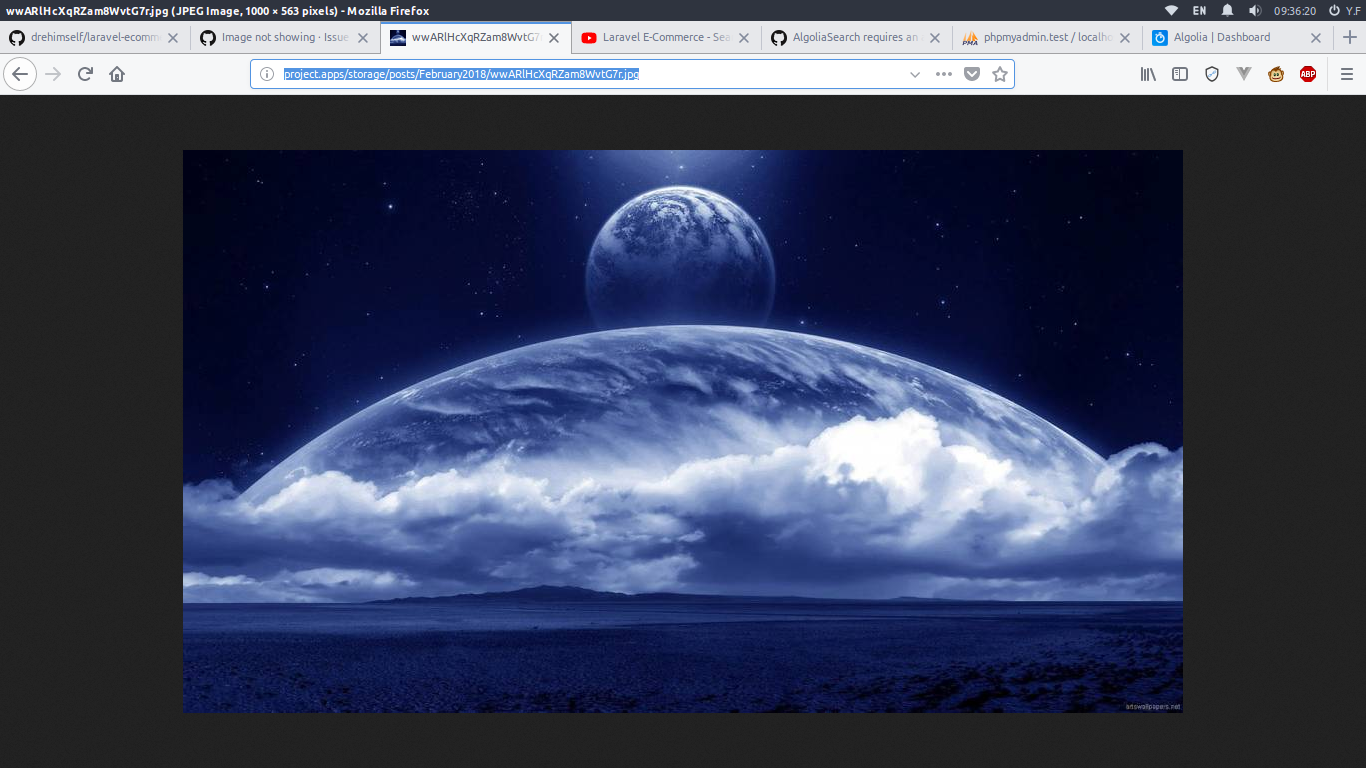
http://project.apps/storage/posts/February2018/wwARlHcXqRZam8WvtG7r.jpg
work thanks . must use http:// hehehe
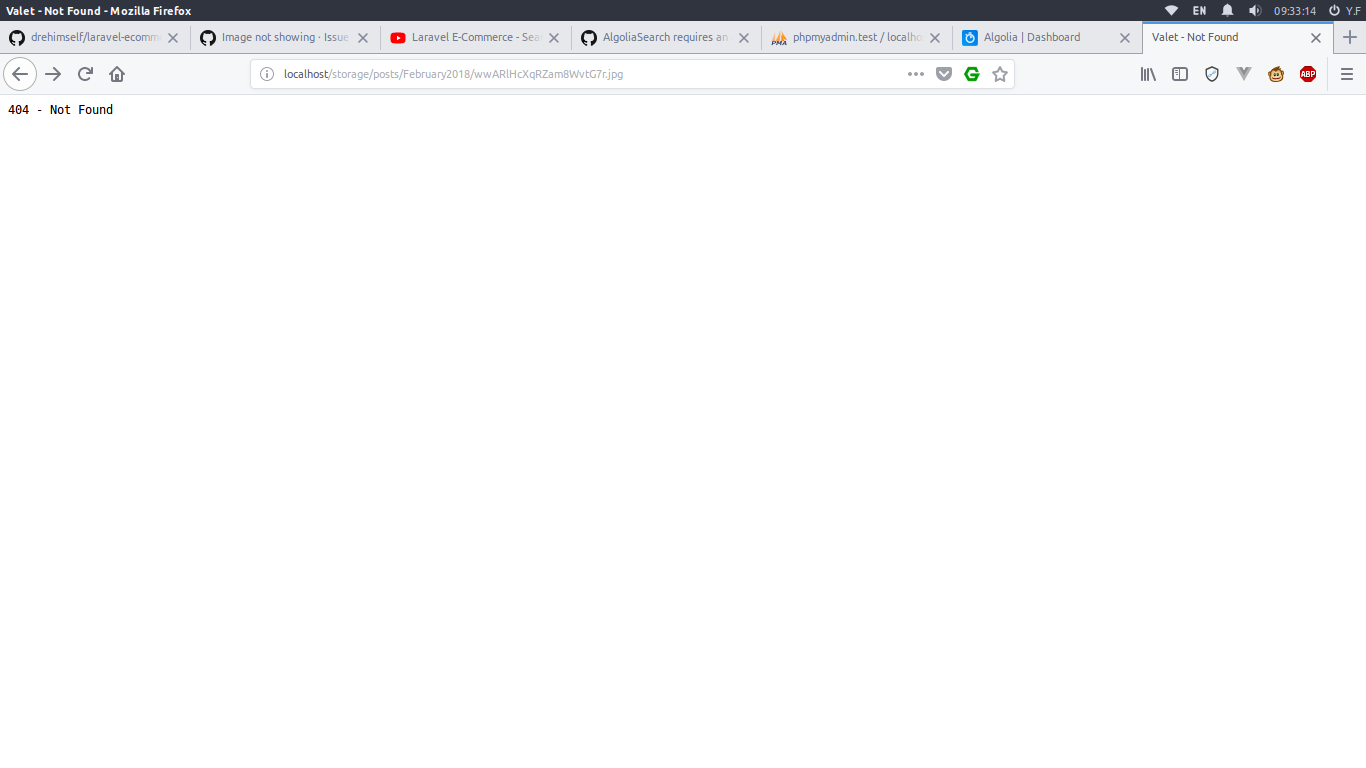
this link http://localhost not work valet 404 - Not Found
thank u very much problem solved . thanks to @arafatrahman13
thanks for all his help
BangJamal
on 9 Apr 2018
Laravel Version: 5.5
Voyager Version: 1.0
PHP Version: 7.1 + Apache
Hello, I am using Laragon and have the same issue with images. But I can not understand how to hadle with it. I navigate to http://myapp.test:8000/admin
The URL of that image is:
http://myapp.test/storage/users/April2018/0el2sSXGmvCe7yrgnh84.jpg
but when I navigate to laragon\www\myapp\storage, there is no folder named _users_ there.

The real physical path to a file is: laragon\www\myapp\storage\app\public\users\April2018\0el2sSXGmvCe7yrgnh84.jpg
In my .env file I have APP_URL=http://myapp.test
Please advice how to fix this issue.
UPD. I've changed APP_URL to http://myapp.test:8000 and that was the solution.
 maxbgn
on 12 Apr 2018
maxbgn
on 12 Apr 2018
@maxbgn, this has been solved/answered literally 1000 times in issues on this repo.
You've misunderstood the folder structure in Laravel. When you visit example.com, your webserver should be directing it to /path/to/laravel/public. Given this knowledge, why would you think example.com/storage/..... would point to /path/to/laravel/storage/... instead of /path/to/laravel/public/storage/...?
Also, you'll notice the url you access your site at differs from the generated url to your image (missing port number). The solution is to add the port number to your APP_URL
fletch3555
on 12 Apr 2018
This issue can be closed! The original question was answered and the answer of @maxbgn.
Quoting @maxbgn:
UPD. I've changed APP_URL to http://myapp.test:8000 and that was the solution.
Tags: question
 cyrildewit
on 20 Apr 2018
cyrildewit
on 20 Apr 2018
APP_URL=http://localhost:8000/yourappname/public
 ishwarbhusal
on 10 Apr 2020
ishwarbhusal
on 10 Apr 2020
That would lead to a security issue as you can access your .env file.
For everyone reading this: Don't do this
 emptynick
on 10 Apr 2020
emptynick
on 10 Apr 2020
Related issues
 zzpwestlife
·
3Comments
zzpwestlife
·
3Comments
 ferrywae
·
4Comments
ferrywae
·
4Comments
 Nagendra1421
·
3Comments
Nagendra1421
·
3Comments
 wislem
·
3Comments
wislem
·
3Comments
 TPRAsh
·
3Comments
TPRAsh
·
3Comments
Most helpful comment
@maxbgn, this has been solved/answered literally 1000 times in issues on this repo.
You've misunderstood the folder structure in Laravel. When you visit
example.com, your webserver should be directing it to/path/to/laravel/public. Given this knowledge, why would you thinkexample.com/storage/.....would point to/path/to/laravel/storage/...instead of/path/to/laravel/public/storage/...?Also, you'll notice the url you access your site at differs from the generated url to your image (missing port number). The solution is to add the port number to your APP_URL