Victory: Render tick labels below negative bars
When we have negative data, x-axis tick values should be rendered below the chart and not on top of the bars where the axis is:
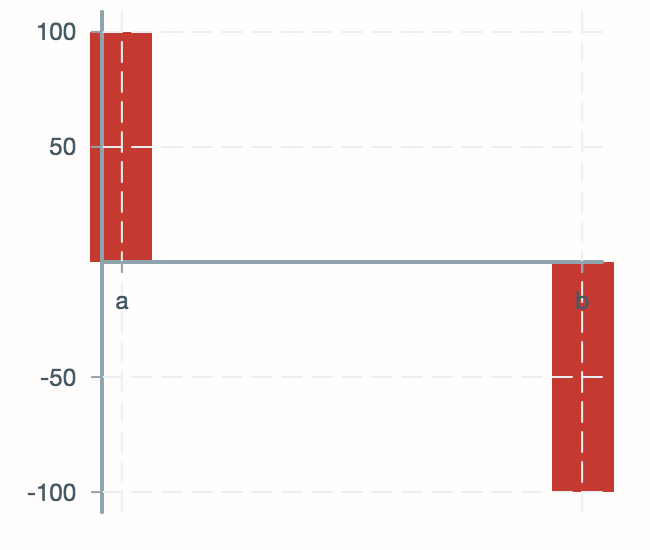
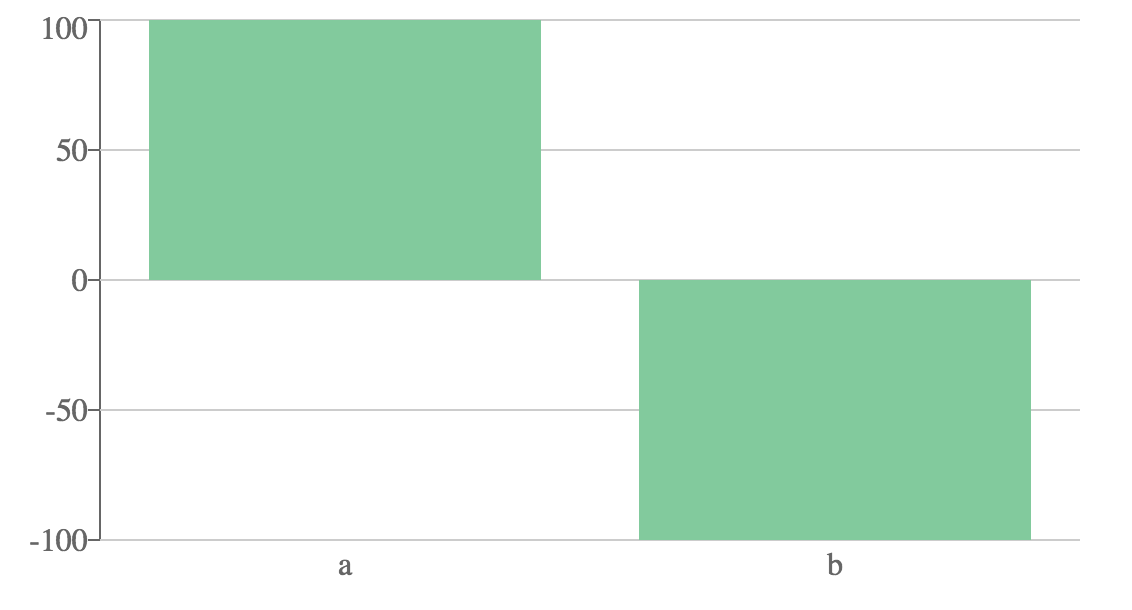
The tick values a and b should be below the chart. Is there an option for that? Like this:
 naveedehmad
All 9 comments
@naveedehmad you can use the offsetY prop on VictoryAxis to move your dependent axis down to the bottom of your chart like in the second image. You can read more about it here: https://formidable.com/open-source/victory/docs/victory-axis#offsety
 boygirl
on 12 Sep 2017
boygirl
on 12 Sep 2017
is there a way to calculate the offset based on the data? i don t have any domain for my y axis.
also it moves down the whole axis line, but i want only the labels to move and keep the axis itself on zero.
 Lelith
on 10 Apr 2018
Lelith
on 10 Apr 2018
Check out this example of negative aware tick labels https://codesandbox.io/s/v6zzl6jl77
boygirl
on 11 Apr 2018
awsome thank you for your quick reply, that helped me a lot!
Lelith
on 11 Apr 2018
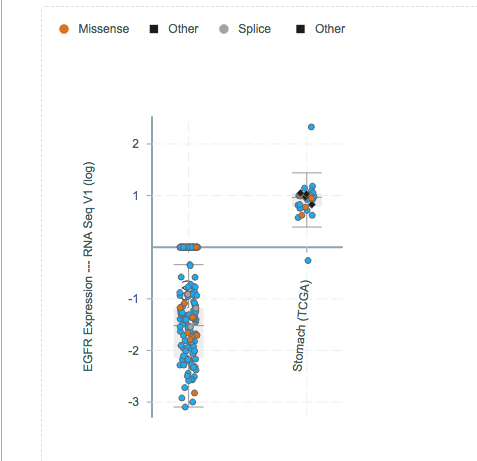
@boygirl we've been struggling with the following. If there's negative data, the x axis is place at zero, which brings the tick labels along with it. We want the labels and probably the axis too to be at the bottom of the chart. Is there a simple way?
 alisman
on 7 May 2018
alisman
on 7 May 2018
I also would like to know how to do this.
 wieringen
on 11 May 2018
wieringen
on 11 May 2018
@alisman did you try to simply put something like:
<VictoryAxis
  offsetY={10}
/>
And then play a little bit with the value of the offset.
 Clafouti
on 16 May 2018
Clafouti
on 16 May 2018
@Clafouti Yes, I hadn't realized that the offset was relative to the y axis. So this is indeed the solution to this issue.
alisman
on 16 May 2018
@Clafouti Yes, I hadn't realized that the offset was relative to the y axis. So this is indeed the solution to this issue.
Definitely works, but you lose your zero value axis. I suppose we'd need to compose another axis just for that 😅
 nazimjamil
on 9 Oct 2020
nazimjamil
on 9 Oct 2020
Related issues
 michowski
·
4Comments
michowski
·
4Comments
 tylermassey
·
5Comments
tylermassey
·
5Comments
 captDaylight
·
5Comments
captDaylight
·
5Comments
 esutton
·
6Comments
esutton
·
6Comments
 tgoldenberg
·
5Comments
tgoldenberg
·
5Comments
Most helpful comment
@Clafouti Yes, I hadn't realized that the offset was relative to the y axis. So this is indeed the solution to this issue.