Victory-native: Performance good on iOS simulator, poor on iOS device
The Problem
I have a data set with 100 points, which I'm rendering like so:
<View style={styles.container}>
  <VictoryChart
    width={width}
    theme={VictoryTheme.material}
    containerComponent={<VictoryZoomContainer zoomDimension="x" />}
  >
    <VictoryLine data={someData} y="someDataMember" />
  </VictoryChart>
</View>
This looks and performs fantastic on the iOS simulator.
However when running on an iOS device (in this case the iPhone 6S, which is a fairly recent and reasonably powered device), the panning and zooming is very laggy and choppy, even when building the react-native app in release mode.
The question
Is this simply due to the fact that the simulator has access to all the resources (processor, memory) of the laptop on which it is run, or is there some configuration that can be performed to optimize the experience on the device?
As I said previously, the experience is excellent on the simulator, and Victory provides a great, clean abstraction that I would hate to re-invent if the device performance issue can be rectified.
Reproduction
Not applicable
Edit: fix code formatting, some explanation tweaking
 ericketts
All 15 comments
I am having exactly the same issue. Just subscribed to this thread if there are any fixes coming.
 SpencerAung
on 15 Mar 2018
SpencerAung
on 15 Mar 2018
@susuaung for an immediate/interim solution, we've chose to go with react-native-charts-wrapper, which is a react-native binding to MPAndroidChart and Charts on Android and iOS respectively.
ericketts
on 15 Mar 2018
I found a solution. It run smooth once I reduce the data set. Initially my data was an array of 385 points. Since I need to use log scale, I extract the points for one circle and repeat it. In that way, my data is reduced to an array of points [{ x: 0, y: 10 }, { x: 96, y: 1}, {x: 96, y: 10}, ... ]. The current max array length is only 9.
SpencerAung
on 20 Mar 2018
unfortunately that is far too small a data set to be practical for our use case, glad to hear it works for you though 😃
ericketts
on 20 Mar 2018
@ericketts We're running on Expo, so we're basically stuck with victory-native. I subscribed to the issue in case something comes up.
 AbdallaElabd
on 22 Mar 2018
AbdallaElabd
on 22 Mar 2018
@AbdallaMohamed if the data visualisation is important enough to your app, you can eject to ExpoKit to use native libs (I personally am not a fan of expo, a bit too much everything-and-the-kitchen-sink jquery-esque for my taste, I'd rather pull in focused dependencies as needed -- not to mention that exp convert is broken, just remove it if it doesn't work).
ericketts
on 28 Mar 2018
@ericketts so far, Expo's pros have outmatched its cons for us and charts are not a must-have at the moment. I was just trying to render a chart with a width larger than the screen's width and enable horizontal scrolling, but I haven't had much luck. Would appreciate any help though!
AbdallaElabd
on 28 Mar 2018
Currently experiencing this issue with a chart composed of ~100 data points. I have a Victory Line inside a Victory Group with a VictoryVoronoiContainer as a container component. This is very very unfortunate as I get good/great behavior on the simulator and completely unusable performance on my iPhone 6.
I initially thought it was a problem with the Debug build and the bundling process, but after serving a pre-bundled bundle and running a Release build on my device the extremely poor performance persists.
At the moment the only avenues I have available to me are to continue tinkering with the build process or to use a completely different library, thereby nullifying a week's worth of work.
A comment from a contributor, member, or owner would be extremely appreciated
 prcbass
on 6 Jun 2018
prcbass
on 6 Jun 2018
Can we get a minimal repository with install + build + error reproduction steps to allow our engineers to see / reproduce what y'all are seeing? Thanks!
 ryan-roemer
on 6 Jun 2018
ryan-roemer
on 6 Jun 2018
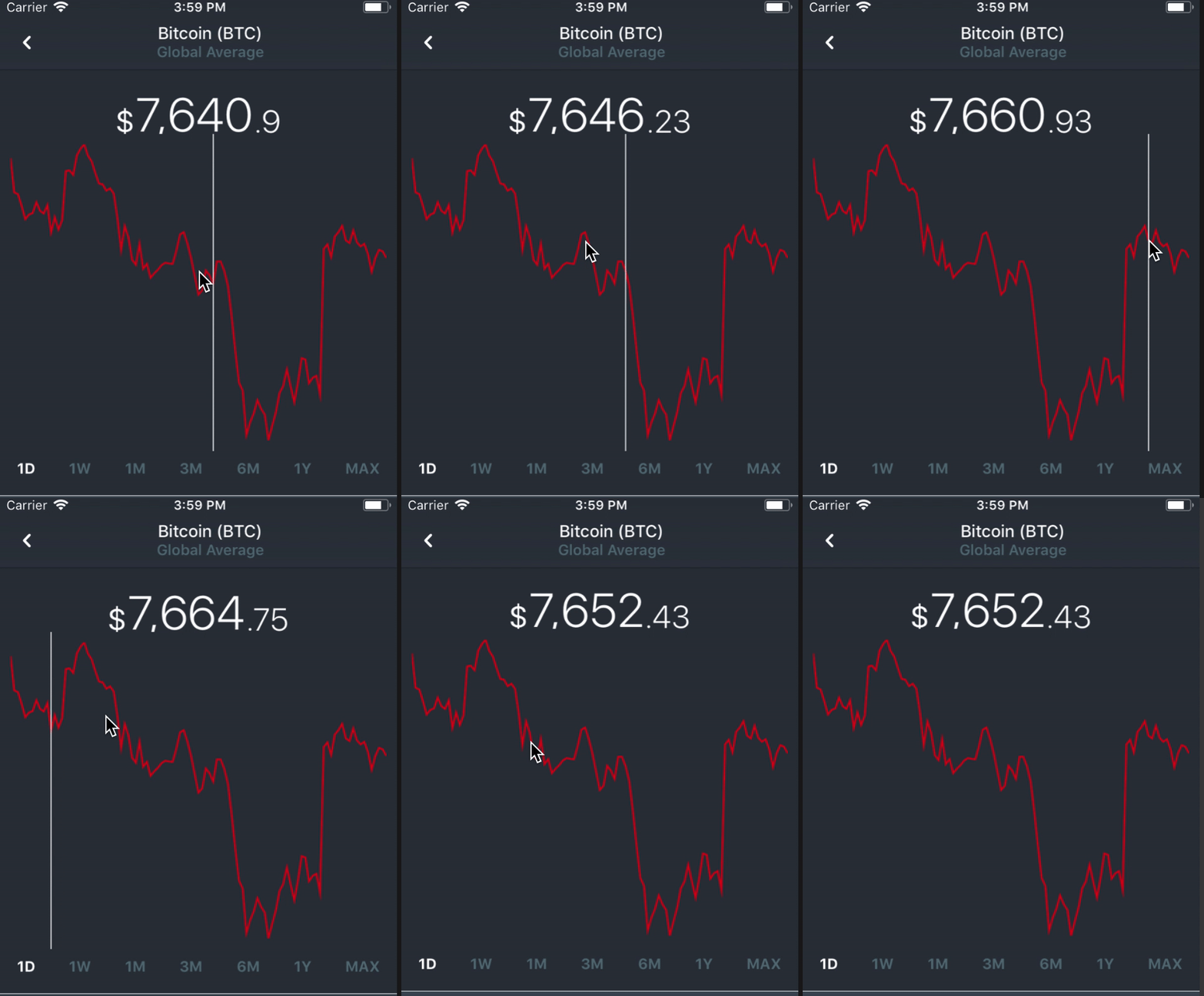
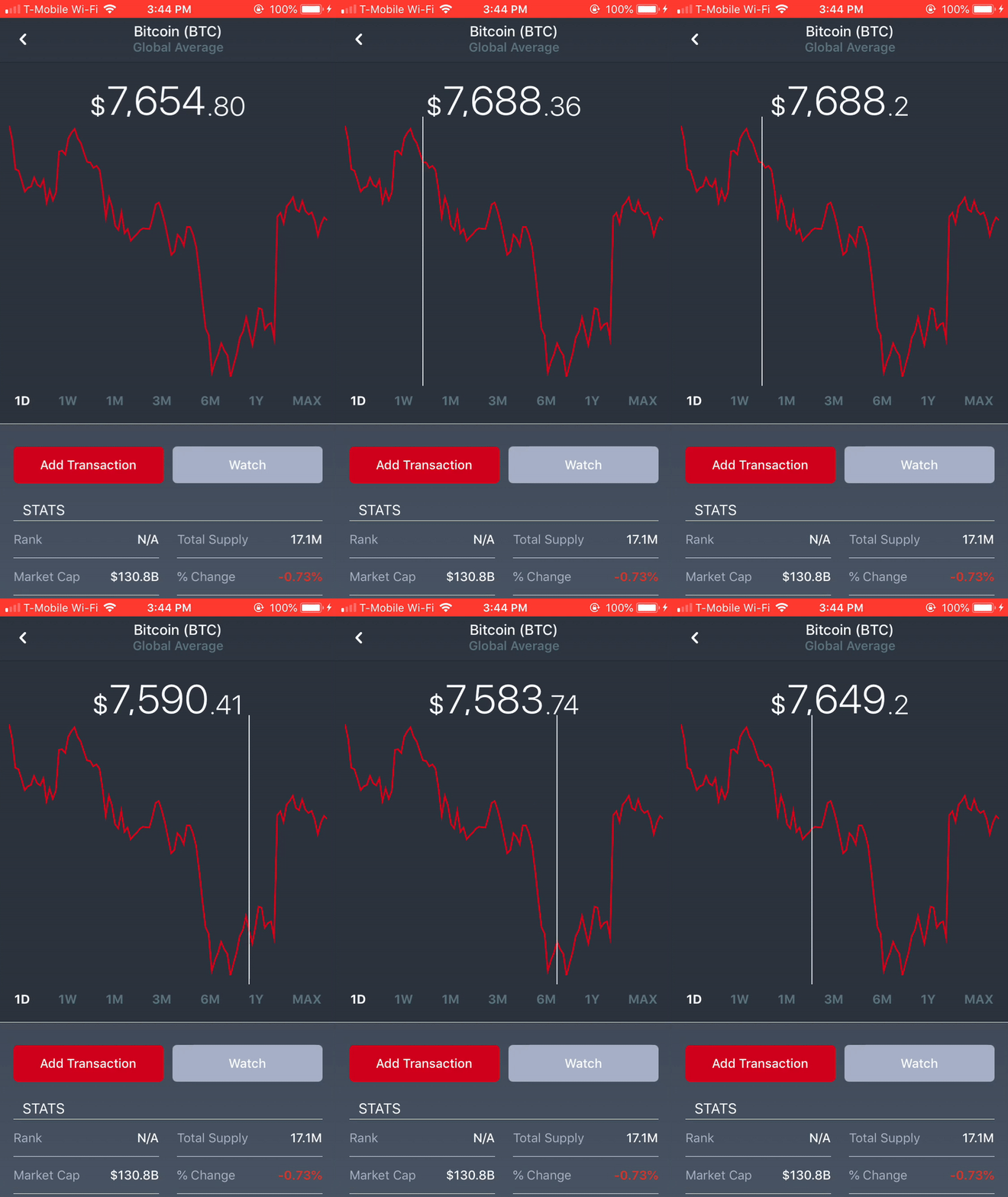
Thank you for the reply @ryan-roemer. I am currently in the process of creating a minimal repository for your team so that they may take a closer look at this. In the meantime I have created two gifs of the same application built for Release, the first one is on the simulator and the second one is on a physical device (iPhone 6). I am performing the same action of panning left and right in both gifs.
prcbass
on 8 Jun 2018
@ryan-roemer Please find the example repository at the following link: https://github.com/prcbass/react-native-stock-chart
Please let me know if you have any questions. I very much look forward to seeing the progress on this issue (if there is one)
prcbass
on 9 Jun 2018
Experiencing the same issue. Is there a way to use native acceleration for these animation related problems?
 shaoliangzhong
on 24 Jul 2018
shaoliangzhong
on 24 Jul 2018
We are now tracking all performance related issues from a single issue here: https://github.com/FormidableLabs/victory-native/issues/369
 boygirl
on 22 Aug 2018
boygirl
on 22 Aug 2018
This is kind of expected because of iOS simulator uses DESKTOP HARDWARE to render your app. i.e. you are essentially running an iOS app on desktop.
While Android emulator "emulates" the performance on a phone.
 matthewkwong2
on 4 Oct 2019
matthewkwong2
on 4 Oct 2019
@matthewkwong2
Is this simply due to the fact that the simulator has access to all the resources (processor, memory) of the laptop on which it is run
hur dur
 bitpit
on 4 Oct 2019
bitpit
on 4 Oct 2019
Related issues
 UtkarshPramodGupta
·
5Comments
UtkarshPramodGupta
·
5Comments
 hwaterke
·
6Comments
hwaterke
·
6Comments
 aszheng
·
5Comments
aszheng
·
5Comments
 phunkren
·
5Comments
phunkren
·
5Comments
 udfalkso
·
4Comments
udfalkso
·
4Comments
Most helpful comment
@ryan-roemer Please find the example repository at the following link: https://github.com/prcbass/react-native-stock-chart
Please let me know if you have any questions. I very much look forward to seeing the progress on this issue (if there is one)