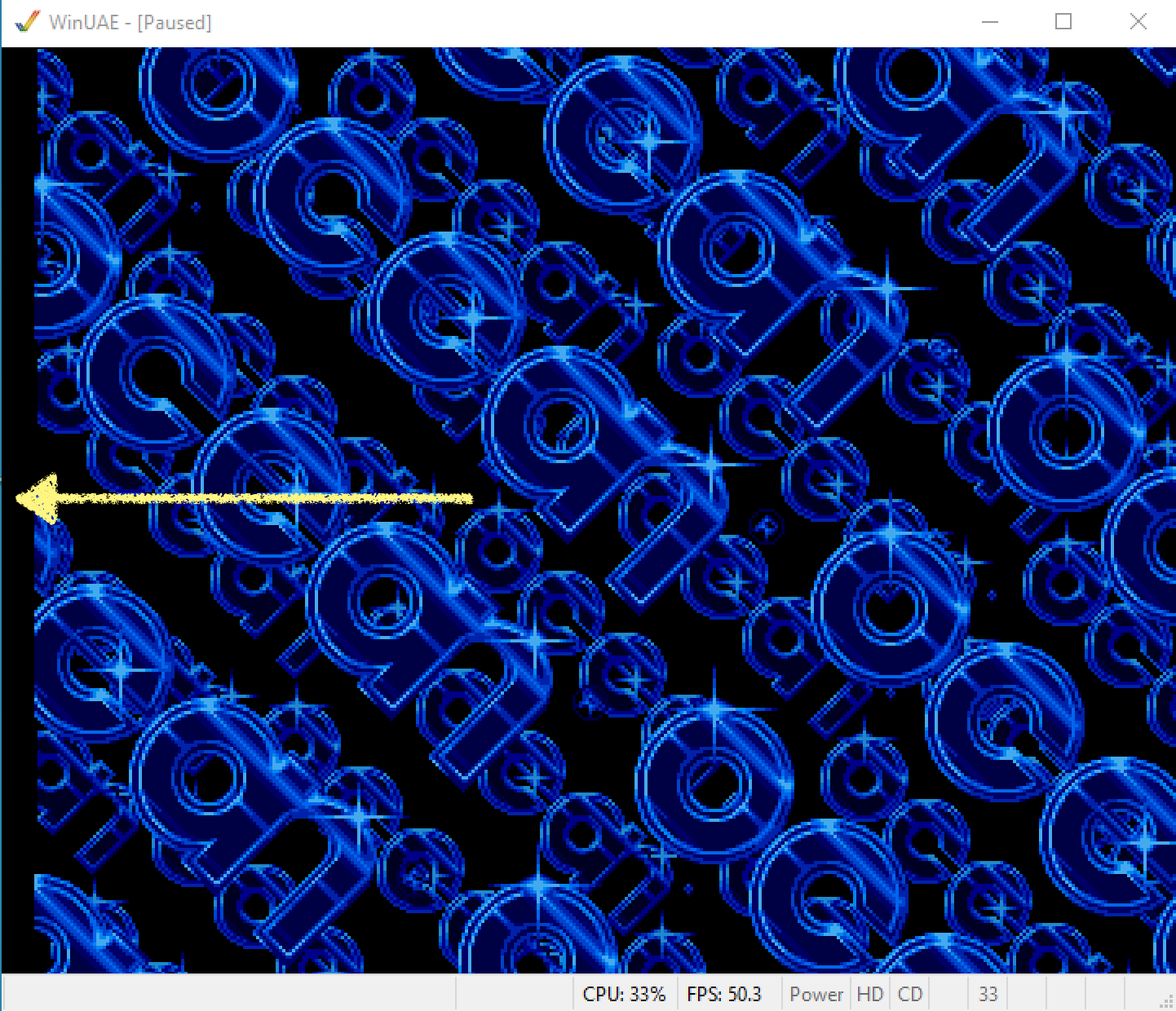
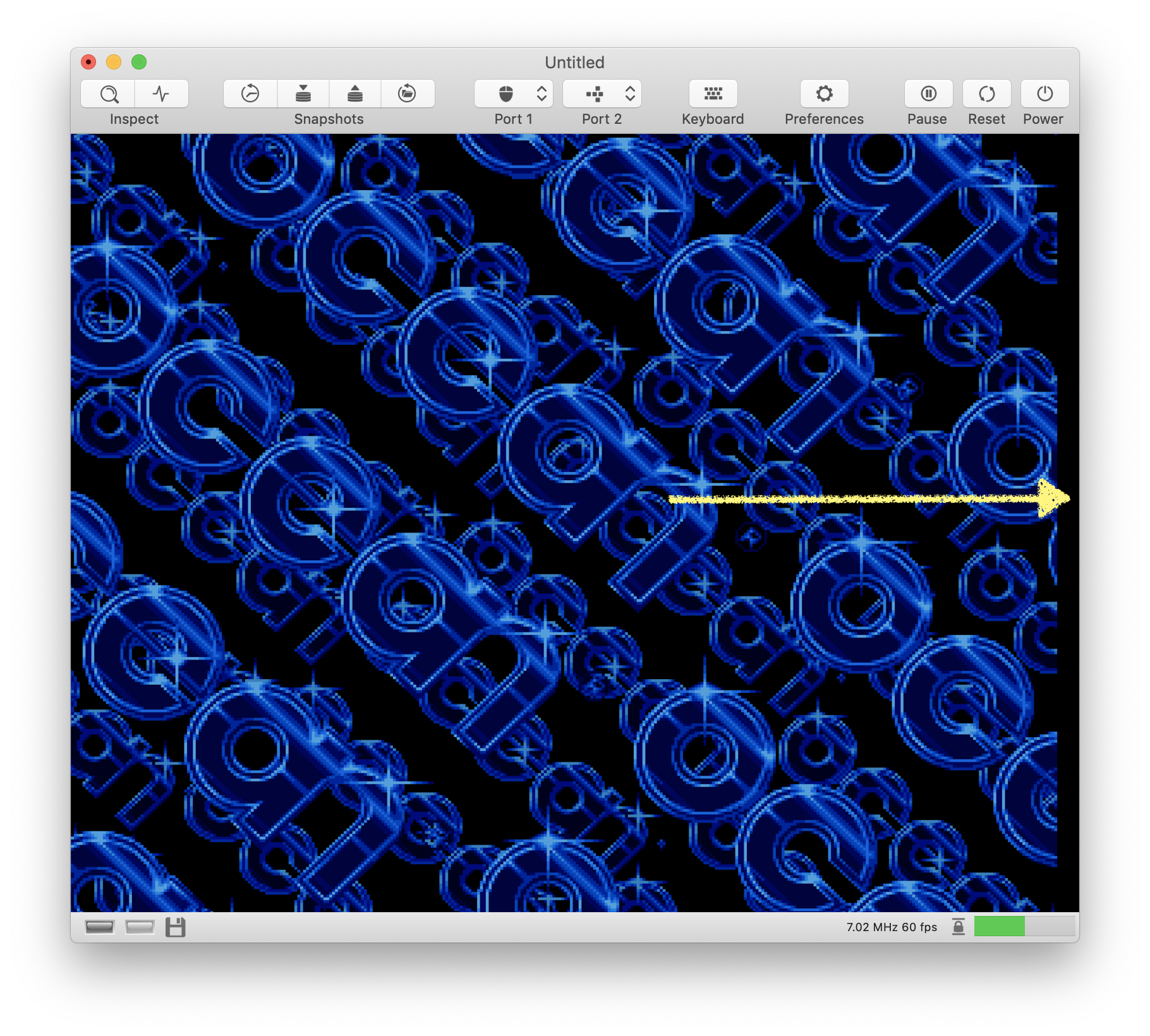
When comparing vAmiga with UAE, it seems that the whole screen needs to be shifted a few pixels to the right.
UAE:
vAmiga:
 dirkwhoffmann
All 5 comments
According to “Amiga Intern“, the HBLANK area covers DMA cycles $F - $35 and I implemented it this way in vAmiga.

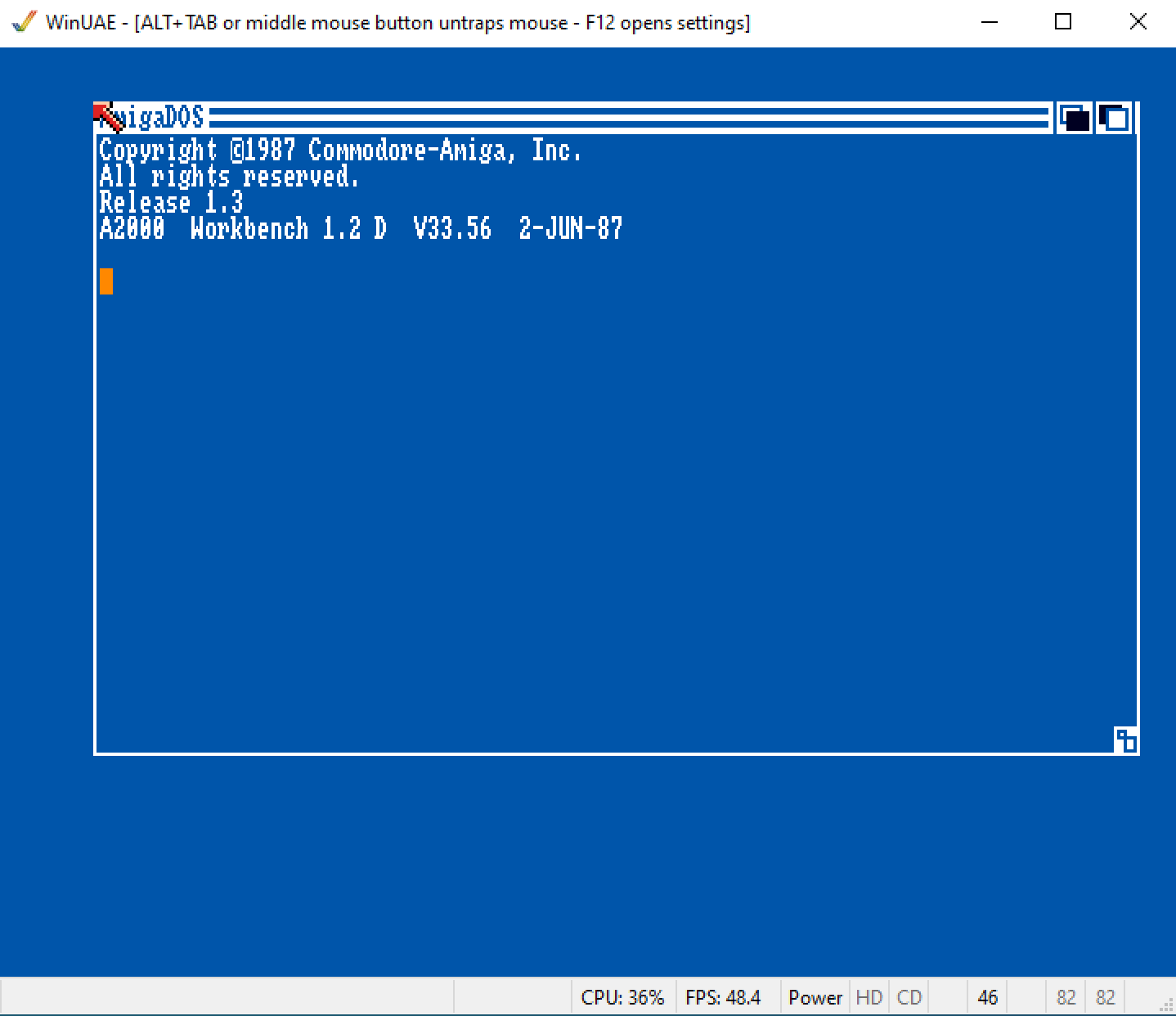
However, these values seem to be wrong. I can pretty much mimic the original machine and UAE if I let the HBLANK area span from $A to $30:
UAE:
vAmiga with HBLANK spanning from $A to $30:
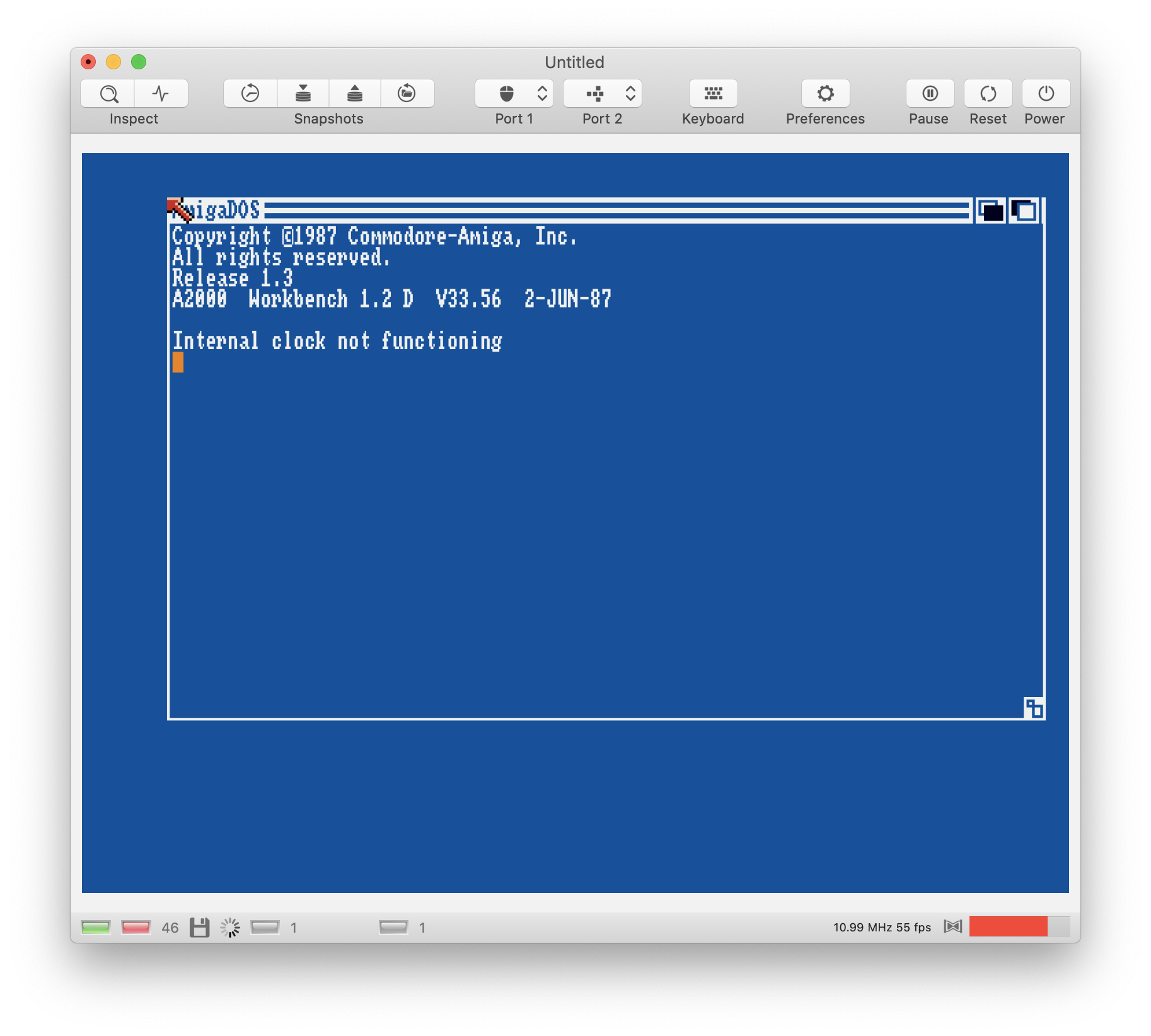
Unfortunately, a lot of stuff such as the Workbench looks misaligned with these values (also on the real machine). Hence, it might be best to make the HBLANK area adjustable in vAmiga. I could add a control to the Video settings that shifts the HBLANK area around a few DMA cycles 🤔.
dirkwhoffmann
on 12 Mar 2020
In case of the workbench I know in preferences settings of the workbench is exactly the video setting you consider to add in vAmiga.
What happens if you choose the midvalue in preferences? It might give us an idea of what the developers of workbench thought to be the center.
 mithrendal
on 12 Mar 2020
mithrendal
on 12 Mar 2020
preferences settings
Oh yes, of course, this explains the odd workbench look. It's just that the settings are screwed up.
What happens if you choose the midvalue in preferences?
I tried the two corner cases (upper left, lower right) in UAE:
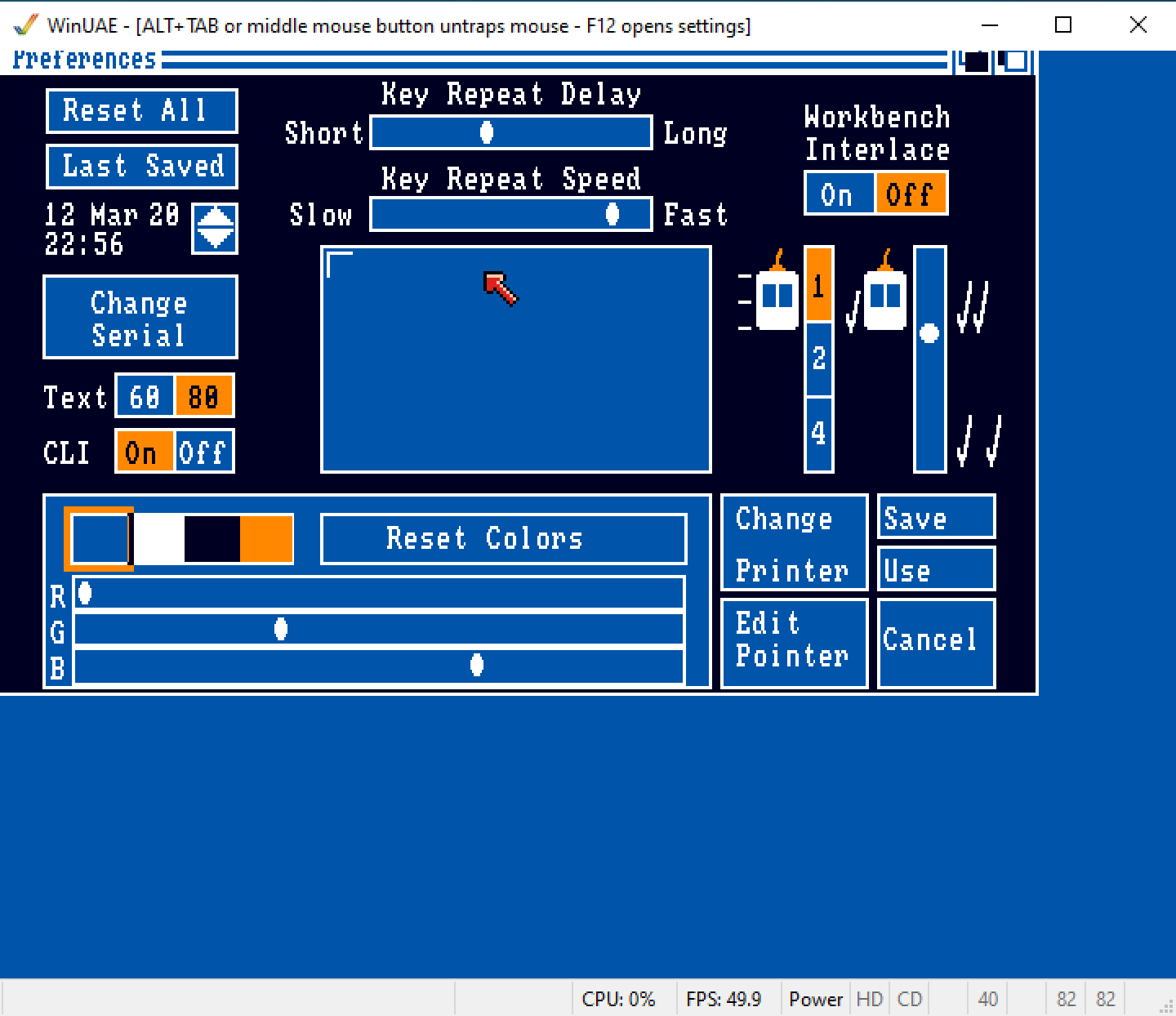
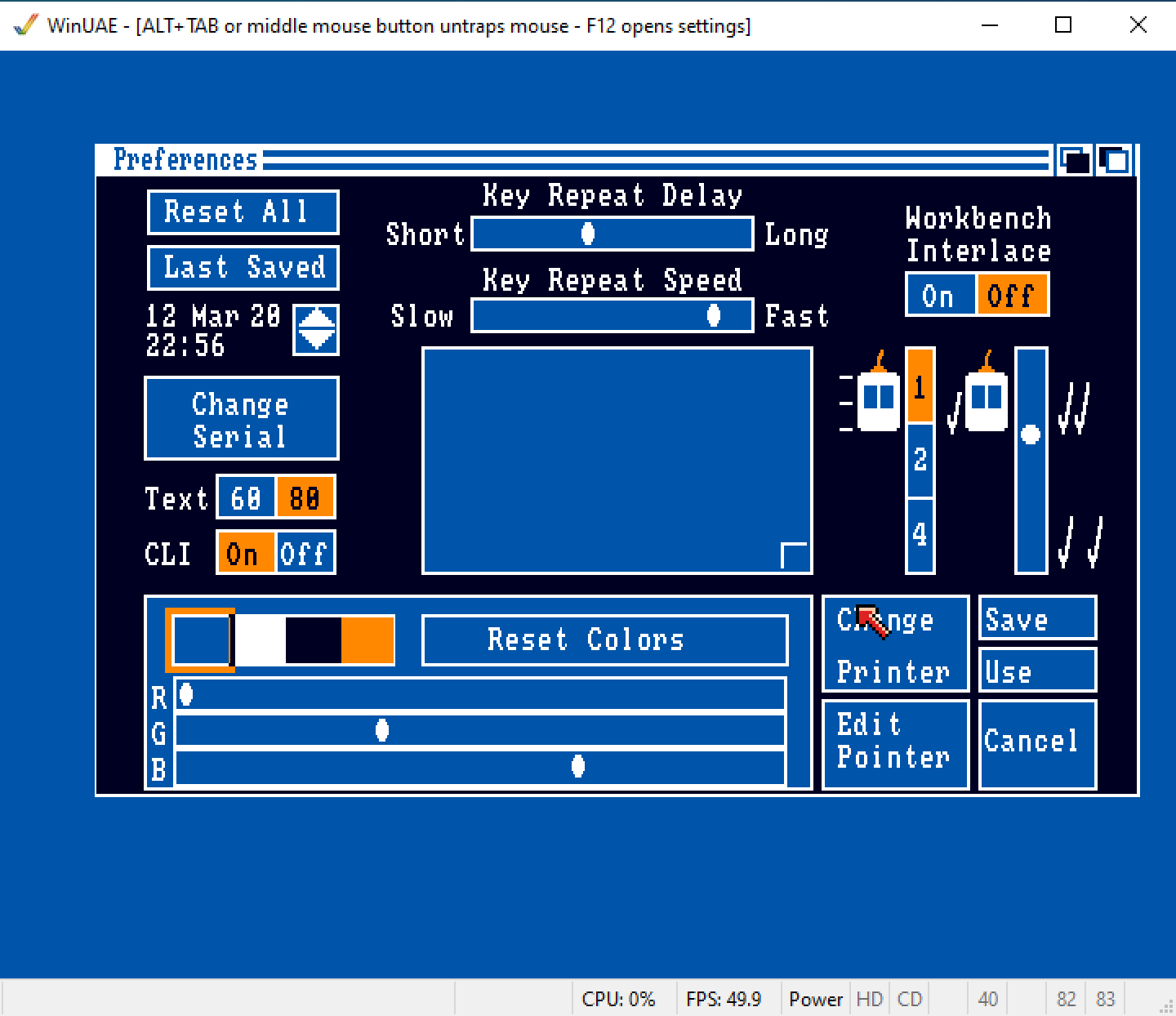
When I map the HSYNC area to $B - $31 (not $A - $30 as mentioned before), vAmiga looks pretty much the same:
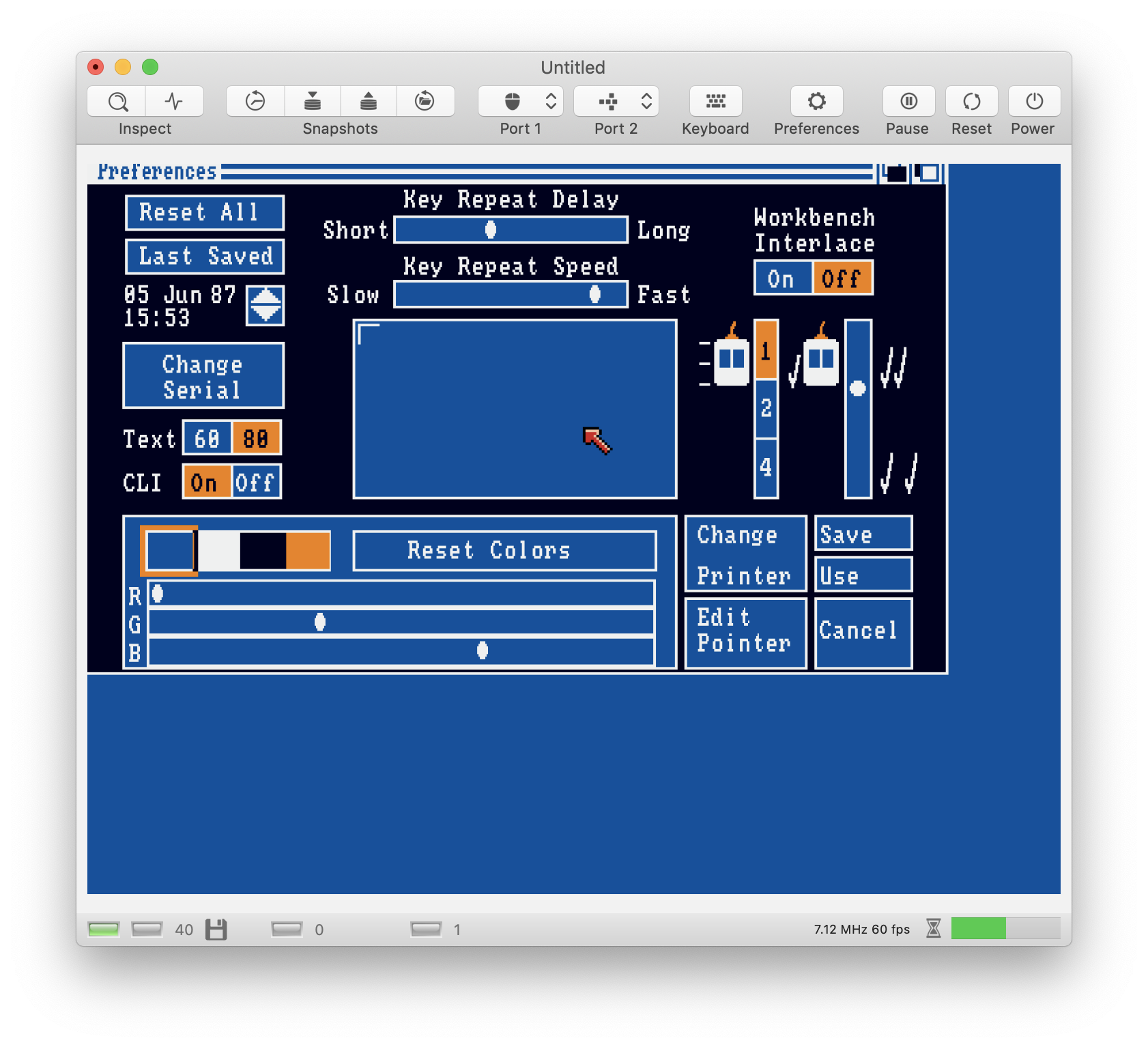
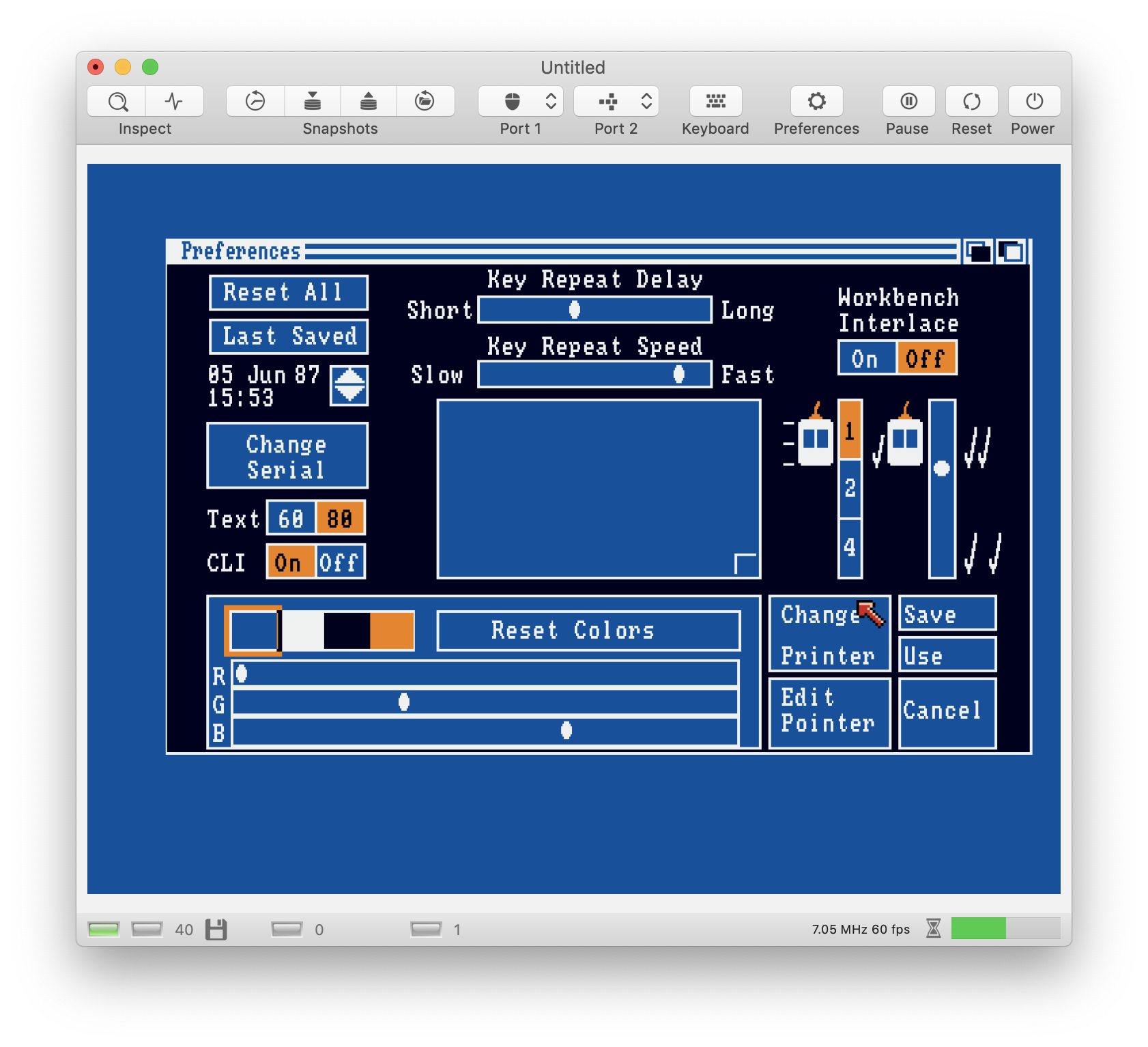
I think I should simply go for these values...
dirkwhoffmann
on 12 Mar 2020
Looks fine 🤤👍🏻
mithrendal
on 12 Mar 2020
The next version will provide flexible means to adjust the texture cutout. There will be four circular sliders in the video settings: H CENTERING, V CENTERING, H ZOOM, V ZOOM (up to now, H ZOOM and V ZOOM were identical and just called ZOOM). The main difference will be that these sliders don't move the render cube any more. Now, they directly determine the texture area that is spanned over the render cube.
The largest displayable area within the texture will be this:
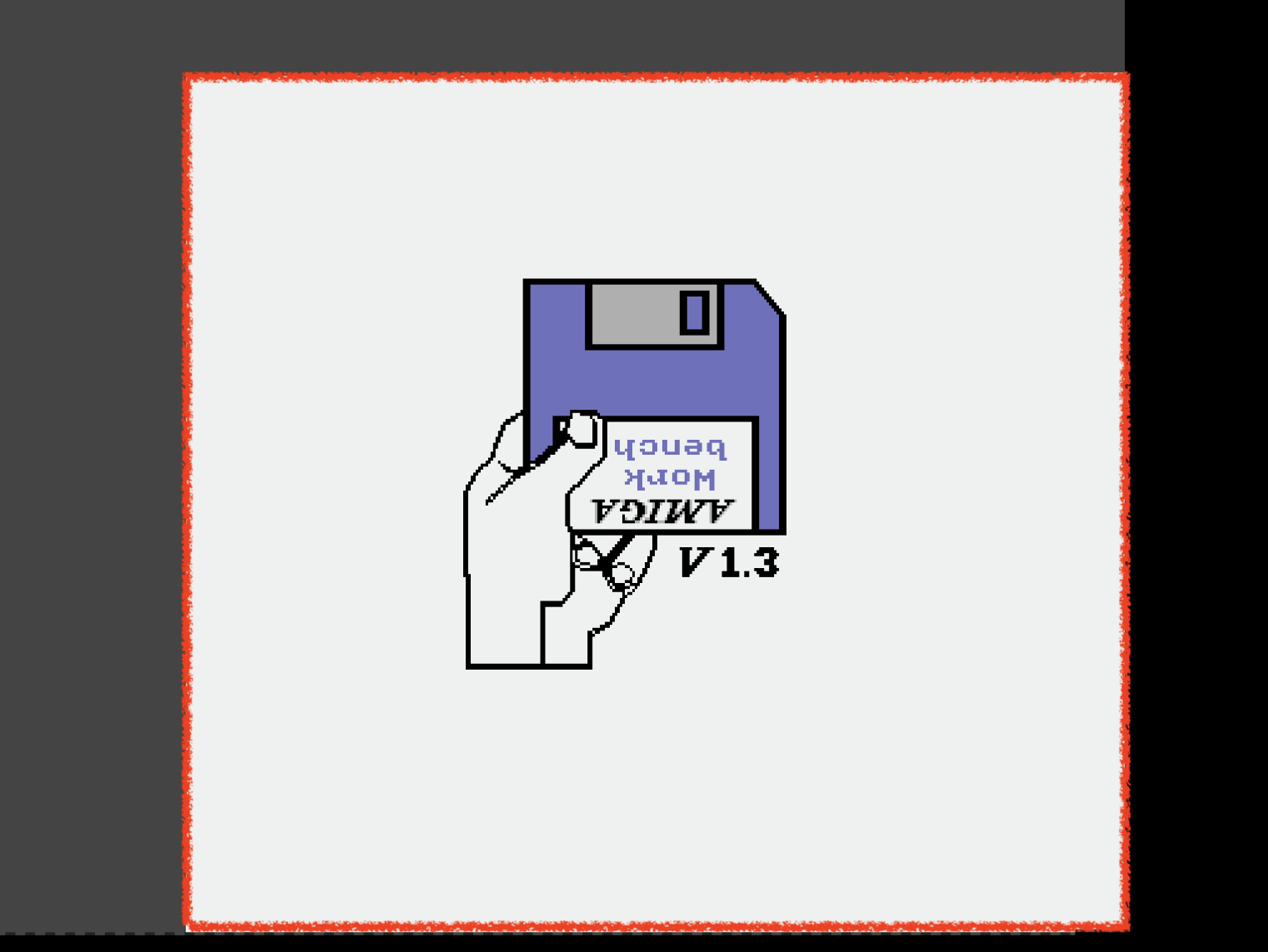
Black area is unused, gray area is VBLANK and HBLANK area and thus not displayable.
Using H ZOOM, V ZOOM, the user can shrink the area, e.g., to this:
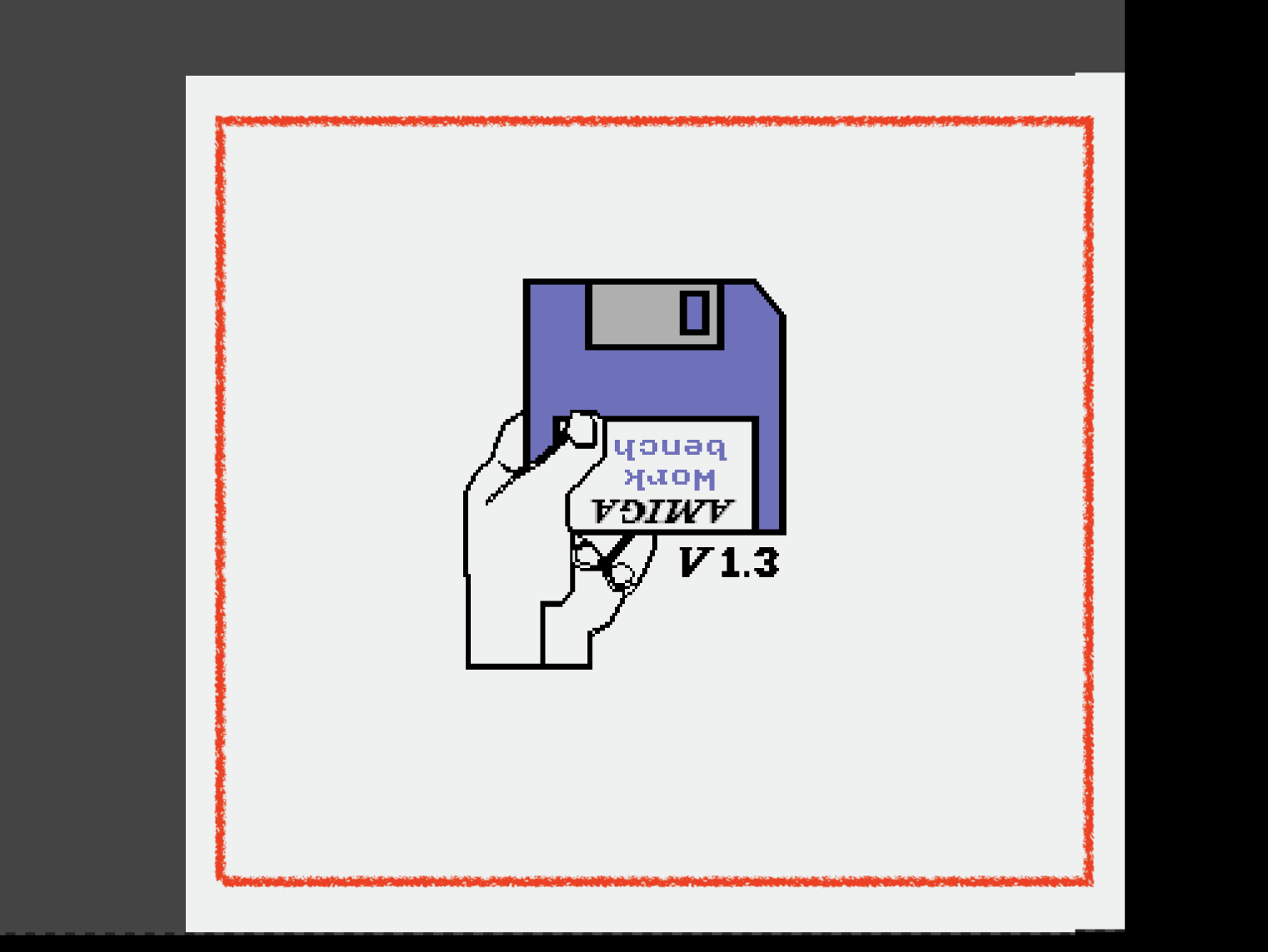
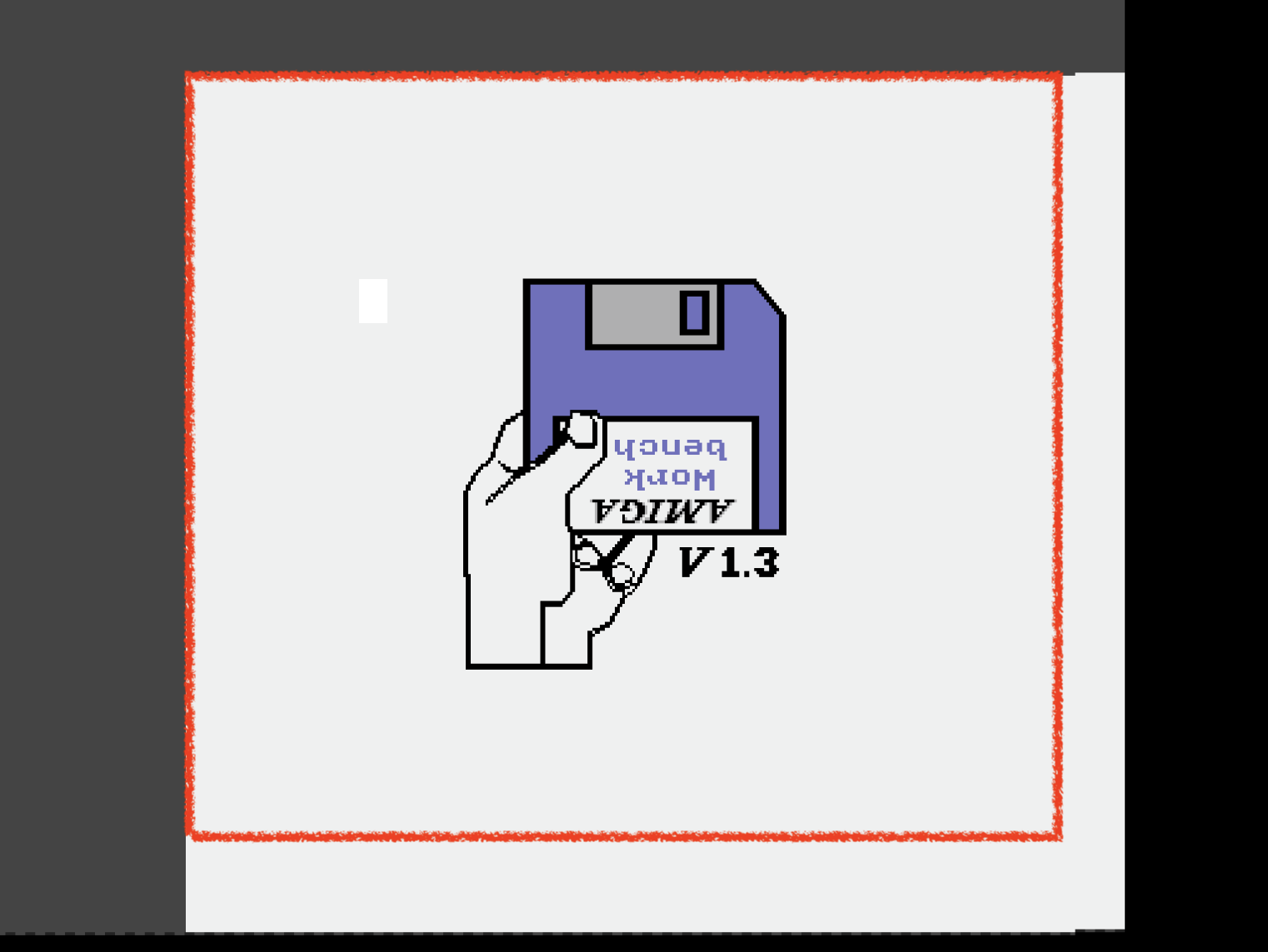
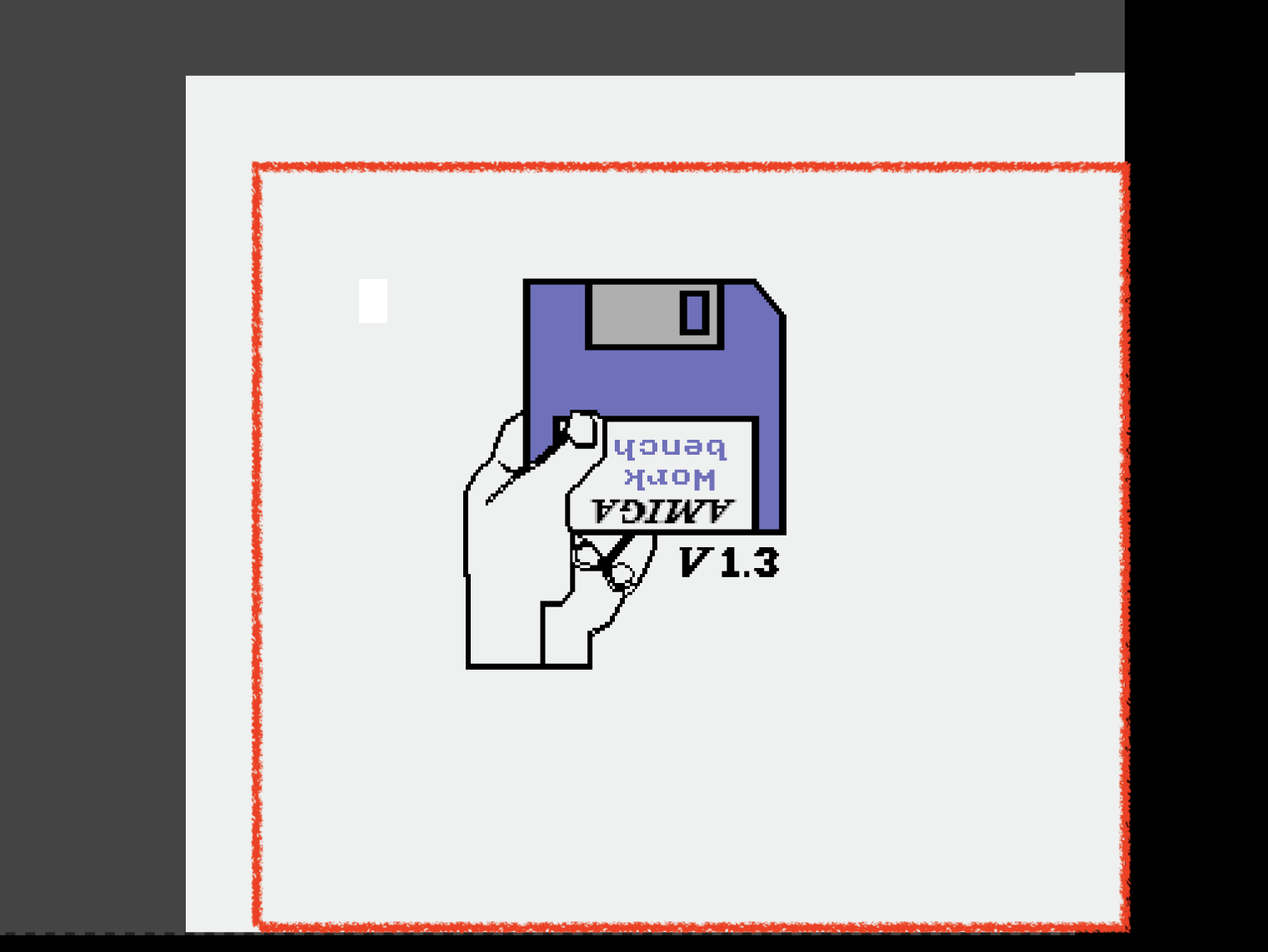
Using H CENTERING and V CENTERING, the shrinked rectangle can be moved around like this:
As "factory settings" I have chosen values that pretty much mimic what we see in UAE. We could also use Robin Hood for calibration, but we would need to know his real weight for this.
dirkwhoffmann
on 22 Mar 2020
Related issues
dirkwhoffmann
·
3Comments
dirkwhoffmann
·
3Comments
mithrendal
·
3Comments
 KenDFish
·
3Comments
dirkwhoffmann
·
4Comments
KenDFish
·
3Comments
dirkwhoffmann
·
4Comments