Vamiga: FastMem does not work as expected

NoFastMem app worked fine (reported by Alessandro)
 dirkwhoffmann
All 14 comments
Doesn't it turned over the right amount of memory?
...later, I relaunched the FASTMEMFIRST app and vAmiga re-added the memory!
... I did not remember that once the RAM was removed using the FASTMEMFIRST it was re-enabled.
 Alessandro1970
on 8 May 2019
Alessandro1970
on 8 May 2019
The reenabling is correct. In the description of the system documentation they say it behaves like a switch.
NoFastMem

Some very old software programs may not run properly when memory
other than CHIP RAM is present in the Amiga system, such as the FAST
RAM present in the A2000 or the additional RAM provided by an A501
memory cartridge in the A500. In this case, double-clicking on the
NoFastMem icon forces the Amiga to only use resident CHIP RAM. The
icon works like a toggle switch. To restore the expansion memory to the
system, click on the NoFastMem icon again.
 mithrendal
on 8 May 2019
mithrendal
on 8 May 2019
Oh no, sorry I did not read it carefully enough 😔. You said you clicked first NoFastMem and later on FASTMEMFIRST... I thought you clicked NoFastMem a second time.
FastMemFirst

This program ''rearranges" the Amiga's memory list, affecting when
memory at $C00000 will be allocated. This allows programs to use fast
memory before $C00000 memory, resulting in faster system operation.
Unless specifically requested to use CHIP RAM, the Amiga defaults to
using $C00000 RAM, FAST RAM, then CHIP RAM. FastMemFirst
changes the order of allocation to FAST RAM, $C00000 RAM, then
CHIP RAM.
I guess NoFastMem disables the Zorro device by writing some disable code into the Zorro register space. I did not implement this, because I thought the device is only configured during boot 🙄.
dirkwhoffmann
on 8 May 2019
I like the rabbit and the turtle though. 😃
dirkwhoffmann
on 8 May 2019
I like the black disks. It looks so dark mode. So modern.
mithrendal
on 8 May 2019
In Winfellow if I select 512k chip + 512k (slow) I have this situation:
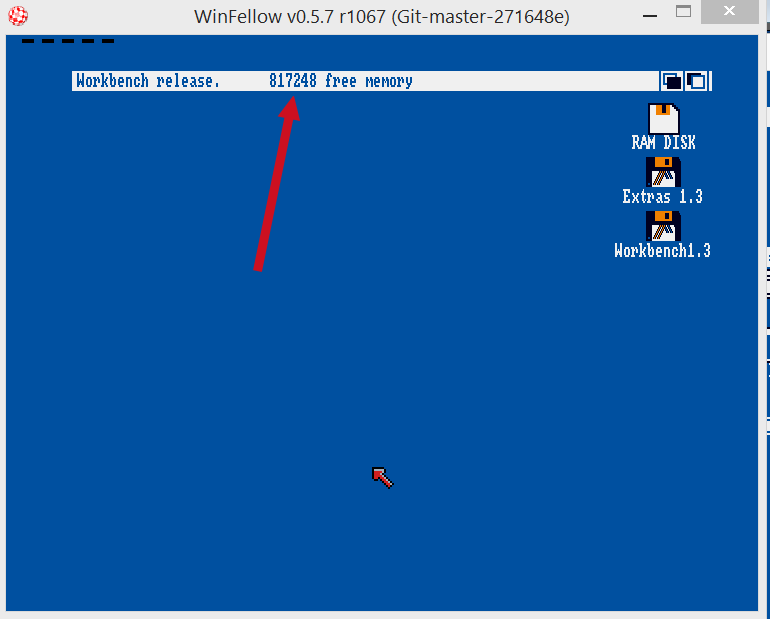
If I run NoFastMem the memory is reduced:
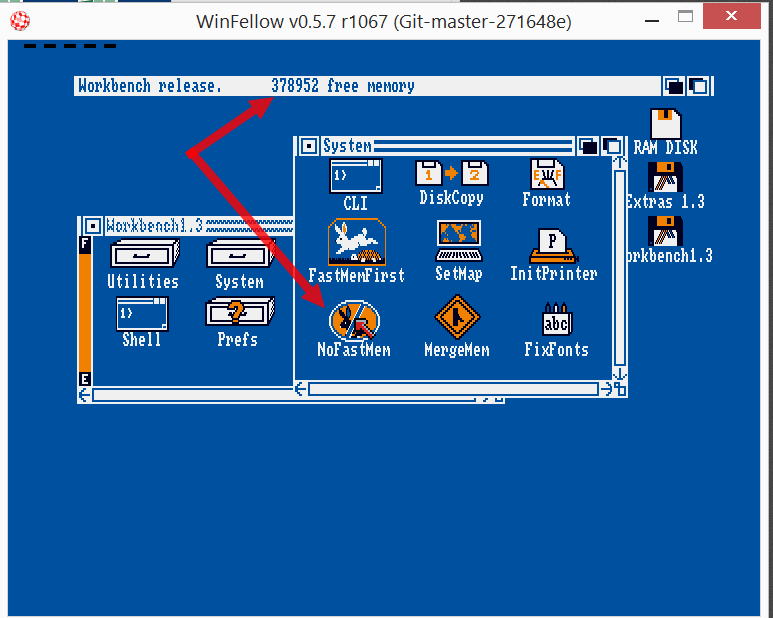
If I run another time NoFastMem or FastMemFirst ...nothing happens like in the real Amiga; the FastMemFirst does not change memory only change the "position" of the usable memory FAST/CHIP.
Alessandro1970
on 9 May 2019
Hmm, yes, I really need to work on this 😟
dirkwhoffmann
on 11 May 2019
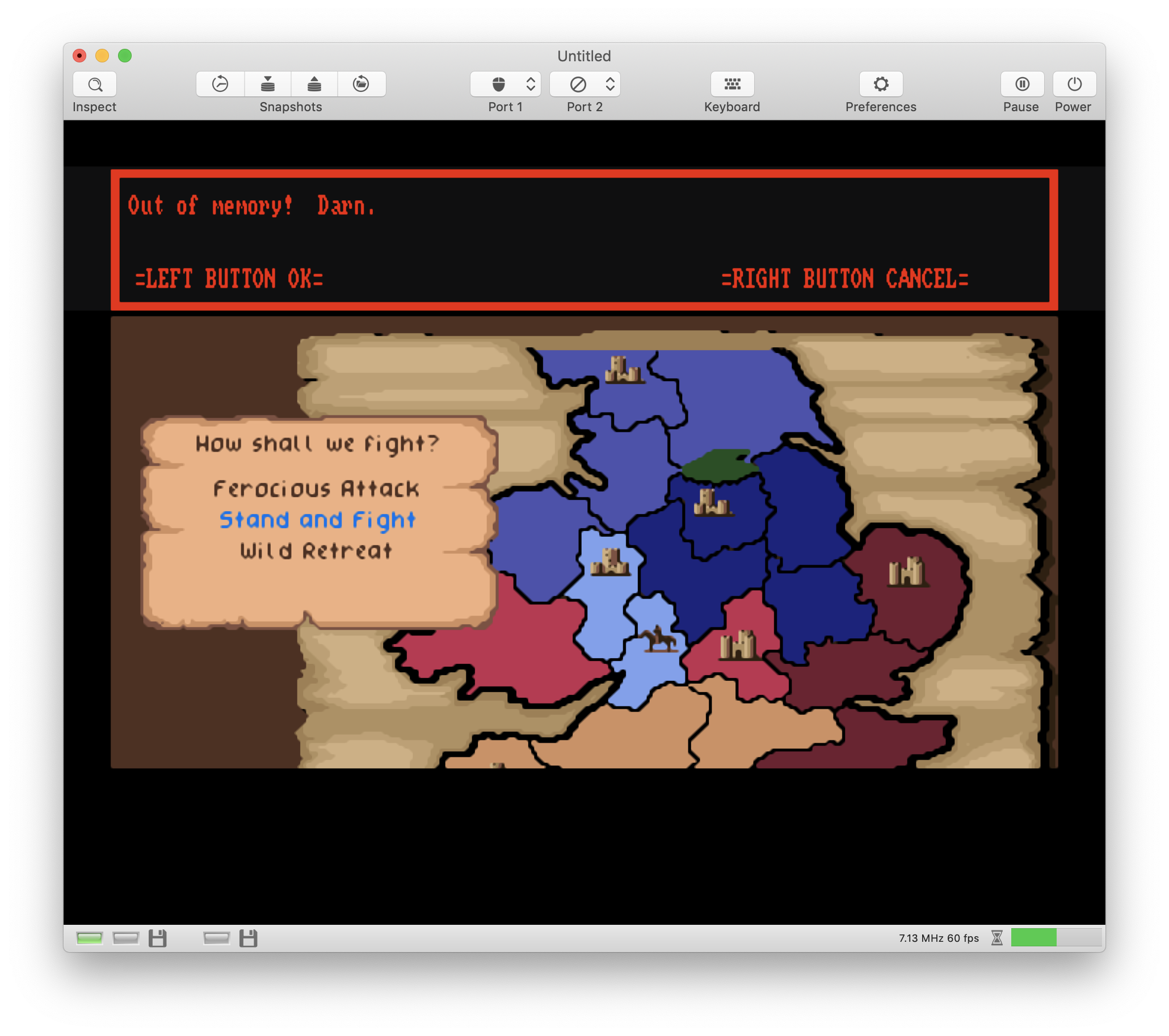
Could In MacOs the adf files be associated to vAmiga changing the icon ?
...like the dark workbench as shown above
Alessandro1970
on 11 May 2019
I just run Kick 1.3 with WB 1.3 in vAmiga:
- "NoFastMem" does act like a toggle switch. It removes Slow + Fast or reenables Slow + Fast.
- "FastMemFirst" has no visible effect (does internal reordering).
I did run UAE and it seems to be the same there.
Hence, either vAmiga is doing the right thing or I don't understand the bug 🤔.
Maybe I am just confused, because I first read "NoFastMem app worked fine" as "No FastMem app worked fine" 😅.
dirkwhoffmann
on 12 May 2019
Could In MacOs the adf files be associated to vAmiga changing the icon ?
I think this is difficult, because it would mean to extract semantic information from the ADF data. Furthermore, handling icon images in macOS is really a pain.
dirkwhoffmann
on 12 May 2019
Can I close that one?
dirkwhoffmann
on 14 May 2019
Digging even more back in history ... I have got an older V12 Workbench version with SlowMemLast 🤩 The icon is a 🐢I guess they renamed it in V13 to FastMemFirst which is logically the same or am I wrong ?
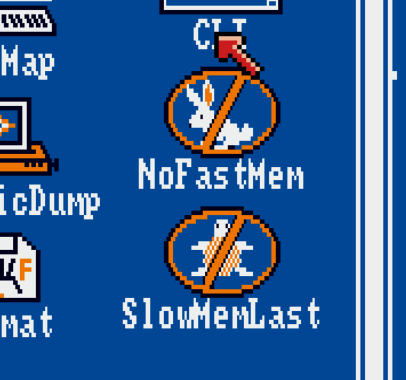
I configured an Amiga with 512k Chip and 1MB Fast.
WB12 reports 1446820 Bytes
If I doubleclick NoFastMem it reports 438552
If I doubleclick NoFastMem again it reports 1446820
If I doubleclick NoFastMem again it reports 438552
If I doubleclick NoFastMem again it reports 1446820
If I doubleclick SlowMemLast nothing visible happens it still reports 1446820
Everything as expected ...
I would say close this one. We can always reopen ....
mithrendal
on 14 May 2019
Ok, you can close it
Alessandro1970
on 14 May 2019
Related issues
dirkwhoffmann
·
3Comments
dirkwhoffmann
·
3Comments
dirkwhoffmann
·
3Comments
 KenDFish
·
3Comments
dirkwhoffmann
·
3Comments
KenDFish
·
3Comments
dirkwhoffmann
·
3Comments
Most helpful comment
The reenabling is correct. In the description of the system documentation they say it behaves like a switch.