Valkyrie: Lock Picking Module - Add it to your scenario!
Hi All,
I have created a Module that you can use to add a Lock picking puzzle into your scenario.
It looks like this!

Its just a simple order puzzle, thematically appropriate (I hope).
Its just a script to copy some lines of code into your Event.ini, ui.ini and localization.english.txt, it also uses some custom images that I made.
Unzip the ScrubblessLockPickModule.zip into your %appdata%\Valkyrie\MoM\Editor\
Once you've done that, the event chains and UI elements will show up in your scenario. Create a token and point it to "LP_Token". There are a few bits you'll need to edit, but its all explained in the ReadMe.txt contained within the .ZIP.
_If you're worried about the script, edit it to take a look at what its doing. Its just a "type" batch command that will copy the contents of pre-generated files into your scenario files, then delete the files and script._
I wanted to get some feedback before I added this to the guide and made it more widely available. If you lot like it i'll make a more graphical guide and add it to the tutorial.
 scrubbless
All 18 comments
Awesome idea scrubbles! will try it soon.
 newusergettingnuts
on 8 Jul 2019
newusergettingnuts
on 8 Jul 2019
UPDATE: Below there is a text "HERE IS THE WORKING SCENARIO WITH THE EXAMPLE OF THE MODULE" with a file.
@scrubbless, I'd like to test your creation and give you a feedback but I think I am dump :p. Although I've followed the instruction, I have problems.
I've created a totally new scenario. I've done points 1-4 written in the instruction. Unfortunately, I'm stuck at point 5. Although I see new things in the files, I can't see any of them in the app.
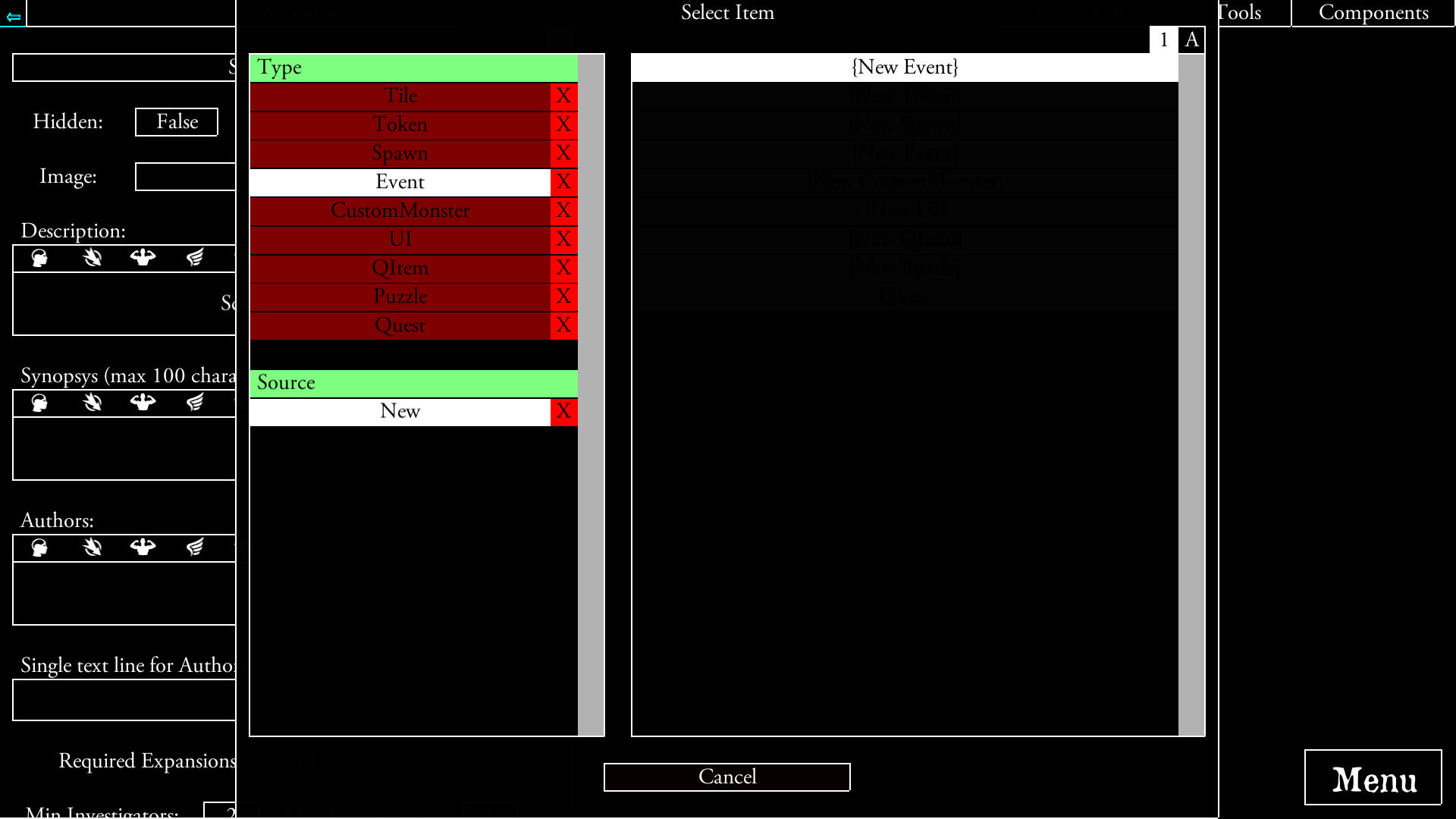
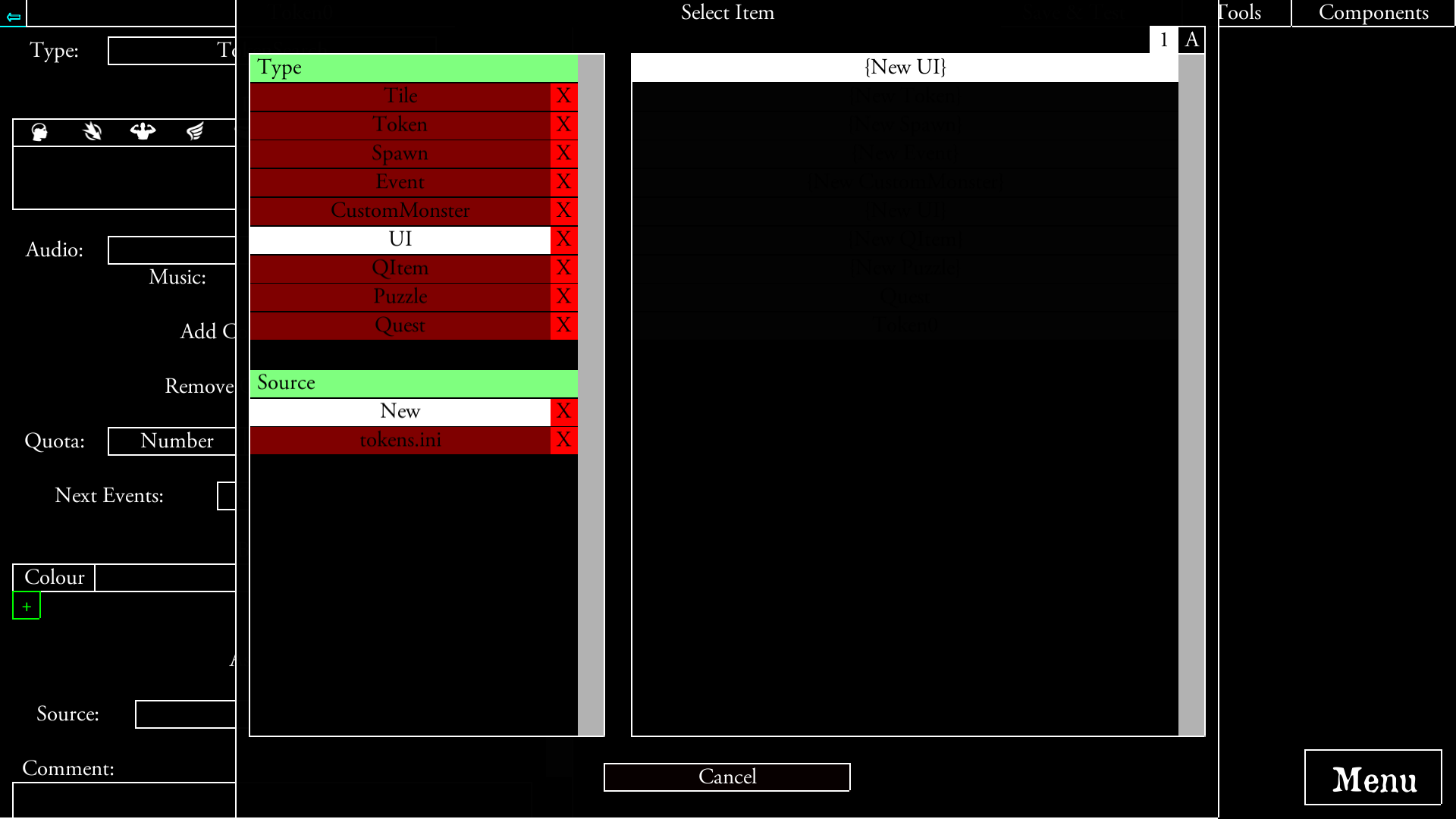
I tried another scenario made by someone else and the RunMe script works:
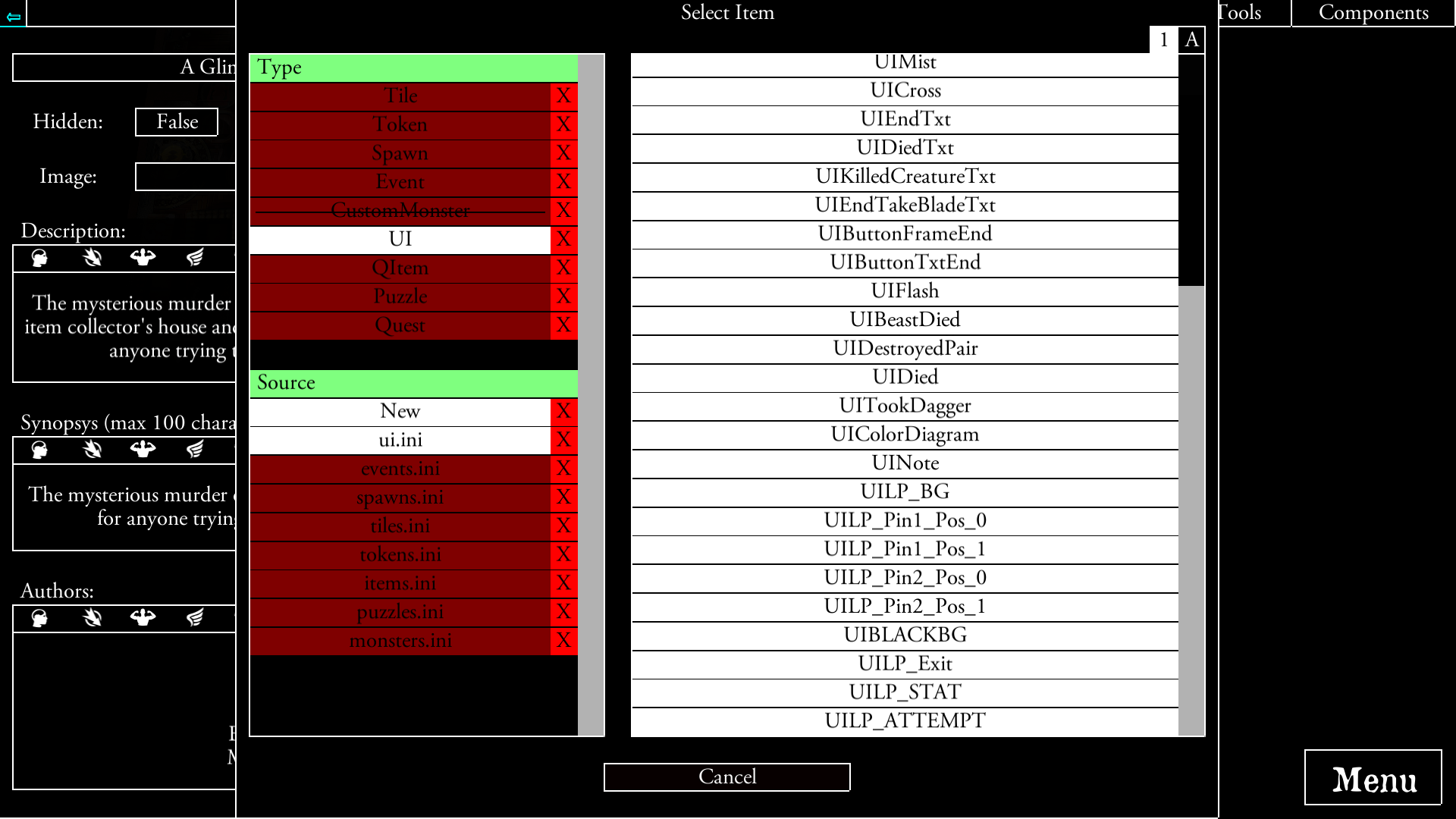
Could you check it? Also, could you create an alone scenario where you can test the functionality?
 chrismaliszewski
on 9 Jul 2019
chrismaliszewski
on 9 Jul 2019
You ran the script before creating a ui element.
So its created a ui.ini file but not linked it in your quest.ini
Open the quest.ini file and add this text to the bottom
ui.ini
I can create an example scenario of course, I'll link it here when I get a moment.
scrubbless
on 9 Jul 2019
Yes, I did run the script before creating a UI element. I partially did the instruction from above and README.txt; I omitted the second part of point 1. Sorry.
I started the process over again.
Created a scenario, added a token (Token0) and an event (Event0, with the trigger EventStart) which adds component Token0. And edited Token0 by adding a button to it which fires EventLP_Token event.
After staring the scenario and clicking the token, I can see ~~ text.
But right after I click 'Pick lock', the app crashes.
Scenario: EditorScenario1.zip
Output file: output_log.txt
I think the cause of the crash is "Error: Unable to create missing quest component: UIBLACKBG". What is the UIBLACKBG?
chrismaliszewski
on 9 Jul 2019
Did you add ui.ini to the quest.inu file?
I suspect that because the ui.ini is not linked that when the event calls the UI elements it crashes.
I'm on the train at present so can't look at your scenario, but can take a look later or tomorrow.
UIBLACKBG is a ui element that puts up a black background.
scrubbless
on 9 Jul 2019
Ok, everything works now. I didn't add ui.ini to the quest.ini file because I thought that after I created a new scenario and added a token, the un.ini file will automatically be added to the quest.ini. My bad, again.
It'd be good to either:
- in the instruction write that a user must make sure that ui.ini file is listed in the quest.ini file otherwise the module won't work,
- write the RunMe.bat script so it checks if the ui.ini file is listed inside quest.ini and, if not, add it to the file.
I'll shortly edit the RunMe.bat script and try to do the latter.
After your below and previous comments, I came to the conclusion that it won't happen if a person creates a proper scenario so I won't be doing it.
And Shortly I'll write my opinion/ideas about your work :).
HERE IS THE WORKING SCENARIO WITH THE EXAMPLE OF THE MODULE
EditorScenario1.zip
chrismaliszewski
on 9 Jul 2019
In the read me file is says to make sure that at least one UI component and one Event have been created before installing the module , this will ensure that the three files are present.
Adding the ui.ini was just a fix for your situation. It would be a problem if the scenario had no events or dialogue before installation too (aka no events.ini or localisation files linked in quest.ini).
Glad it's working, hope you like it. Remember you can change the "LP_Difficuly" variable to 3, 4 or 5 to set the number of clicks required to complete.
scrubbless
on 9 Jul 2019
After playing with the module for a bit I only can say GREAT PIECE OF WORK @scrubbless!
Pros:
+it should be quite easy to extend it for even higher difficulties if someone wants,
+it is easy to hardcode a solution if needed.
I can't find any cons, to be honest. I only have two concerns:
- creating multiple hardcoded riddles,
- creating multiple riddles with different BGs;
But it should be relatively easy to do as you will need to play a little with making copies of events.
QUESTION: Would it be possible to make the module a bit easier to maintain? What I mean, making many BG is a bit difficult from what I can see as you'll need to make a copy of 4 events do add 1 extra BG.
I think that if it's possible, it'd good if the order of callback is as follows:
[EventLP_Opener] - displays a comment for players,
[EventLP_Token] - if even needed,
[EventLP_Opener_SetVariables] & [EventLP_START] - at the same time (in one event)
That way, a creator would need to create a copy of just 2-3 events which they would eventually need to do if creating multiple riddles with either hardcoded solutions or BGs
What do you think?
chrismaliszewski
on 9 Jul 2019
I was thinking about using the puzzle multiple times and have yet to think of an elegant solution.
[EventLP_Opener] - displays a comment for players,
[EventLP_Token] - if even needed,
[EventLP_Opener_SetVariables] & [EventLP_START] - at the same time (in one event)
I could flat out make it generic, so that the event chains can be re-used, then just have players create the triggers and set the variables. That way the player could call the puzzle every time they want to use it and just select the stat and difficulty. But that might require some more generic graphics, since locks could be on anything (not just doors).
I agree some of these events are redundant, I was originally going to make the event a loop, always going back to the Start event and re-running the sequence. The method has is pro's - as its much more adaptable. Then I realised part way through that I was making it more complicated than it needed to be.
I'll try to stream line it a bit.
I could probably do something a little cleverer with the script and get the player to input a variable when running the script. This could then inject whatever the player types (or even a random combination) into the prefix - aka LP_* might become XY_* or whatever.
@NPBruce mentioned about making the file an SLPmodule, when I get some more understanding of this I may be able to work something a bit more usable.
EDIT:
+it should be quite easy to extend it for even higher difficulties if someone wants,
Yeh, just need to add additional "Move" events to the evaluation, then put the difficulty variable higher. If you think its warranted I can add some more, up to 10 say. I actually made it up to 4 and added the 5th later, so very doable.
+it is easy to hardcode a solution if needed.
Yeh, you just change the LP_Final_Move_1 - 4 variables from #rand2 to a number.
scrubbless
on 9 Jul 2019
If you've played "Escape" 4 player, there is a number lock puzzle. That one you use a riddle and a key to decipher the number.
I was wondering if it might be another candidate for a module, this way there could be a lock on a room for example but the player would have to find the code somewhere in the mansion.
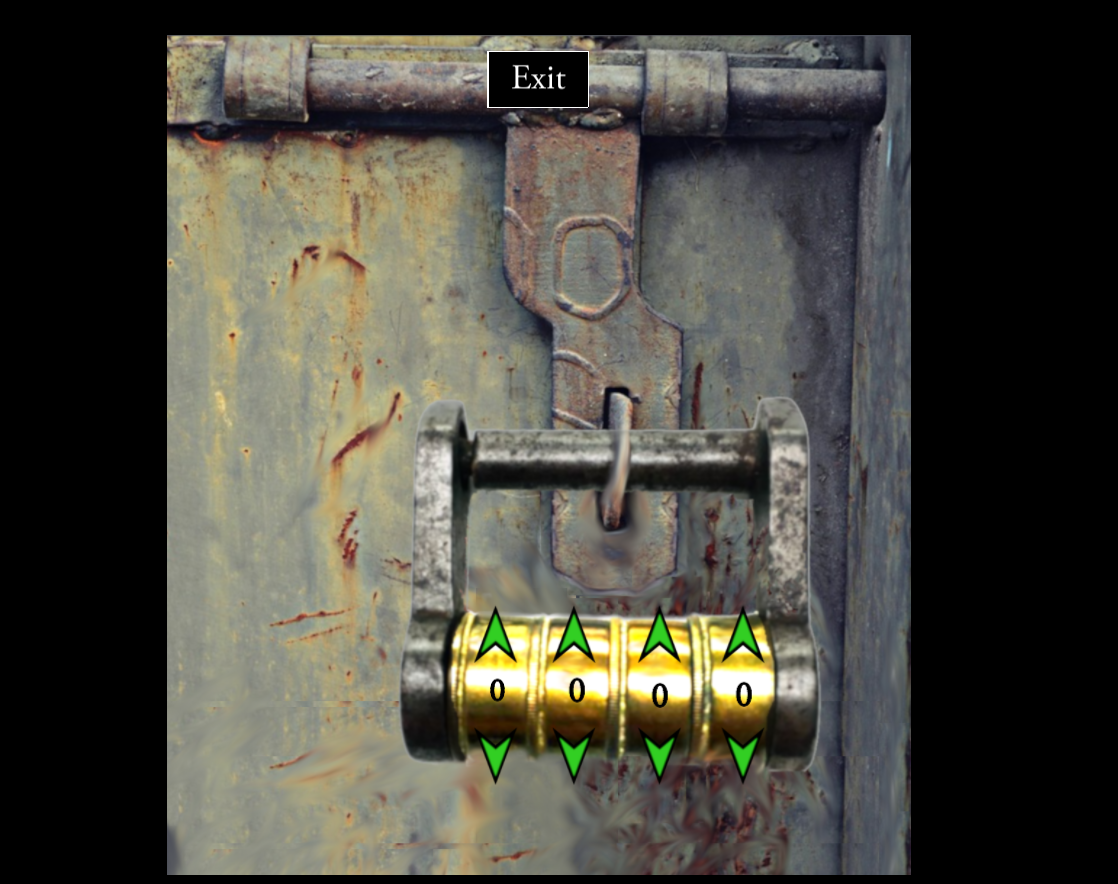
(Its pretty much @antontimmermans cipher puzzle but with numbers, credit to him for the idea)
scrubbless
on 9 Jul 2019
If you've played "Escape" 4 player, there is a number lock puzzle. That one you use a riddle and a key to decipher the number.
I was wondering if it might be another candidate for a module, this way there could be a lock on a room for example but the player would have to find the code somewhere in the mansion.
in my scneario THe Cult of Cthulhu i use a lock puzzle to end the scenario like the one you refer here. Not with that awesome image but using tha actual puzzles available.
newusergettingnuts
on 9 Jul 2019
If it would be more suitable, or something people would like I would be happy to make something up.
I could share the .XCF files too or generate different backgrounds. For example I could make the lock static, then have a set of different backgrounds that could be picked from.
For example, the Lock Picking puzzle above, I just reused the images from Escape and made them a bit more generic.

I just use layers in GIMP to lay on flavour, so would be simple enough to cut the lock into its own layer and then impose new backgrounds behind it.
scrubbless
on 9 Jul 2019
@scrubbless, I like the idea of yours but there is a small problem. Chests usually have a lock in the centre, not on the side :). It would look strange having a lock like that on a chest.
I think what creators really and only would need is to set:
- a comment (which is set in EventLP_Opener),
- difficulty and solution of a riddle (which is done in EventLP_Opener_SetVariables),
- UI elements of the BG and pins they want to use which are set in ui.ini file.
1 and 2 maybe could be implemented in one event(?).
I'm seeing a problem with 3 as UILP_PinX_Pos_Y UI elements are hardcoded in many events. A user who would like to create a custom graphic (i.e. a chest with a lock in the centre) will need to recreate the whole lot right now.
So, I have a question. Is it possible to use a variable and store in it a name of a UI element written in ui.ini to later use it in the 'add' property? I mean to be used as follows:
[EventCustomLP_SetParams]
operations=OpenerComment,=,Opening Event, tailor to situation.,LP_Final_Move_1,=,#rand2 LP_Final_Move_2,=,#rand2 LP_Final_Move_3,=,#rand2 LP_Final_Move_4,=,#rand2 LP_Final_Move_5,=,#rand2 LP_VarsSet,=,1 LP_Difficulty,=,4,
_UILP_BG_,=,CustomBG,_UILP_Pin1_Pos_0_,=,CustomPin1Pos0,_UILP_Pin1_Pos_1_,=,CustomPin1Pos1,UILP_Pin2_Pos_0,=,CustomPin2Pos0,UILP_Pin2_Pos_1,=,CustomPin2Pos1
buttons=1
event1=EventLP_Opener
[EventLP_Opener]
comment=OpenerComment
buttons=2
event1=EventLP_START
event2=
[EventLP_START]
display=false
buttons=1
event1=
add=UIBLACKBG _UILP_BG_ _UILP_Pin1_Pos_0_ _UILP_Pin2_Pos_0_ UILP_Exit UILP_STAT UILP_ATTEMPT
[EventLP_Pin1_Pos_0]
...
add=_UILP_Pin1_Pos_1_
remove=_UILP_Pin1_Pos_0_
CustomBG,CustomPin1Pos0,CustomPin1Pos1,CustomPin2Pos0,CustomPin2Pos1 are set inside ui.ini.
Would a function like EventLP_SetParams even work? Is it even possible?
If 'yes', a creator would only need to create a sort of a function like [EventLP_SetParams] and the rest of the things would be done automatically.
chrismaliszewski
on 9 Jul 2019
Unfortunately I don't think I can answer your questions.
As for looks, only the picks need to be intractable, the rest if just for show.
So I could create a background image UI, that players could just insert their own image into. Then as long at the lock in the image is at a certain point (say, dead center) then the picks would line up.
That means the only interaction to change the default puzzle would be to replace the image in the uilp_background component.
scrubbless
on 10 Jul 2019
I'm not sure what you mean by the word "intractable". Did you mean interactive?
I think it shouldn't be you who creates a BG image. Nor should you force a creator to put a lock in a certain point.
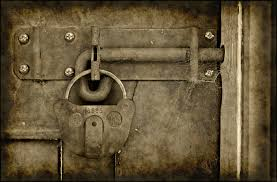
I think you know what I meant previously but I'll give some examples now. What I'm trying to say is, some creators may like the image

others
or
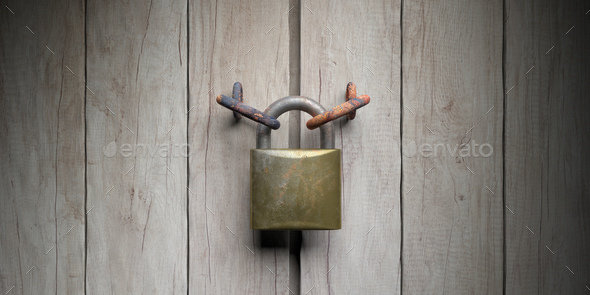
Each of them has a different position of a lock. It may not be possible to put a lock in a point forced by you by design so it will look good.
The best solution would be creating the module so it allows changing BG and position of the picks. Right now the latter is impossible because EventLP_PinX_Pos_Y events call adding and removing UILP_PinX_Pos_Y UI elements. It isn't that much of a problem if you have only one riddle of the kind as you just need to change BG and picks' positioning in ui.ini. The real issue here is creating 1> riddles of the kind during a game as the only solution to the problem at the moment is copping all events and modifying most of them for new elements.
That's why I asked if the above idea of mine is possible.
@scrubbless, if it isn't an easy task to do, what you already have created is great! I think a necessity to put a lock in the bg at a certain point is something that people can live with :). I just wanted to point out what would be the best solution.
chrismaliszewski
on 10 Jul 2019
I'm not sure what you mean by the word "intractable". Did you mean interactive?
Interactive, yes. Not sure where I got that other word!
I worry that if I make the module too customisable it will case confusion.
I think splitting out the background from the lock would be a good idea. Then give alternate background options, since the player could just rename them to update the aesthetic without manipulating the code.
If a more advanced user wants to make their own, it would be as simple as replacing the background image and then each of the lp_pin_* UI elements with their own images and moving them to the correct coordinates.
The rest of the code would remain intact and work.
scrubbless
on 11 Jul 2019
For some reason, I haven't thought about using CTRL+H option :). You're right, replacing UILP_PinX_Pos_Y with UICustomLP_PinX_Pos_Y and other texts for more advanced users shouldn't be a problem.
So the only thing that might need to be done is either:
A. flattening a code so if a user wants to create multiple riddles they don't have to copy so many functions and looking for "what more should I do"
or
B. writing in the instruction that you want to create some tips which would explain "how to do sth", i.e.
- How to create multiple lockpicks riddles? (with information which parts of the code should be copied/changed)
- How to create different backgrounds for each riddle and where should you change the positioning of the picks?
- How to set riddle's solution so it isn't random?
- What should I do to use different picks in multiple riddles?
etc.
The second option should be less time-consuming than modifying your code and will serve the purpose.
chrismaliszewski
on 11 Jul 2019
I'll close this off for now. I'll add the code into the guide should anyone want it.
I'll look into a neater module, apparently I should be able to contain all of the module in one self contained file to be added to a scenario. So I'll work on that.
scrubbless
on 6 Aug 2019
Related issues
 jlederer2
·
7Comments
jlederer2
·
7Comments
 copytco
·
4Comments
copytco
·
4Comments
 asn-d6
·
6Comments
chrismaliszewski
·
7Comments
asn-d6
·
6Comments
chrismaliszewski
·
7Comments
 antontimmermans
·
8Comments
antontimmermans
·
8Comments