Uwazi: Add thesauri save button at bottom of page
The list of thesuari for themes/topics of OAU/AU documents has become rather long, made me wonder whether it would be possible to add a 'save' button at the bottom of the page or list of thesauri so the content manager need not scroll back up to save everytime...
 HSips
HSips
All 8 comments
This is the design to allow users saving in long lists of items without scrolling up. It's just implemented in Dictionaries but I will think about applying the same concept to other sections inside settings.

I also cleaned some CSS related to panel headers and panel footers, and changed all the buttons that doesn't save into primary color (blue).
 danicatalan
on 30 May 2017
danicatalan
on 30 May 2017
Maybe the round green save button that is always at the bottom of the side panel is a nice and consistent way of having the save button always visible?
 RafaPolit
on 31 May 2017
RafaPolit
on 31 May 2017
@RafaPolit I like the idea, we must review all the Settings UI to correctly implement this through all the sections but it can work:

danicatalan
on 31 May 2017
Added this new design in whole Settings. @RafaPolit can we review the PR together?
danicatalan
on 7 Jun 2017
@danicatalan are those floating buttons? Or now we only have the save buttons at the end?
 txau
on 7 Jun 2017
txau
on 7 Jun 2017
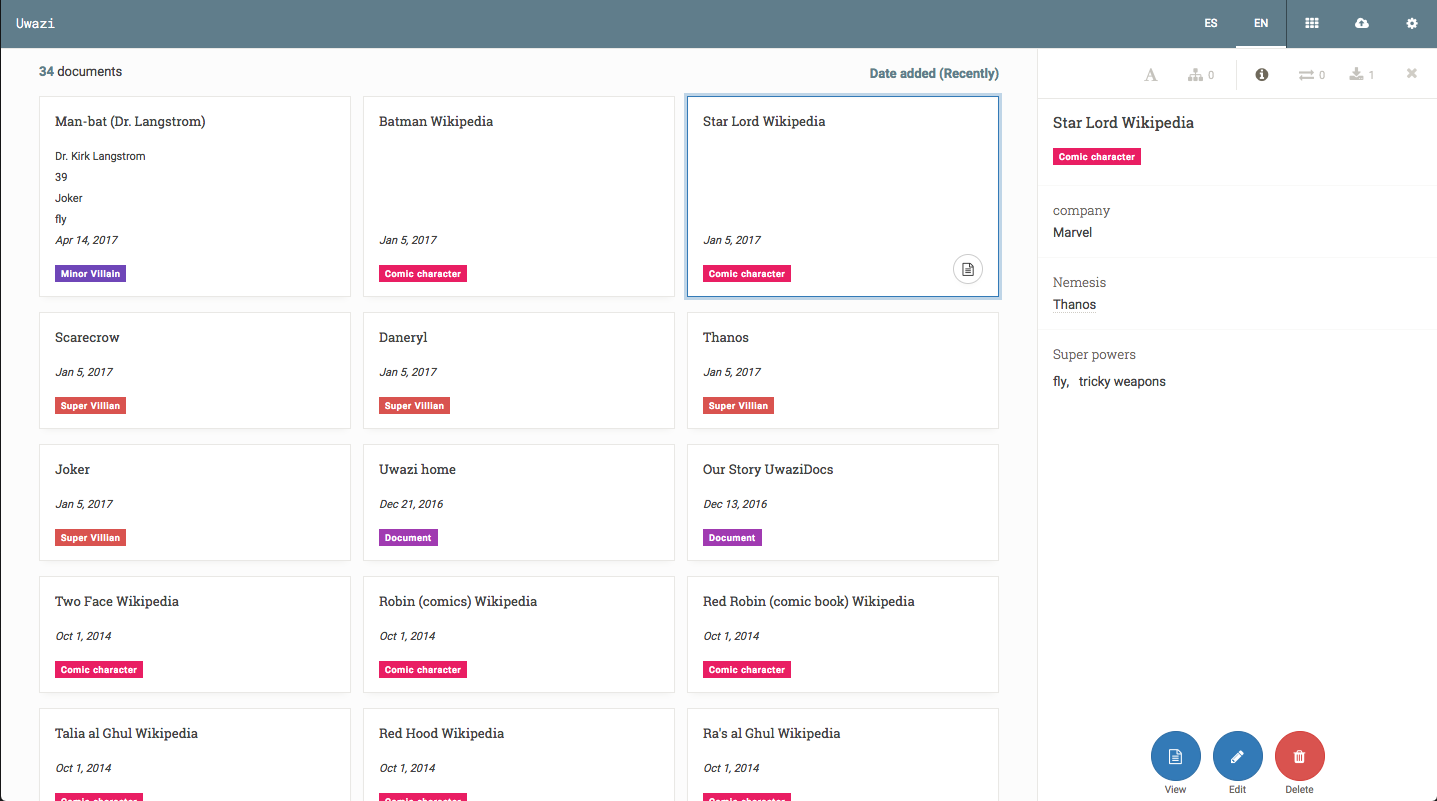
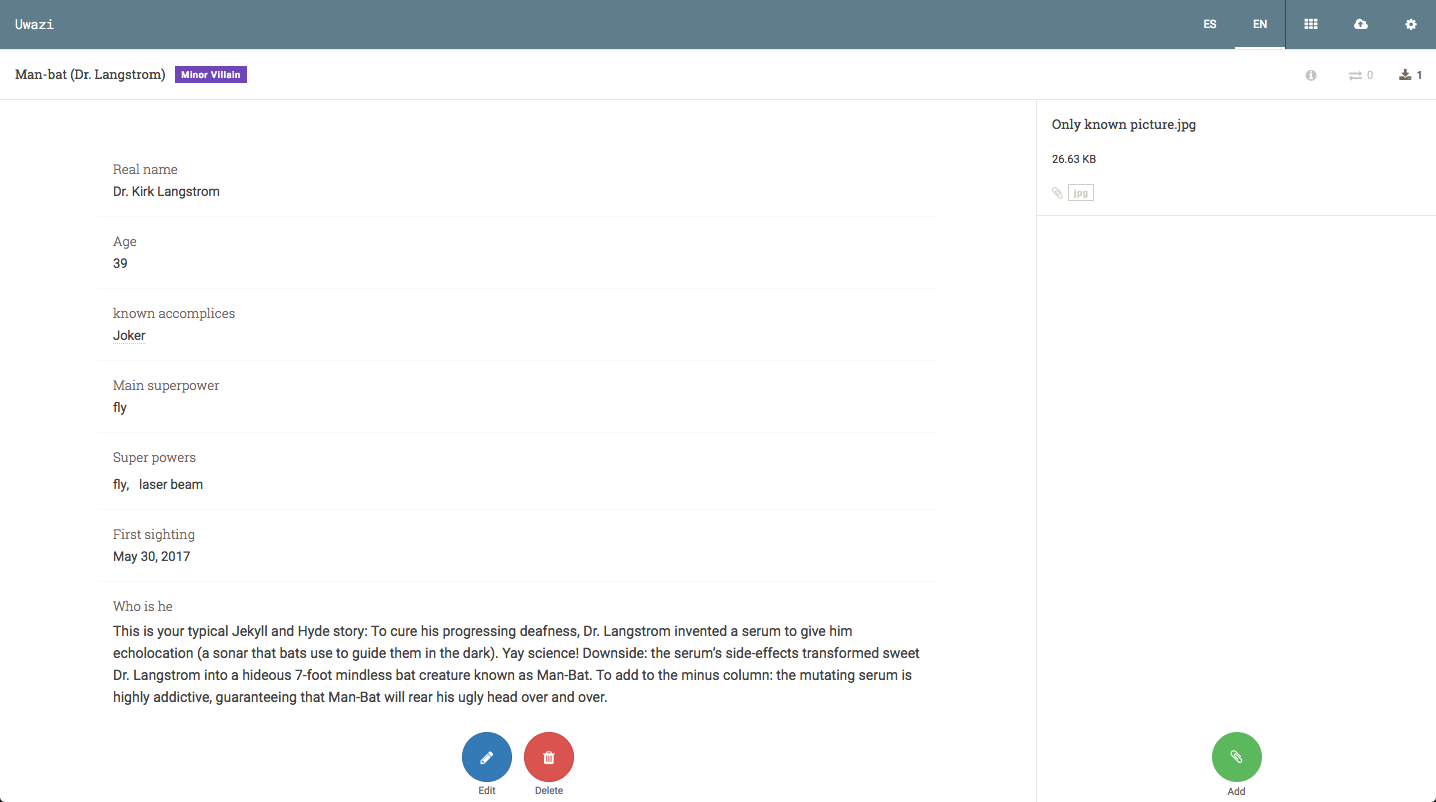
@txau they are the same buttons you can find on sidepanel or entities, so every action (like save) will be always on the same place on documents and settings.
danicatalan
on 7 Jun 2017
Yes @txau , they are floating buttons. The idea was to have them always available to prevent the user needing to scroll or either up or down to find the buttons.
RafaPolit
on 8 Jun 2017
@RafaPolit good. ty.
txau
on 9 Jun 2017
Related issues
danicatalan
·
8Comments
RafaPolit
·
4Comments
 fnocetti
·
4Comments
RafaPolit
·
7Comments
fnocetti
·
4Comments
RafaPolit
·
7Comments
 vorburger
·
7Comments
vorburger
·
7Comments