Uppy: Could not install from "node_modules/@uppy/aws-s3"
Edit by @goto-bus-stop: This should be SOLVED in Uppy 1.9.1. Please ensure you have the latest versions by doing
npm install uppy@latestif you are using theuppypackage, or for each plugin by doingnpm install @uppy/PLUGINNAME@latestif you are using individual plugin packages.
what happen with the new version?

 maianhkhadev
All 8 comments
same error.
 paninee
on 12 Feb 2020
paninee
on 12 Feb 2020
all libraries are affected with the new version.
paninee
on 12 Feb 2020
 ptgamr
on 12 Feb 2020
ptgamr
on 12 Feb 2020
is there a temp workaround? @ptgamr
i tried witht these versions
 "@uppy/aws-s3": "^1.4.1",
    "@uppy/core": "^1.7.1",
    "@uppy/dashboard": "^1.5.2",
    "@uppy/react": "^1.4.2",
stilll same issue
thank god for lock files. or else i would have had a hard time at this.
 zifahm
on 12 Feb 2020
zifahm
on 12 Feb 2020
@zifahm for now, I stick with older version in the lock file (@uppy/core v1.7.1) ... don't delete the lock file, otherwise ^1.7.1 will resolve to 1.8, then it'll error. Or you have to pin the exeact version and do not use ^
ptgamr
on 12 Feb 2020
Yup, Thanks mate @ptgamr
zifahm
on 12 Feb 2020
Sorry for the trouble! This is the result of a problem during the Lerna publish, we'll be publishing patch releases ASAP.
 goto-bus-stop
on 12 Feb 2020
goto-bus-stop
on 12 Feb 2020
@arturi just published 1.9.1 which appears to fix the issue:
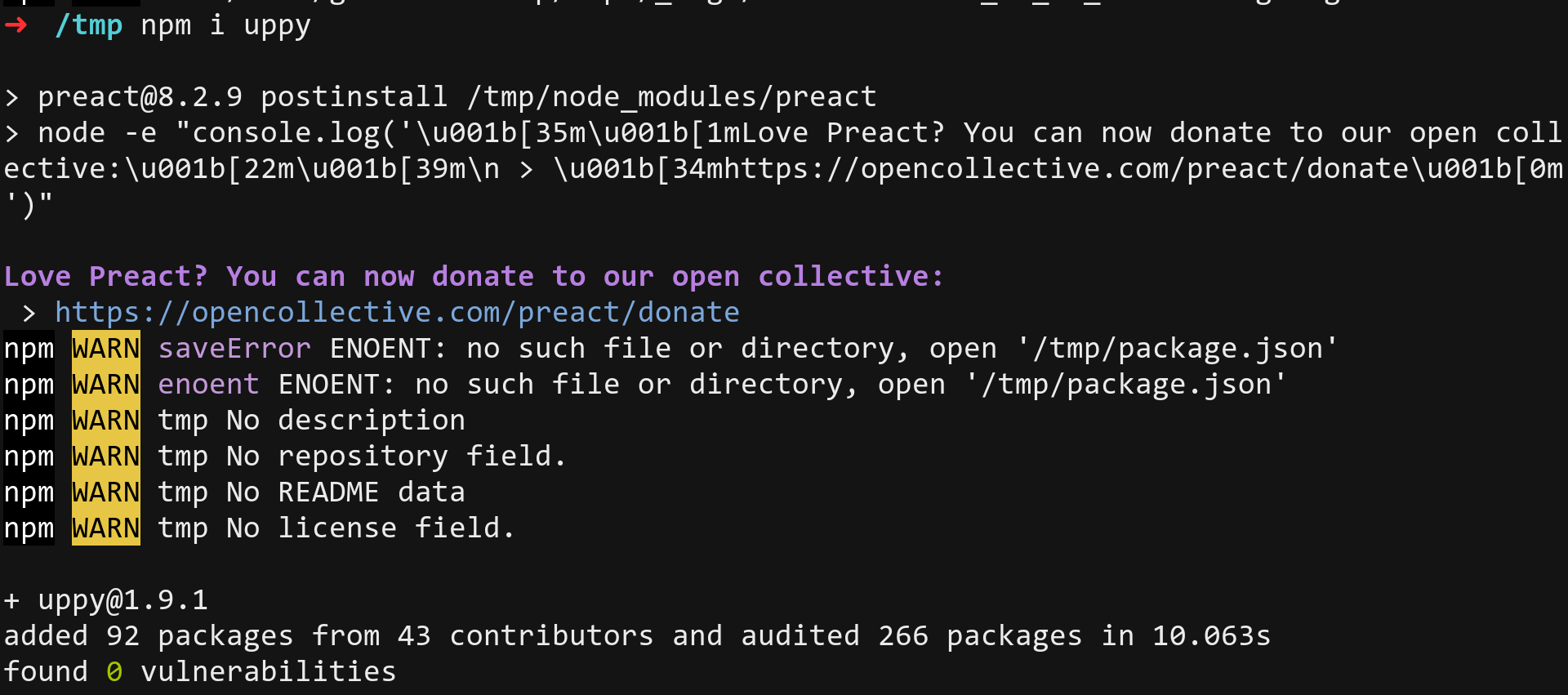
Thanks all for notifying us!
goto-bus-stop
on 12 Feb 2020
Related issues
 quetzyg
·
3Comments
quetzyg
·
3Comments
 NihadOb
·
3Comments
NihadOb
·
3Comments
 ogtfaber
·
4Comments
ogtfaber
·
4Comments
 skunkwerk
·
3Comments
skunkwerk
·
3Comments
 anushkamds
·
3Comments
anushkamds
·
3Comments
Most helpful comment
@arturi just published 1.9.1 which appears to fix the issue:

Thanks all for notifying us!