Upbge: Glitches in rendering when camera is moving.
I'm using the daily build of upbge-eevee, I have a player mesh and camera parented to it. so when i press "P" and start moving the player, the material on character seems distorted. This problem does not appear when camera is not moving.
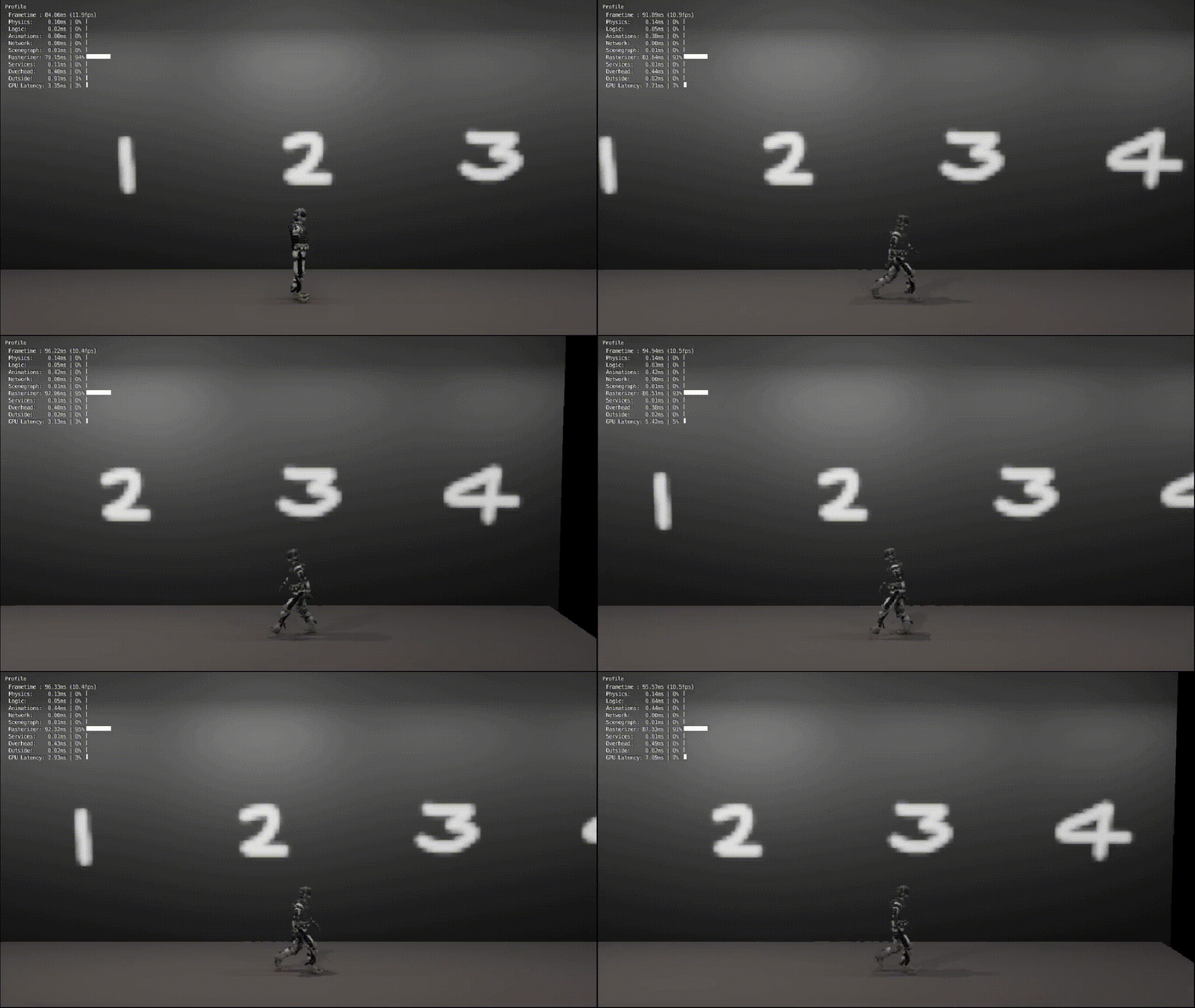
help wanted
 sanath111
All 2 comments
I think this is caused by viewport denoising.
You can try to disable it in render tab > sampling.
Then you can add the fxaa glsl filter:
- In text editor > templates > openGL shading langage, click on fxaa.glsl to open the filter in the text editor.
- On the main camera, add an always sensor (without pulse mode), add a custom 2D filter actuator and select fxaa.glsl. Link sensor and actuaor.
Start game to see if it improves the rendering.
Note: Disabling viewport denoising can impact other eevee's post processing effects (AO for example), then if you disable viewport denoising, some eevee's post processing effects won't work properly.
EDIT: I added the tip here: https://github.com/UPBGE/upbge/wiki/Release-notes-version-0.3.0
 youle31
on 19 Mar 2020
youle31
on 19 Mar 2020
👍2
Thank you very much. It worked.
sanath111
on 20 Mar 2020
Was this page helpful?
0 / 5 - 0 ratings
Related issues
 denicolas
·
4Comments
denicolas
·
4Comments
 UnidayStudio
·
4Comments
UnidayStudio
·
4Comments
 EndSSgamesStudio
·
7Comments
UnidayStudio
·
6Comments
EndSSgamesStudio
·
7Comments
UnidayStudio
·
6Comments
 Anarchokawaii
·
7Comments
Anarchokawaii
·
7Comments
Most helpful comment
I think this is caused by viewport denoising.
You can try to disable it in render tab > sampling.
Then you can add the fxaa glsl filter:
Start game to see if it improves the rendering.
Note: Disabling viewport denoising can impact other eevee's post processing effects (AO for example), then if you disable viewport denoising, some eevee's post processing effects won't work properly.
EDIT: I added the tip here: https://github.com/UPBGE/upbge/wiki/Release-notes-version-0.3.0