Umbraco-cms: Can the Nested Content ElementType selector open the Doc Type in an infinite editing context?
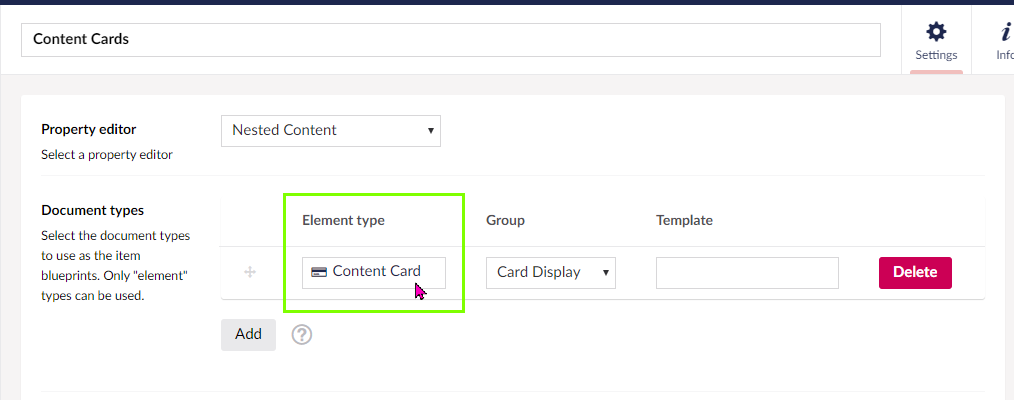
When creating or editing a Nested Content datatype, the "Element Type" should have some functionality to open the Element Type in an infinite editing experience.
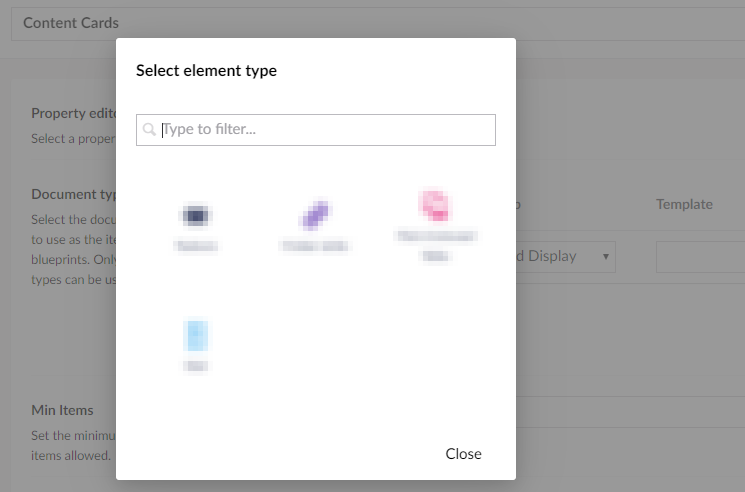
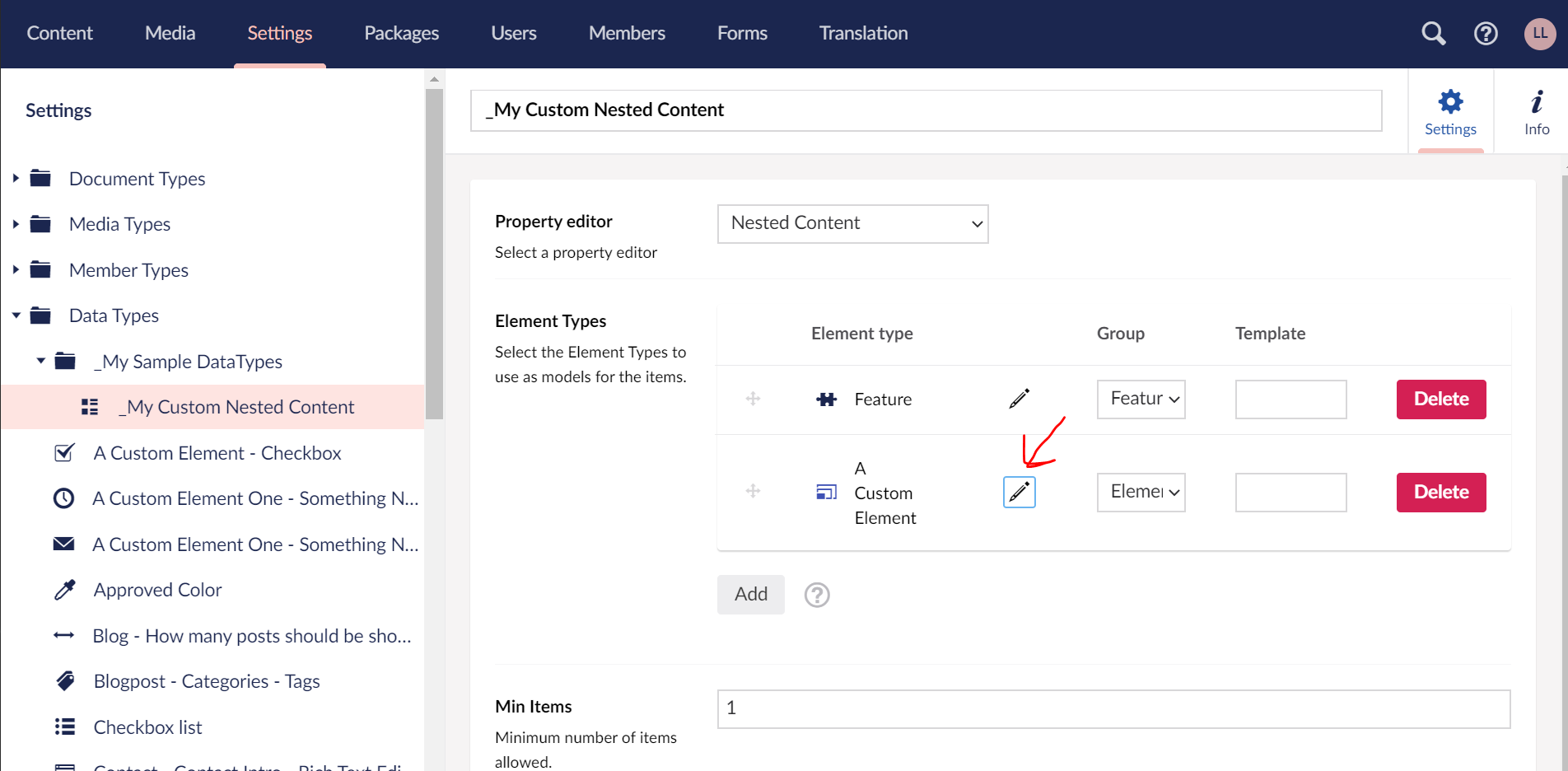
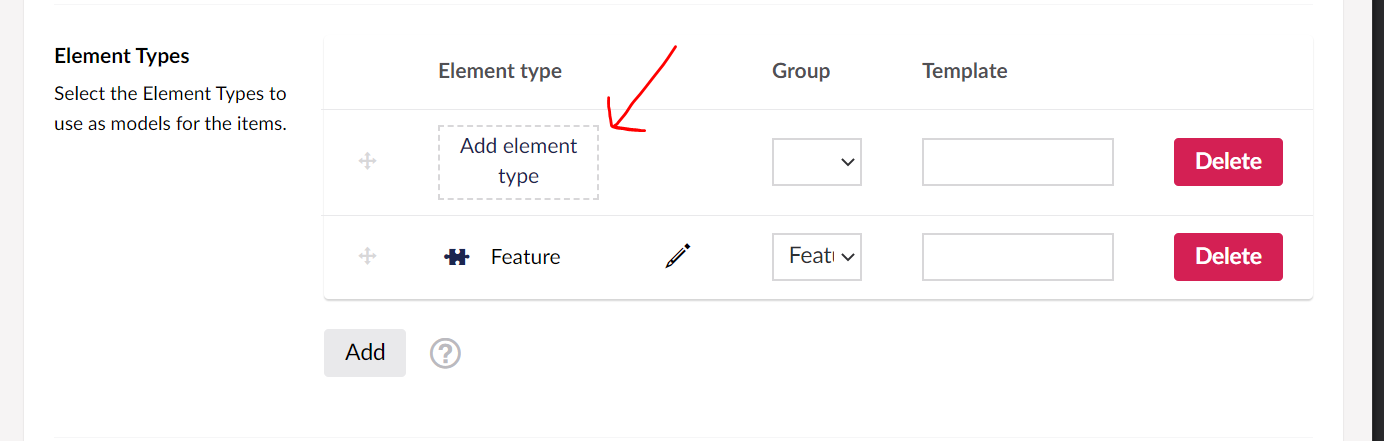
Currently clicking it goes correctly to the Element Type selector box
Before Click:
After click:
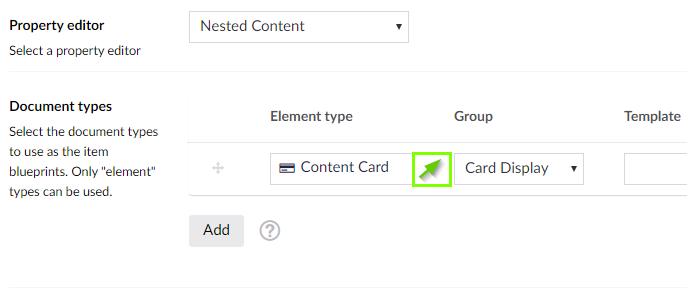
Suggestion:
Maybe a button next to the element type allowing you to open it in infinite editing?
 liamlaverty
All 5 comments
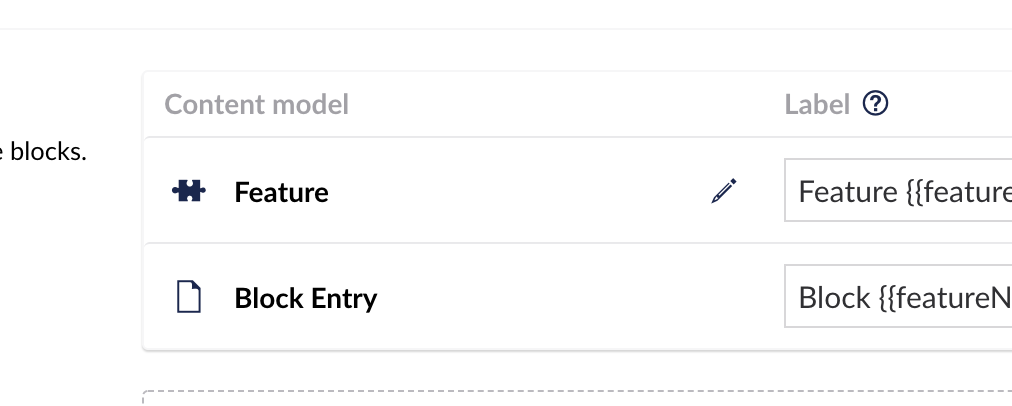
Thanks @liamlaverty it's a good idea. For the upcoming block editor we're doing it like this, would be nice to implement something similar here (we don't have a standard component for this yet).
Note:
- The pencil is only visible when hovering over the element type, or when you use
<tab>to go through the interface - Make sure it's accessible, so it is a
<button type="button" ..and screenreaders read out "edit" or something like that
I know this dialog is not very accessible at the moment yet, so if someone is so inclined it would be great to make that better too!
 nul800sebastiaan
on 5 Mar 2020
nul800sebastiaan
on 5 Mar 2020
Hi @liamlaverty,
We're writing to let you know that we've added the Up For Grabs label to your issue. We feel that this issue is ideal to flag for a community member to work on it. Once flagged here, folk looking for issues to work on will know to look at yours. Of course, please feel free work on this yourself ;-). If there are any changes to this status, we'll be sure to let you know.
For more information about issues and states, have a look at this blog post
Thanks muchly, from your friendly PR team bot :-)
 umbrabot
on 5 Mar 2020
umbrabot
on 5 Mar 2020
Hey @nul800sebastiaan ,
I took a look at this, and implemented the following:
1 - Added icon-edit control
2 - Opens the infinite editor context
3 - allows you to make changes
4 - returns you to the original context
Am I on the right tracks here? The code's here, and it looks like the following
I've come across a bug that I'll look at over the weekend, where editing the doctypeAlias in the infinite editor window causes the element to be empty the next time you reload the screen.
Unlock and edit the doctypeAlias:

Causes the element picker to be empty when I close the infinite editing context.
liamlaverty
on 5 Mar 2020
I've come across a bug that I'll look at over the weekend, where editing the doctypeAlias in the infinite editor window causes the element to be empty the next time you reload the screen.
Unlock and edit the doctypeAlias:
Causes the element picker to be empty when I close the infinite editing context.
IIRC, the Nested Content configuration only stores the alias of the content type, so when you change the alias, the reference is broken.
 skttl
on 9 Mar 2020
skttl
on 9 Mar 2020
@liamlaverty judging from the images it looks good. While you are at it, could you decrease the spacing between the columns? To the half. I don't see the need for all that air. Thanks
 nielslyngsoe
on 16 Mar 2020
nielslyngsoe
on 16 Mar 2020
Related issues
 DotpeopleApS
·
31Comments
DotpeopleApS
·
31Comments
 philipdanielhayton
·
29Comments
philipdanielhayton
·
29Comments
 rsoeteman
·
28Comments
rsoeteman
·
28Comments
 deMD
·
55Comments
deMD
·
55Comments
 ronaldbarendse
·
26Comments
ronaldbarendse
·
26Comments