Twindle: Readme image sizes on GitHub mobile
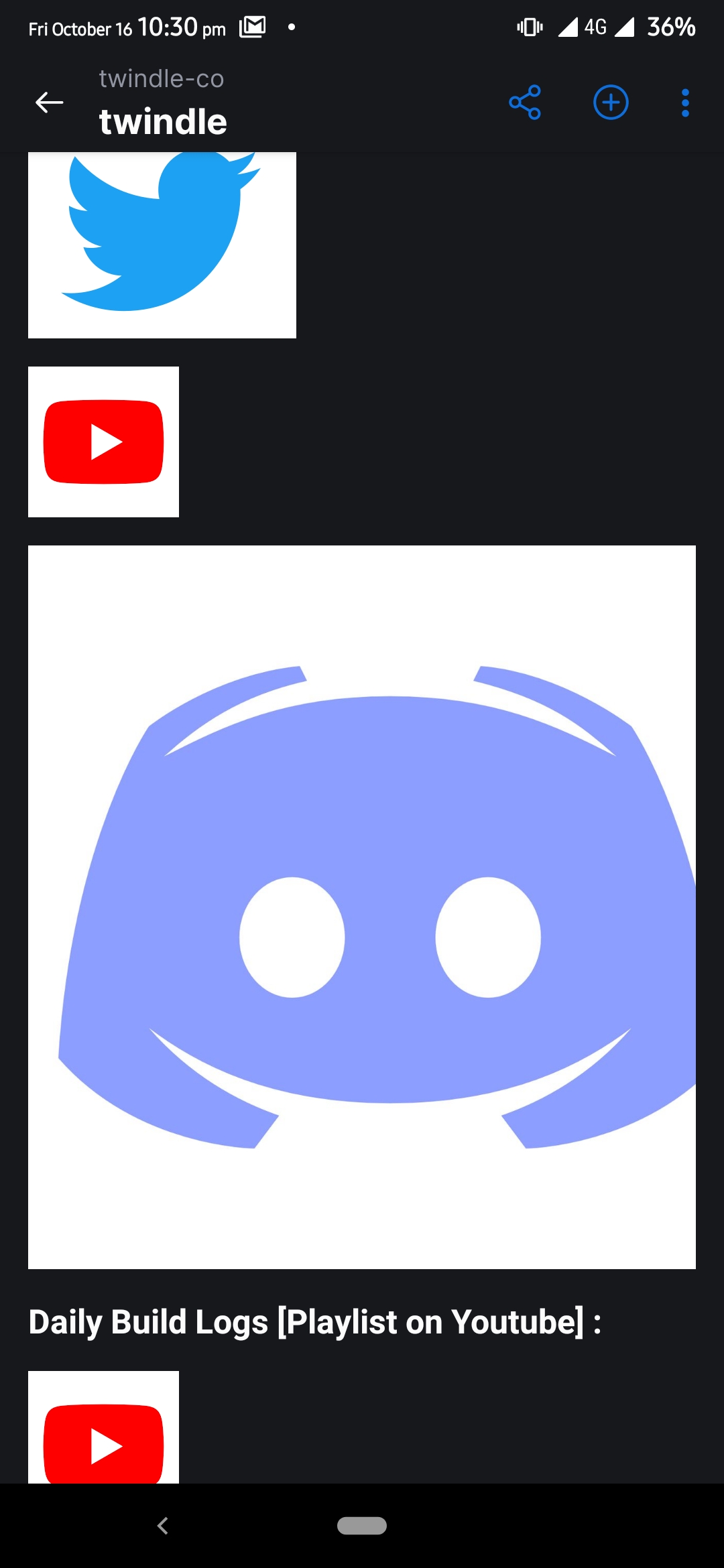
Something is wrong here!
 johnjacobkenny
All 29 comments
I'll try to handle it
 tolgaerdonmez
on 16 Oct 2020
tolgaerdonmez
on 16 Oct 2020
I tried in my own fork some adjustments but I couldn't get it to work on GitHub's application :(
[<img src='https://www.creativefreedom.co.uk/wp-content/uploads/2017/06/Twitter-featured.png' height='45' width='55' />](https://twitter.com/twindleco)
[<img src ='https://encrypted-tbn0.gstatic.com/images?q=tbn%3AANd9GcQ342VRbRlgLDPviYYJgxfCVEHKmtuV8LIisA&usqp=CAU'  width='50' height='50' />](https://www.youtube.com/channel/UCKxUmbHq5P5pd5IyUiZ8MHA)
<a target="_blank" href="https://discord.gg/jBj2zMR">
<img src='https://cdn.vox-cdn.com/thumbor/nU3aFhQTGn1z9ImiSHXkF0bnyLk=/0x0:1600x1600/1400x1400/filters:focal(659x770:915x1026):format(jpeg)/cdn.vox-cdn.com/uploads/chorus_image/image/56262027/discord_logo.0.jpg' height='50' width='50' /></a>
these just won't work on mobile
tolgaerdonmez
on 16 Oct 2020
Has somebody fixed it??
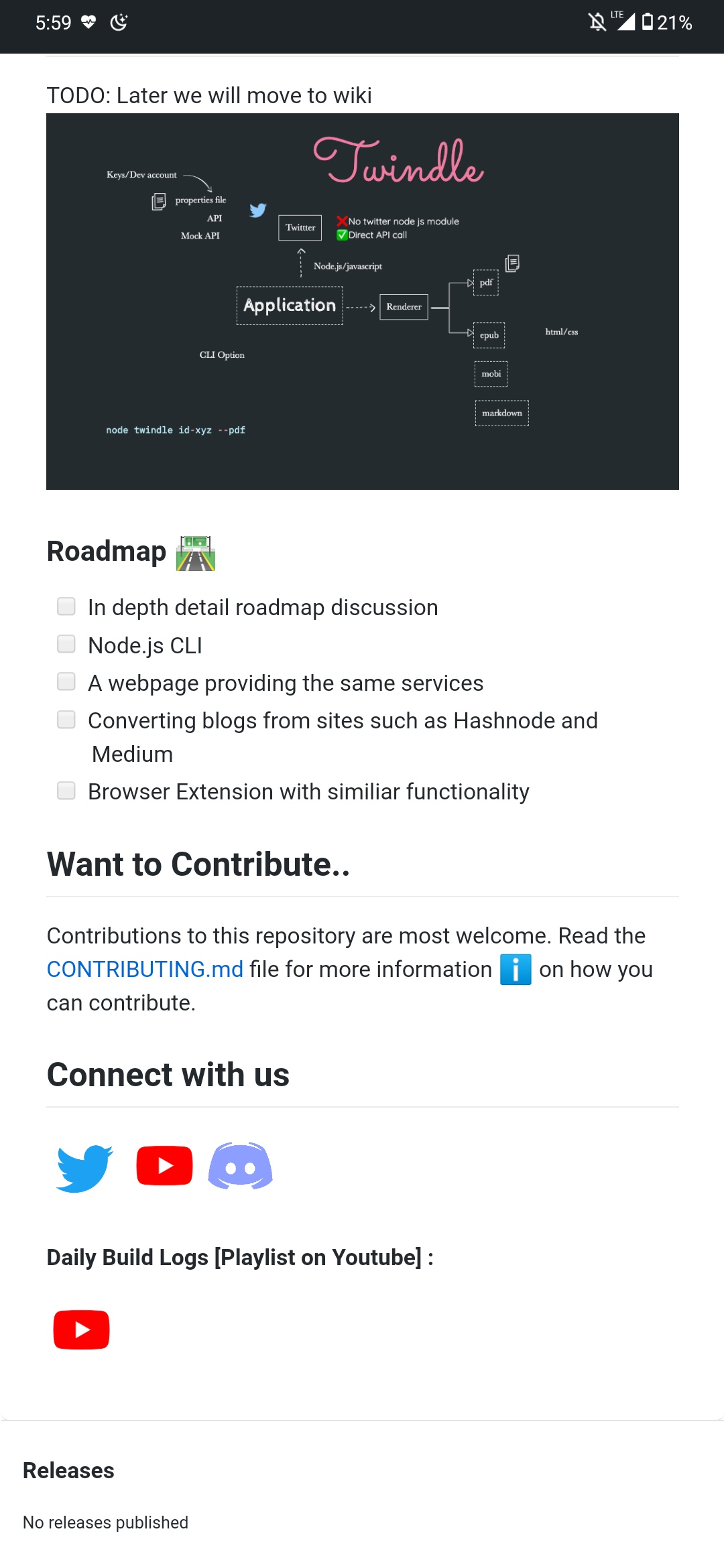
This is how it looks now.
 madhusudanbabar
on 17 Oct 2020
madhusudanbabar
on 17 Oct 2020
Someone fixed it I think.
Looks good.
@johnjacobkenny can confirm and close it
 proful
on 17 Oct 2020
proful
on 17 Oct 2020
This is still open, on GitHub mobile app I'm having this issue.
johnjacobkenny
on 17 Oct 2020
@tolgaerdonmez are these fixed? Do tell if you need help
 tusharkandpal
on 17 Oct 2020
tusharkandpal
on 17 Oct 2020
I couldn't fix, some help will be nice :)
tolgaerdonmez
on 17 Oct 2020
Ok i will look into it.
tusharkandpal
on 17 Oct 2020
I think I've fixed it at my fork by replacing the icons with icons from icons8 but attribution is needed for use
Is it ok for a PR?
 michaelcosj
on 17 Oct 2020
michaelcosj
on 17 Oct 2020
What kind of attributes you mean?
tusharkandpal
on 17 Oct 2020
Oh not attributes, attribution like to link to their site
michaelcosj
on 17 Oct 2020
Can't we just resize the images
johnjacobkenny
on 17 Oct 2020
I looked into it and markdown doesn't have a way to resize the images and I think the GitHub app ignores the img height and width attributes.
I think we can just resize the image files and host it somewhere or create a images folder in the project and put the images there.
michaelcosj
on 17 Oct 2020
How does this one look - https://github.com/twindle-co/twindle/pull/309 ?
 codeprm
on 18 Oct 2020
codeprm
on 18 Oct 2020
This is due to a bug in GitHub Mobile. I am also facing the same issue, not only on Twindle repository but all repositories
 thunder-coding
on 18 Oct 2020
thunder-coding
on 18 Oct 2020
Has somebody fixed it??
This is how it looks now.
You are talking about GitHub website on mobile not GitHub app for Android
thunder-coding
on 18 Oct 2020
Has somebody fixed it??
This is how it looks now.You are talking about GitHub website on mobile not GitHub app for Android
yes but I believe it's the application issue, anyways resized images will solve this.
madhusudanbabar
on 18 Oct 2020
I believe so, does including the images in the repository a problem. I wanted to avoid that.
tolgaerdonmez
on 19 Oct 2020
@tolgaerdonmez I don't think it's a problem unless there's any copyright related issue?
johnjacobkenny
on 19 Oct 2020
@tolgaerdonmez I don't think it's a problem unless there's any copyright related issue?
Yeah probably
tolgaerdonmez
on 19 Oct 2020
How does this one look - https://github.com/twindle-co/twindle/pull/309 ?
@codeprm Could you let me know more about this?
johnjacobkenny
on 19 Oct 2020
I tried on my phone, now it looks like normal size :)
 piratelicorne
on 23 Oct 2020
piratelicorne
on 23 Oct 2020
@piratelicorne are you using the mobile app or the mobile website? For me this is on the app and I am still having it
johnjacobkenny
on 23 Oct 2020
I tested on the website (twindle.co) but I just checked in the GitHub mobile app 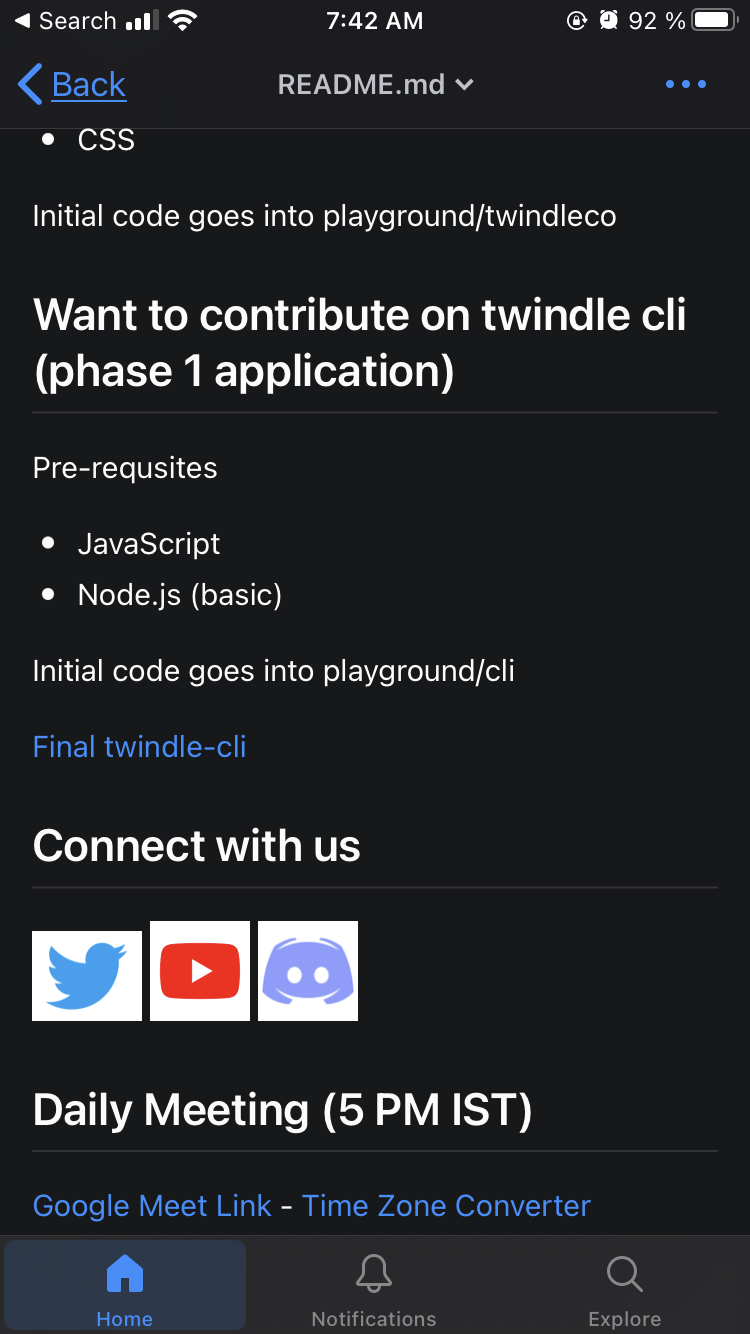 and looks good, can you check also the icons in the ONBOARDING.md? Maybe we can use those ones, they are smaller sand I used them from "iconfinder"
piratelicorne
on 23 Oct 2020
Those are slightly larger than the ones we have here, but yeah maybe we could look at something like that, or simply resize the files.
And I think this could be a GitHub android issue since you don't have the issue in iOS
johnjacobkenny
on 26 Oct 2020
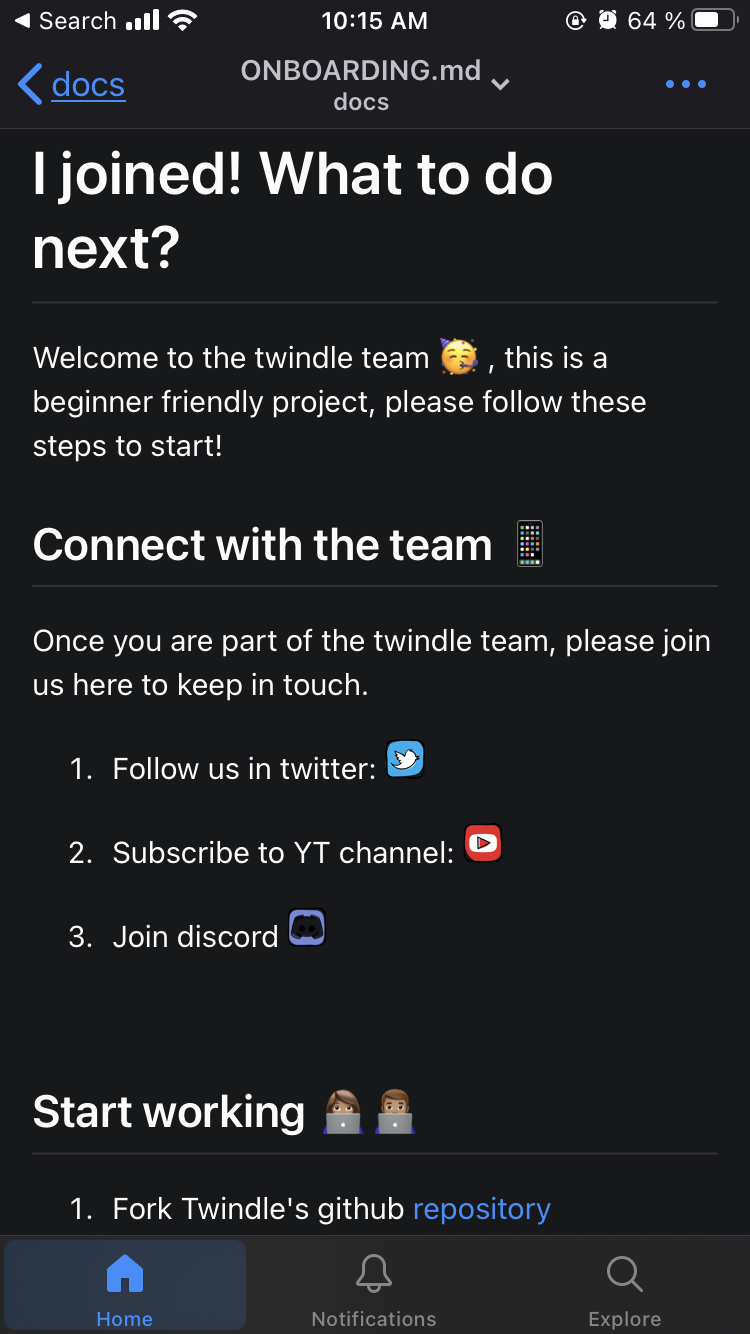
What about this?
piratelicorne
on 26 Oct 2020
Those are slightly larger than the ones we have here, but yeah maybe we could look at something like that, or simply resize the files.
And I think this could be a GitHub android issue since you don't have the issue in iOS
Yeah, it's actually on android app only, i reported this issue here, they will work on it in future but till then we can go with resized images.
madhusudanbabar
on 27 Oct 2020
Those are slightly larger than the ones we have here, but yeah maybe we could look at something like that, or simply resize the files.
And I think this could be a GitHub android issue since you don't have the issue in iOSYeah, it's actually on android app only, i reported this issue here, they will work on it in future but till then we can go with resized images.
Great! So then I think we can use what @piratelicorne has implemented.
johnjacobkenny
on 27 Oct 2020
Closing this. We can reopen in future.
proful
on 3 Nov 2020
Related issues
proful
·
4Comments
proful
·
6Comments
johnjacobkenny
·
5Comments
proful
·
5Comments
proful
·
4Comments
Most helpful comment
I looked into it and markdown doesn't have a way to resize the images and I think the GitHub app ignores the img height and width attributes.
I think we can just resize the image files and host it somewhere or create a images folder in the project and put the images there.