Tutanota: Clicking the notification should take you to related mailbox
Currently with 3.46.3 on android, when I get a mail that is sorted to a mailbox, I get a notification. Then I click the notification, but is then taken to my empty Inbox. My expectation was to be taken to the mailbox for the mail in the notification. If only one mail was received, maybe go directly and show that mail.
If the notification is for multiple mails in multiple mailboxes, it should probably take me to the mailbox for the first one.
 snaggen
All 7 comments
Hey, thanks for reporting, it should work like that but it stopped at some point of time and I didn't look into that yet.
 charlag
on 4 Feb 2019
charlag
on 4 Feb 2019
I'm also affected by this but slightly differently,
When the app is not running in the background and I get a new email notification and click on it I'm taken to the login screen as in the image below and then nothing happens.
First of all it took me a really long time to figure out that I have to click the red panel to select the account, secondly why would I have to do it, I only have a single account and I don't have to select it when I open the app directly.
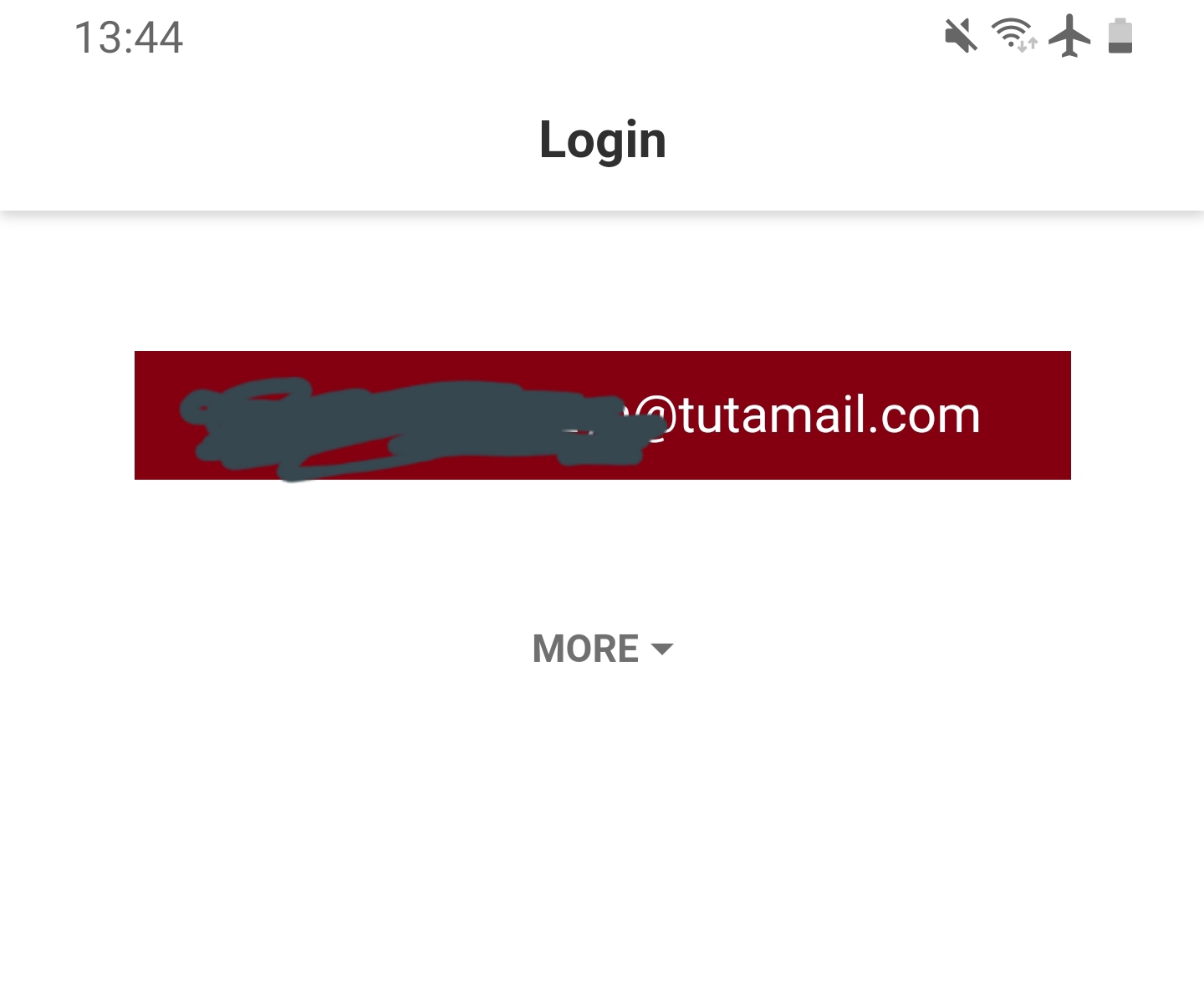
Running latest v3.69.2 on android s9+
 gpa
on 28 Mar 2020
gpa
on 28 Mar 2020
More information from a user:
"This only happens if the app has not been previously opened (for example, after booting the phone or if removed from the recent applications list). If the app has been previously opened, when clicking on the notification I go directly to the email message, which should be the expected behaviour in every case."
 bedhub
on 25 Jun 2020
bedhub
on 25 Jun 2020
Actually tested with the notification for this. I first opened the tutanota app, it was in a subfolder. I then clicked the notification, which should have taken me to the new message in the bugs subfolder. However, the result was that Tutanota was shown but with the Index folder list showing.
So clicking on the notification clearly instructed the tutanota app to do something, since it changed from a subfolder to the index folder, but it did not open the correct mail in my bugs subfolder as expected.
snaggen
on 25 Jun 2020
Seems to be an annoying bug as it is still reported by users. We will try to fix this for the next release. We should also take care of this issue maybe it is related:
bedhub
on 21 Jul 2020
notes for testing:
click on email notifications while already in a mailbox (of the same and of a different user), while viewing the login screen, while the app is in the background and while an app instance isn't running, and make sure that the correct mailbox is opened up.
 johnbotris
on 20 Oct 2020
charlag
on 22 Oct 2020
johnbotris
on 20 Oct 2020
charlag
on 22 Oct 2020
Related issues
 leo-lb
·
6Comments
leo-lb
·
6Comments
 armhub
·
5Comments
armhub
·
5Comments
 4jNsY6fCVqZv
·
4Comments
4jNsY6fCVqZv
·
4Comments
 RickyM7
·
4Comments
RickyM7
·
4Comments
 TobiasDev
·
9Comments
TobiasDev
·
9Comments