Tsparticles: detectRetina breaks dynamic link opacity on HiDPI screens
Thank you for fixing the random particle opacity of issue #831 . That is some seriously fast support and deployment. However, the problems, that the links still don't look right for me persists.
Describe the bug
I have run some tests and the issue is the same on all my OSes. If detectRetina is enabled on a high DPI screen, the dynamic link opacity doesn't work as good anymore and long links loose their transparency. The issue gets worse the higher the OS display scaling is (higher DPI).
To Reproduce
See this codepen on a HiDPI device (left side has retina detection disabled and right side has it enabled):
https://codepen.io/microraptor-the-sans/full/abNRwpw
Expected behavior
Both sides should look the same, except that the right side with detectRetina should be sharper.
Screenshots
This is on a 4K screen with 350% scaling:
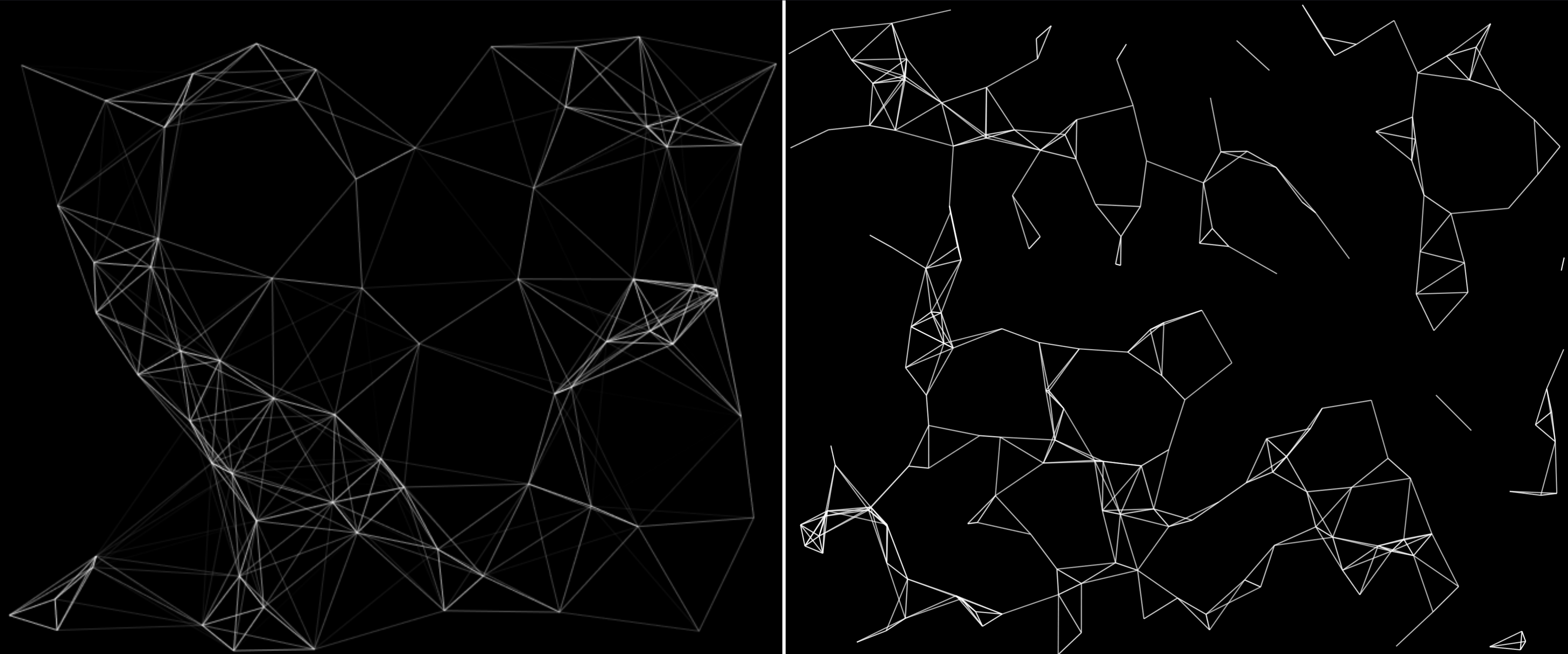
This is on a 4K screen with 200% scaling:

This is on a 4K screen with 100% scaling:
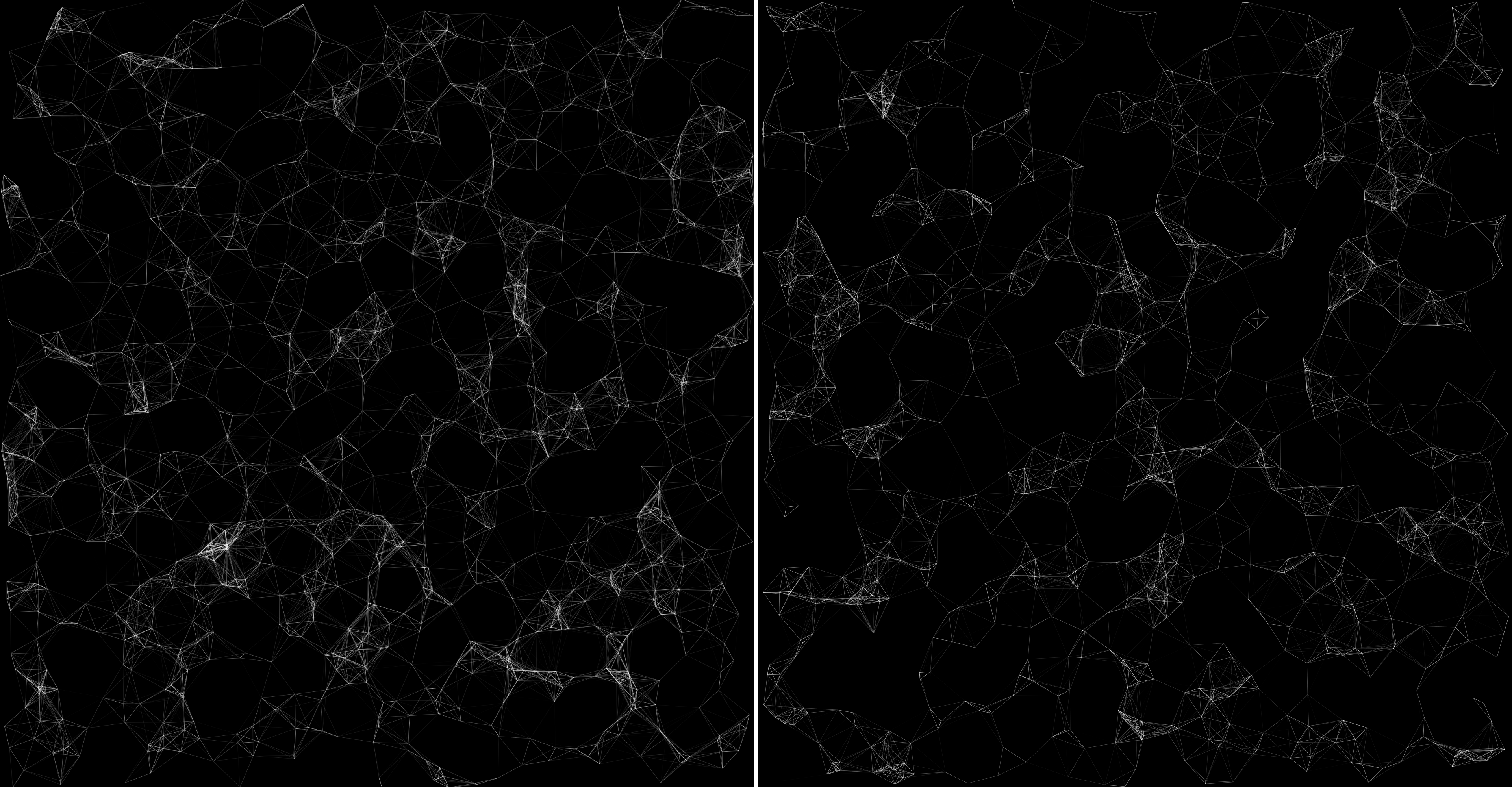
Desktop (please complete the following information):
Windows and Ubuntu with Firefox and Chrome show the same behavior.
Smartphone (please complete the following information):
Android 10 with Firefox and Edge shows the same behavior.
Additional context
Changing the link width doesn't change the problem. Setting the maximal opacity very low of the links shows up correctly on HiDPI devices, so they are able to show very transparent links.
 microraptor
All 3 comments
Issue-Label Bot is automatically applying the label bug to this issue, with a confidence of 0.97. Please mark this comment with :thumbsup: or :thumbsdown: to give our bot feedback!
Links: app homepage, dashboard and code for this bot.
![issue-label-bot[bot] picture](https://avatars2.githubusercontent.com/in/27079?v=4&s=40) issue-label-bot[bot]
on 19 Sep 2020
issue-label-bot[bot]
on 19 Sep 2020
Nice catch, I need to do more tests on my Retina Display, I'll have a look at that deeply.
 matteobruni
on 19 Sep 2020
matteobruni
on 19 Sep 2020
Thanks for the quick fix. Looks amazing now on HiDPI screens! :+1:
microraptor
on 20 Sep 2020
Related issues
 ecrookoh
·
3Comments
ecrookoh
·
3Comments
 jeffgoh
·
4Comments
matteobruni
·
6Comments
jeffgoh
·
4Comments
matteobruni
·
6Comments
 adammesa
·
4Comments
adammesa
·
4Comments
 lectair
·
6Comments
lectair
·
6Comments