Tiptap: Auto focus not working properly, focuses to starting of the content
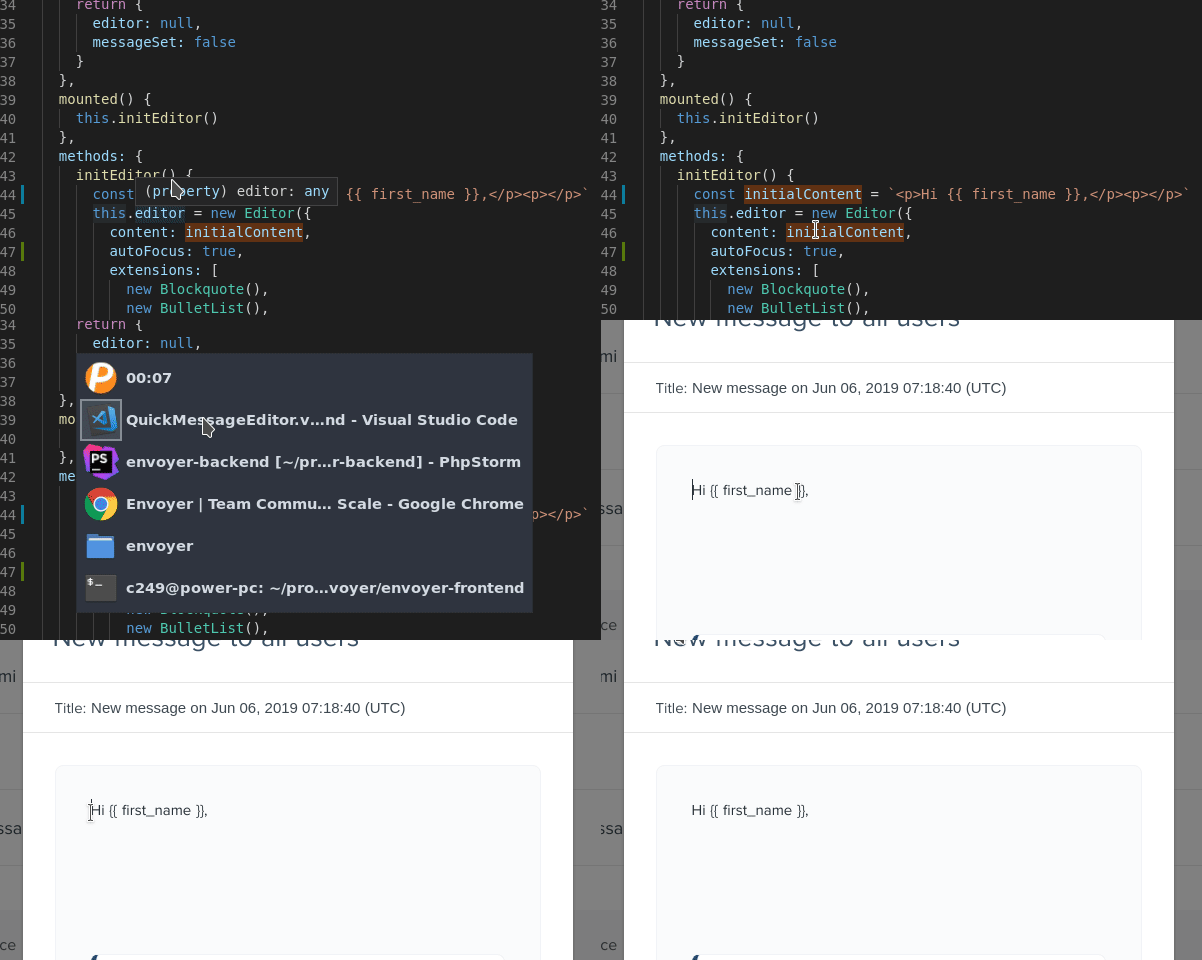
Autofocus not working properly. it autofocuses the cursor to the starting of the content.
is there a way to set the cursor position to end of the content?
please watch the gif for better understanding
Minimal code
      const initialContent = `<p>Hi rameez,</p><p>second line</p>`
      this.editor = new Editor({
        content: initialContent,
        autoFocus: true,
        extensions: [
          new Blockquote(),
          new BulletList(),
          new CodeBlock(),
          new HardBreak(),
          new Heading({ levels: [1, 2] }),
          new ListItem(),
          new OrderedList(),
          new TodoItem(),
          new TodoList(),
          new Bold(),
          new Code(),
          new Italic(),
          new Link(),
          new Strike(),
          new Underline(),
          new History(),
          new Placeholder({
            emptyClass: 'is-empty',
            emptyNodeText: 'Write something…',
            showOnlyWhenEditable: true
          })
        ]
      })
 rameezcubet
All 8 comments
Ah, good point! For now you can use editor.focus('end'). But it would make sense to allow this option for autofocus too.
 philippkuehn
on 6 Jun 2019
philippkuehn
on 6 Jun 2019
tried using
this.editor.focus('end')
after the plugin inited but same behaviour. ie focusing on start.
working with "tiptap": "^1.14.0",
rameezcubet
on 6 Jun 2019
In the lastest release you can set autofocus: 'end'.
philippkuehn
on 7 Jun 2019
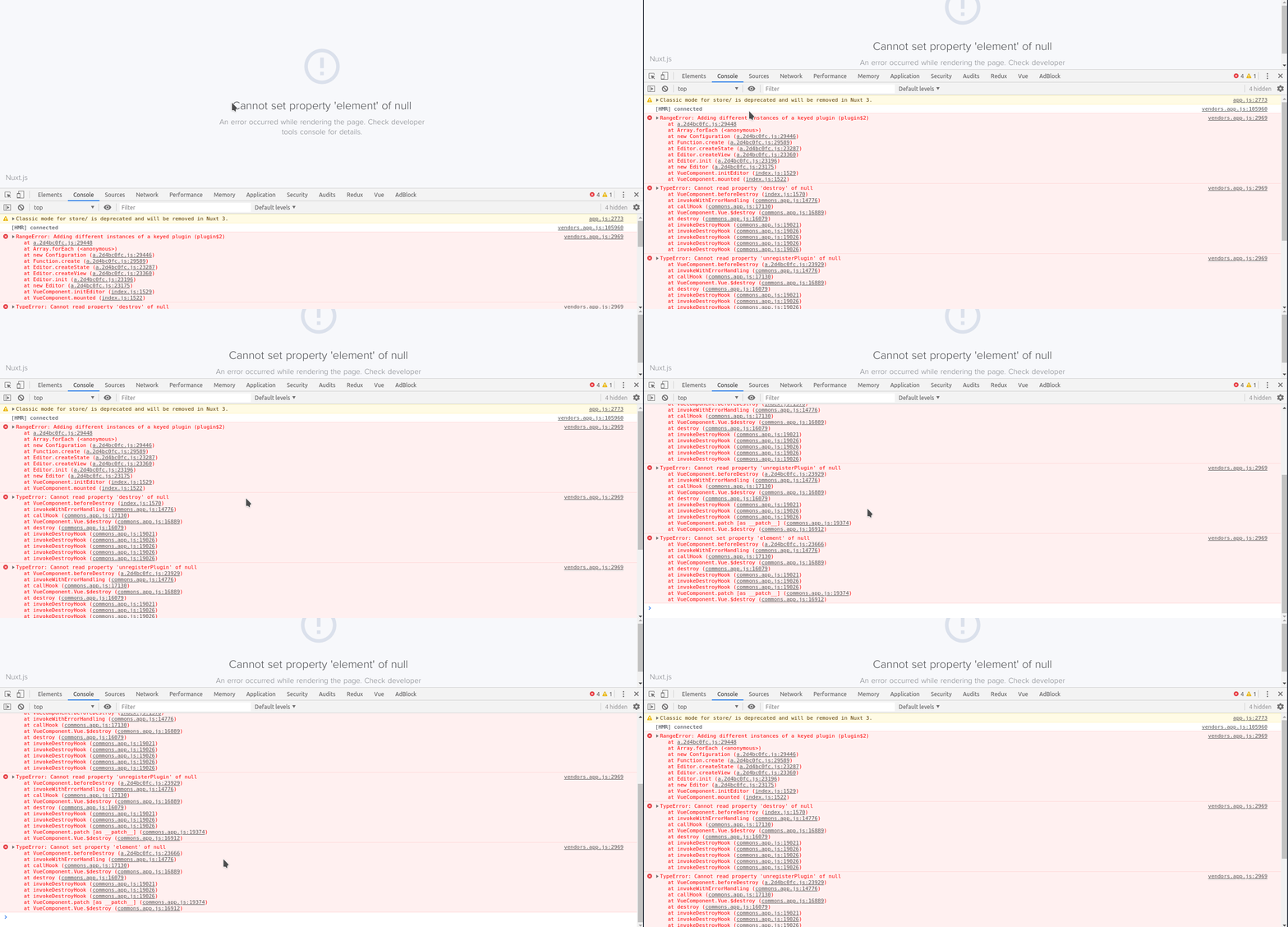
I tried updating to "tiptap": "^1.22.2" now my vue-nuxt-app crashes, no matter I set autofocus or not.
For the moment I have reverted my version back to "tiptap": "^1.14.0" and all are back to normal(autofocus missing).
I have added screencast below
rameezcubet
on 12 Jun 2019
@rameezcubet see #305
philippkuehn
on 12 Jun 2019
Got it.. it's working now.
Step 1
    "tiptap": "^1.22.2",
    "tiptap-extensions": "^1.22.2",
Step 2
and removed package-lock.json file and node_modules folder
Step 3
npm install
rameezcubet
on 12 Jun 2019
Does autofocus take a 'start' option? I checked the docs but couldn't find any reference to the string arguments.
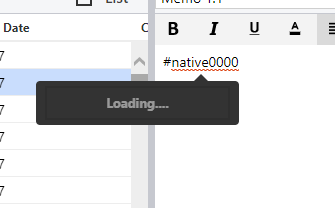
I'm running into a scenario where, when an editor loads with a partial mention at the end, the search popup is triggered automatically because of the cursor focus event.
 jeremyphillipsfti
on 23 Nov 2019
jeremyphillipsfti
on 23 Nov 2019
@jeremyphillipsfti this forked project of tip-tap seems to be a better version https://www.npmjs.com/package/tiptap-vuetify . it works in rapo with vuetify but you can style it for your needs without using vuetify. it also has v-model support by default.
rameezcubet
on 26 Nov 2019
Related issues
 ageeye-cn
·
3Comments
ageeye-cn
·
3Comments
 unikitty37
·
3Comments
unikitty37
·
3Comments
 bernhardh
·
3Comments
bernhardh
·
3Comments
 afwn90cj93201nixr2e1re
·
3Comments
afwn90cj93201nixr2e1re
·
3Comments
 glavdir
·
3Comments
glavdir
·
3Comments