Tilix: Add "Copy & Paste" context menu item
Hi,
I am a happy user of http://roxterm.sourceforge.net/ but it is not maintained lately.
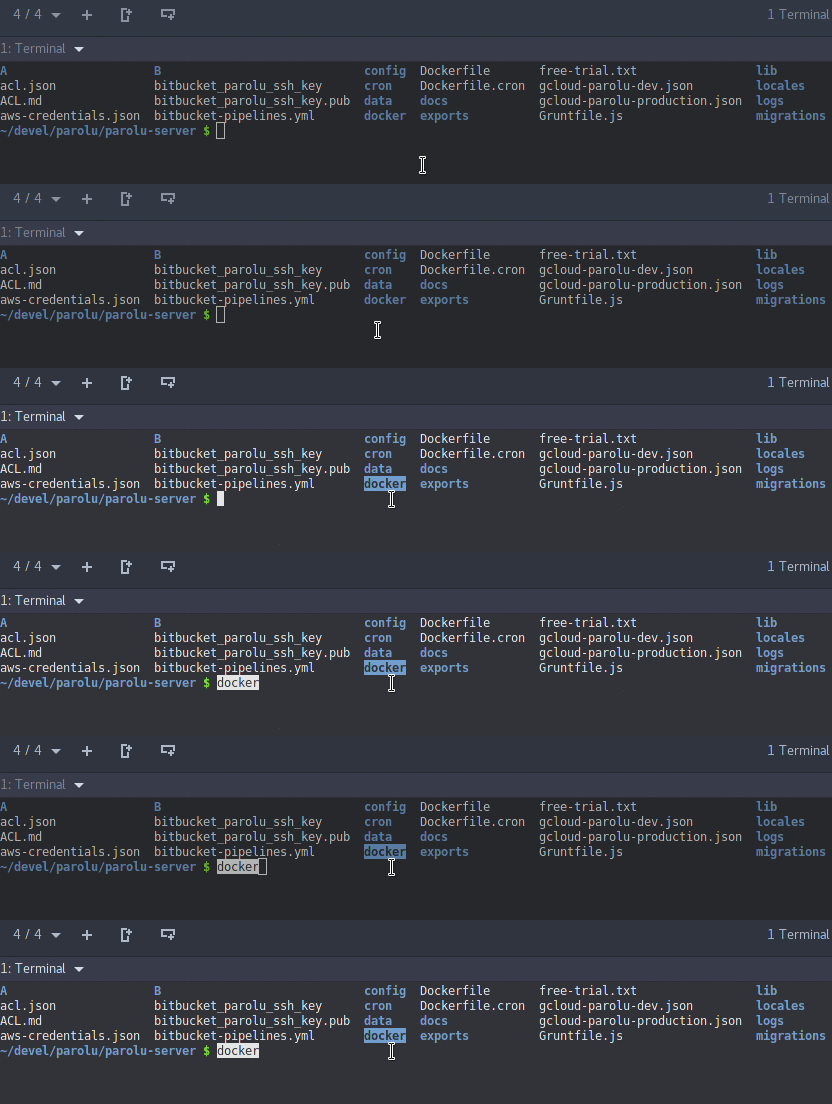
I'd like to switch to Tilix but I miss one functionality that I use very often: copy some text and immediately paste it.
Is it possible to add it ?
 martin-g
All 10 comments
I'm trying to upload a small video of the feature in Roxterm but GitHub doesn't accept .mp4 it seems.
martin-g
on 12 Jul 2017
martin-g
on 12 Jul 2017
Nice feature, especially in a terminal. But I usually use the middle mouse button for it, works even faster: Select text, one middle click, done. Not sure whether this will work on Wayland, tough, does selection pasting exist there?
 phw
on 12 Jul 2017
phw
on 12 Jul 2017
Interesting!
I do not use mouse, so I don't have middle button.
Let me google how to emulate it with the touchpad!
martin-g
on 12 Jul 2017
For me it is three finger tapping on the touchpad, which actually is kinda awkward to use :(
phw
on 12 Jul 2017
@phw You can also press left and right touchpad buttons simultaneously, but this does not always work as expected.
 f2404
on 12 Jul 2017
f2404
on 12 Jul 2017
According to https://help.ubuntu.com/stable/ubuntu-help/mouse-touchpad-click.html it should by tapping once in the top-right corner but it doesn't work.
press left and right touchpad buttons simultaneously
This works!
I'll try to get used to it!
Thank you!
martin-g
on 12 Jul 2017
There's a configurable shortcut as well for Paste Selection in Tilix that defaults to
 gnunn1
on 12 Jul 2017
gnunn1
on 12 Jul 2017
Defaults to what ?
martin-g
on 12 Jul 2017
Ctrl-insert, GitHub hid because I used <
gnunn1
on 12 Jul 2017
Related issues
 yodatak
·
4Comments
yodatak
·
4Comments
 roadhoghook
·
4Comments
roadhoghook
·
4Comments
 pkkid
·
3Comments
pkkid
·
3Comments
 viniciusban
·
4Comments
viniciusban
·
4Comments
 vaijab
·
3Comments
vaijab
·
3Comments
Most helpful comment
Ctrl-insert, GitHub hid because I used <