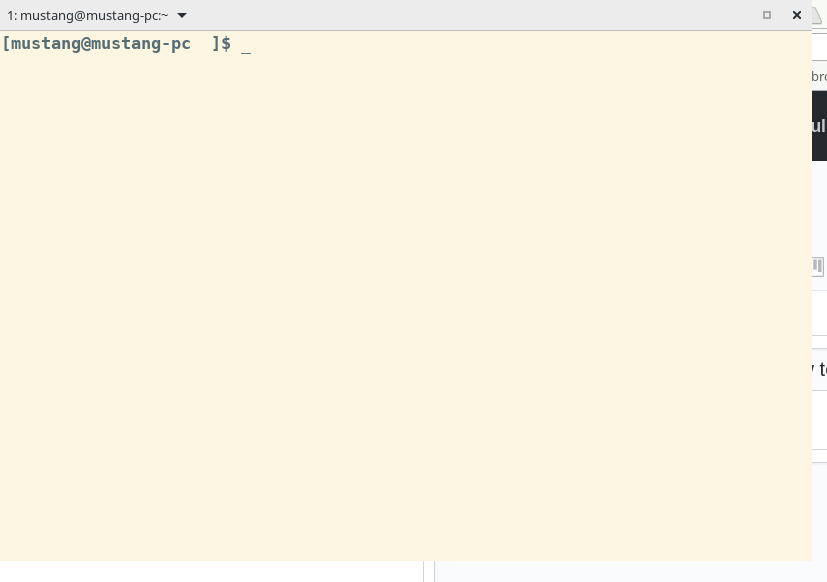
Tilix: When I hide the title bar,I don't know how to re-display it,please help me
 roadhoghook
All 4 comments
Go into the Preferences dialog, under the Appearances section and select an appropriate option for Window Title.
 gnunn1
on 26 Mar 2018
gnunn1
on 26 Mar 2018
Just type tilix --preferences at the prompt to bring it up. Tilix is designed for gnome, so in gnome you can right click the running icon and select Preferences from there.
gnunn1
on 26 Mar 2018
👍2
Feature suggestion: Add an entry in the contextual right click menu, à la terminator :)
 mrjk
on 29 Mar 2018
mrjk
on 29 Mar 2018
👍3
I don't have any plans to do that, if you use gnome it appears in the app menu and I only support gnome at this time. Using tilix --perferences is an acceptable workaround IMHO.
gnunn1
on 30 Mar 2018
Was this page helpful?
0 / 5 - 0 ratings
Related issues
gnunn1
·
3Comments
 wesselih
·
4Comments
wesselih
·
4Comments
 lucascosti
·
3Comments
lucascosti
·
3Comments
 tomtobac
·
3Comments
tomtobac
·
3Comments
 pkkid
·
3Comments
pkkid
·
3Comments
Most helpful comment
Feature suggestion: Add an entry in the contextual right click menu, à la terminator :)