Tiddlywiki5: [BUG] High cpu consume after upgrade to 5.1.22
Describe the bug
After upgrade to 5.1.22, when open tiddlywiki in google chrome, it consume around 30% cpu, even if there is no tiddler is opened
If move the google chrome window into background, the cpu consume is back to normal.
I also tried to fallback to 5.1.21, which do not have the issue.
Firefox has the same behavior with google chrome.
Expected behavior
Screenshots

Desktop (please complete the following information):
- OS: Archlinux
- Browser: google-chrome 81.0.4044.122-1
- Version:
Additional context
{
    "plugins": [
        "tiddlywiki/codemirror",
        "tiddlywiki/codemirror-closebrackets",
        "tiddlywiki/codemirror-closetag",
        "tiddlywiki/filesystem",
        "tiddlywiki/highlight",
        "tiddlywiki/pluginlibrary",
        "tiddlywiki/tiddlyweb"
    ],
    "themes": [
        "tiddlywiki/vanilla",
        "tiddlywiki/snowwhite"
    ],
    "build": {
        "renderfull": [
            "--rendertiddler", "$:/core/save/all", "index_full.html", "text/plain"
        ],
        "render": [
            "--rendertiddler", "$:/core/save/lazy-images", "index_without_img.html", "text/plain"
        ],
        "index": [
            "--rendertiddler",
            "$:/core/save/all",
            "index.html",
            "text/plain"
        ],
        "empty": [
            "--rendertiddler",
            "$:/core/save/all",
            "empty.html",
            "text/plain",
            "--rendertiddler",
            "$:/core/save/all",
            "empty.hta",
            "text/plain"
        ],
        "externalimages": [
            "--savetiddlers",
            "[is[image]]",
            "images",
            "--setfield",
            "[is[image]]",
            "_canonical_uri",
            "$:/core/templates/canonical-uri-external-image",
            "text/plain",
            "--setfield",
            "[is[image]]",
            "text",
            "",
            "text/plain",
            "--rendertiddler",
            "$:/core/save/all",
            "externalimages.html",
            "text/plain"
        ],
        "static": [
            "--rendertiddler",
            "$:/core/templates/static.template.html",
            "static.html",
            "text/plain",
            "--rendertiddler",
            "$:/core/templates/alltiddlers.template.html",
            "alltiddlers.html",
            "text/plain",
            "--rendertiddlers",
            "[!is[system]]",
            "$:/core/templates/static.tiddler.html",
            "static",
            "text/plain",
            "--rendertiddler",
            "$:/core/templates/static.template.css",
            "static/static.css",
            "text/plain"
        ]
    },
    "config": {
        "retain-original-tiddler-path": true
    }
}
 jeffrey4l
All 22 comments
Hi @jeffrey4l sorry you've run into problems. I'm on a Mac, but I used your tiddlywiki.info in a new empty wiki but I didn't encounter the same high CPU usage. Can anyone else confirm this behaviour on Linux?
 Jermolene
on 25 Apr 2020
Jermolene
on 25 Apr 2020
I am also noticing a severe degrade in performance on 5.1.22 on my Mac. In my case I'm trying it with a sync-adaptor activated. I thought it was caused because what I reported on #4598 .
@jeffrey4l are you using any kind of server-side sync or this happens on normal TW?
 danielo515
on 25 Apr 2020
danielo515
on 25 Apr 2020
hi @Jermolene , i create a new empty wiki, i found the root cause come from tiddlywiki/tiddlyweb plugin. And the cpu still be high even if i stop the server (with google chrome page opened.).
{
    "description": "Empty edition",
    "plugins": [
        "tiddlywiki/tiddlyweb"
    ],
    "themes": [
        "tiddlywiki/vanilla",
        "tiddlywiki/snowwhite"
    ],
    "build": {}
}
start by
/usr/bin/tiddlywiki --listen port=8181 debug-level=debug
i use google chrome devtools capture the performance of the page, you can see the difference. (you can load the file in devtools performance tab)
tiddlywiki-high-cpu.txt
tiddlywiki-ok.txt
jeffrey4l
on 26 Apr 2020
Thanks @jeffrey4l @danielo515 I'm still not able to duplicate the problem. I've tried the same version of Chrome (81.0.4044.122) and the Chrome Canary build (84.0.4127.0), running the default tw5.com wiki via the listen command on my Mac.
@jeffrey4l are you seeing any network activity when the CPU is 100%?
Also, it would be interesting to know if any JS code was being executed. Could you on the "sources" tab of dev tools, try clicking the "pause" button, and then waiting to see where the code stops? If it stops immediately then perhaps try resuming and pausing a few times to see if it is always stopping in the same place.
Jermolene
on 26 Apr 2020
Hey @Jermolene , thanks for debugging this.
first of all, the cpu is almost 30%, i haven't see 100%.
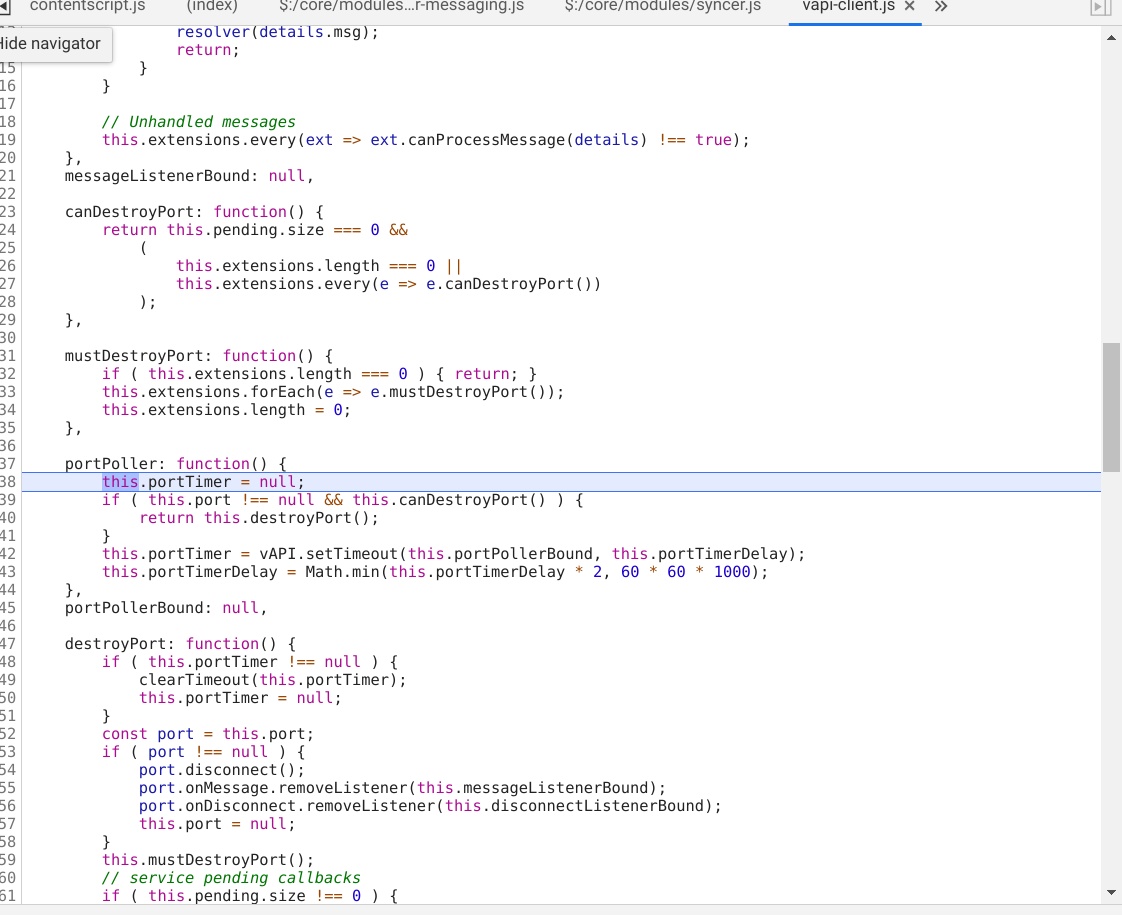
I try tested 5.1.21 and 5.1.22 with pause the script. they seems the same, after a little long time i click the pause botten, the js is really stopped. ( i guess there is no js running during these period)
5.1.21
5.1.22
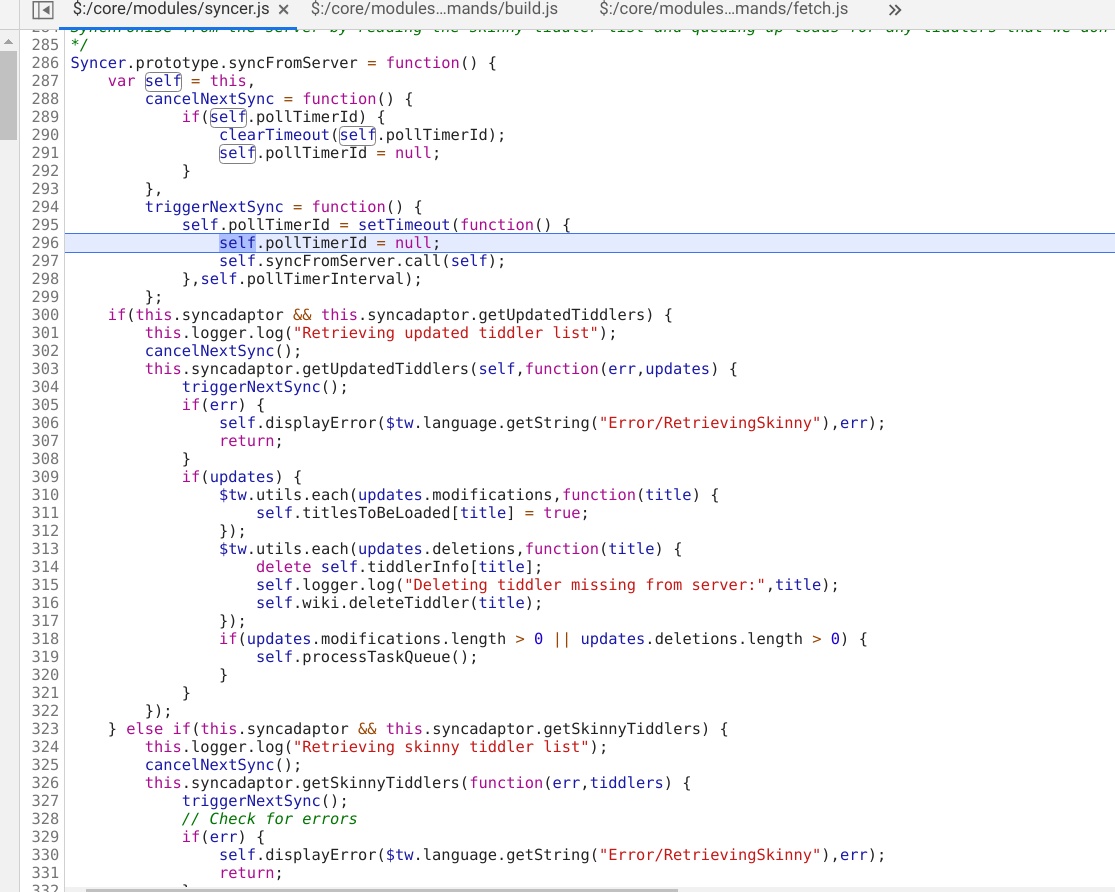
The interesting thing is, after the script is paused, the cpu and GPU consume is much higher in 5.1.22 version, almost 60%

So i guess this issue may related to css/html render rather than javascript?
jeffrey4l
on 26 Apr 2020
This is an unusual problem, although I have run into cases in the past where chrome would finish rasterizing the entire page once it was idle, which is probably a memory saving feature. Can you verify whether anything changes based on the length of the page and which tabs you have open in the sidebar. For instance, if one short tiddler is open and the sidebar open tab is selected, rasterizing would be much quicker than if there was a long story river and the shadow tiddler sidebar tab is open.
 Arlen22
on 26 Apr 2020
Arlen22
on 26 Apr 2020
My guess is that display:none prevents a section from being rasterized, but opacity: 0 would probably allow it. So if 5.1.22 switched a bunch of stuff to use opacity, that could make a difference. But I haven't looked whether there is any such changes in 5.1.22.
Arlen22
on 26 Apr 2020
@Arlen22 thanks for you advice, i think i found the root cause.
When i delete the tc-dirty-indicator button element, more specific remove the animation property for body
.tc-image-cloud-progress , everything is ok.
body .tc-image-cloud-progress {
transition: opacity 250ms ease-in-out;
transform-origin: 50% 50%;
transform: rotate(359deg);
/* animation: animation-rotate-slow 2s infinite linear; */
fill: #ffffff;
opacity: 0;
}
current workaround is add following into a tiddler with $:/tags/Stylesheet tag
body .tc-image-cloud-progress {
    transition: opacity 250ms ease-in-out;
    transform-origin: 50% 50%;
    transform: rotate(359deg);
    animation: none;
    fill: #ffffff;
    opacity: 0;
}
It may be enough if this element gets a z-index and its own layer. so the GPU can do the animation
 pmario
on 27 Apr 2020
pmario
on 27 Apr 2020
pmario
on 27 Apr 2020
pmario
on 27 Apr 2020
I did some tests with FF latest. ... no problems. ... now testing with Chrome and Edge
pmario
on 27 Apr 2020
@jeffrey4l ... did you test opening Chrome without TW. On my system it needs about 10% more CPU as FF, if started with 2 tabs open. My FF has about 60 tabs open.
I did test Chrome and Edge on my system. Can't produce any CPU problems if TW is loaded and "syncing animation" makes no difference for me.
Any browser plugins? @jeffrey4l
pmario
on 27 Apr 2020
I created a video to show the error, please check
https://www.dropbox.com/s/gnpmdfuwe1iv96q/tiddlywiki-2020-05-05_22.34.52.mkv?dl=0
There is a html element size changed all the time.
jeffrey4l
on 5 May 2020
Hi @jeffrey4l ... Now I can reproduce the problem with Chromium on ubuntu 20.04 The CPU load goes up to 50% to 60% on every 4 cores. ...
pmario
on 5 May 2020
FF has max 20%
pmario
on 5 May 2020
I think I found it. .. The "rotating" element is active, even if it is invisible. ... I did assign display: none and CPU load goes down to 20%
pmario
on 5 May 2020
.tc-image-cloud-progress is set to opacity: 0 .. It should be display:none if it is invisible
pmario
on 5 May 2020
PR is on the way
pmario
on 5 May 2020
@jeffrey4l ... have a look at: https://github.com/Jermolene/TiddlyWiki5/pull/4634/files
This should work now.
pmario
on 5 May 2020
Cool, the issue is fixed after applied @pmario patch, thanks a lot.
jeffrey4l
on 6 May 2020
Related issues
 twMat
·
4Comments
twMat
·
5Comments
twMat
·
5Comments
twMat
·
4Comments
twMat
·
5Comments
twMat
·
5Comments
 diego898
·
5Comments
Jermolene
·
6Comments
diego898
·
5Comments
Jermolene
·
6Comments
Most helpful comment
@jeffrey4l ... have a look at: https://github.com/Jermolene/TiddlyWiki5/pull/4634/files
This should work now.