Three.js: OrthographicCamera and GLSL rendering issue
Description of the problem
When generating a square mesh (using ShapeGeometry) with a ShaderMaterial (barebones GLSL shader) in a scene with an OrthographicCamera it is neither at the right origin nor the right scale. This is not the case using any other material.
https://jsfiddle.net/h3m951x6/1/
Three.js version
- [ x] r116
Browser
- [x] All of them
OS
- [x] All of them
 olgageletina
All 10 comments
The generated geometry is not centered, so it won't appear centered eitherway.
You are assigning the vertex position in object space directly to gl_Position, so the object doesn't follow the rendering pipeline and it won't be based on the camera's configuration or world coordinates.
This is not an issue with Three.js, I suggest taking a look at the examples and/or opening a thread on the Three.js Discourse Forum for help.
 sciecode
on 13 May 2020
sciecode
on 13 May 2020
Thanks @sciecode .
I did look at examples my OrthographicCamera should be in line with a top left origin of my canvas as documented here and I set the vertex position in object space as demonstrated here line 22.
There was nothing in my post to suggest that the geometry needs to be centered – its _origin_ needs to be in line with my canvas coordinates. I'll open up a thread on the forum. In the future, I'd encourage you to heed your own advice by taking a look at some examples.
@mrdoob thoughts?
olgageletina
on 13 May 2020
There was nothing in my post to suggest that the geometry needs to be centered – its _origin_ needs to be in line with my canvas coordinates.
There is nothing in your post that explains what you expected or wanted, you just gave a vague description of something you assumed to be an incorrect behavior, but it isn't.
If you paid attention to what I said, you would've noticed that I mentioned that by assigning the position in object space directly to gl_position, you are not following the rendering transformation pipeline and therefore whatever you set your camera frustum to be is not gonna be reflected in the end result.
Again, study the examples, reason about them and if you need help... Follow the community guidelines and ask for help in the appropriated place.
sciecode
on 13 May 2020
@olgageletina
    var sqLength = 100;
    var squareShape = new THREE.Shape()
        .moveTo(0, 0)
        .lineTo(0, sqLength)
        .lineTo(sqLength, sqLength)
        .lineTo(sqLength, 0)
        .lineTo(0, 0);
That makes sqLength / 2 your center which makes things hard to work with.
I recommend making 0,0,0 your center by doing this instead:
    var sqLength = 100 / 2;
    var squareShape = new THREE.Shape()
        .moveTo(-sqLength, -sqLength)
        .lineTo(-sqLength, sqLength)
        .lineTo(sqLength, sqLength)
        .lineTo(sqLength, -sqLength)
        .lineTo(-sqLength, -sqLength);
 mrdoob
on 13 May 2020
mrdoob
on 13 May 2020
@mrdoob thank you – agreed, in this case I'm quite happy with sqLength / 2 as the origin. The square is a proxy for a more complex geometry whose vertices I animate based on some edge detection results (this is also why I'm keen on preserving the top left coordinates and the 1 pixel canvas = 1 three.js equivalents for the camera). I'd love for the ShaderMaterial to render the square in the same way that a MeshBasicMaterial does here.
However I couldn't find a good example/explanation for the distortions I'm seeing. Happy to document this process or contribute to an example once the answer reveals itself.
olgageletina
on 13 May 2020
I'd love for the
ShaderMaterialto render the square in the same way that aMeshBasicMaterialdoes here.
With MeshBasicMaterial the geometry is not being rendered at all. Try changing the color to 0xff0000.
mrdoob
on 13 May 2020
However I couldn't find a good example/explanation for the distortions I'm seeing. Happy to document this process or contribute to an example once the answer reveals itself.
What are you trying to do? Something like this?
mrdoob
on 13 May 2020
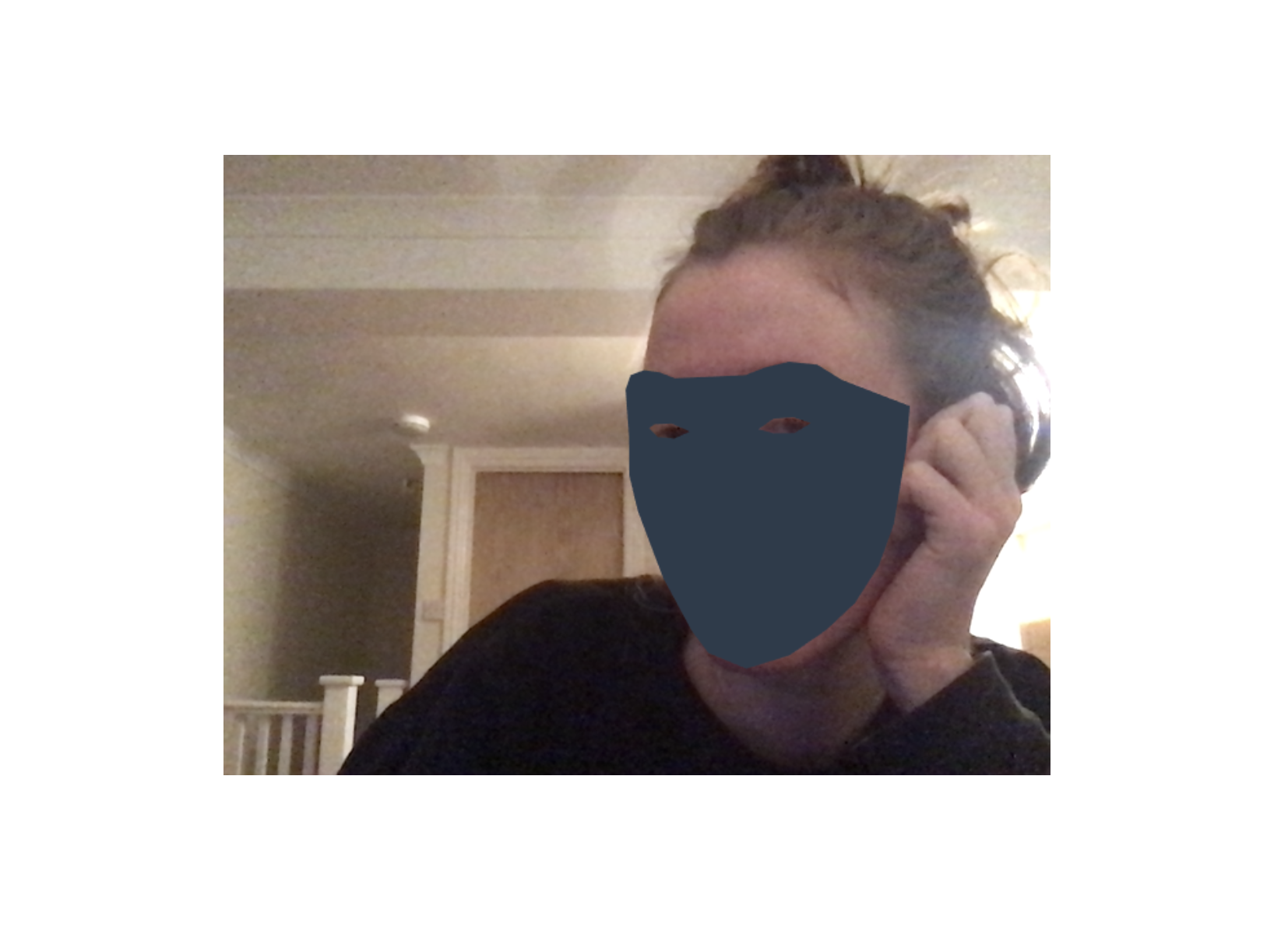
@mrdoob similar! except I am not creating a PlaneBufferGeometry but a custom 2D Geometry that I update based on edge detections from a webcam feed. Therefore it would be great for my THREE coordinates to be 1:1 with the canvas space (0,0 top left corner and 1 pixel = 1 three.js unit). I am getting a satisfactory result when I render with MeshBasicMaterial.
Here's a shaderless result.
olgageletina
on 13 May 2020
I am getting a satisfactory result when I render with
MeshBasicMaterial.
Doesn't seem to work here... 🤔

mrdoob
on 14 May 2020
Doesn't seem to work here... 🤔
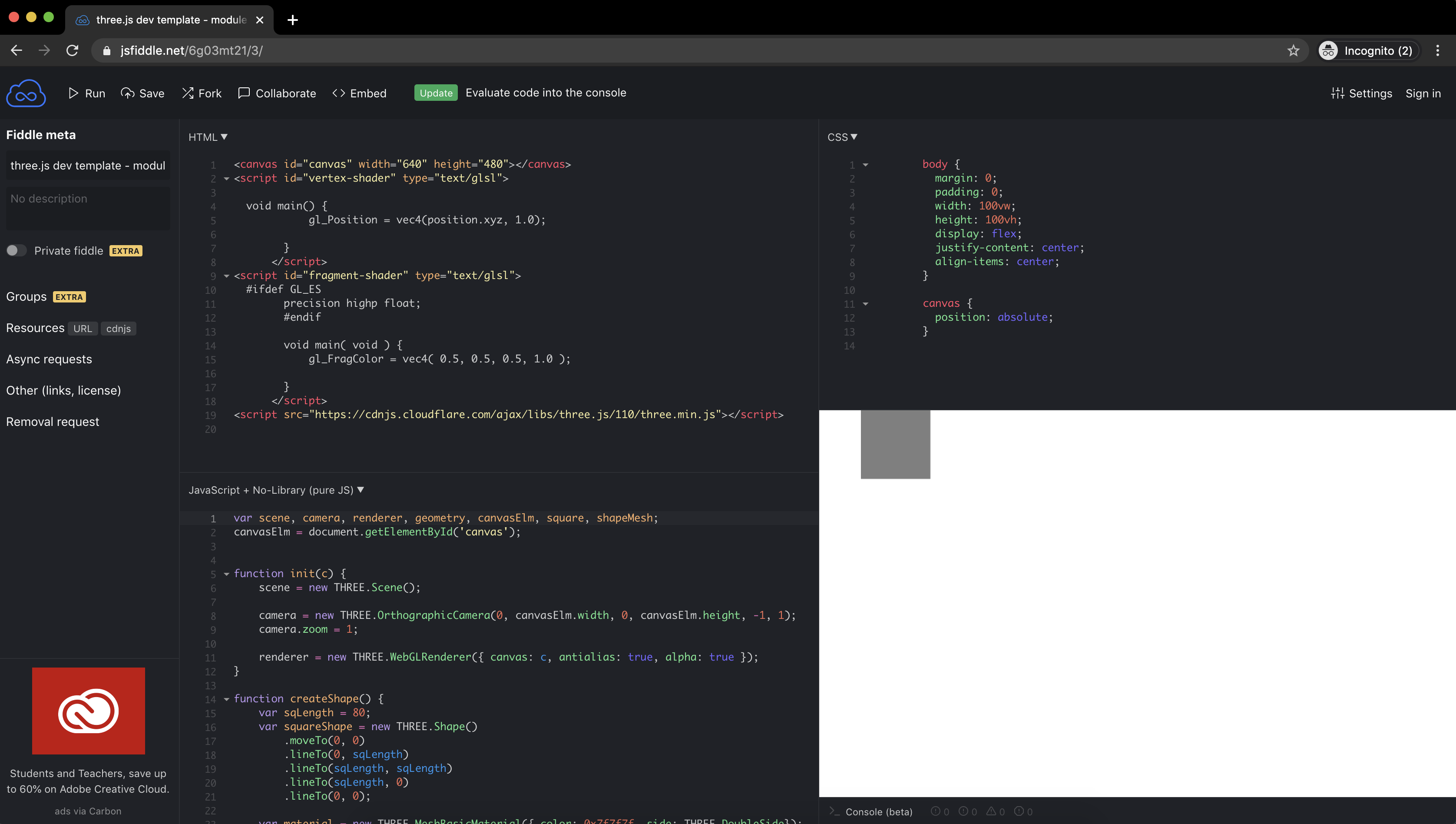
Ahh I think that's because our screens are a different size/resolution. Below is how it looks on mine, I've halved the canvas here and added it to codepen which might be a little easier to preview. I've also previously tried setting the vertex shader to gl_Position = projectionMatrix * modelViewMatrix * vec4( position, 1.0 ); which seems to work great with a PerspectiveCamera but alas.
I've updated the codepen to include both meshes (the red is in the mesh basic material).
🙏🙏🙏
olgageletina
on 14 May 2020
Related issues
 ghost
·
3Comments
ghost
·
3Comments
 Bandit
·
3Comments
Bandit
·
3Comments
 konijn
·
3Comments
konijn
·
3Comments
 donmccurdy
·
3Comments
donmccurdy
·
3Comments
 clawconduce
·
3Comments
clawconduce
·
3Comments
Most helpful comment
The generated geometry is not centered, so it won't appear centered eitherway.
You are assigning the vertex position in object space directly to
gl_Position, so the object doesn't follow the rendering pipeline and it won't be based on the camera's configuration or world coordinates.This is not an issue with Three.js, I suggest taking a look at the examples and/or opening a thread on the Three.js Discourse Forum for help.