Three.js: I set the transparent color.But chorme doesn't show up properly.
Description of the problem
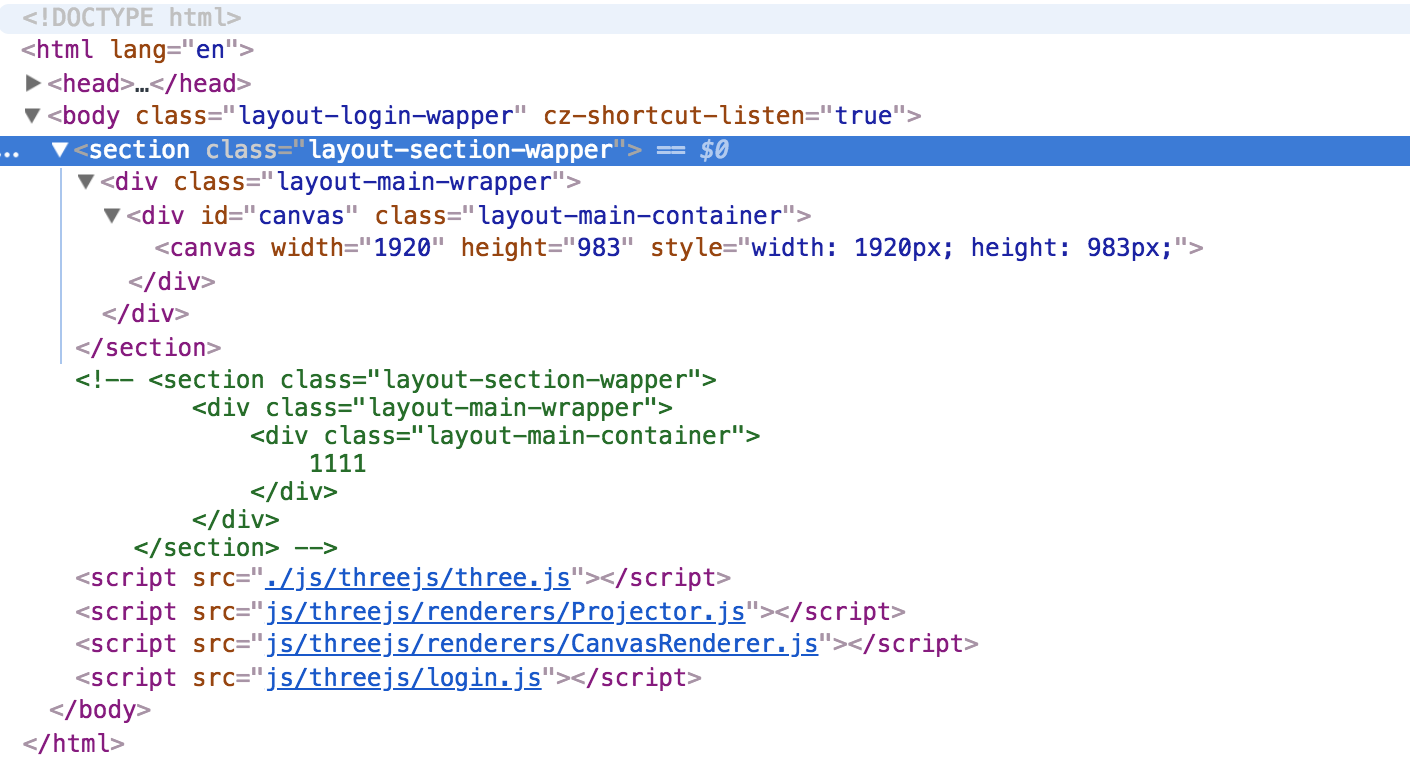
Firefox & safari can be implemented, but the background can't be displayed in the background with the chrome threejs under the multi-layer dom structure.
I set the transparent color.Firefox & safari can be implemented,But chorme doesn't show up properly.I have submitted the question to google.
renderer.setClearColor(0xffffff, 0);
templates ADDress:
http://www.luckhome.cn/threejs/index.html
Three.js version
- [x] r91
Browser
- [ ] All of them
- [x] Chrome 65 & Chrome 64
- [ ] Firefox
- [ ] Internet Explorer
OS
- [ ] All of them
- [ ] Windows
- [x] macOS 10.13.3
- [ ] Linux
- [ ] Android
- [ ] iOS
 CGerAJ
All 13 comments
CGerAJ
on 15 Mar 2018

CGerAJ
on 15 Mar 2018
Normal display status

CGerAJ
on 15 Mar 2018
Have you considered using your background image as a background texture? Something like:
var loader = new THREE.TextureLoader();
var texture = loader.load( 'path/to/your/background_image.jpg' );
scene.background = texture;
This should also work in Chrome.
 Mugen87
on 15 Mar 2018
Mugen87
on 15 Mar 2018
@Mugen87 I do not think CanvasRenderer supports scene background images.
 WestLangley
on 15 Mar 2018
WestLangley
on 15 Mar 2018
Oh, i did not realize he is using CanvasRenderer...
Mugen87
on 15 Mar 2018
@CGerAJ In any event, you should report this at the Chromium issue tracker instead. I've tested this on my machine and the bug only happens with Chrome and not with Safari or FF.
Mugen87
on 15 Mar 2018
Yesterday, I sent a screenshot to Google.Recently, there have been more and more bugs in chorme version 65.
https://bugs.chromium.org/p/chromium/issues/list
I can't open this page.Thank you for submitting issues to chorme.
CGerAJ
on 16 Mar 2018
@CGerAJ Are you using CanvasRenderer for compatibility or because you liked that animation?
 mrdoob
on 16 Mar 2018
mrdoob
on 16 Mar 2018
Um, it does not work with Chrome Canaray (67.0.3372.0), too :pensive:
Mugen87
on 16 Mar 2018
@mrdoob That's what the design needs are. I've avoided this bug by modifying the DOM structure. I hope Google can fix these bugs
CGerAJ
on 17 Mar 2018
I've debugged your website one more time. Instead of setting renderer.setClearColor(0xffffff, 0);, create your renderer like this:
renderer = new THREE.CanvasRenderer( { alpha: true } );
In this way, your background image should work in Chrome, too.
Mugen87
on 18 Mar 2018
Today I tested the method you gave me, and solved my problem.TKS @all.
https://threejs.org/docs/index.html#examples/renderers/CanvasRenderer
alpha - whether the canvas contains an alpha (transparency) buffer or not. Default is false.
Related issues
 scrubs
·
3Comments
scrubs
·
3Comments
 seep
·
3Comments
seep
·
3Comments
 yqrashawn
·
3Comments
yqrashawn
·
3Comments
 donmccurdy
·
3Comments
donmccurdy
·
3Comments
 Bandit
·
3Comments
Bandit
·
3Comments
Most helpful comment
I've debugged your website one more time. Instead of setting
renderer.setClearColor(0xffffff, 0);, create your renderer like this:In this way, your background image should work in Chrome, too.