Three.js: GLTFLoader: No received shadows for spec/gloss materials.
From https://github.com/aframevr/aframe/issues/3325, glTF models using the spec/gloss ShaderMaterial do not receive shadows, while those using the metal/rough MeshStandardMaterial do.
 donmccurdy
All 20 comments
/cc @takahirox
donmccurdy
on 28 Dec 2017
I'll look into later.
 takahirox
on 28 Dec 2017
takahirox
on 28 Dec 2017
In demo, looks like the bottom object receives shadow of the top object.
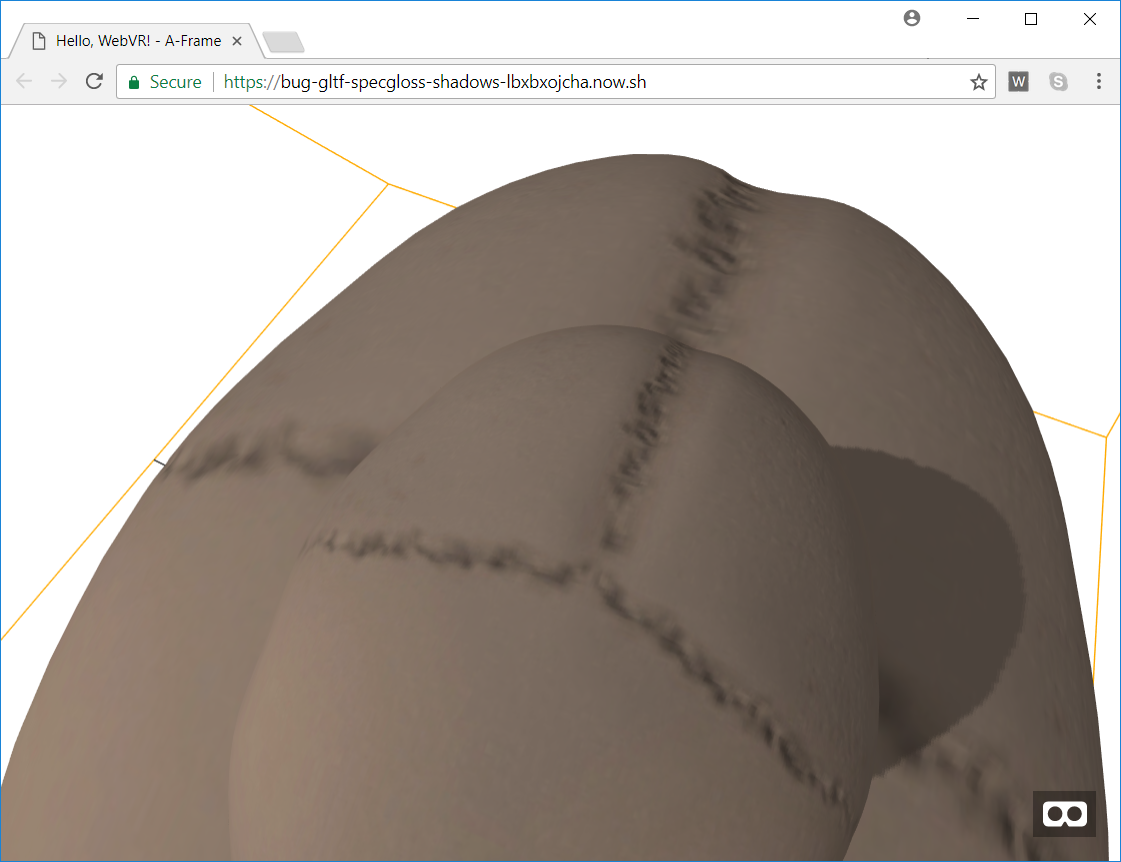
Am I missing something?
takahirox
on 28 Dec 2017
Hmm ok I don't see shadows in Chrome, but it's fine in Firefox. That's ... odd. 🤨
donmccurdy
on 28 Dec 2017
The screenshot is taken on my Chrome (+Windows10)
takahirox
on 28 Dec 2017
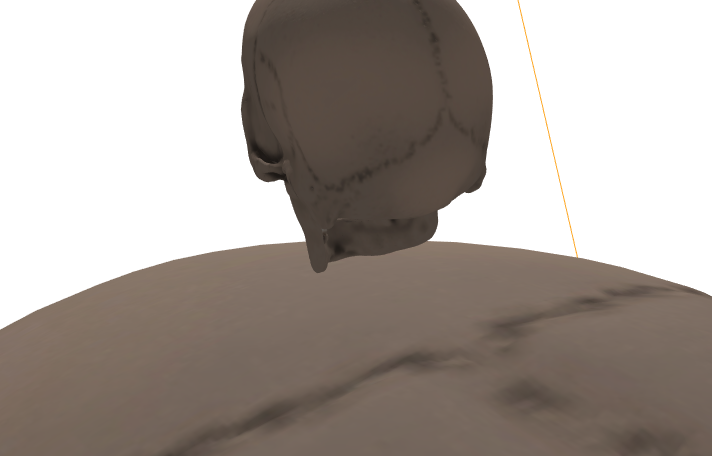
No such luck here, Chrome + macOS. The lighting does animate correctly, just no shadows. Very strange..
donmccurdy
on 28 Dec 2017
I made jsfiddle example. I wanted to remove A-Frame from the example to simplify.
http://jsfiddle.net/kjpddn34/1/
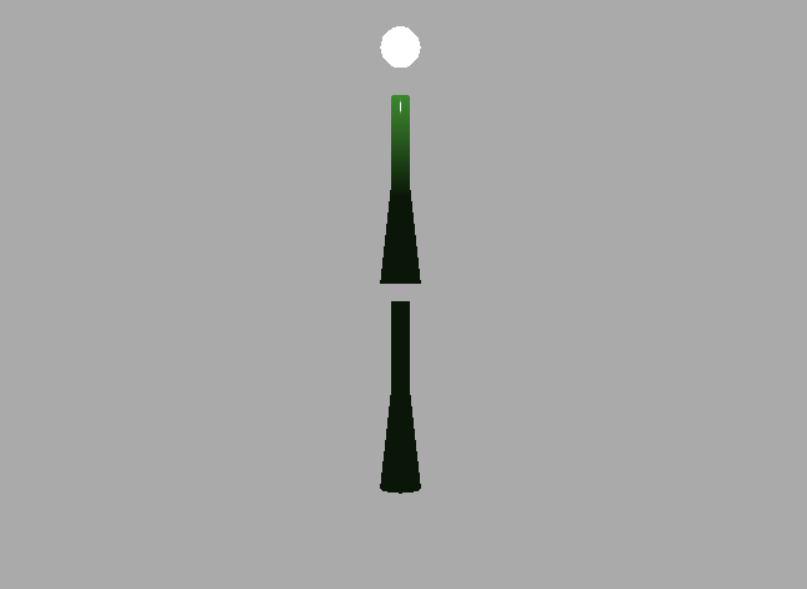
On my Chrome + Windows10, the bottom specular-glossiness model receives the shadow cast by the top specular-glossiness model as the screenshot shows.
How will it be on Mac? (I don't have Mac)
takahirox
on 28 Dec 2017
Ok, that example does look correct on Chrome + macOS, shadows are fine:
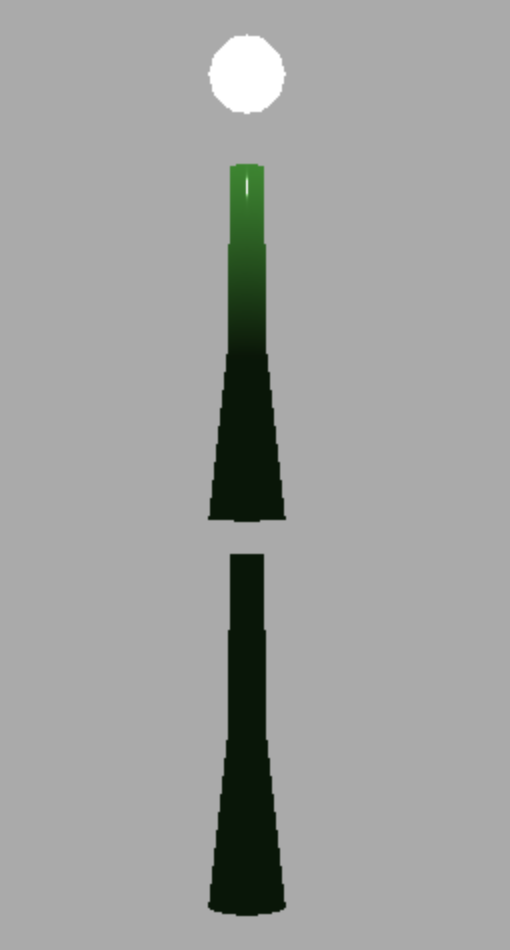
so the issue must be (a) in A-Frame or (b) something specific to the Skull model...
donmccurdy
on 28 Dec 2017
I did notice that the lighting works on Windows 10 (FF57) also; but yes nothing on Mac OSX High Sierra (FF57) or iPhone iOS11 (Safari). I also re-exported the model using blender and Khronos GLTF exporter plugin ( https://github.com/KhronosGroup/glTF-Blender-Exporter ) and shadows are received for MetalRough worked but not SpecGloss.
I am just getting into Aframe and Three.js but you can see an example test here: https://plumcantaloupe.github.io/ (along with another randomly textured object). Going from left to right: skull.obj (manual import) skull.gltf (metalRough) skull.gltf (specGloss) sphere.gltf(specGloss).
Hope that helps. I'll dive in a bit more once more comfortable (I am not strong in .js just yet :).
 PlumCantaloupe
on 30 Dec 2017
PlumCantaloupe
on 30 Dec 2017
I updated jsfiddle example with Skull specular-glossiness model.
http://jsfiddle.net/kjpddn34/2/
Looks fine on my Windows10 + Chrome.
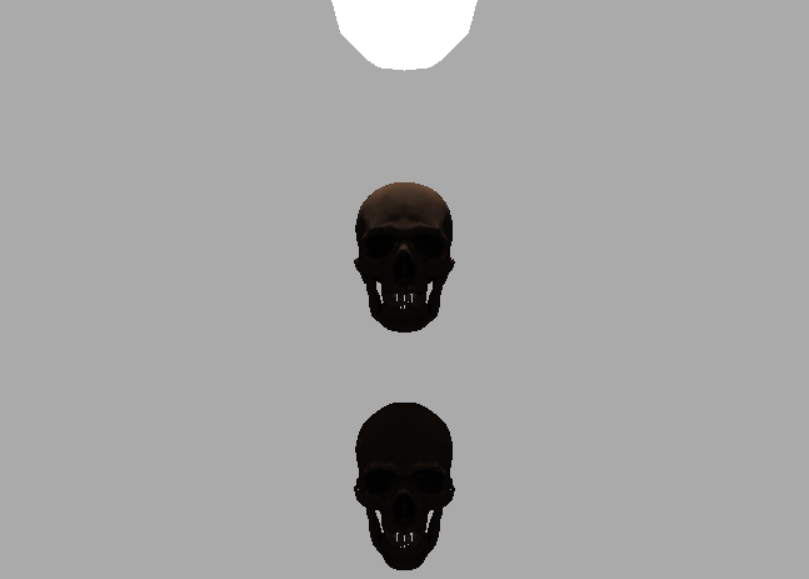
How about Mac?
takahirox
on 30 Dec 2017
Thanks, in Chrome on macOS I do see the shadow on the skull as well.
So, I guess that narrows the issue down to something A-Frame specific?
donmccurdy
on 30 Dec 2017
Maybe yes?
I haven't read the related A-Frame code yet but I guess there's if ( material.isStandardMaterial ) that's missing specular-glossiness material or something? (But it can't explain why this's platform specific issue...)
takahirox
on 30 Dec 2017
Here's the relevant code: https://github.com/aframevr/aframe/blob/master/src/components/shadow.js#L35-L51
It might be just some edge case where material.needsUpdate = true isn't called.
donmccurdy
on 30 Dec 2017
That could be?
Running the following code on the console would be able to check if that's the root issue.
document.getElementsByTagName( 'a-scene' )[ 0 ].object3D.traverse( function ( obj ) {

    if ( obj.material ) {

        if ( Array.isArray( obj.material ) ) {

            for ( var i = 0, il = obj.material.length; i < il; i ++ ) {

                obj.material[ i ].needsUpdate = true;

            }

        } else {

            obj.material.needsUpdate = true;

        }

    }

} );
BTW I've found another issue in that A-Frame code.
node.material can be Material array (not MultiMaterial) but the code is missing that case.
https://github.com/aframevr/aframe/blob/master/src/components/shadow.js#L45
should be like this
var materials = Array.isArray( node.material )
? node.material
: node.material.materials || [node.material];
var materials = Array.isArray( node.material ) ? node.material || [node.material];
I'll test and send PR later (or next year?), I gotta go out now.
Skull doesn't have material array, so this isn't the reason of the original issue.
takahirox
on 30 Dec 2017
Heh, now the demo A-Frame demo is showing shadows for me correctly too: https://bug-gltf-specgloss-shadows-lbxbxojcha.now.sh/ ... maybe a race condition with that scene.hasLoaded check, then? I was on a slower internet connection earlier.
donmccurdy
on 30 Dec 2017
You meant, the shadow is fine without the code I posted above now?
If so, I first want someone to try the code who can reproduce the issue to know if it seems race condition. I can't reproduce the issue here....
takahirox
on 5 Jan 2018
With no changes, right... i'm assuming it's a race condition in A-Frame, not related to three.js or GLTFLoader.
donmccurdy
on 5 Jan 2018
@PlumCantaloupe Can you reproduce this issue and check if the code I posted above makes the shadow be fine? I wanna move this issue back to A-Frame issue thread once we confirm this's A-Frame issue, not Three.js's.
takahirox
on 12 Jan 2018
Unfortunately neither yours or the link Don posted above seems to work for me on Apple devices, and I haven't been able to find any loading discrepancies though any kind of refreshing or the like. I will have to try at university to see if a much faster wired connection makes a difference ...
I also made a gltf loading component mimicking the THREEjs way with no luck (though I could set envMaps at least :) https://glitch.com/edit/#!/sapphire-patient
PlumCantaloupe
on 12 Jan 2018
Let's re-open this issue on A-Frame's repository if we have a clear example. 👍
donmccurdy
on 17 Jul 2018
Related issues
donmccurdy
·
3Comments
 alexprut
·
3Comments
alexprut
·
3Comments
 akshaysrin
·
3Comments
akshaysrin
·
3Comments
 clawconduce
·
3Comments
clawconduce
·
3Comments
 ghost
·
3Comments
ghost
·
3Comments
Most helpful comment
I'll look into later.