Three.js: GLTF2Loader default material should now be MeshStandardMaterial
The glTF default material (if no material is specified) has changed with glTF 2.0, and is now a MeshStandardMaterial with metalness=1, roughness=1, and a few other properties. Currently we are creating a MeshPhongMaterial.
 donmccurdy
All 9 comments
Having the default as a pure metal seems a bit odd to me. I would expect an insulator: metalness 0, roughness 0 - 0.5. That would be most similar to Phong. But it is up to you.
Pure metals require an environment map to render properly.
 WestLangley
on 19 Jul 2017
WestLangley
on 19 Jul 2017
Thanks — this would be good feedback for the glTF spec, which defines the default material when none is specified in the asset. Your suggestion is good by me if it can be updated in the spec, most likely in a future version, but I do think we want to use these values unless/until that happens, so that assets will look the same in three.js as in other engines.
donmccurdy
on 19 Jul 2017
donmccurdy
on 19 Jul 2017
I'll leave it up to you to pursue if you want.
WestLangley
on 19 Jul 2017
Default material looks like this:
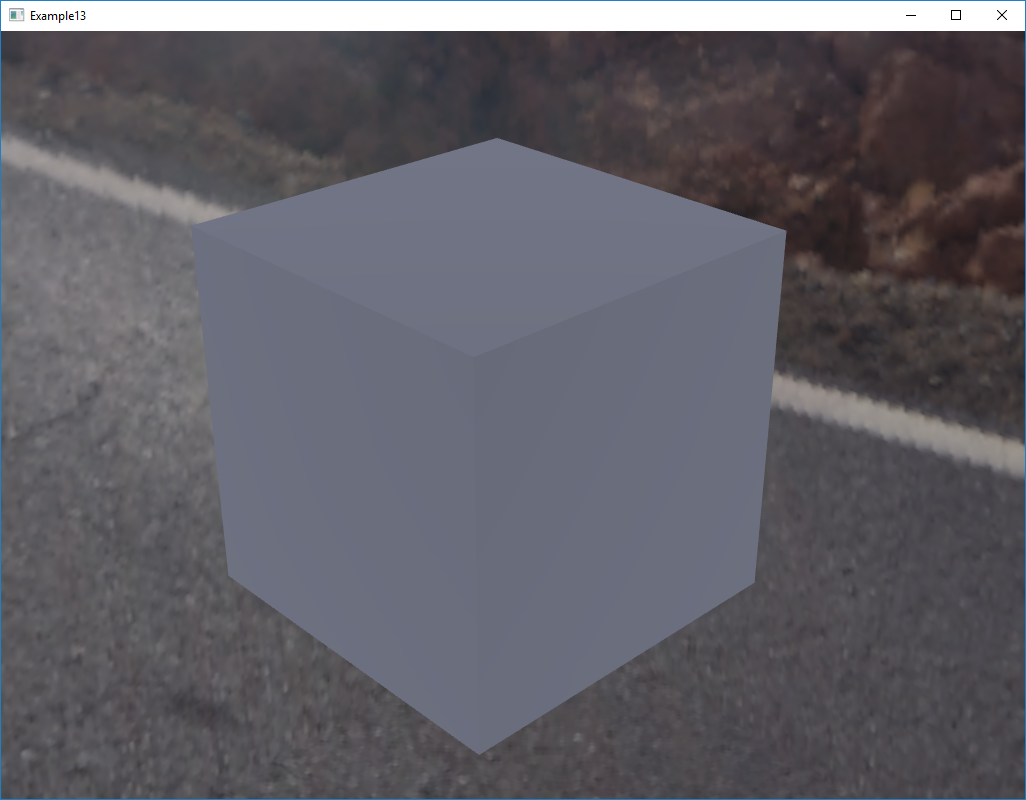
At first, we had metallicFactor = 0 and roughnessFacotr = 0, but that did collide with the empty material for PBR Metallic Roughness, as there the default is metallicFactor = 1 an roughnessFactor = 1.
So, that is the background for this.
 UX3D-nopper
on 19 Jul 2017
UX3D-nopper
on 19 Jul 2017
@UX3D-nopper That does not look like a rough metal to me. Metals are difficult to get right, as they require proper environment lighting.
This is MeshStandardMaterial with the environment map as the only light source, metalness 1, and roughness 1.

WestLangley
on 19 Jul 2017
The goal for the default material is not to get the material look like "real-world" metal, iron or gold or whatever. Goal is, that factors for no glTF and empty material are exactly the same. The result is just "something grey".
In your case, you are simulating gold, so you modify the color and probably other input factors as well.
BTW, the above rendering is using IBL.
UX3D-nopper
on 19 Jul 2017
@UX3D-nopper OK. Thank you for the clarification.
WestLangley
on 19 Jul 2017
No problem, I just cross checked with UE4:
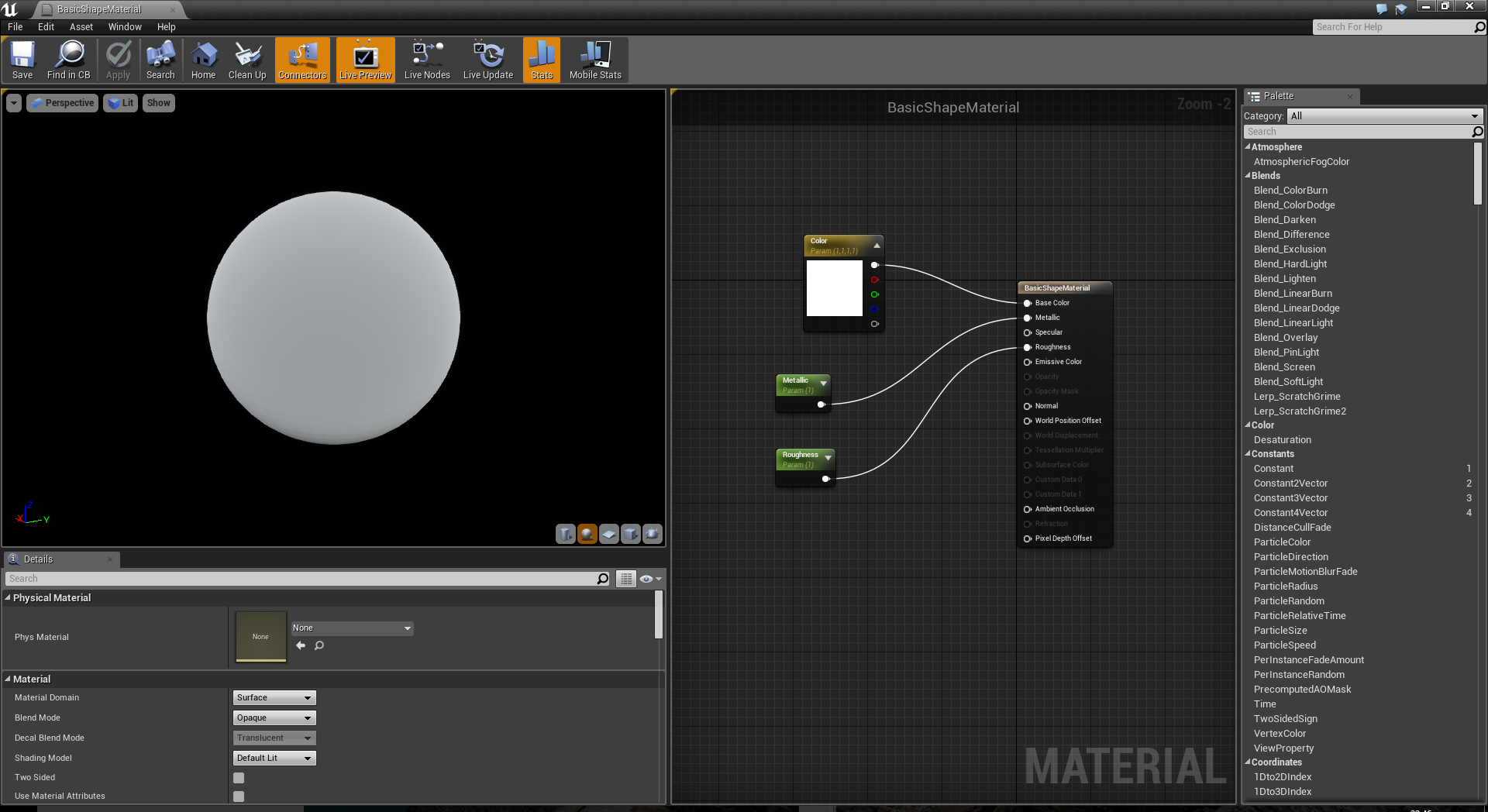
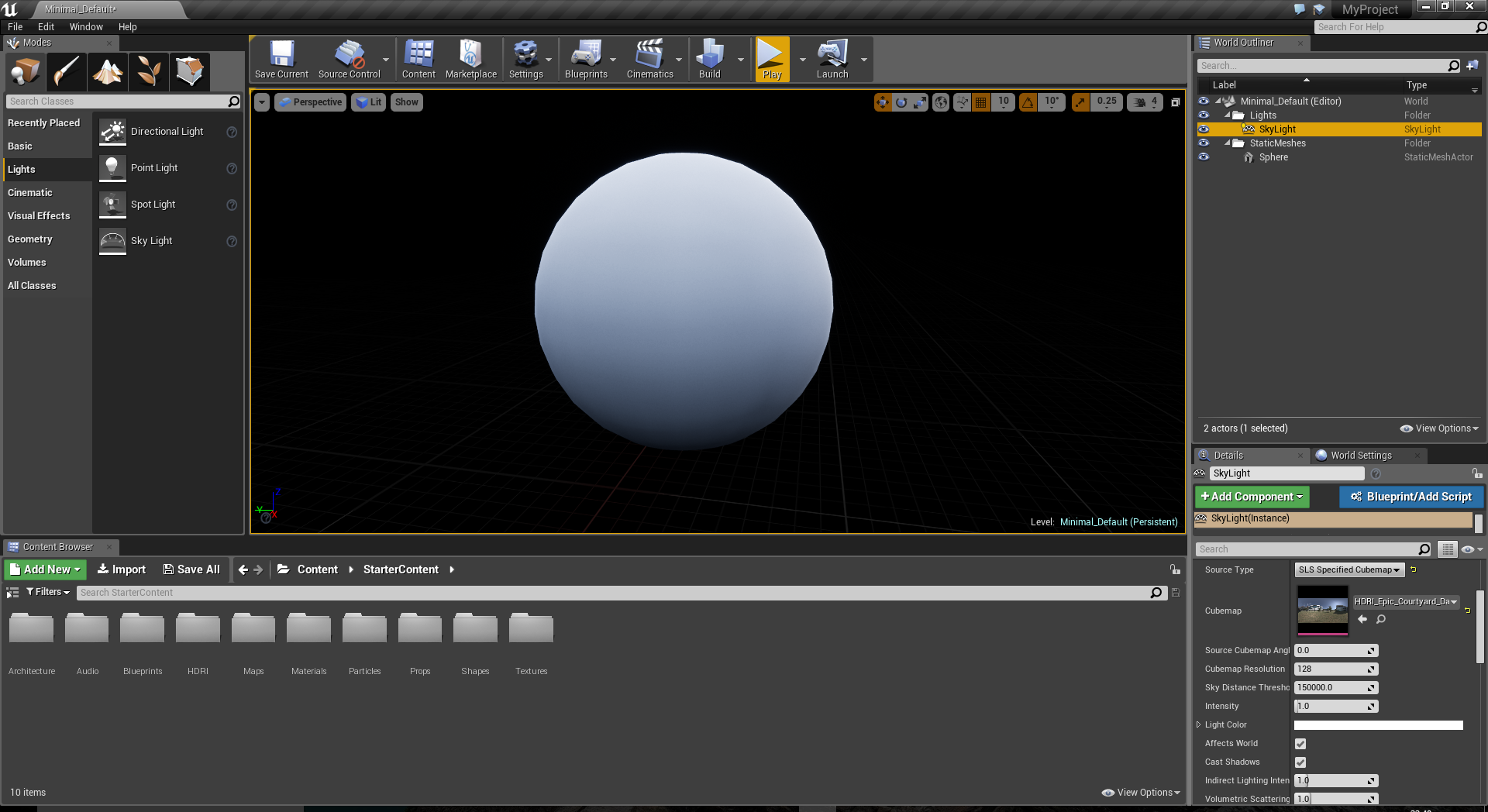
IBL with the sphere using the HDRI image from the starter content.
UX3D-nopper
on 19 Jul 2017
Related issues
 alexprut
·
3Comments
alexprut
·
3Comments
 Bandit
·
3Comments
Bandit
·
3Comments
 danieljack
·
3Comments
danieljack
·
3Comments
 jack-jun
·
3Comments
jack-jun
·
3Comments
 fuzihaofzh
·
3Comments
fuzihaofzh
·
3Comments