Three.js: Mipmaps are not generated correctly
Description of the problem
To reproduce this issue
- Create PlaneGeometry
- Upload any non-power of 2 texture eg 1600 x 1200
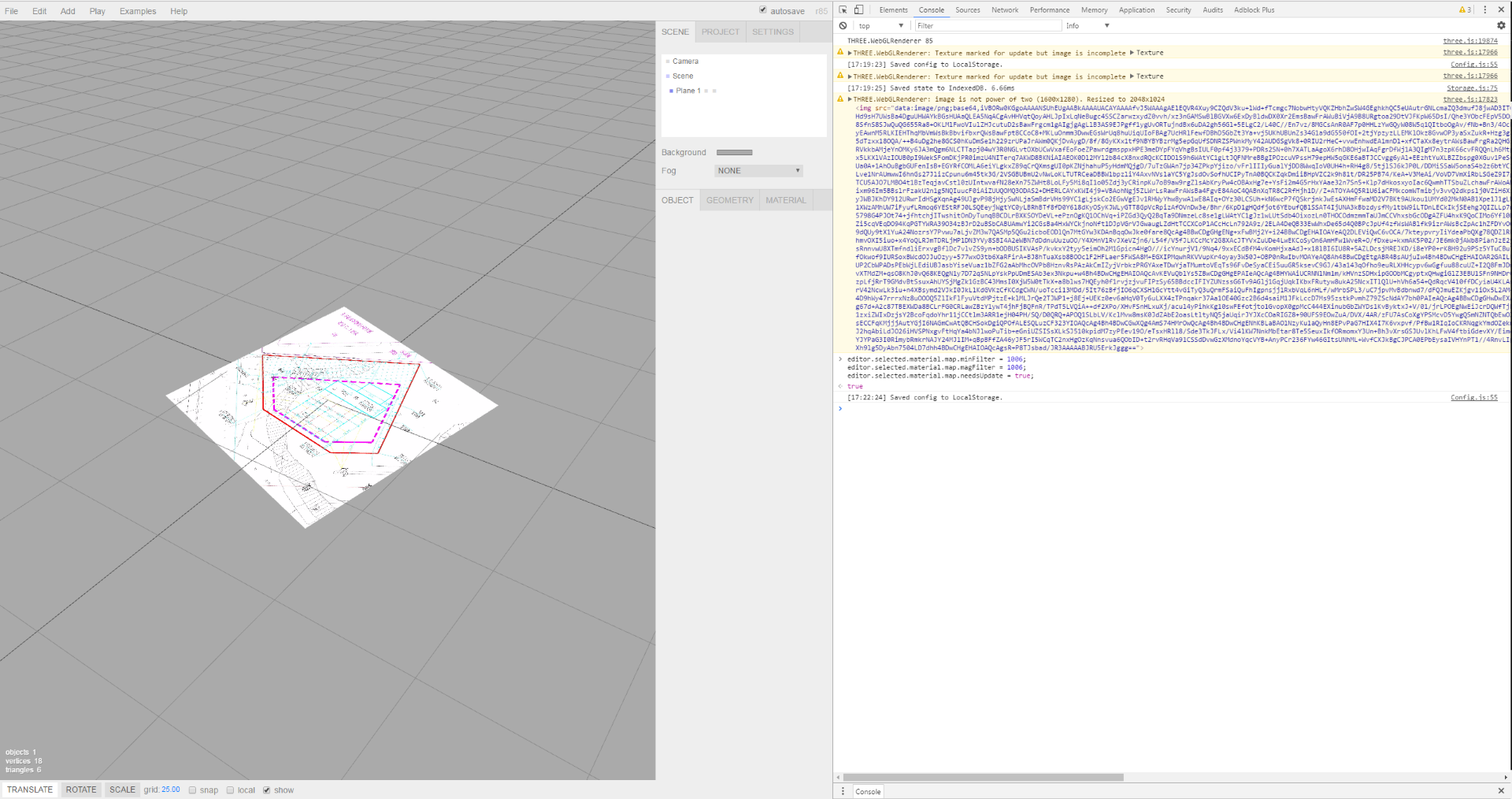
When mipmaping is disabled:
material.map.minFilter = THREE.LinearFilter;
material.map.magFilter = THREE.LinearFilter;
texture is displayed properly.
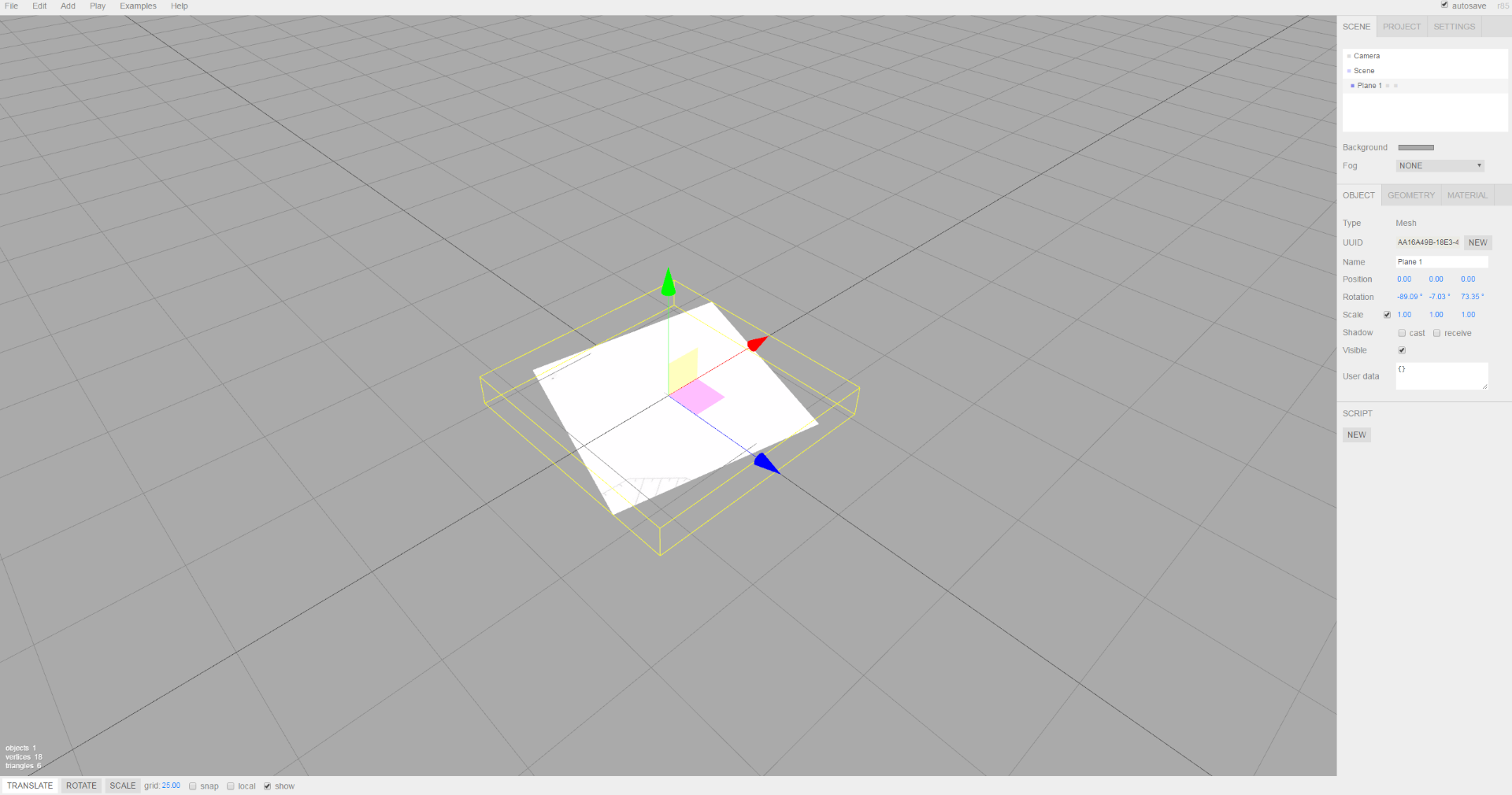
When mipmapping is enabled (default) , looking close up (first mipmap) is looks ok, with angel, distance texture looks wrong, mipmaps are scaled, stretched.
Textures 1024 x 1024 are working properly.
As far as we can see problem occurs only on Windows 7 64bit and Chrome. In Internet Explorer works fine.
Tested in latest version of Three.js editor r85 but issue is present in other versions (tested r77).
Disabled mipmaps
Enabled mipmaps (default)
Three.js version
- [ ] Dev
- [x] r85
- [x] r77
Browser
- [ ] All of them
- [x] Chrome
- [ ] Firefox
- [ ] Internet Explorer
OS
- [ ] All of them
- [x] Windows 7 64 bit
- [ ] macOS
- [ ] Linux
- [ ] Android
- [ ] iOS
Hardware Requirements (graphics card, VR Device, ...)
Intel Core i7 , Nvidia 1080 GTX
Chrome Version 58.0.3029.110 (64-bit)
 devotwo
All 3 comments
Seems to be a duplicate of #11466 actually.
 mrdoob
on 13 Jun 2017
mrdoob
on 13 Jun 2017
Could you create a jsfiddle though?
mrdoob
on 13 Jun 2017
Sorry, it may be duplicate of #11466
jsfiddle:
https://jsfiddle.net/kdkjrte8/20/
Just upload texture NPOT. When mipmaping is enabled we get incorrect results.
devotwo
on 14 Jun 2017
Related issues
 Horray
·
3Comments
Horray
·
3Comments
 ghost
·
3Comments
ghost
·
3Comments
 seep
·
3Comments
seep
·
3Comments
 alexprut
·
3Comments
alexprut
·
3Comments
 jlaquinte
·
3Comments
jlaquinte
·
3Comments
Most helpful comment
Sorry, it may be duplicate of #11466
jsfiddle:
https://jsfiddle.net/kdkjrte8/20/
Just upload texture NPOT. When mipmaping is enabled we get incorrect results.