Testcafe-hammerhead: Salesforce Lightning Experience does not render some component properly
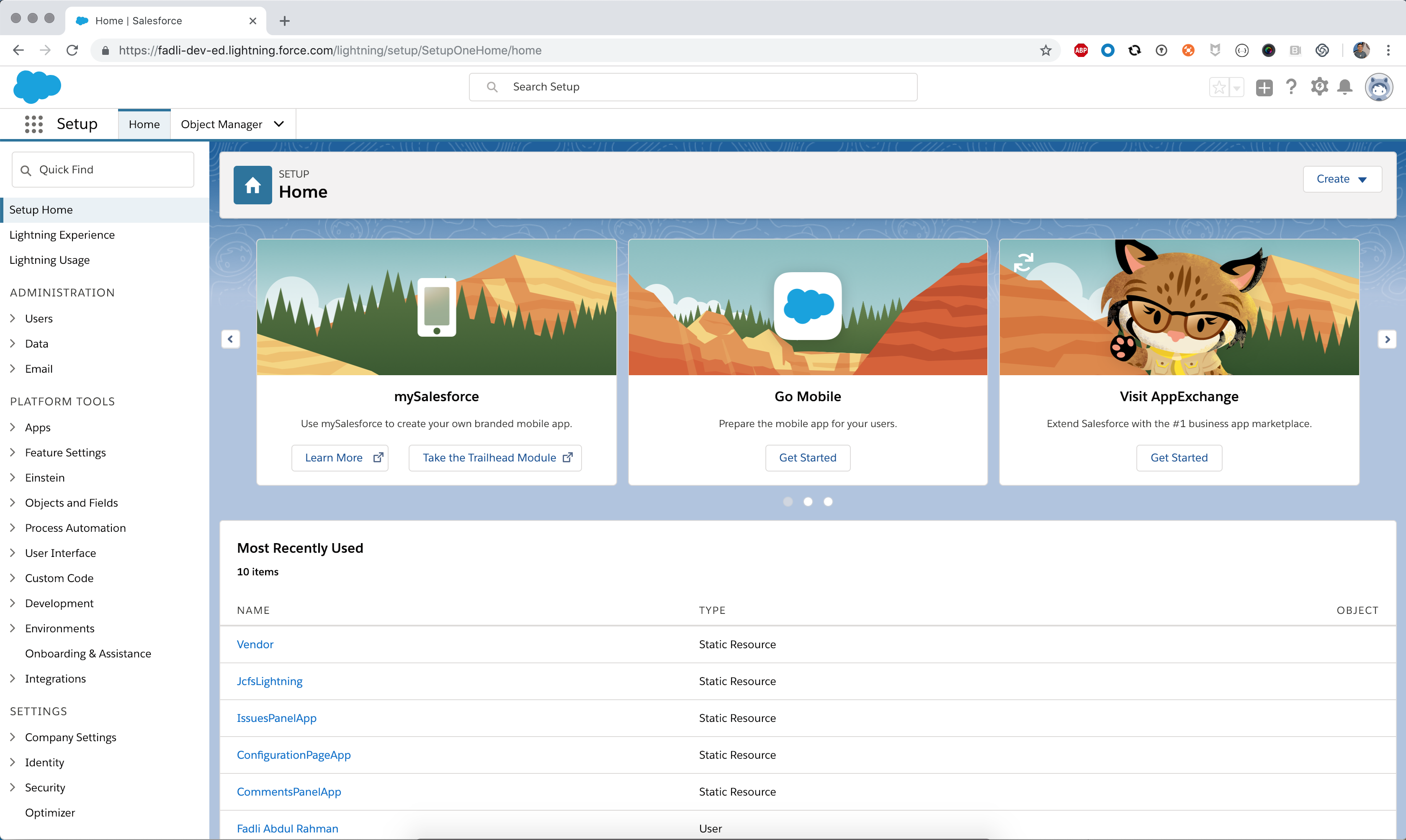
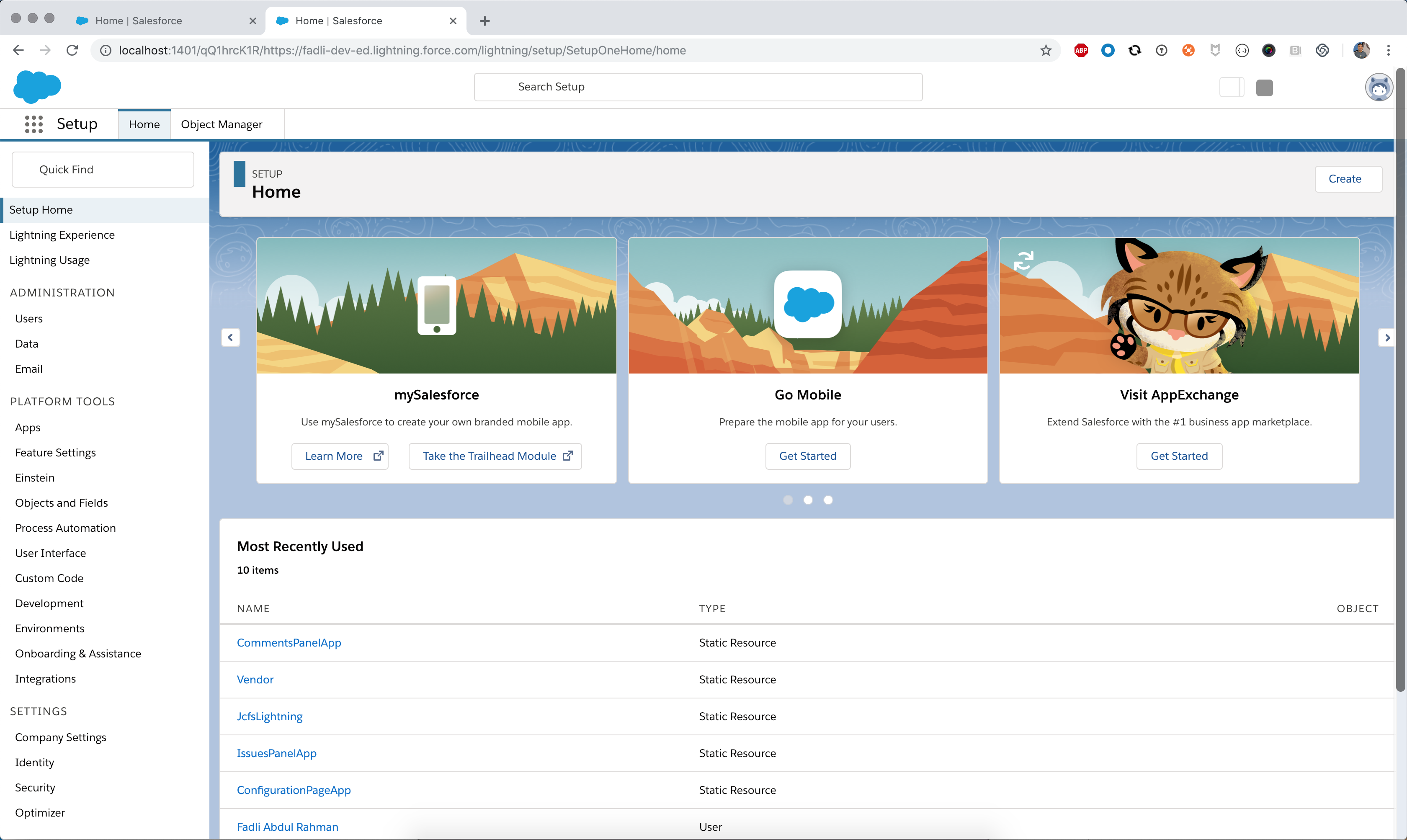
As shown below is the screenshot of actual Salesforce Lightning Experience and the same page with the testcafe proxy.
Some component does not render properly such as the logo in the header at top right of the page.
- Actual salesforce homepage:
- Proxy salesforce homepage:
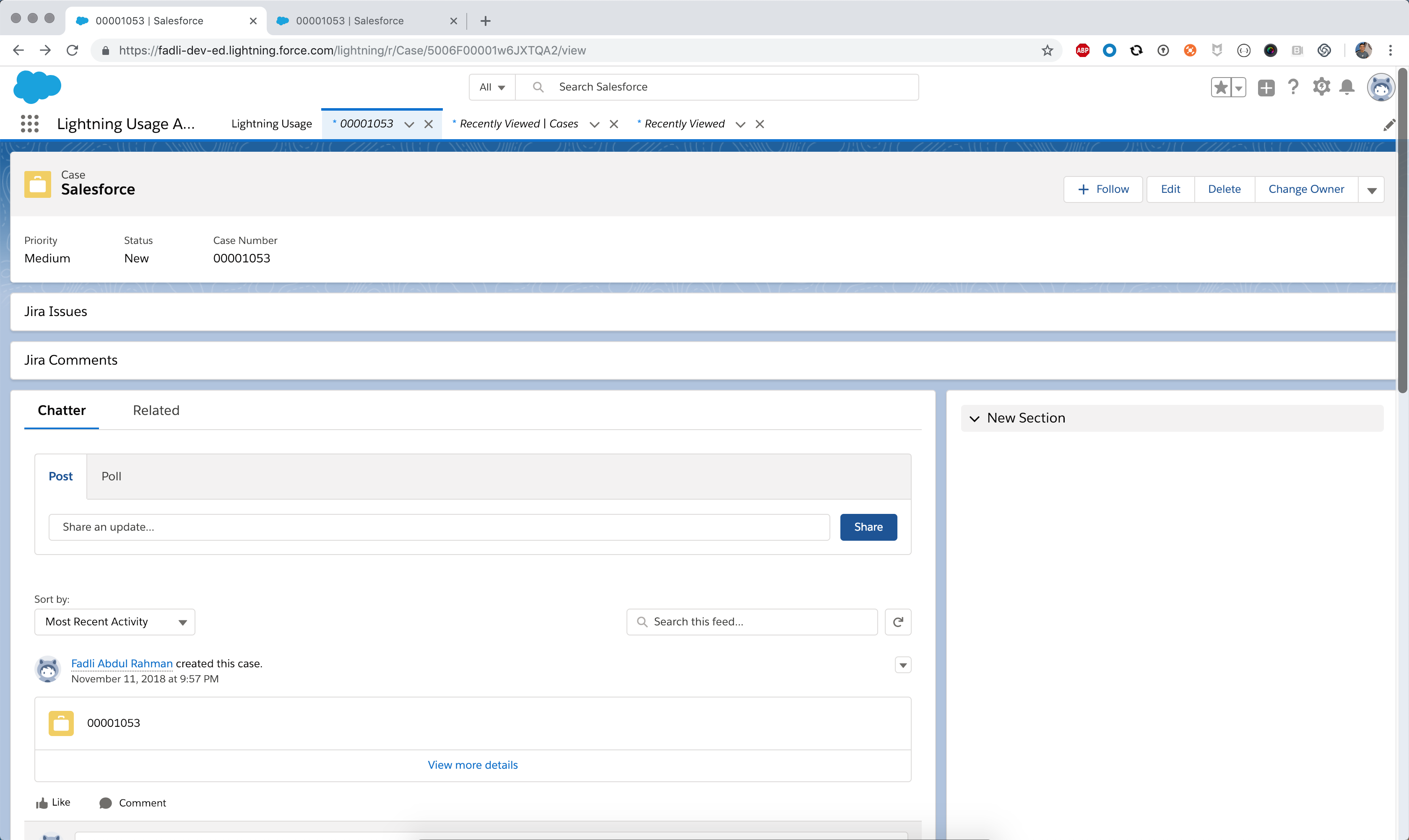
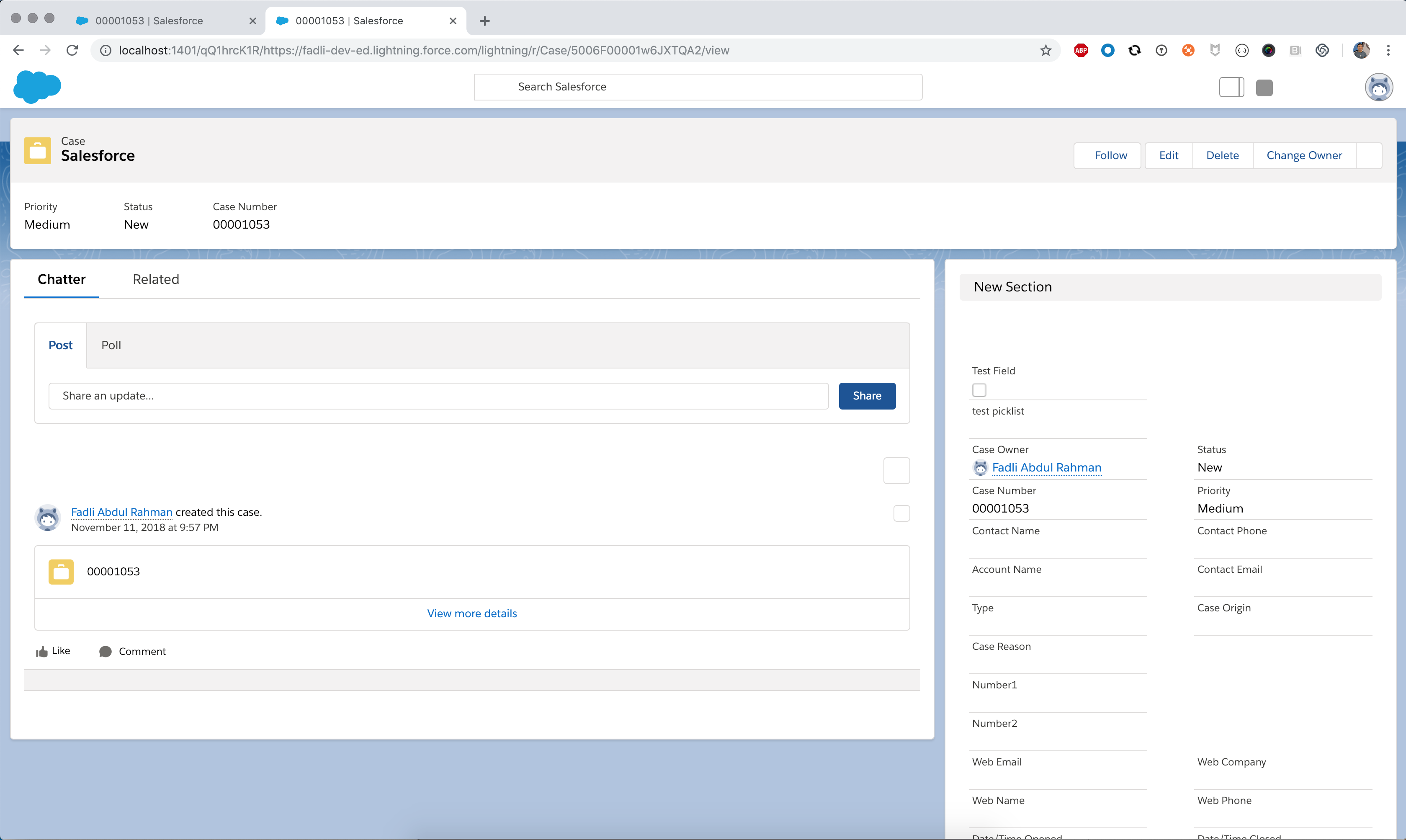
"Jira Issues" and "Jira Comments" are the custom salesforce apex component which have the same issue as well.
- Actual salesforce custom apex component:
- Proxy salesforce custom apex component:
And there is no error in the browser console. I checked the network tab, there is no error for all network request.
 fadliabdulrahman
All 8 comments
@fadliabdulrahman, @miherlosev, I've reproduced it on Chrome 71/Windows 10.
 Farfurix
on 20 Dec 2018
Farfurix
on 20 Dec 2018
Thanks @Farfurix @miherlosev
fadliabdulrahman
on 20 Dec 2018
@fadliabdulrahman, we will close this issue when we fix it.
Farfurix
on 20 Dec 2018
Also having this issue. Do we know what's causing it?
 Gedochao
on 4 Jan 2019
Gedochao
on 4 Jan 2019
Hi @Farfurix @miherlosev, is there any update regarding this issue?
fadliabdulrahman
on 9 Jan 2019
@Gedochao, @fadliabdulrahman, we are working on it. We added this issue to the current sprint.
Farfurix
on 10 Jan 2019
Hi @Farfurix I saw there is open PR for this issue here . May I know when is the estimated date of the PR is going to merge and release?
fadliabdulrahman
on 26 Mar 2019
This thread has been automatically locked since it is closed and there has not been any recent activity. Please open a new issue for related bugs or feature requests. We recommend you ask TestCafe API, usage and configuration inquiries on StackOverflow.
![lock[bot] picture](https://avatars.githubusercontent.com/in/6672?v=4&s=40) lock[bot]
on 5 Apr 2019
lock[bot]
on 5 Apr 2019
Related issues
 leiswatch
·
4Comments
leiswatch
·
4Comments
 juststeveee
·
3Comments
juststeveee
·
3Comments
 aleks-pro
·
8Comments
aleks-pro
·
8Comments
 rafaelaazevedo
·
8Comments
rafaelaazevedo
·
8Comments
 ameyakoshti
·
3Comments
ameyakoshti
·
3Comments