Teams-for-linux: Infinite login loop for work/organization account
Describe the bug
Infinite login loop for work/organization account.
Is this not meant to work for such accounts?
To Reproduce
Steps to reproduce the behavior:
- sudo snap install teams-for-linux (version 0.7.0)
- Sign with work mail
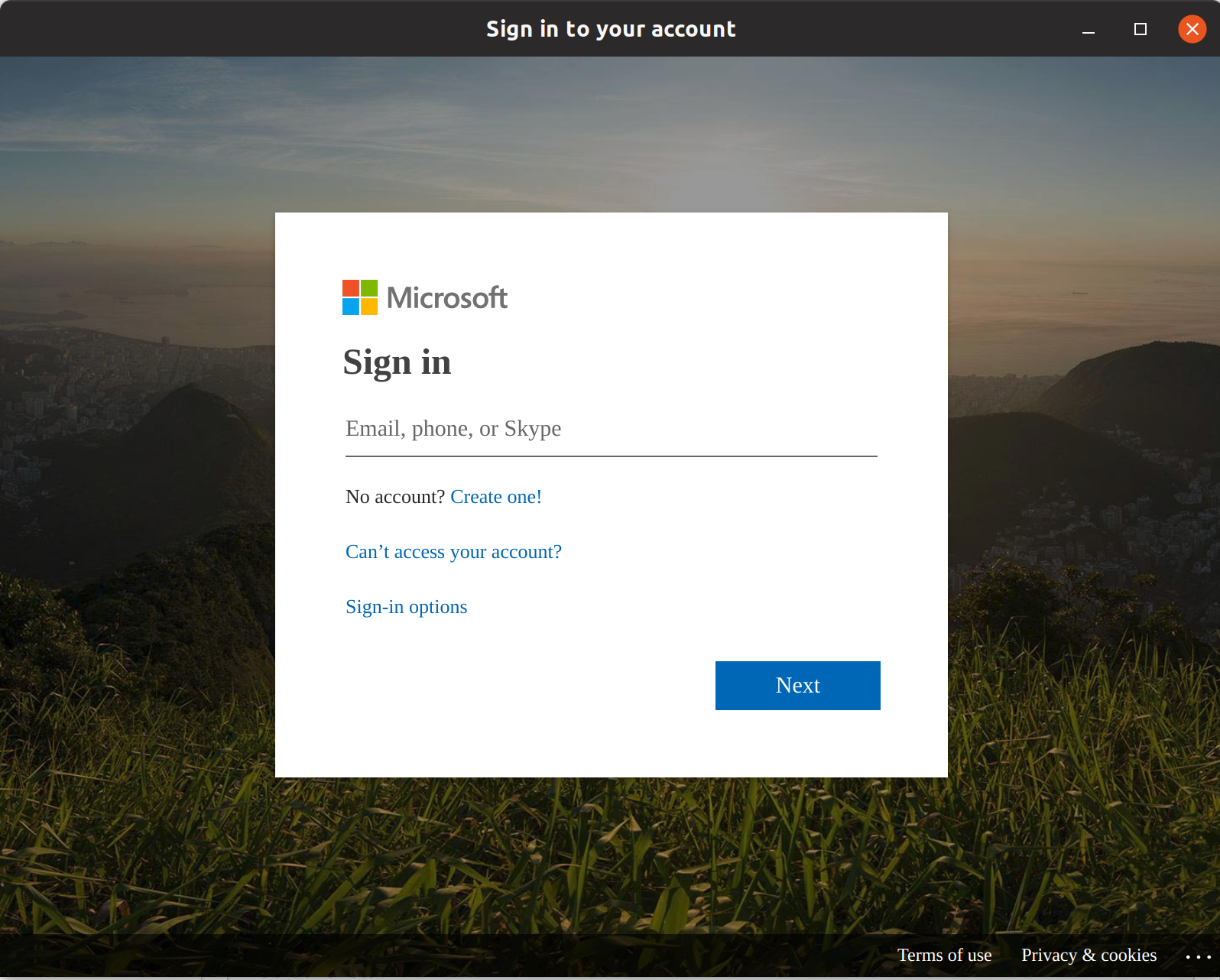
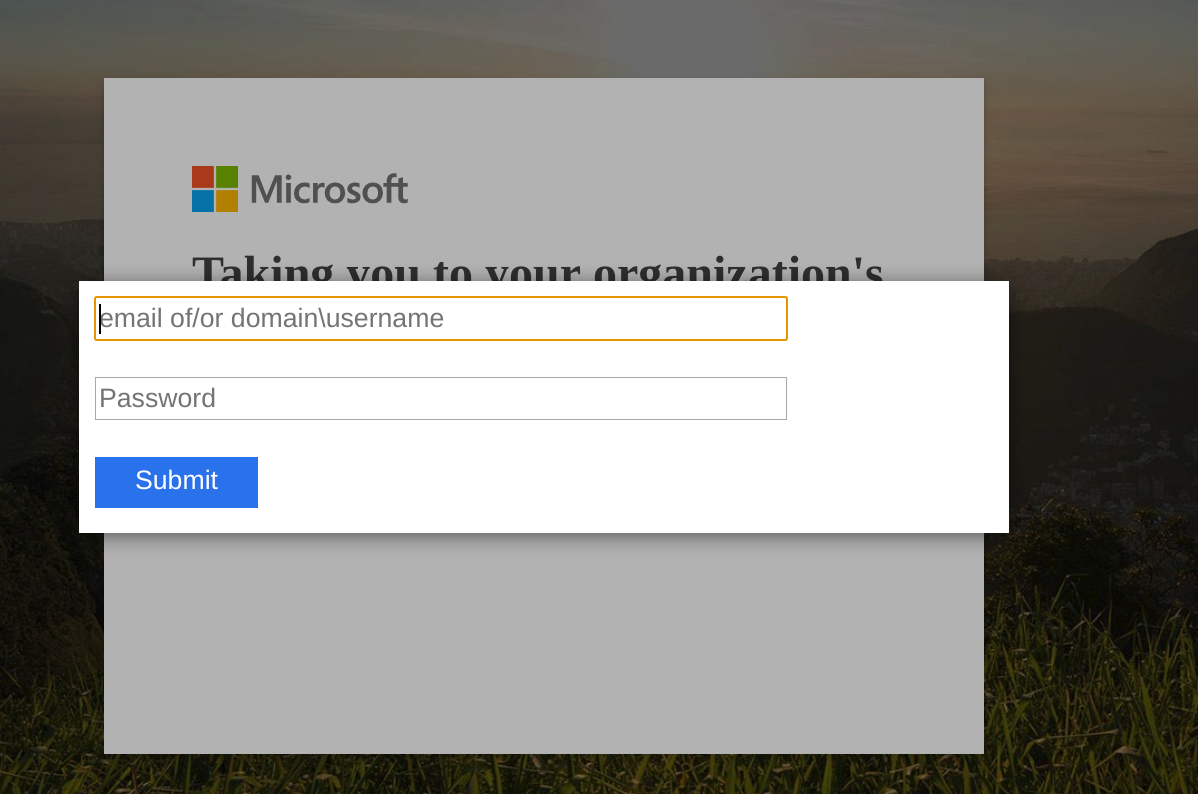
- Get redirected to organization and enter credentials and get redirected to step 2 for infinite loop.
It doesn't actually matter what I enter I will always be redirected to step 2.
Desktop:
- OS: Ubuntu 19.04
- Installation package: sudo snap install teams-for-linux
- teams-for-linux version: 0.7.0
 tobiasbj
All 11 comments
Hi, did you clean your config folder after installing version 0.7.0?
 IsmaelMartinez
on 28 Aug 2019
IsmaelMartinez
on 28 Aug 2019
Hi, I'm somewhat of a "linux noob" atm, where would I find this config file? I assume it's a config file for this app specifically of which 0.7.0 is my first install so I assume that it would need no cleaning.
Also (I'll update this above), it doesn't really matter what I enter in step 3 I will always be redirected to step 4 even if it's the wrong credentials.
tobiasbj
on 29 Aug 2019
Hi, check the known issues. It indicates where the config folder location
is. Are you behind a proxy? If so, have a wee search in the issues
previously reported. Some of them have info of how to make it work.
Hope this helps
On Thu, 29 Aug 2019, 15:28 tobiasbj, notifications@github.com wrote:
Hi, I'm somewhat of a "linux noob" atm, where would I find this config
file? I assume it's a config file for this app specifically of which 0.7.0
is my first install so I assume that it would need no cleaning.Also (I'll update this above), it doesn't really matter what I enter in
step 3 I will always be redirected to step 4 even if it's the wrong
credentials.—
You are receiving this because you commented.
Reply to this email directly, view it on GitHub
https://github.com/IsmaelMartinez/teams-for-linux/issues/268?email_source=notifications&email_token=AADJHEBU232DEBKFFNBI473QG7MIVA5CNFSM4IREDBX2YY3PNVWWK3TUL52HS4DFVREXG43VMVBW63LNMVXHJKTDN5WW2ZLOORPWSZGOD5OVTVY#issuecomment-526211543,
or mute the thread
https://github.com/notifications/unsubscribe-auth/AADJHEGASDKKR2Y7NSOQ2B3QG7MIVANCNFSM4IREDBXQ
.
IsmaelMartinez
on 29 Aug 2019
For the proxy, check this: https://github.com/IsmaelMartinez/teams-for-linux/issues/269#issuecomment-526096491
The config folder location to remove can be found in here:
https://github.com/IsmaelMartinez/teams-for-linux/blob/develop/KNOWN_ISSUES.md#config-folder-locations
IsmaelMartinez
on 2 Sep 2019
Thanks for the info!
So I've tried
("MYWORK" is a placeholder)
teams-for-linux --proxy-server=http://smtp.MYWORK.com:80
teams-for-linux --proxy-server=http://smtp.MYWORK.com:8080
For both I just get a white app window.
Was this the right approach?
The Config folder ~/snap/teams-for-linux/current/.config/teams-for-linux/ doesn't seem to exist yet. The path ~/snap/teams-for-linux/current/ exists, but is empty. I assume it'll be created at first login.
tobiasbj
on 16 Sep 2019
Update: I'm able to login at home/mobile-hotspot, so it's probably something to do with the work router/proxy (as you already indicated).
tobiasbj
on 16 Sep 2019
Check or even ask in the other issue, maybe is the proxy and the certificate (if the proxy uses a self sign). You should see that in the logs... Hope helps
IsmaelMartinez
on 16 Sep 2019
Also, can you try a deb package? snap packages can be funny with work accounts, specially if your home folder is not /home/your.name (https://github.com/IsmaelMartinez/teams-for-linux/issues/148#issuecomment-513114747)
IsmaelMartinez
on 16 Sep 2019
Closing as there isn't much activity happening. Ping back with more info and I will reopen.
IsmaelMartinez
on 13 Oct 2019
Just an update for others. I had an infinite loop login issue during login due to MFA. It was resolved by contacting the exchange team admins and them marking my linux device as "trusted".
 divansantana
on 14 Nov 2019
divansantana
on 14 Nov 2019
Hi, I am having the same issue with an edu.in account. I have tried changing the timezone to current timezone(IST) and also deleted the config just to check if it works. But nothing seems to work. Even in the web version it redirects in a loop. Not sure what is happening.
 inaseem
on 15 May 2020
inaseem
on 15 May 2020
Related issues
 lkrms
·
4Comments
lkrms
·
4Comments
 galgalesh
·
9Comments
galgalesh
·
9Comments
 danielscarvalho
·
3Comments
danielscarvalho
·
3Comments
 Kalyan-M
·
8Comments
Kalyan-M
·
8Comments
 BOFH2k
·
4Comments
BOFH2k
·
4Comments
Most helpful comment
Just an update for others. I had an infinite loop login issue during login due to MFA. It was resolved by contacting the exchange team admins and them marking my linux device as "trusted".