Teammates: Server error when add new instructor by admin
- Environment:
masterbranch at commit 2918cc169ceb9f6d585c1cc6d645b9a6f2ea7593 - Browser: Google Chrome
Server:
dev serverlistening atlocalhost:8080Issue 1: action to add instructor fails at
http://localhost:8080/web/admin/home

Error message:
Caused by: java.lang.ClassNotFoundException: javax.activation.DataSource
        at java.base/java.net.URLClassLoader.findClass(URLClassLoader.java:466)
        at java.base/java.lang.ClassLoader.loadClass(ClassLoader.java:563)
        at com.google.appengine.tools.development.IsolatedAppClassLoader.loadClass(IsolatedAppClassLoader.java:208)
        at java.base/java.lang.ClassLoader.loadClass(ClassLoader.java:496)
        ... 65 more
However, the new instructor can still be found at http://localhost:8080/web/admin/search
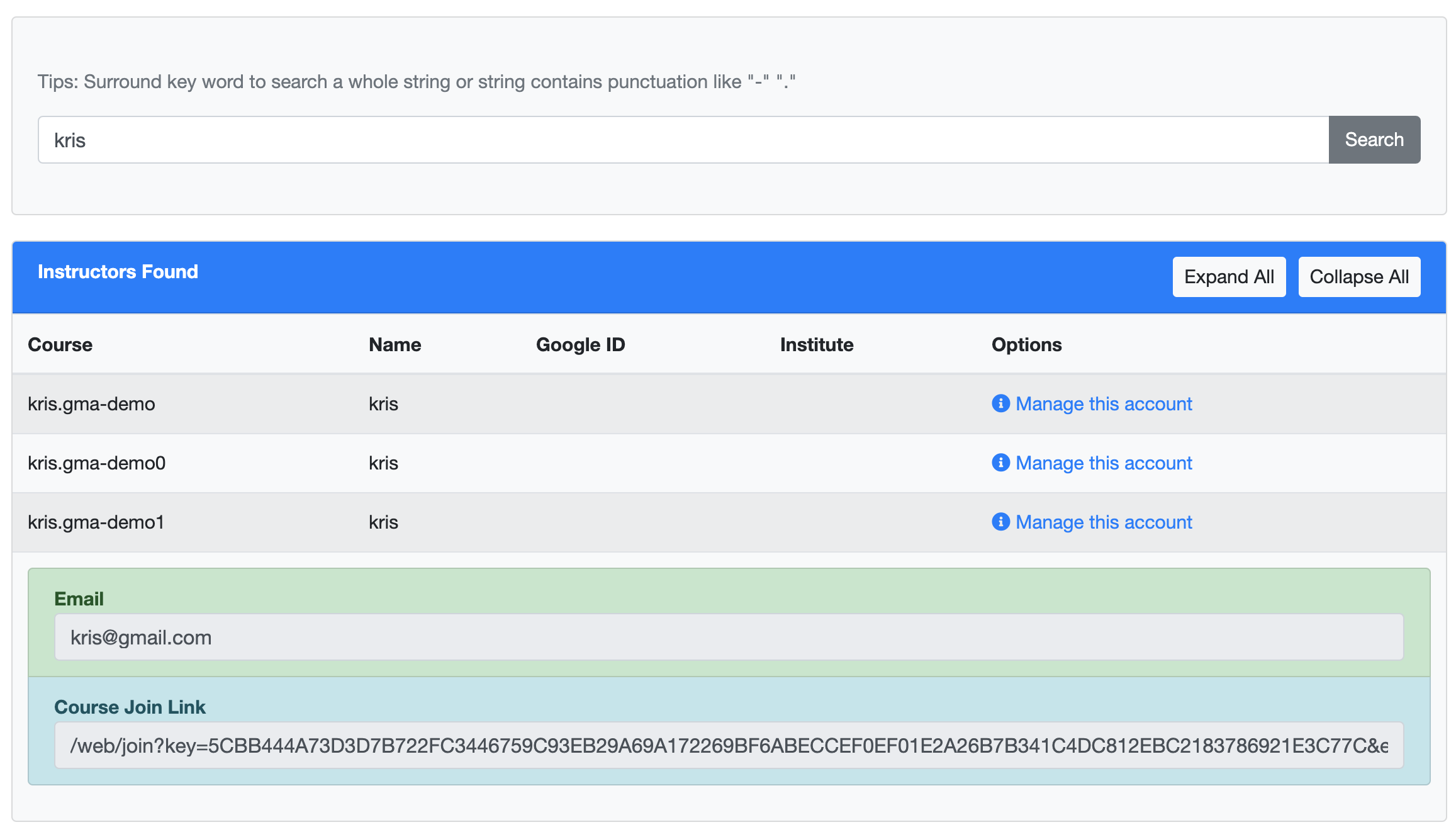
- Issue 2: the join link does not work when entered as URL.
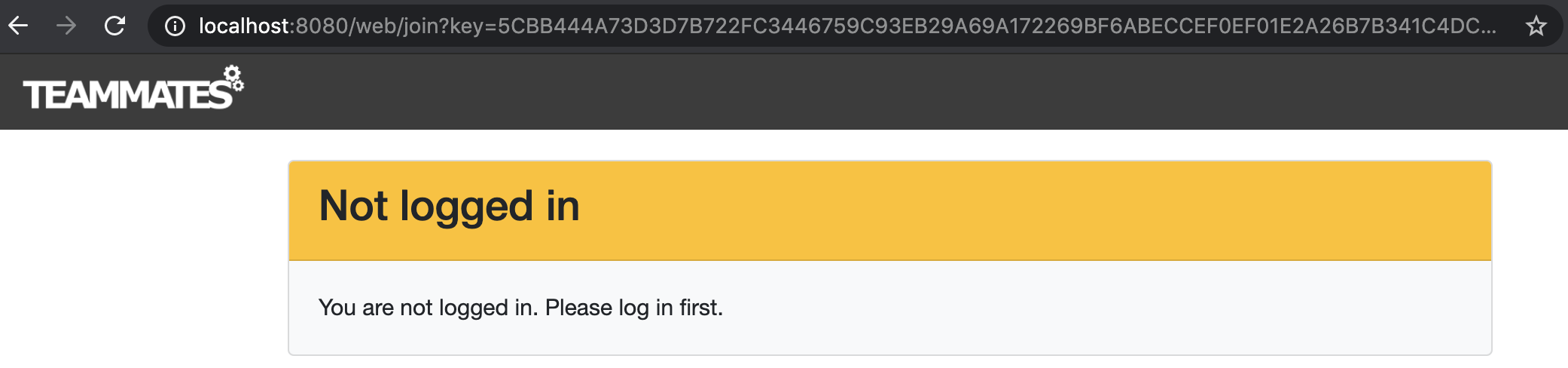
Following the warning, either I log in through instructor login button or masquerade mode, the error occurs.
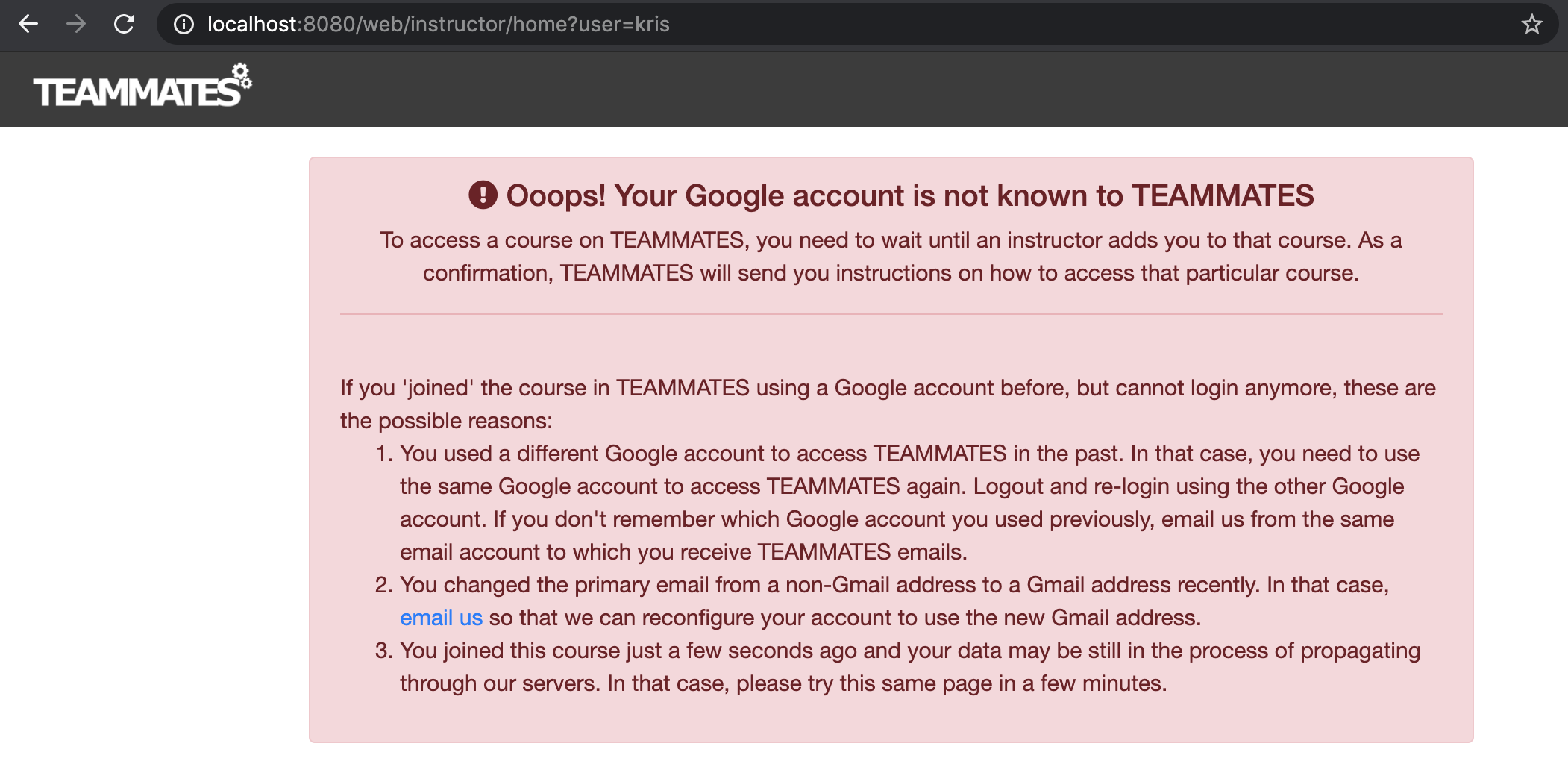
Problem: due to the above issues, I am not able to interact with the application in instructor/student mode in the dev server.
Setup status:
- front & back-end are built successfully
- run component test with 5 failed test cases
staging serveris not yet deployed
a-DevHelp
 Derek-Hardy
All 3 comments
Are you using JDK 8? I faced a similar problem as well when I used JDK 11.
 ccyccyccy
on 12 May 2020
ccyccyccy
on 12 May 2020
❤1
Many thanks to @ccyccyccy !
Cause: mismatched JDK (local: Java SE 9.0.1)
Solution: (for Mac OS X)
- run
/usr/libexec/java_home -Von the terminal - look for the path for Java SE 8 (Mac default version)
/Library/Java/JavaVirtualMachines/jdk1.8.0_144.jdk/Contents/Home(in my case) - in the root directory of the project, open
gradle.properties, paste the lineorg.gradle.java.home=/Library/Java/JavaVirtualMachines/jdk1.8.0_144.jdk/Contents/Home - open a new terminal,
cdto the project folder, re-run the command./gradlew createConfigs
Result:
The above solution resolves the issue.

Derek-Hardy
on 12 May 2020
🎉1
👍1
Server error issue is resolved.
Derek-Hardy
on 12 May 2020
Was this page helpful?
0 / 5 - 0 ratings
Related issues
 craaaa
·
4Comments
craaaa
·
4Comments
 whipermr5
·
4Comments
whipermr5
·
4Comments
 damithc
·
4Comments
damithc
·
4Comments
 YongJieYongJie
·
3Comments
YongJieYongJie
·
3Comments
 keoren3
·
3Comments
keoren3
·
3Comments
Most helpful comment
Many thanks to @ccyccyccy !
Cause: mismatched JDK (local: Java SE 9.0.1)
Solution: (for Mac OS X)
/usr/libexec/java_home -Von the terminal/Library/Java/JavaVirtualMachines/jdk1.8.0_144.jdk/Contents/Home(in my case)gradle.properties, paste the lineorg.gradle.java.home=/Library/Java/JavaVirtualMachines/jdk1.8.0_144.jdk/Contents/Homecdto the project folder, re-run the command./gradlew createConfigsResult:

The above solution resolves the issue.