Teammates: Instructor Login Impossible
Hi,
I just joined this project recently. I set up everything & the app runs smoothly on my computer.
I am trying to log in as an instructor but I can't do it. I am following the steps described here: https://github.com/TEAMMATES/teammates/blob/master/docs/development.md#logging-in-to-a-teammates-instance
I tried logging in as the admin & adding the instructor. When I try to find a join link, I don't see it & when I try to log in with the email I've given, it doesn't work.
I get this message:
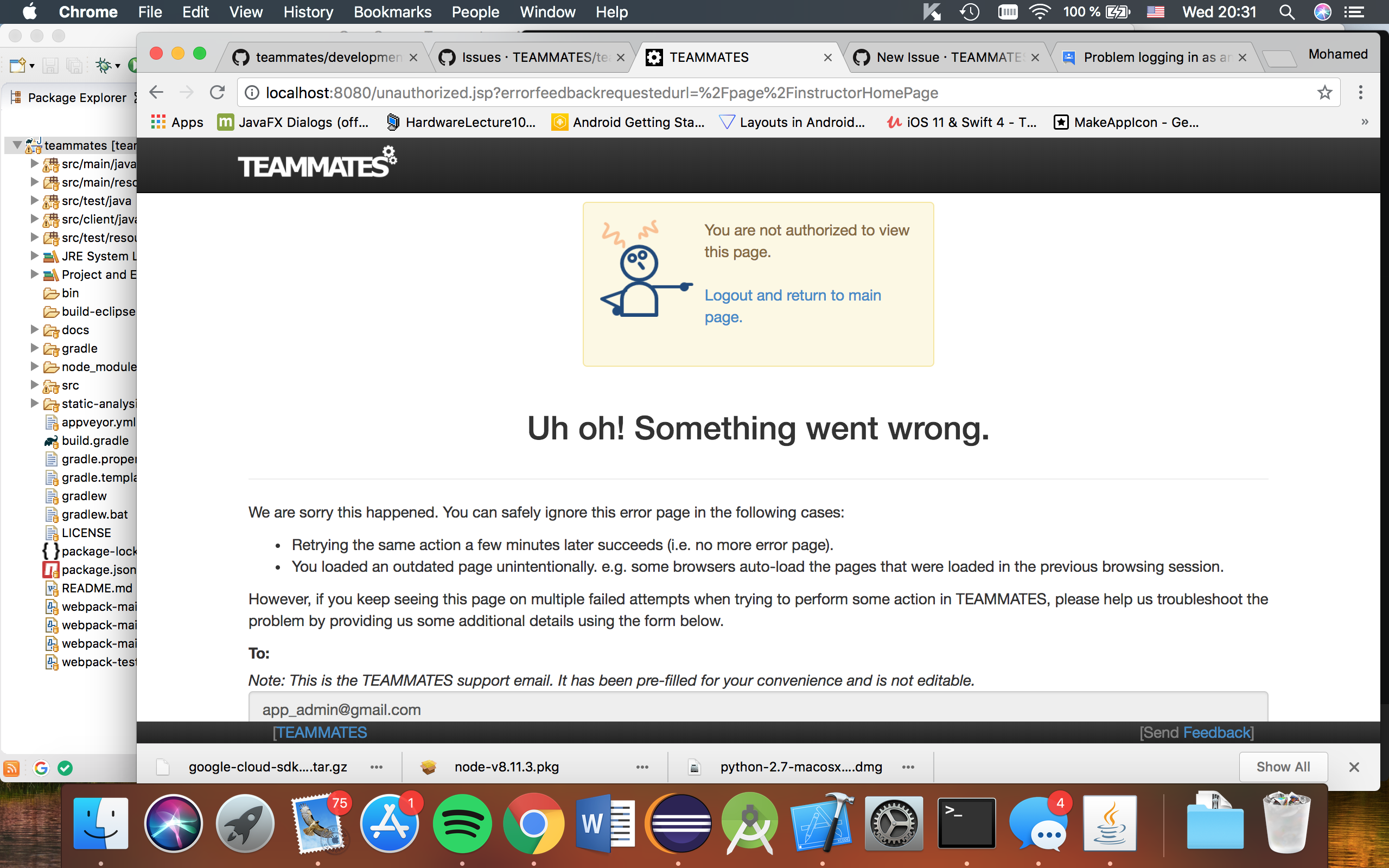
I'd appreciate any help so that I can get into my first issue.
 AmineToualbi
All 11 comments
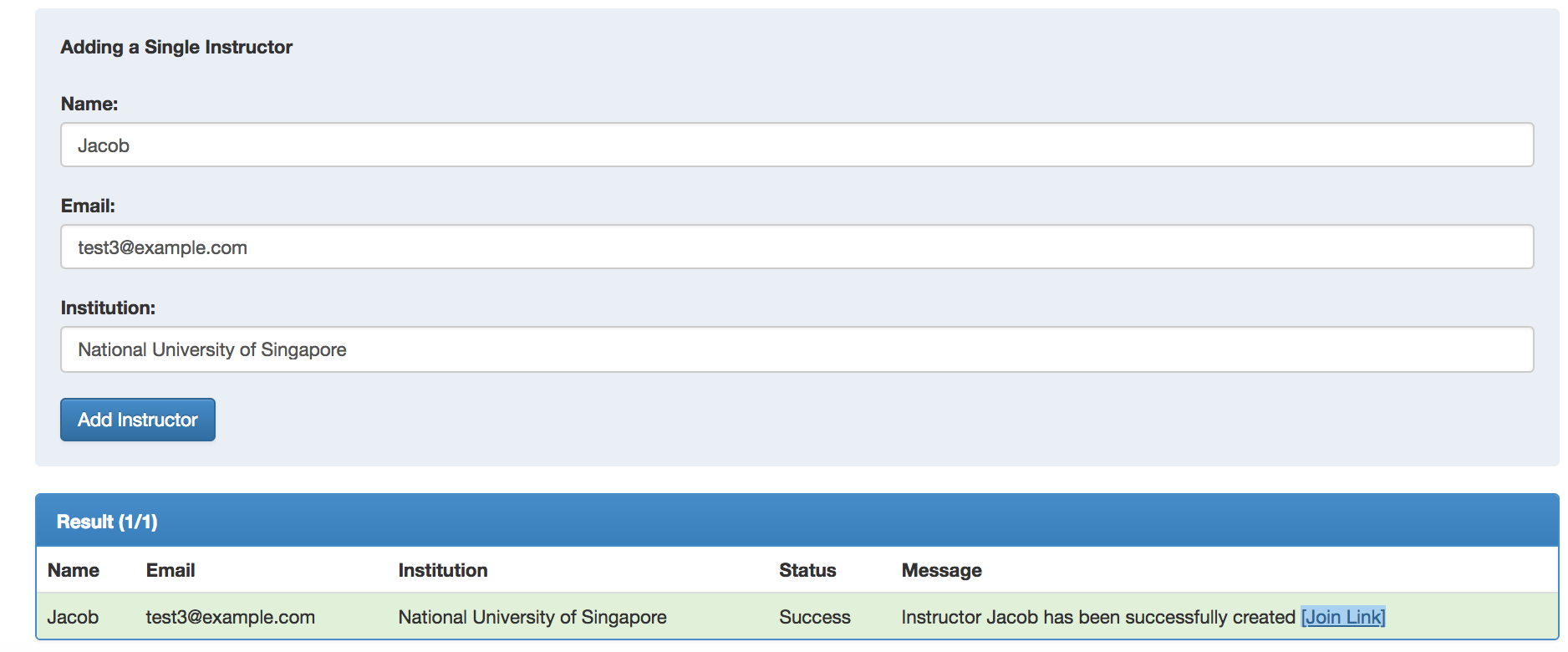
Did you see a join link like the one above when you first created the instructor?
Upon clicking it, you will be directed to the course confirmation page. However as you are logged in as admin at the moment, so you need to copy the join link and log out as admin. After logging out of admin, you can paste the join link and log in as the new instructor added to confirm as instructor.
 jacoblipech
on 26 Jul 2018
jacoblipech
on 26 Jul 2018
I do not have that link.
Here is what I have no matter how many times I press the "Add Instructor" button.
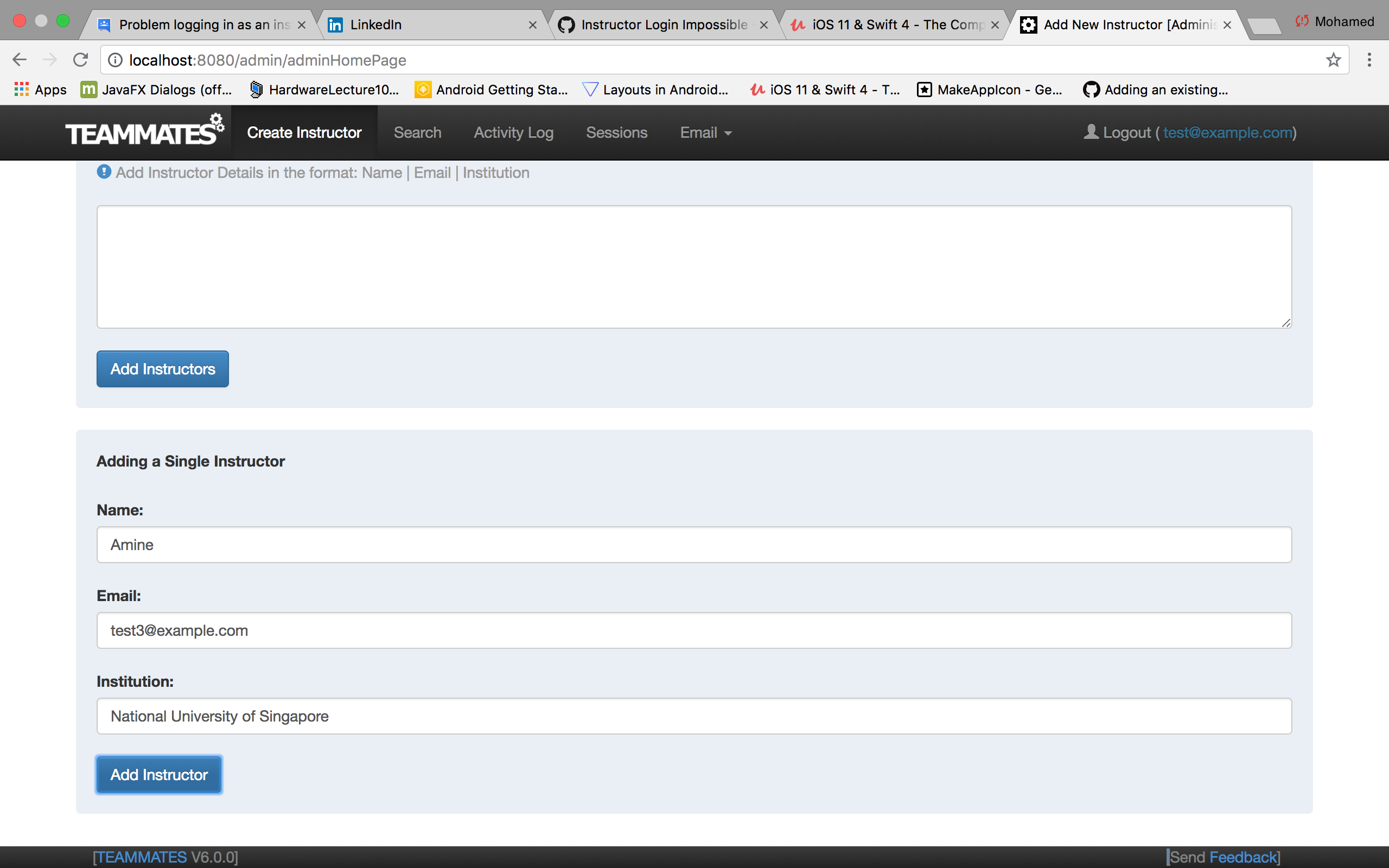
What could be happening wrong?
AmineToualbi
on 26 Jul 2018
@AmineToualbi If you scroll down can you see an error message?
 dalessr
on 26 Jul 2018
dalessr
on 26 Jul 2018
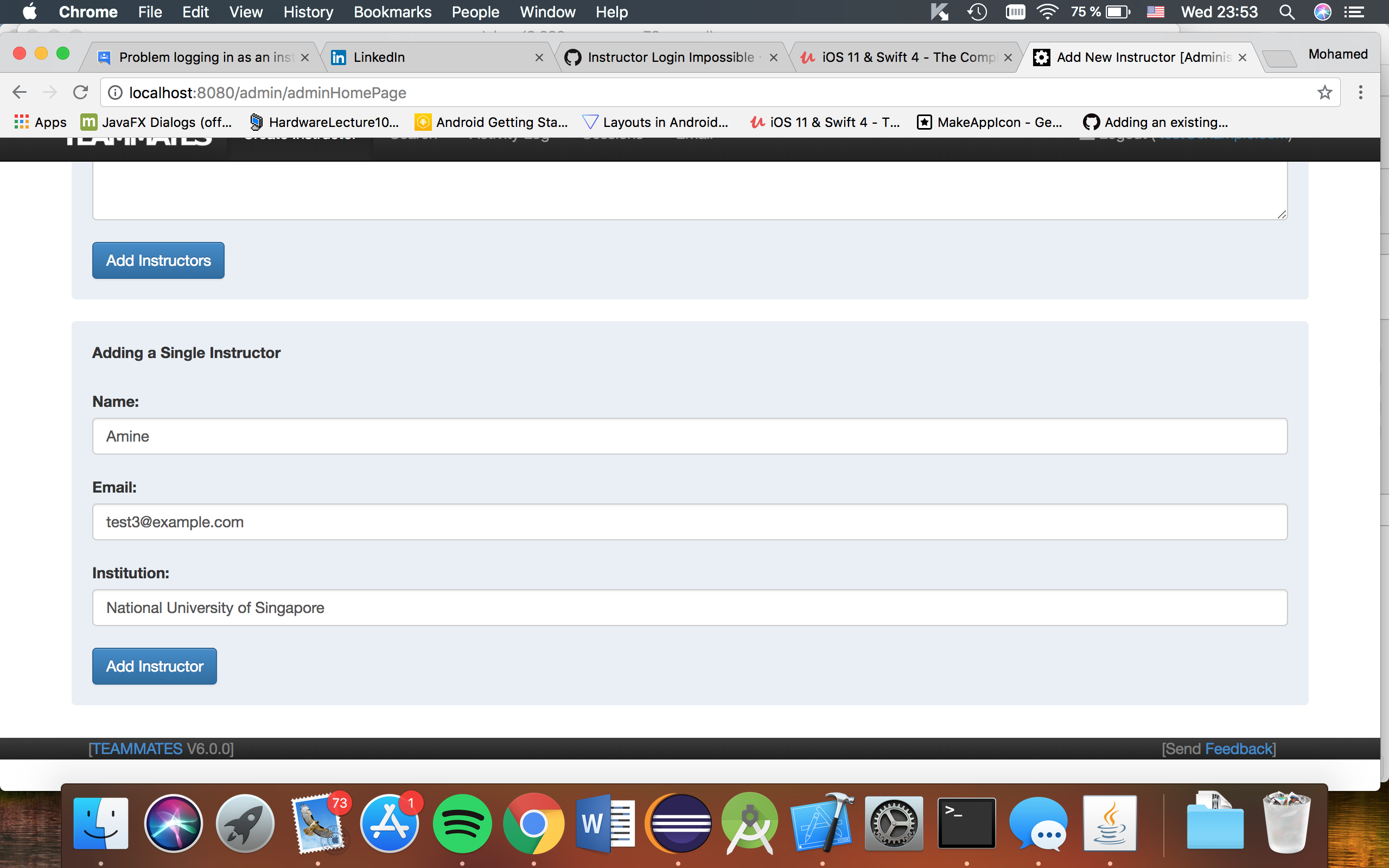
@dalessr No, not really. There's nothing down there. You can see the white part is because I am trying to scroll down.
AmineToualbi
on 26 Jul 2018
Do you see any errors in the TEAMMATES web server console?
 damithc
on 26 Jul 2018
damithc
on 26 Jul 2018
Perhaps you can post here the output of the console in which you started the server?It'll help others to debug the problem. Before copying the output here, remember to click the Add Instructor button once.
damithc
on 26 Jul 2018
I do not get any error when I press the button. However, I have stuff showing up when I access the admin page before.
INFO: TEAMMATESLOG|||adminHomePage|||adminHomePage|||true|||Admin|||Unknown|||[email protected]|||Unknown|||Admin Home Page Load|||/admin/adminHomePage|||[email protected]%2018072612393055|||20
Jul 26, 2018 12:39:30 AM com.google.appengine.tools.development.jetty9.LocalResourceFileServlet doGet
WARNING: No file found for: /js/googleAnalytics.js
Jul 26, 2018 12:39:30 AM com.google.appengine.tools.development.jetty9.LocalResourceFileServlet doGet
WARNING: No file found for: /js/adminHome.js
PSA: I do not know if it might be of use but I noticed that every time I open a new page, I get the "No file found" warning.
AmineToualbi
on 26 Jul 2018
Hmm...seems that you didn't build JavaScript files properly.
Stop the dev server and try entering the following commands in the root directory:
$ npm install
$ npm update
$ npm run dev
$ npm run lint
If there's no error showing in the console, start the dev server and try again :)
dalessr
on 26 Jul 2018
Here is what I get when I run those commands.
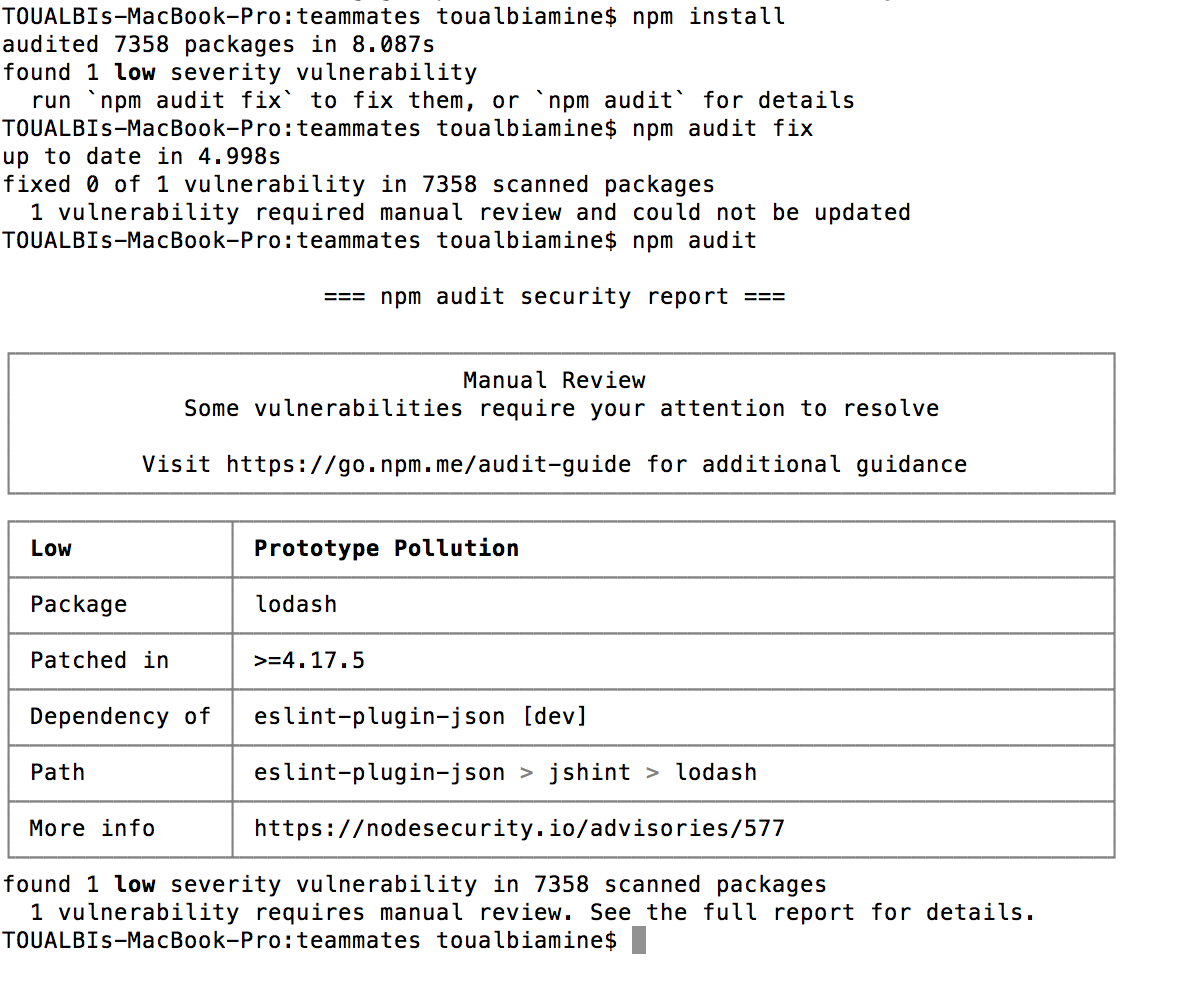
After ignoring this & running the commands, I still get the same warnings.
Any clue?
AmineToualbi
on 26 Jul 2018
I think we can ignore this first. If you've run all the commands above, let's try restarting the dev server & adding instructor again.
dalessr
on 26 Jul 2018
I had to restart my whole IDE after the commands & it works now!
Thank you very much, can't wait to start working on my first issue. 👍
AmineToualbi
on 26 Jul 2018
Related issues
 keoren3
·
3Comments
keoren3
·
3Comments
 Derek-Hardy
·
3Comments
Derek-Hardy
·
3Comments
 YongJieYongJie
·
3Comments
damithc
·
4Comments
YongJieYongJie
·
3Comments
damithc
·
4Comments
 whipermr5
·
4Comments
whipermr5
·
4Comments
Most helpful comment
I had to restart my whole IDE after the commands & it works now!
Thank you very much, can't wait to start working on my first issue. 👍