Tdesktop: Telegram opening with the wrong window size
Steps to reproduce
- Put Telegram Default interface scale to 125%
- Have Monitor scale set to 125%
- Resize Telegram to an okay size for the monitor
- Shut down Telegram
- Open Telegram
- Notice that it's now 25% bigger than before
- Repeat step 4 and 5 and Telegram will eventually grow to cover the entire monitor
Expected behaviour
I expect Telegram to start with the same window size as when I closed it
Actual behaviour
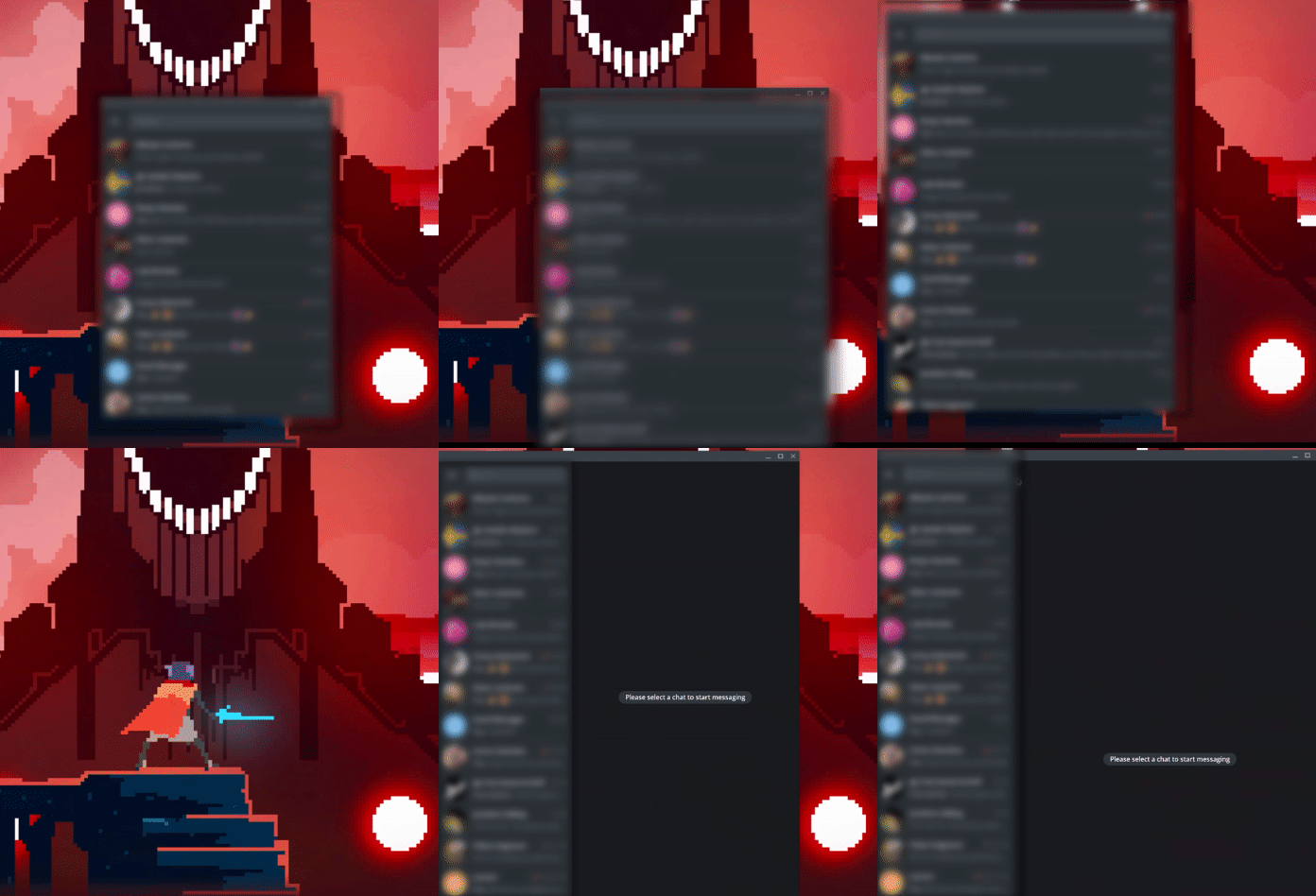
It keeps growing in window size and eventually covers the entire monitor
Configuration
Operating system:
Windows 10
Version of Telegram Desktop:
v 1.9.3
Used theme:
Night
 Hezkore
All 5 comments
Example GIF:
Hezkore
on 1 Jan 2020
I have a similar issue.
I'm used to minimize Telegram to the Application Bar (not the tray bar) and every time I open it up, its window is not the same size I left it.
1) Open Telegram
2) Maximize it
3) Minimize to Application Bar
3) Click on Telegram Icon in Application Bar
4) Telegram opens up windowed (no more maximized)
 roughnecks
on 1 Jan 2020
roughnecks
on 1 Jan 2020
P.S. I didn't remember that I'm using 125% scale too.
roughnecks
on 1 Jan 2020
The issue appeared after updating to 1.9.3 from 1.8.15
Using 100% scale
Windows 8.1
Classic theme
Also noticed that after restoring Telegram from minimized state and maximizing the window, Maximize button doesn't change to Restore until you press it once again, i.e. the behavior is:
- Restore Telegram from minimized state (it restores with some arbitrary size - that's the issue #6924)
- Press Maximize button (window maximizes, Maximize button stays intact)
- Press Maximize button once again (nothing bappens except Maximize button changing to Restore)
Expected behavior: window control buttons reflect window state
 declard
on 3 Jan 2020
declard
on 3 Jan 2020
 Aokromes
on 31 Jan 2020
Aokromes
on 31 Jan 2020
Related issues
 luisalvarado
·
3Comments
luisalvarado
·
3Comments
 whywhyy
·
3Comments
whywhyy
·
3Comments
 Justinzobel
·
3Comments
Justinzobel
·
3Comments
 LeonTheOriginal
·
3Comments
LeonTheOriginal
·
3Comments
 Yanrishatum
·
3Comments
Yanrishatum
·
3Comments
Most helpful comment
I have a similar issue.
I'm used to minimize Telegram to the Application Bar (not the tray bar) and every time I open it up, its window is not the same size I left it.
1) Open Telegram
2) Maximize it
3) Minimize to Application Bar
3) Click on Telegram Icon in Application Bar
4) Telegram opens up windowed (no more maximized)