tdesktop freezes when pasting an image from the clipboard
Steps to reproduce
- Copy an image to the clipboard with
xclip - Try to paste the image in a chat with Ctrl+V
Expected behaviour
A popup should allow me to send the image compressed or not.
Actual behaviour
tdesktop freezes with no messages on the terminal, as seen bellow

Configuration
Operating system: Arch Linux
Version of Telegram Desktop: 1.5.15
Used theme: Custom
There isn't any problem if I select the image through the file picker.
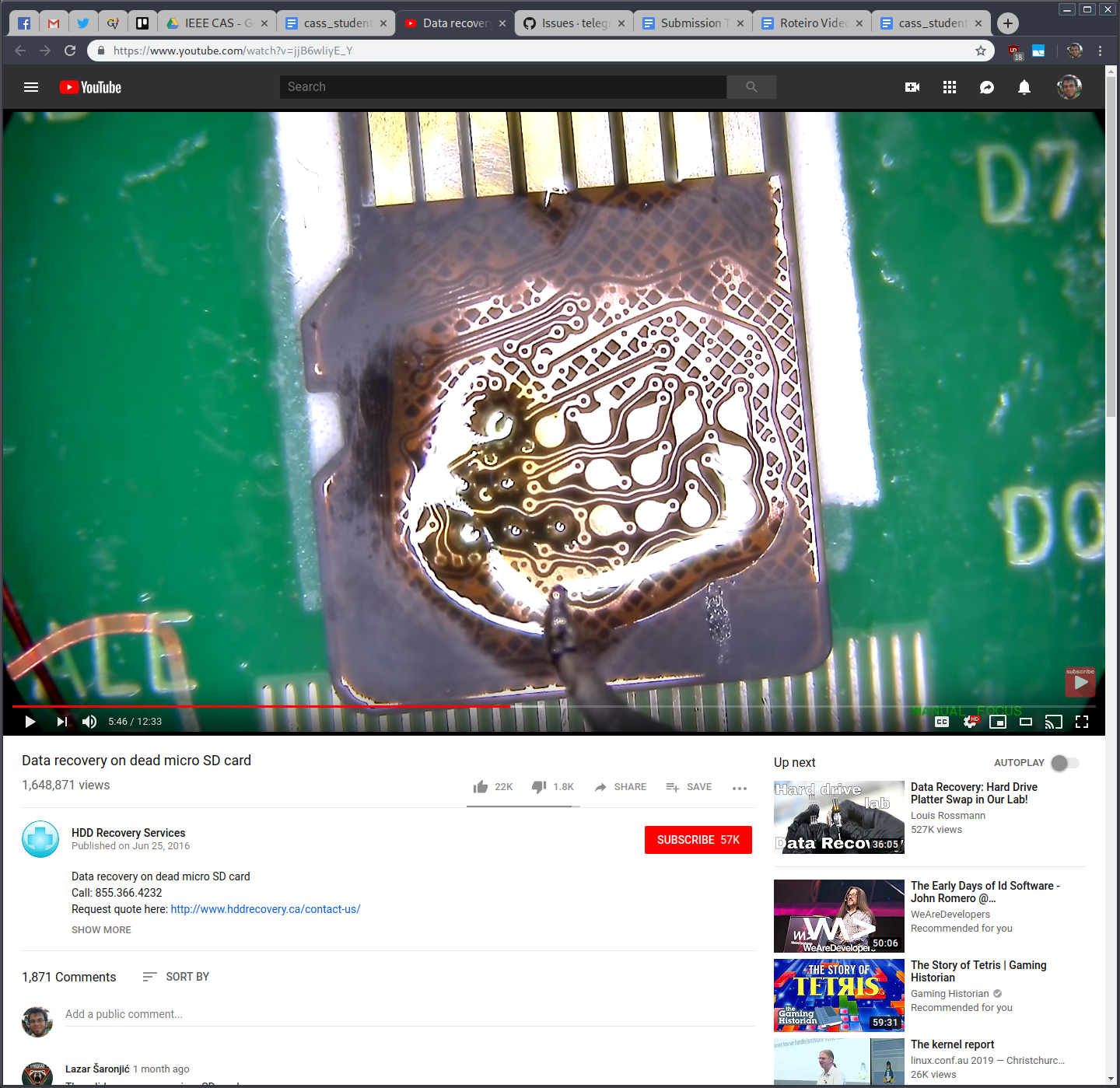
Here's the image I tried to paste, in case it's of any use:
 igormp
All 22 comments
For me it takes very long time (>5s) to show the dialog, and sometimes it doesn't show anything. It seems like depending on the image size. It takes more than 5s to load a screenshot (23MB,image/jpeg) from clipboard.
 kevin335200
on 8 May 2019
kevin335200
on 8 May 2019
When trying to paste too large of a file, it can even cause a crash.
Workaround is to save the image to file and drag the file in to upload.
 puppy0cam
on 14 Jul 2019
puppy0cam
on 14 Jul 2019
plz next time click send crash and post id here, if you don't have a crash window plz use gdb.
 Aokromes
on 25 Jan 2020
Aokromes
on 25 Jan 2020
Got it. I will reproduce it soon.
kevin335200
on 25 Jan 2020
I am experiencing the same issue. When pasting a big image from xclip, Telegram freezes and xclip prints out an error message:
X Error of failed request:  BadWindow (invalid Window parameter)
Major opcode of failed request:  18 (X_ChangeProperty)
Resource id in failed request:  0x2600034
Serial number of failed request:  80
Current serial number in output stream:  80
I am 100% sure the issue is not with xclip, because it behaves like that only with Telegram Desktop.
 foxpy
on 13 Feb 2020
foxpy
on 13 Feb 2020
I think the issue is in Qt clipboard manager. I can reproduce this issue not only in Telegram Desktop but in Krita, too.
foxpy
on 13 Feb 2020
Got this problem too, in ubuntu gnome (18.04) the whole gdm freezes and after 2 minutes I see the gdm login. Its happening since a couple of months now. It happens during copy paste of an image from gnome screenshot tool.
 chrisdejager
on 20 Feb 2020
chrisdejager
on 20 Feb 2020
can you try to disable qt clipboard manager or any manager to see if it's 3rd party bug?
Aokromes
on 25 Feb 2020
can you try to disable qt clipboard manager or any manager to see if it's 3rd party bug?
Unfortunately, I don't use any third party clipboard manager. My system is running ArchLinux with latest Telegram Desktop and Xorg. i3wm acts as a window manager. The bug is easily reproducable each time I paste something big into Telegram Desktop. More over, the problem remains with a third-party clipboard manager: xfce4-clipman.
foxpy
on 25 Feb 2020
try on 1.9.20 if it still crashes, if it does use send crash and post id here, if you don't get crash try using gdb to get a crashlog then run:
set logging overwrite on
set logging file backtrace.log
handle SIG33 pass nostop noprint
set pagination 0
set logging on
echo \n--- DEBUG: --- START\n\n
run
echo \n--- DEBUG: BACKTRACE FULL\n\n
backtrace full
echo \n--- DEBUG: INFO REGISTERS\n\n
info registers
echo \n--- DEBUG: CALLS (x/32i $pc)\n\n
x/32i $pc
echo \n--- DEBUG: THREAD APPLY ALL BACKTRACE\n
thread apply all backtrace
echo \n--- DEBUG: --- STOP\n\n
set logging off
quit
and use gist to post the crashlog.
Aokromes
on 16 Mar 2020
if you don't get crash try using gdb to get a crashlog
Oh? Yes, Telegram never crashed because of this issue for me, it just freezes. How am I supposed to crash it using gdb? Send it SIGSEGV after pressing Ctrl+V? I just don't understand clearly what should I do.
foxpy
on 17 Mar 2020
if you don't get crash try using gdb to get a crashlog
Oh? Yes, Telegram never crashed because of this issue for me, it just freezes. How am I supposed to crash it using gdb? Send it SIGSEGV after pressing Ctrl+V? I just don't understand clearly what should I do.
just try to close the app when frozen, it may work.
Aokromes
on 17 Mar 2020
close the app when frozen
I can't normally close it when frozen, it just does not respond to any attempt of closing the window. I have tried sending it SIGKILL, but the output log seems to be useless in this case. Here it is, anyway:
https://gist.github.com/foxpy/3a646d04195deb497d1456d44e9766e6#file-backtrace0-log
foxpy
on 17 Mar 2020
and control+c then bt and bt full?
Aokromes
on 17 Mar 2020
and control+c then bt and bt full?
https://gist.github.com/foxpy/3a646d04195deb497d1456d44e9766e6#file-bt_btfull0-log
foxpy
on 17 Mar 2020
Using Wayland and wl-clipboard couldn't ever paste any image from clipboard, even copied it there from Telegram Desktop itself, regardless of image size. tdesktop doesn't freeze completely, just hangs on a few seconds, then nothing happens. Right-click on message input field produces the same lag and then context menu appears with non-clickable "paste" entry. Tried to launch from terminal, no errors appeared there.
Tdesktop v1.9.21
 1024rk
on 18 Mar 2020
1024rk
on 18 Mar 2020
Got the same issue as mentioned by @1024rk, can't paste image/png data. xclip and wl-clipboard -- neither of them work in this case.
However if I open PNG file with Chromium and copy image via context menu -- paste works as expected. No idea what causes this effect (data difference?).
 wheeskers
on 1 May 2020
wheeskers
on 1 May 2020
2.1.8 beta still here
Report Tag: 76980db1-bcbe-4c0f-ae81-f914cd80ac76
https://github.com/telegramdesktop/tdesktop/issues/7055
 Neurotoxin001
on 3 Jun 2020
Neurotoxin001
on 3 Jun 2020
2.1.8 beta still here
Report Tag: 76980db1-bcbe-4c0f-ae81-f914cd80ac767055
On 2.1.10 now I can't even paste image that so large (10000x7759), there is just nothing when I press ctrl+v. And when I press ctrl+v the telegram app is start eating +200mb RAM, but after I copy some random text in clipboard used RAM become to previous amount and no crash.
BUT when I try to paste 5000x3879 image - I can do that 7 times, and sometimes when I do that fast, telegram can't clear used RAM in time and I got crash (at 800-1000MB of used RAM).
Or you can scroll videos list in channels (like here https://github.com/telegramdesktop/tdesktop/issues/7971) and then fast try to paste that large image. You will get same crash.
Crash id 69be08e0-fbe5-4e1e-8059-0b8e5efa943f
6e19498f-c9e7-4521-8486-c5af2e9c54e3
Neurotoxin001
on 8 Jun 2020
X Error of failed request: BadWindow (invalid Window parameter)
Well, looks like I found the Qt bug: https://bugreports.qt.io/browse/QTBUG-56595
 ilya-fedin
on 8 Jun 2020
ilya-fedin
on 8 Jun 2020
I ported tdesktop to GtkClipboard, if anyone want to test, that's a test artifact: https://github.com/ilya-fedin/tdesktop/actions/runs/130411781
ilya-fedin
on 10 Jun 2020
if anyone want to test, that's a test artifact
@ilya-fedin I have compiled your port from source and I am very thankful for this! It works just as it should for me. I think this patch should be merged to mainstream tdesktop as soon as possible.
foxpy
on 10 Jun 2020
Related issues
 hosseinab
·
3Comments
hosseinab
·
3Comments
 matteotumiati
·
3Comments
matteotumiati
·
3Comments
 JhonSane
·
3Comments
JhonSane
·
3Comments
 abhyrz
·
3Comments
abhyrz
·
3Comments
 qwitriy
·
3Comments
qwitriy
·
3Comments