Tdesktop: [Feature Request] Ability to hide the title bar on Gnome.
Configuration
Operating system:
GNOME Shell 3.22.3
Debian 9.6
Version of Telegram Desktop:
1.5.11
Used theme:
Default dark
Request
In some apps (like Firefox Quantum and VSCode) you can disable the titlebar, or use it to house the menu's. This way, an app takes up way less vertical space. Also, the titlebar isn't themed with the app so it's really ugly.
To do it in Firefox Quantum go to menu -> customize -> uncheck 'title bar'
 Miesvanderlippe
All 4 comments
+1, this feature is welcome.
 paulomanrique
on 5 Apr 2019
paulomanrique
on 5 Apr 2019
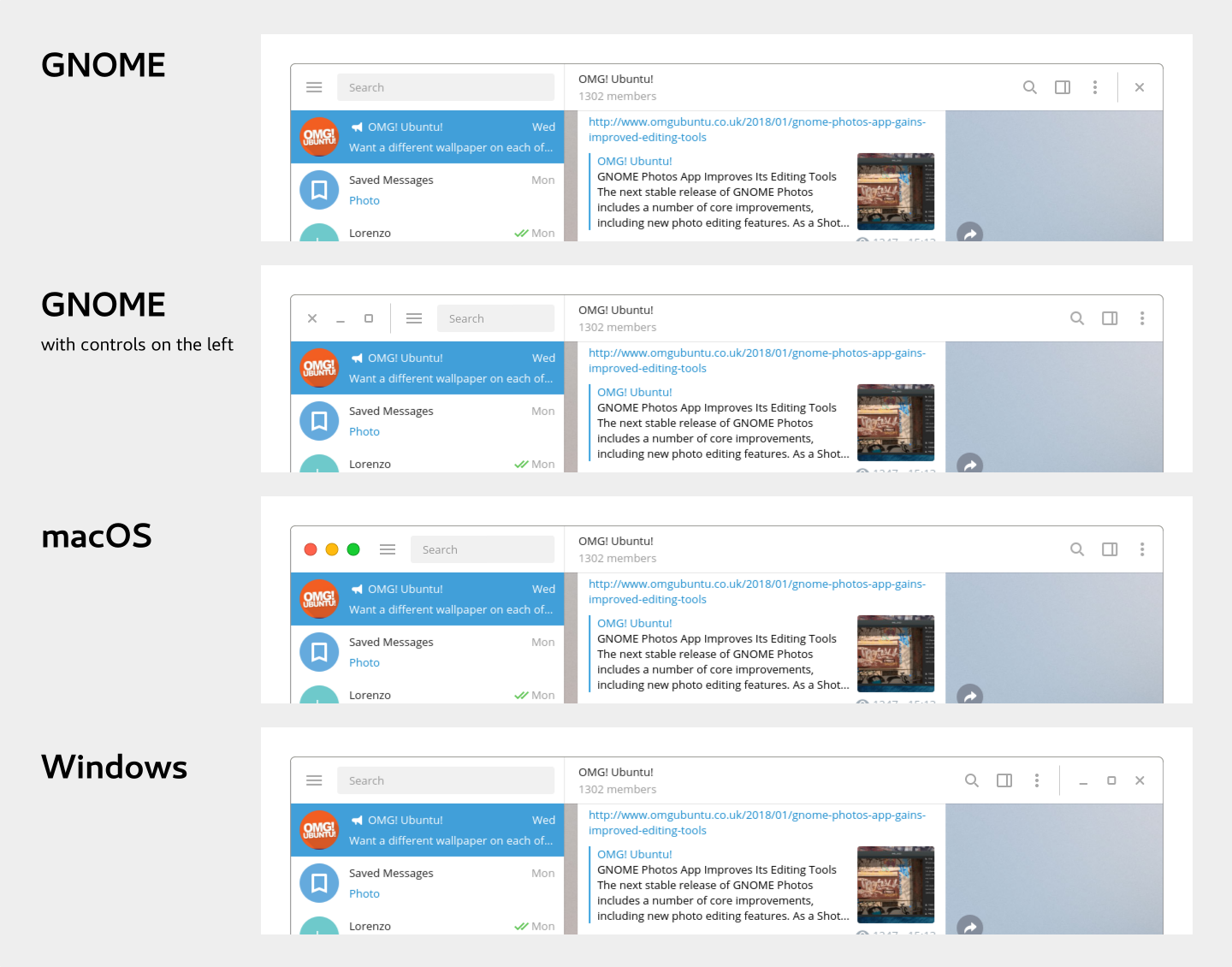
This feature would be nice, actually I've been reading in Gnome wiki about switching to header bars instead of title bars and using something called CSD(client side decoration), you can read more about it here https://blogs.gnome.org/tbernard/2018/01/26/csd-initiative/ there is even a mockup for Telegram desktop client.
 Hax7
on 21 Apr 2019
Hax7
on 21 Apr 2019
Is this #4358 dupe?
 stek29
on 22 Apr 2019
stek29
on 22 Apr 2019
Is this #4358 dupe?
I guess so
Hax7
on 22 Apr 2019
Related issues
 luisalvarado
·
3Comments
luisalvarado
·
3Comments
 TheAppService
·
3Comments
TheAppService
·
3Comments
 TotalKrill
·
3Comments
TotalKrill
·
3Comments
 ghost
·
3Comments
ghost
·
3Comments
 Justinzobel
·
3Comments
Justinzobel
·
3Comments
Most helpful comment
This feature would be nice, actually I've been reading in Gnome wiki about switching to header bars instead of title bars and using something called CSD(client side decoration), you can read more about it here https://blogs.gnome.org/tbernard/2018/01/26/csd-initiative/ there is even a mockup for Telegram desktop client.
