I have flashed over 8 basics without any problems but this S20 EU is not responding no matter what I do.
Tried flipping the TX / RX around but no difference.
- Soldered a 4-pin header (has worked great on the basic).
- Connected: GND TX RX VCC (from top to bottom)
- Press button for 2-3 seconds while attaching VCC
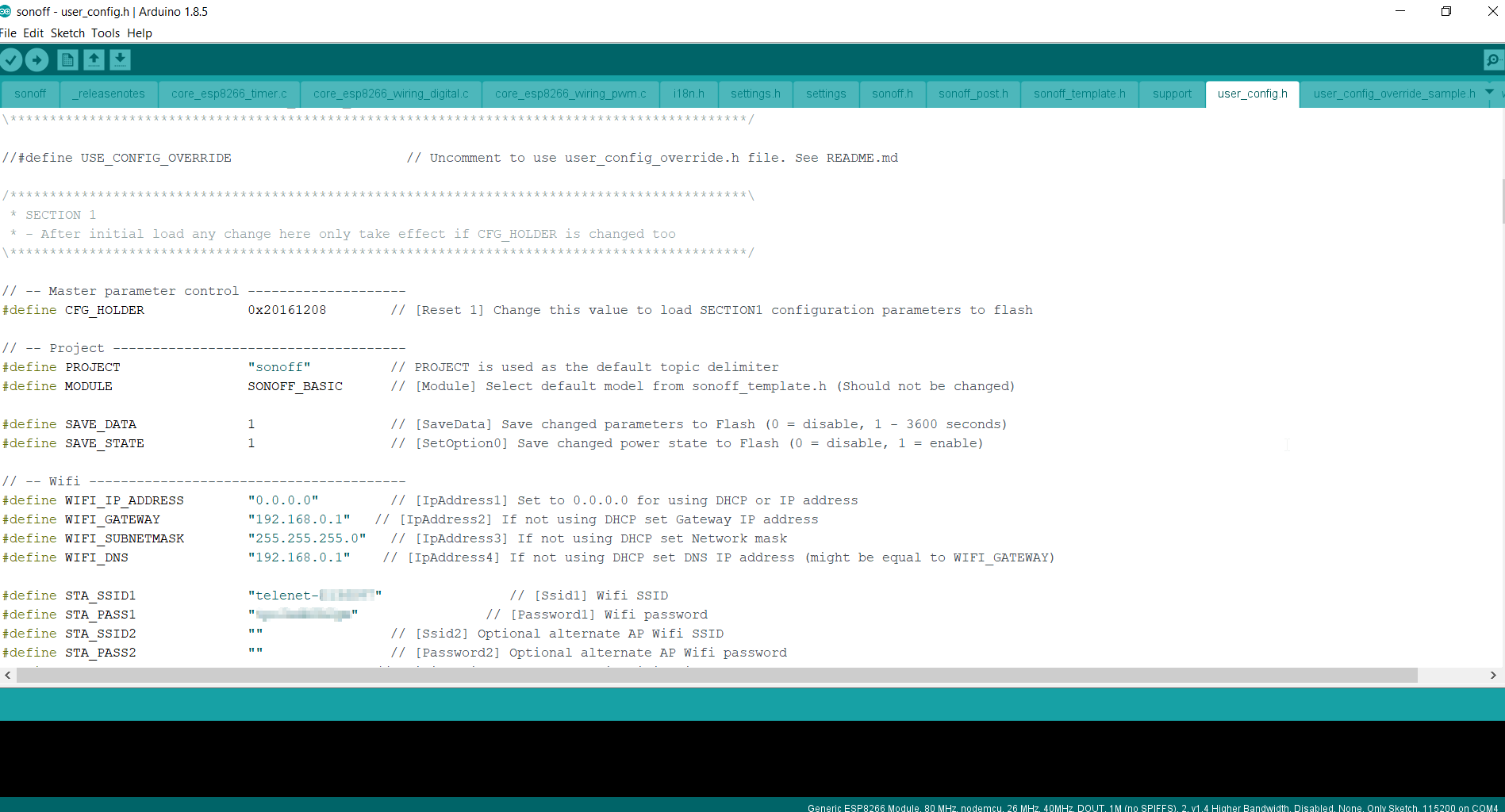
- Settings in Arduino (port is inactive because not inserted while taking screenshot)
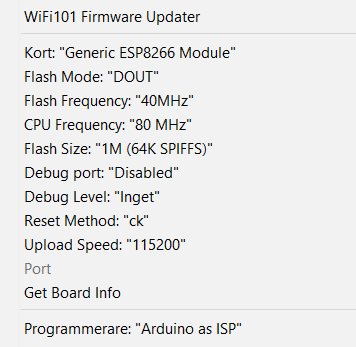
No matter what I do I always get:
warning: espcomm_sync failed
error: espcomm_open failed
error: espcomm_upload_mem failed
error: espcomm_upload_mem failed
Anyone? I checked some videos on youtube and I am doing what everyone else has done, but they have always had v1.0 boards so don't know if any different?
 ElecTriX666
All 18 comments
Flash size 1024 (no spiffs)
 gajotnt
on 21 Jan 2018
gajotnt
on 21 Jan 2018
@gajotnt I dont have that option??
Edit: Updated ESP8266, available now
ElecTriX666
on 21 Jan 2018
Still doesn't work and same error..
ElecTriX666
on 22 Jan 2018
Are you holding GPIO 0 to ground when connecting the programer?
gajotnt
on 22 Jan 2018
@gajotnt
Pushing down the button while connecting VCC, tried holding for 2-3 seconds then letting go but also tried holding down button constantly.
Have they changed so button is not GPIO0 any more?
ElecTriX666
on 22 Jan 2018
Can you post some pics of the board? Maybe someone can tell if there are changes.
gajotnt
on 22 Jan 2018
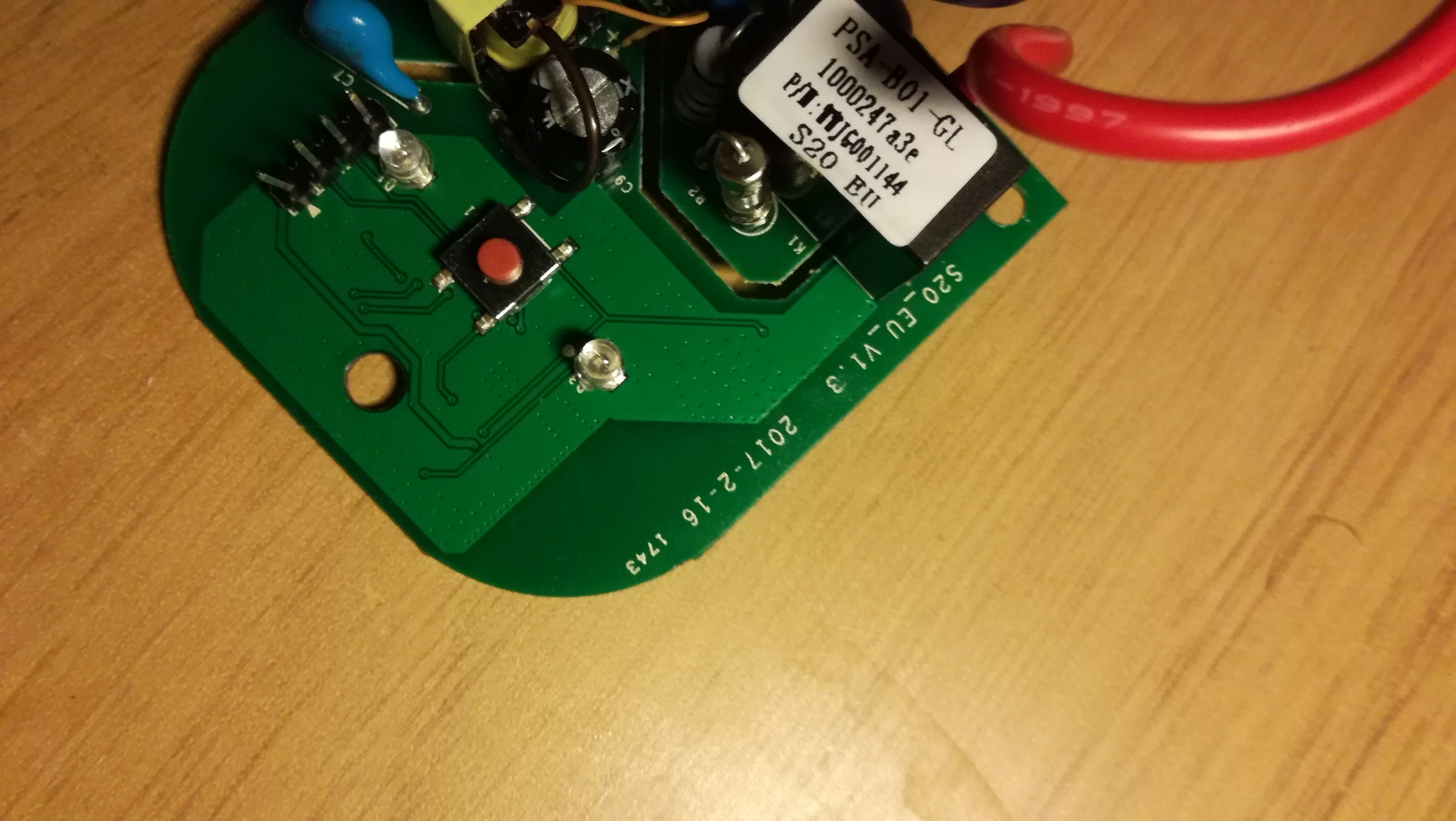
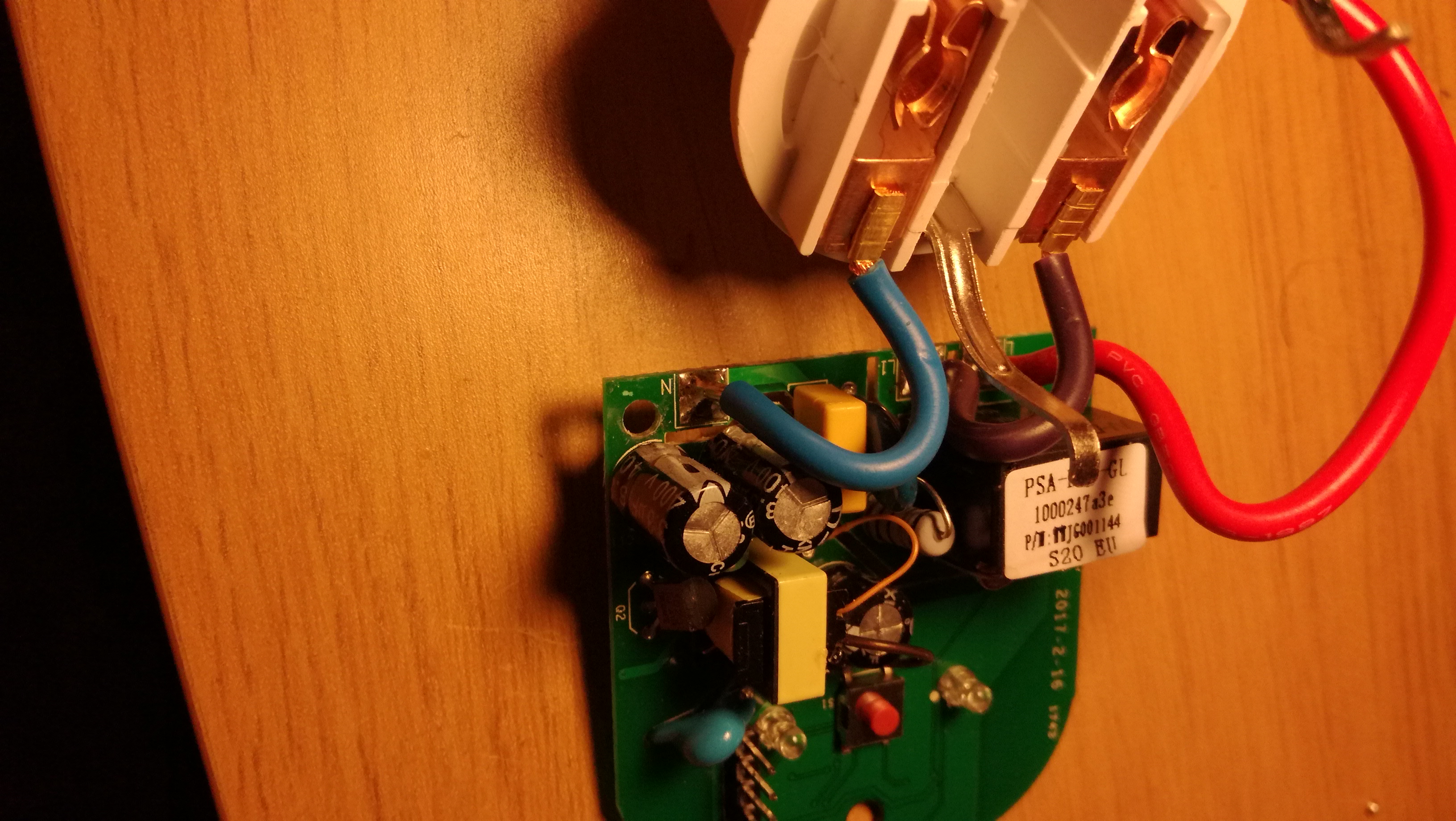
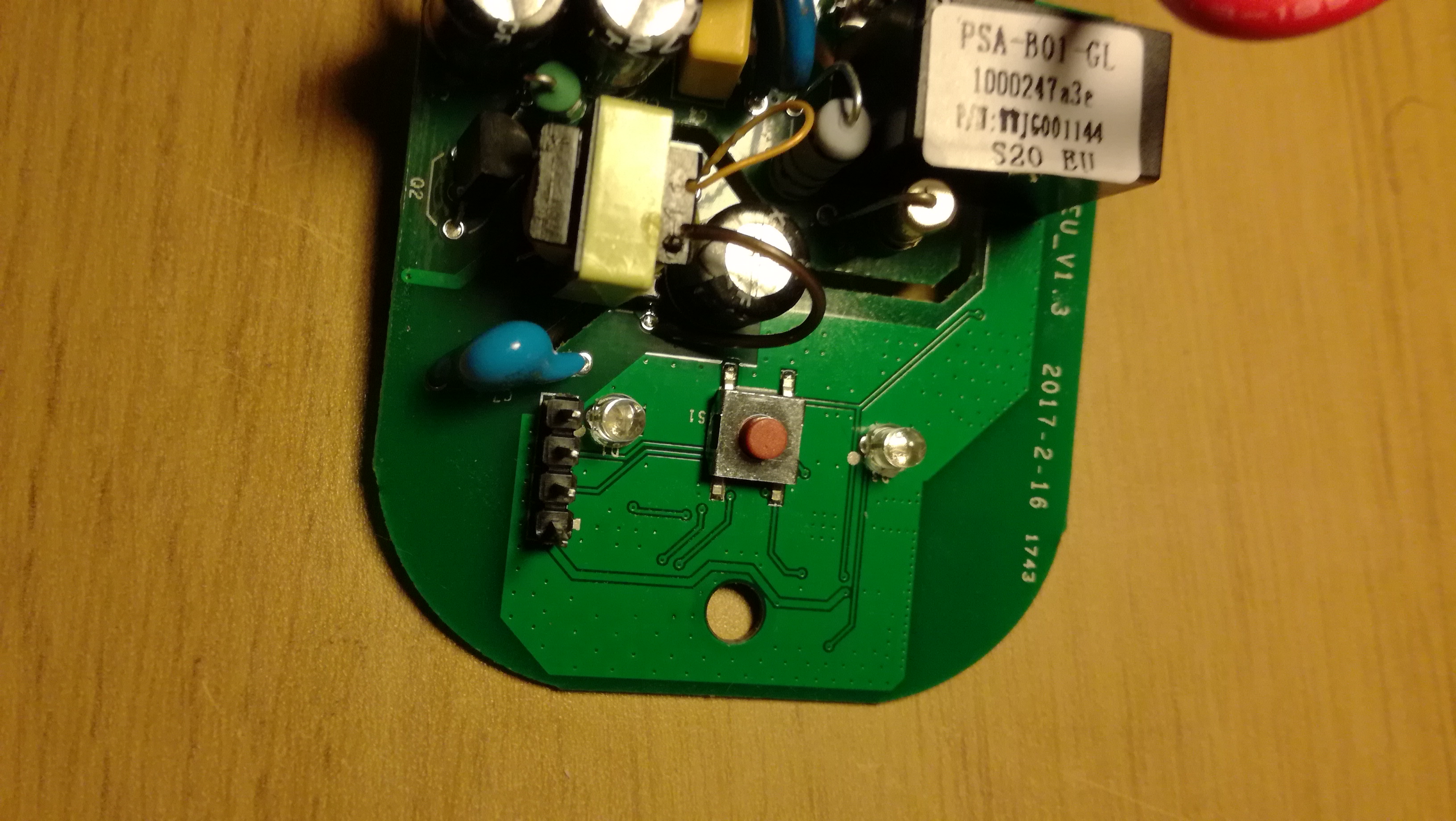
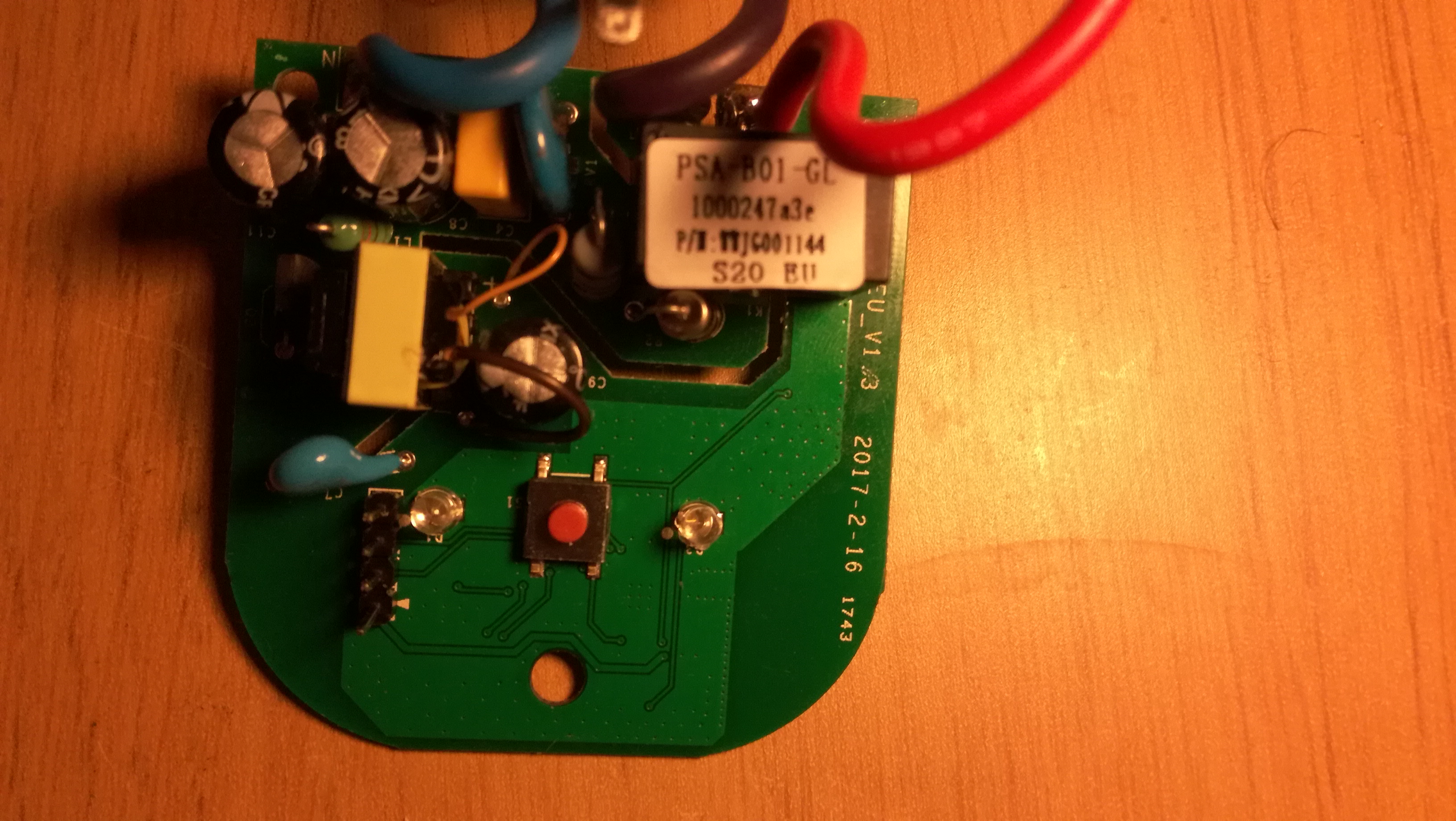
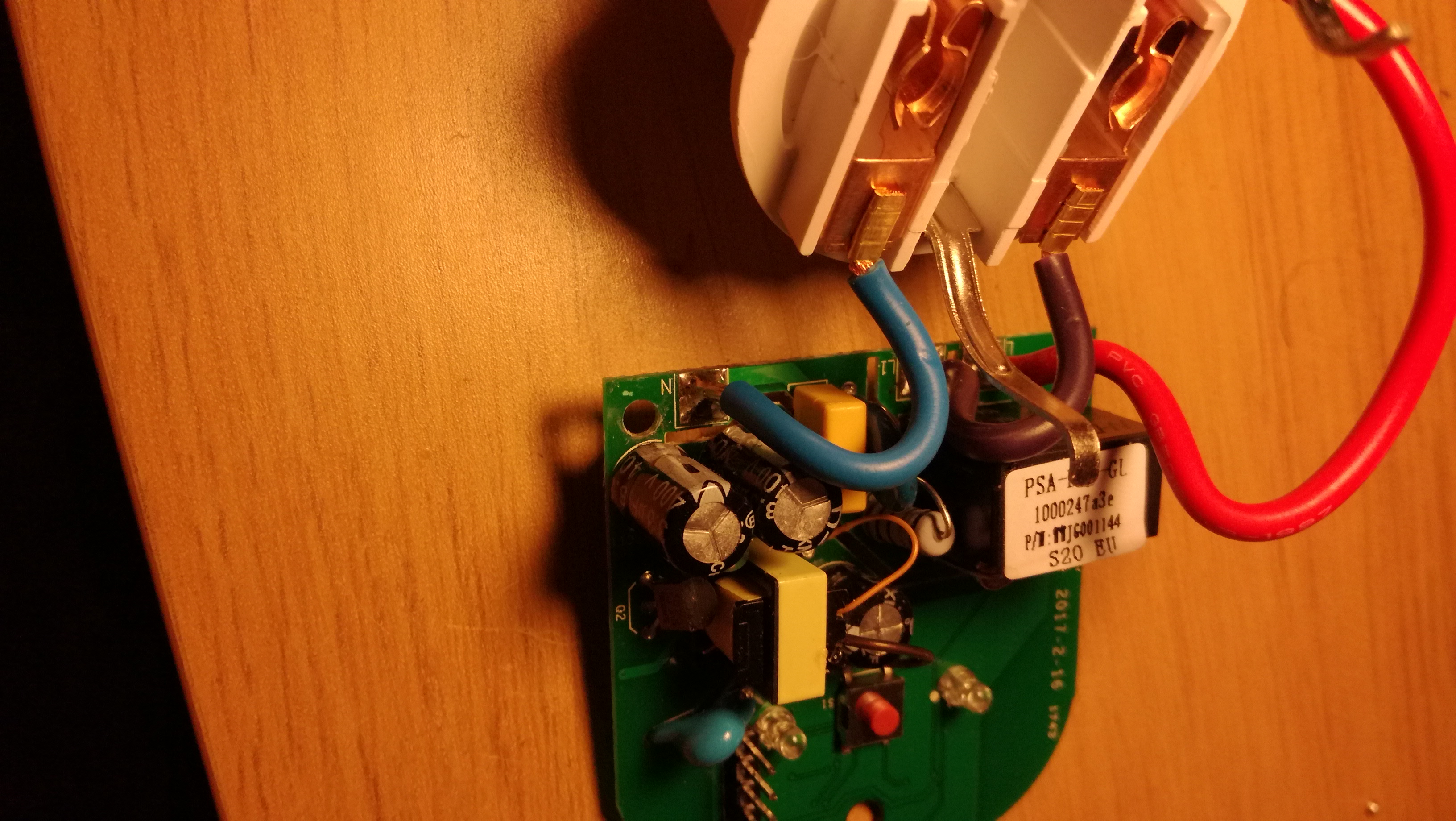
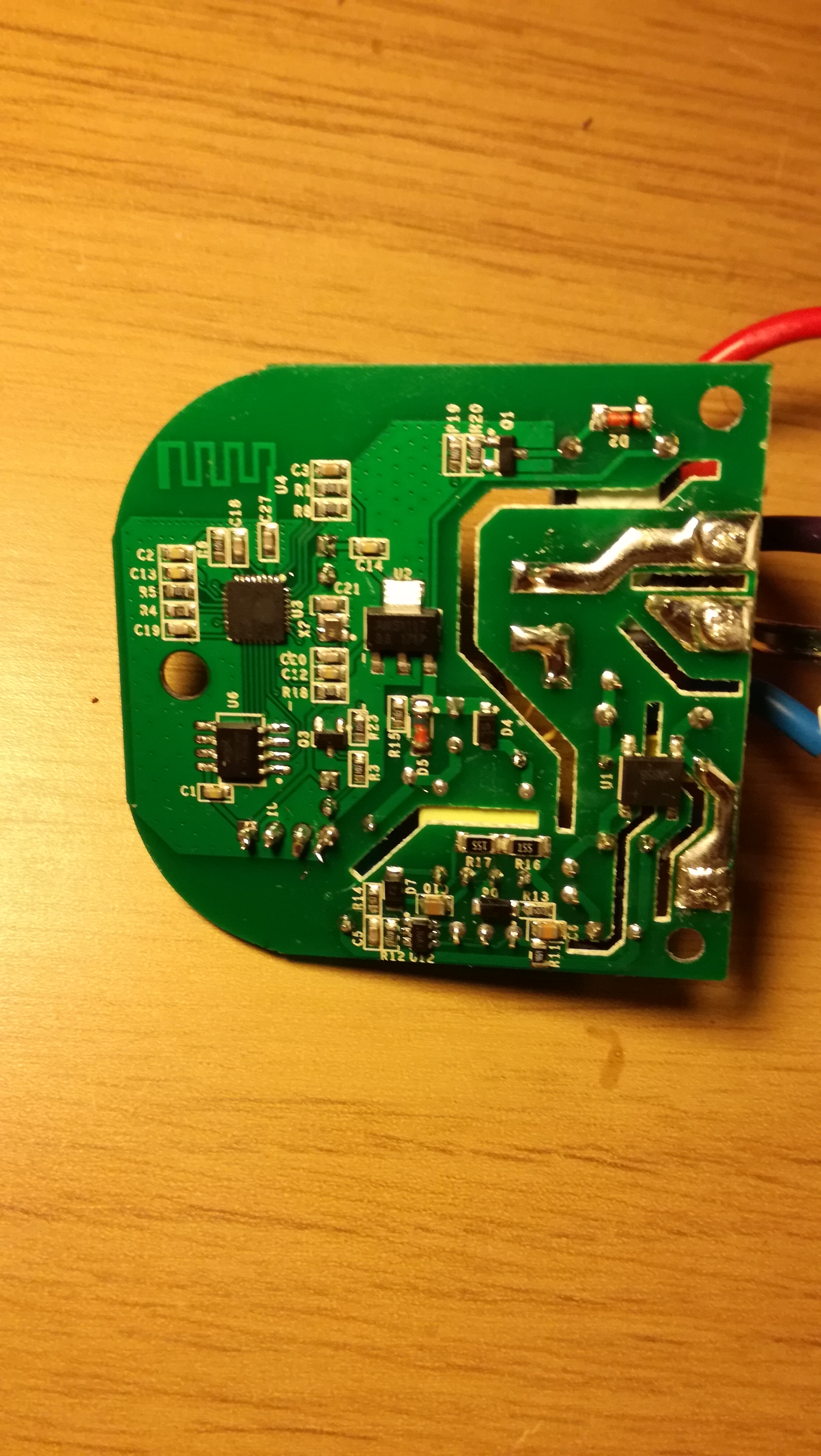
ElecTriX666
on 22 Jan 2018
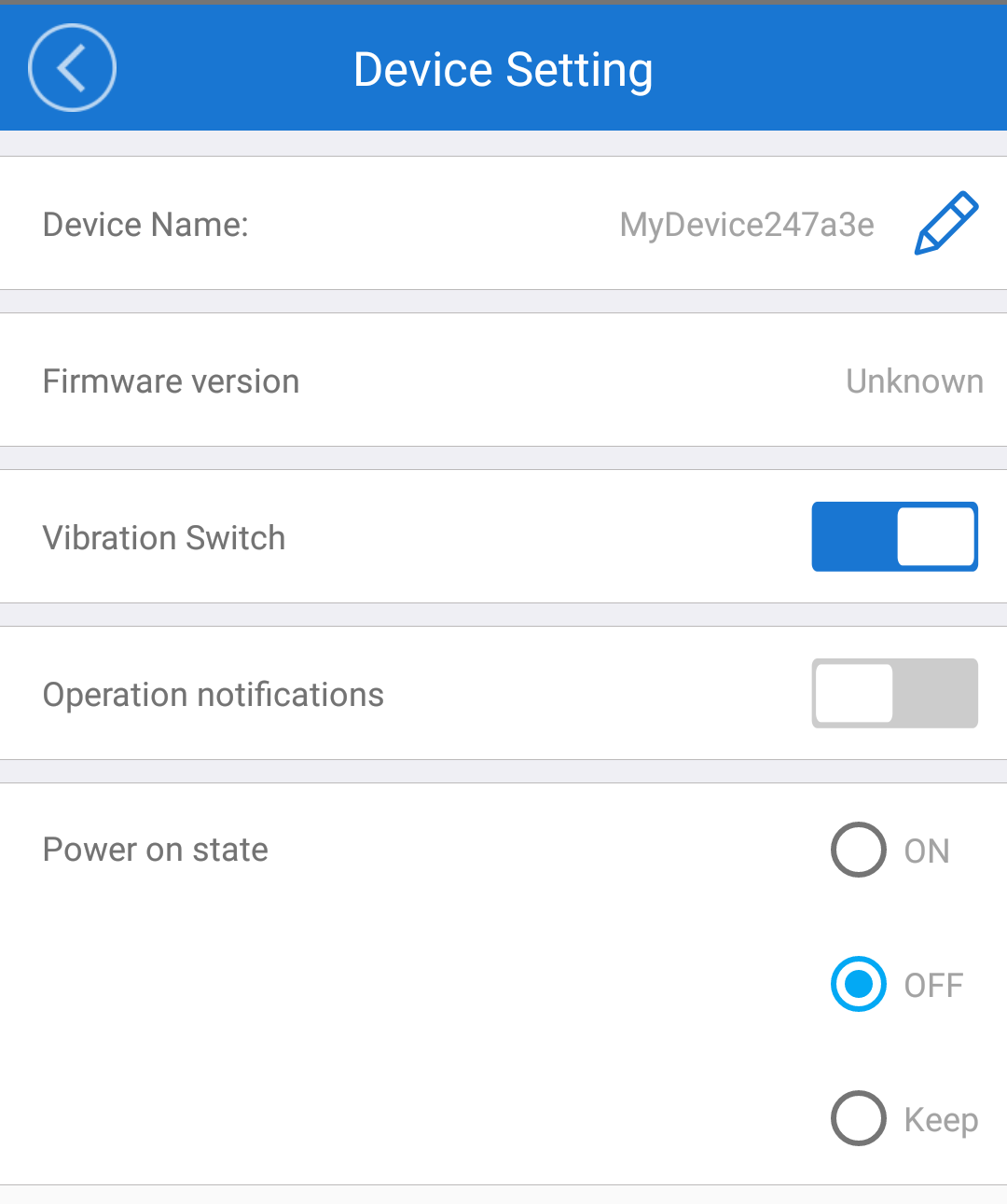
"Unknown" sounds really bad..
ElecTriX666
on 22 Jan 2018
Right.. After a reboot it works and I have v1.5.5. OTA here I come!
ElecTriX666
on 22 Jan 2018
Had a similar problem some days ago in PlatformIO - used firmware.bin and esptool:
cd Sonoff-Tasmota-master/.pioenvs/sonoff-DE
cp ~/Downloads/esptool-2.2/esptool.py .
python esptool.py --port /dev/cu.usbserial-AH01CDYO erase_flash
python esptool.py --port /dev/cu.usbserial-AH01CDYO write_flash -fs 1MB -fm dout 0x0 firmware.bin
 xelarep
on 23 Jan 2018
xelarep
on 23 Jan 2018
@xelarep Thanks worked for me - after I changed the flash size to _detect_
esptool.py --port COM11 write_flash -fs detect -fm dout 0x0 firmware.bin
 gjlawran
on 17 Feb 2018
gjlawran
on 17 Feb 2018
Similar problem but works like a charm with the flash size detect
 algozzy
on 13 Mar 2018
algozzy
on 13 Mar 2018
I have two S20 EU v1.3 here, but got issues flashing them.
Tried to flash one, no luck, keeps restarting after the flash.
Then connected the second one (unchanged) to the ewelink app, and it is firmware 1.6.
Is that a issue? or can i still do wired flash? using platformio..?
Looks like the flash on the first device went all right, but maybe someone can help me with the restart issue?
I even tried setting WIFI_CONFIG_TOOL to WIFI_MANAGER, but can't find the wifi AP..
This is not my first sonoff/tasmota, but it might be the first S20 v1.3.
Please? any help is appreciated.
Thanks!
 NicoBijl
on 3 Jun 2018
NicoBijl
on 3 Jun 2018
I was able to flash Tasmota to my Type E S20 back to back with a 4CH Pro Rev2.
For the latter, it showed up in my network, I could enter MQTT properties & control it from HASSIO.
However, the S20 doesn't show up. Do any of you guys see my mistake? Any differences to be expected betw 4CHProR2 and S20?
 wb441
on 24 Jun 2018
wb441
on 24 Jun 2018
Flashed successfully a current tasmota to a S20 v1.3 EU. Used a Pi3 for the connection. Didn't need to set the flash-size:
esptool.py --port /dev/ttyS0 write_flash -fm dout 0x0 sonoff.bin
 domhaas
on 10 Jul 2018
domhaas
on 10 Jul 2018
I had the same problem.
Connection the wires rx-rx tx-tx solved the problem.
 Ugagen
on 14 Aug 2018
Ugagen
on 14 Aug 2018
Hi,
Closing as lasts comments said that the issue is solved. Ask to reopen if needed. Thanks
 ascillato
on 23 Aug 2018
ascillato
on 23 Aug 2018
I had the same problem.
Connection the wires rx-rx tx-tx solved the problem.
This solved it for me as well on an S20-US v1.3
 DrewTurner
on 18 Dec 2018
DrewTurner
on 18 Dec 2018
Related issues
 jensuffhaus
·
3Comments
jensuffhaus
·
3Comments
 he-so
·
3Comments
he-so
·
3Comments
 j4k3
·
3Comments
j4k3
·
3Comments
 belidzs
·
3Comments
belidzs
·
3Comments
 renne
·
3Comments
renne
·
3Comments
Most helpful comment
@xelarep Thanks worked for me - after I changed the flash size to _detect_
esptool.py --port COM11 write_flash -fs detect -fm dout 0x0 firmware.bin