Tasks: After update to 0.12.0 the tasks app is empty
Steps to reproduce
- Update to 0.12.0
- Open the tasks app
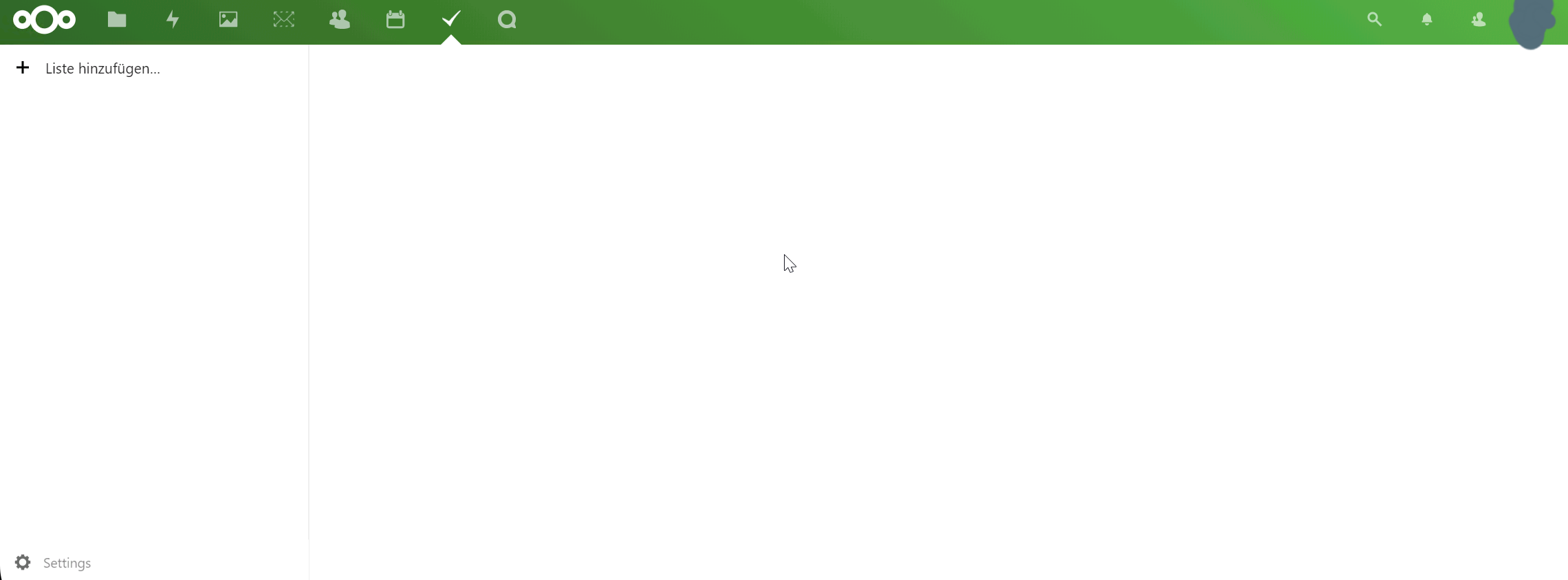
- See the screenshot:
Expected behaviour
It should show all my tasks
Actual behaviour
It doesn't show any tasks
Server configuration
Operating system:
Ubuntu 18.04 LTS
Web server:
Apache2
Database:
Postgresql
PHP version:
7.2
Nextcloud version: (see Nextcloud admin page)
18.0.1
Tasks version: (see Nextcloud apps page)
0.12.0
Updated from an older Nextcloud or fresh install:
Updated
This problem happens on all OS and Browsers.
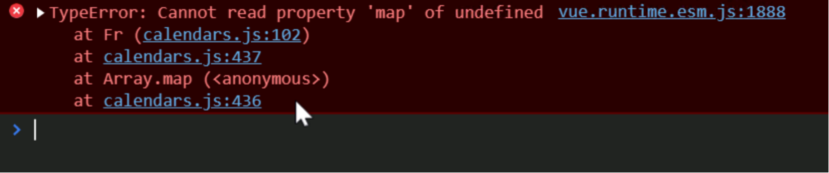
This is in the console log:
 szaimen
All 16 comments
Does it also happen for all users? On my instances it works just fine.
 raimund-schluessler
on 8 Mar 2020
raimund-schluessler
on 8 Mar 2020
Can you also please check the requests, especially the ones to the calendars?
raimund-schluessler
on 8 Mar 2020
Does it also happen for all users? On my instances it works just fine.
No, strangely just for one useraccount. For the others it works fine.
szaimen
on 8 Mar 2020
Can you also please check the requests, especially the ones to the calendars?
How do I do that?
szaimen
on 8 Mar 2020
I have the same symptoms as the author. After upgrading tasks 0.12.0, all existing tasks do not appear. What should I do?
 totoli78
on 8 Mar 2020
totoli78
on 8 Mar 2020
How do I do that?
Also in the developer tools. In the console you should see a lot of requests to the server when you load the app. There should be one to <ServerAdress>/remote.php/dav/calendars/<user>/ which should return the calendars (as array).
Weirdly, the code https://github.com/nextcloud/tasks/blob/master/src/store/calendars.js#L434-L439 which gives the error hasn't been touched since 0.11.3
raimund-schluessler
on 8 Mar 2020
I am actually not quite sure what I am exactly looking for.
This is a request for the not working user:

and it seems that the browser doesn't make a request to the "aufgaben" calendar, which is the case for another user, that also has the "aufgaben" calendar and sees the tasks calendar...
szaimen
on 8 Mar 2020
I might have an idea. Could you please try this build:
tasks.tar.gz
raimund-schluessler
on 8 Mar 2020
I noticed the same bug. The version of the calendar app is Ver. 2.0.2., Tasks Ver. 0.12.0
In the error log of my browser the following error is displayed:
TypeError: "e.shares is undefined"
    Fri uidToColor.js:101
    t calendars.js:274
    t calendars.js:263
vue.runtime.esm.js:1888:12
    VueJS 4
 ghost
on 8 Mar 2020
ghost
on 8 Mar 2020
Downgrade to 0.11.3 version, the existing tasks will be displayed normally.
totoli78
on 8 Mar 2020
I might have an idea. Could you please try this build:
tasks.tar.gz
I've tried that but it still doesn't work...
szaimen
on 8 Mar 2020
Still the same error? Did you clear the browser cache?
raimund-schluessler
on 8 Mar 2020
Thanks! after clearing the browser cache it works but now it also shows a subscribed ical calendar, which shouldn't be the case imho, since it is not writeable (and also wasn't shown on 0.11.3)...
szaimen
on 8 Mar 2020
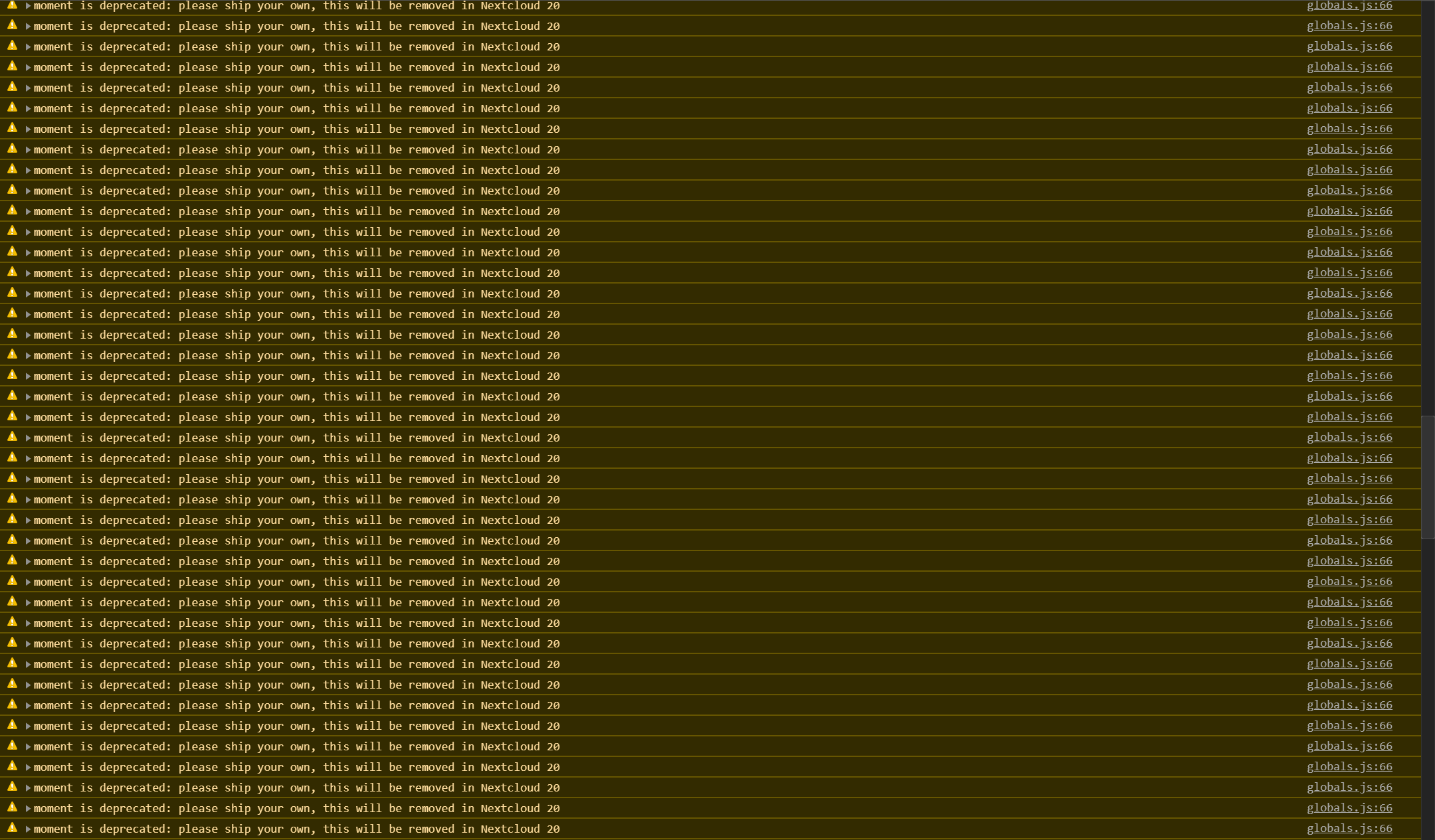
And btw: the console is now full of these messages. So many haven't been there before:
szaimen
on 8 Mar 2020
Thanks! after clearing the browser cache it works but now it also shows a subscribed ical calendar, which shouldn't be the case imho, since it is not writeable (and also wasn't shown on 0.11.3)...
Ok, then I will release v0.12.1 with the fix and we can discuss whether we should show subscribed calendars in a separate issue. Could you please open one @szaimen
These warnings are not critical and we already ship our own version with the app.
raimund-schluessler
on 8 Mar 2020
The fix is in the appstore, should be visible soon. Let me know if there are still problems, besides #910.
raimund-schluessler
on 8 Mar 2020
Related issues
 jakobroehrl
·
3Comments
jakobroehrl
·
5Comments
jakobroehrl
·
3Comments
jakobroehrl
·
5Comments
 Valdnet
·
7Comments
raimund-schluessler
·
3Comments
Valdnet
·
7Comments
raimund-schluessler
·
3Comments
 janvonde
·
8Comments
janvonde
·
8Comments
Most helpful comment
I have the same symptoms as the author. After upgrading tasks 0.12.0, all existing tasks do not appear. What should I do?